Visual direction
AI video slop music can still feel intentional
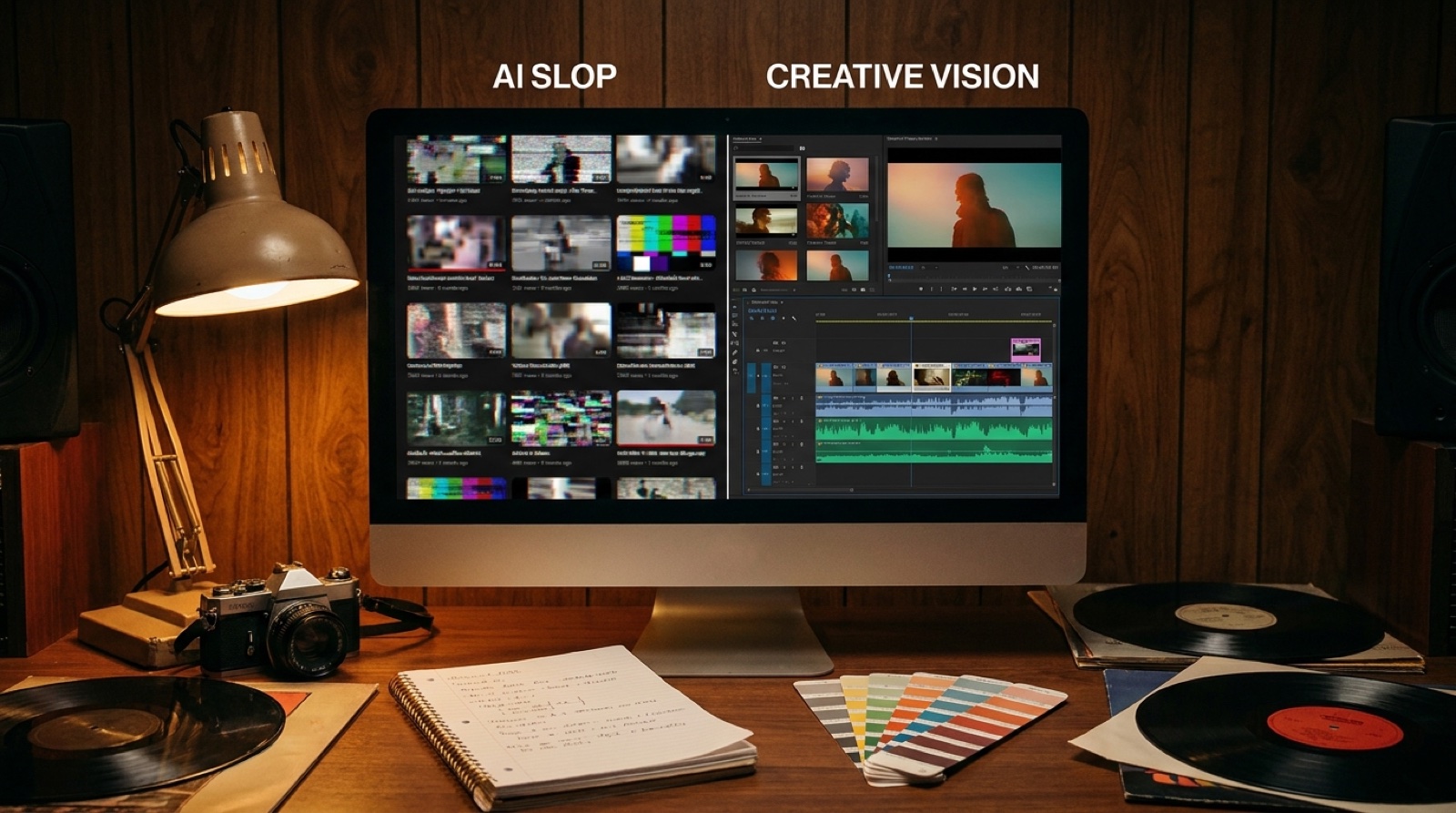
If people look at your release and think AI video slop music, the song has to work twice as hard. The problem is usually a video that feels like it was made by accident: random shots, changing faces, fake camera drama, and a mood that resets every few seconds.
A stronger AI music video starts with limits. Pick one anchor, keep the visual world tight, and make each scene feel like it belongs to the same song.
Start with one visual promise
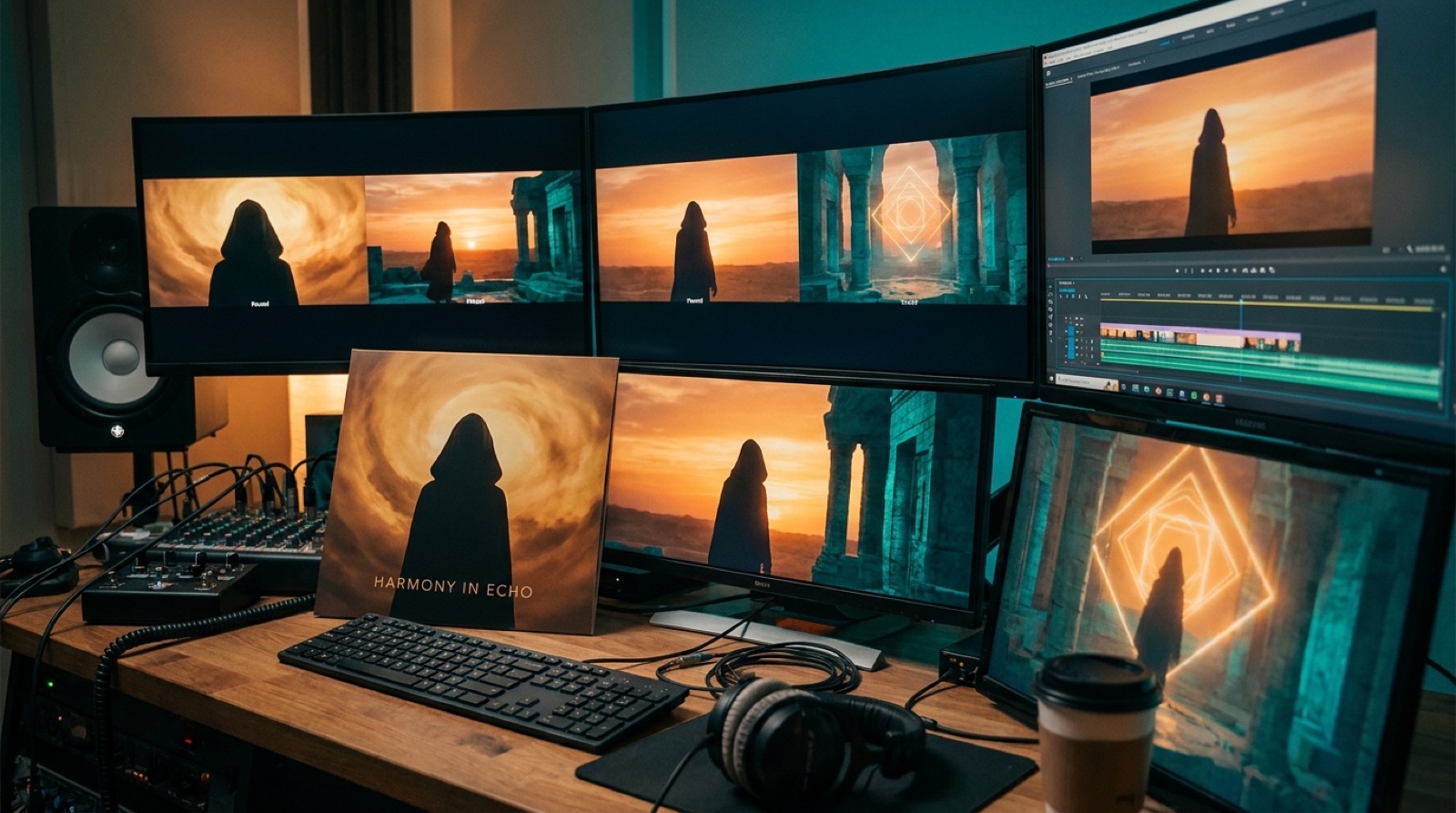
Before you generate anything, decide what the viewer should remember. It could be a lonely singer in a neon station, a desert road at dawn, a haunted bedroom, a silver mask, or one color that follows the whole track.
That promise matters because AI clips can pull you toward novelty. Every new shot looks interesting for two seconds. Then the video starts to feel like a folder of unrelated tests.
Write one sentence for the visual world before you make scenes. For example: "A tired cyberpunk singer walks through a rain-soaked city while old memories appear in storefront glass."
Keep faces, places, and colors from drifting
Visual drift is one of the fastest ways a music video starts to feel cheap. The singer looks different. The room changes style. A warm folk song suddenly has space lasers. The viewer may not explain the issue out loud, but they feel the mismatch.
Pick two or three stable details and repeat them. Use a jacket, a window, a blue wash of light, or a cracked mirror. The details do not need to appear in every shot, but they should return enough that the video feels connected.
This is especially useful for AI-assisted artists who do not have a live performance shoot. The repeated details become the performance language. They tell the viewer, "This is still the same release."
Match the pace to the song, not the prompt
Generic AI video often feels busy because every shot tries to impress. The camera rushes forward, lights flicker, particles fly, and nothing has time to land.
The song should decide the pace. A slow verse can hold on a face, a hand, a room, or a quiet movement. A chorus can widen the shot or add motion. A bridge can shift the color or setting.
You do not need constant action. You need changes that arrive with the music. If the video keeps changing before the song changes, it starts to feel nervous.
Use your chorus as the visual payoff. Give the viewer a reason to recognize it when it returns, such as the same location, a stronger version of the same image, or a movement that repeats each time the hook hits.
Avoid fake cinematic noise
Some AI video tells on itself through decoration. Endless smoke, random film grain, slow-motion hair, glowing eyes, glitch effects, and impossible camera moves can make a simple song feel less human.
Use style when it supports the track. A dark industrial song can handle harsh light and strange motion. A soft acoustic track may need stillness, texture, and a real-looking room. A bright pop song may need color and rhythm more than mystery.
Use one simple test: if the effect disappeared, would the scene still say something about the song? If the answer is no, the effect may be covering weak direction.
Make the first 15 seconds earn attention
People decide fast whether an AI music video feels worth watching. The opening should show the world or strongest visual idea before the viewer has time to dismiss it.
Do not open with your blandest shot. Show the character, object, place, or motion that tells people what kind of release this is.
YouTube also treats titles, thumbnails, and video packaging as part of how people choose what to watch. Its creator guide on optimizing your content is worth checking before you export the final video, because the video still has to survive the click.
Use a small shot list
A full song does not need twenty unrelated ideas. Five scene types are often enough:
- an opening identity shot
- a verse world shot
- a chorus payoff shot
- a bridge or mood-shift shot
- a final return to the strongest image
That is easier to control than a new concept every line. Your thumbnail and short clips can come from the same visual world.
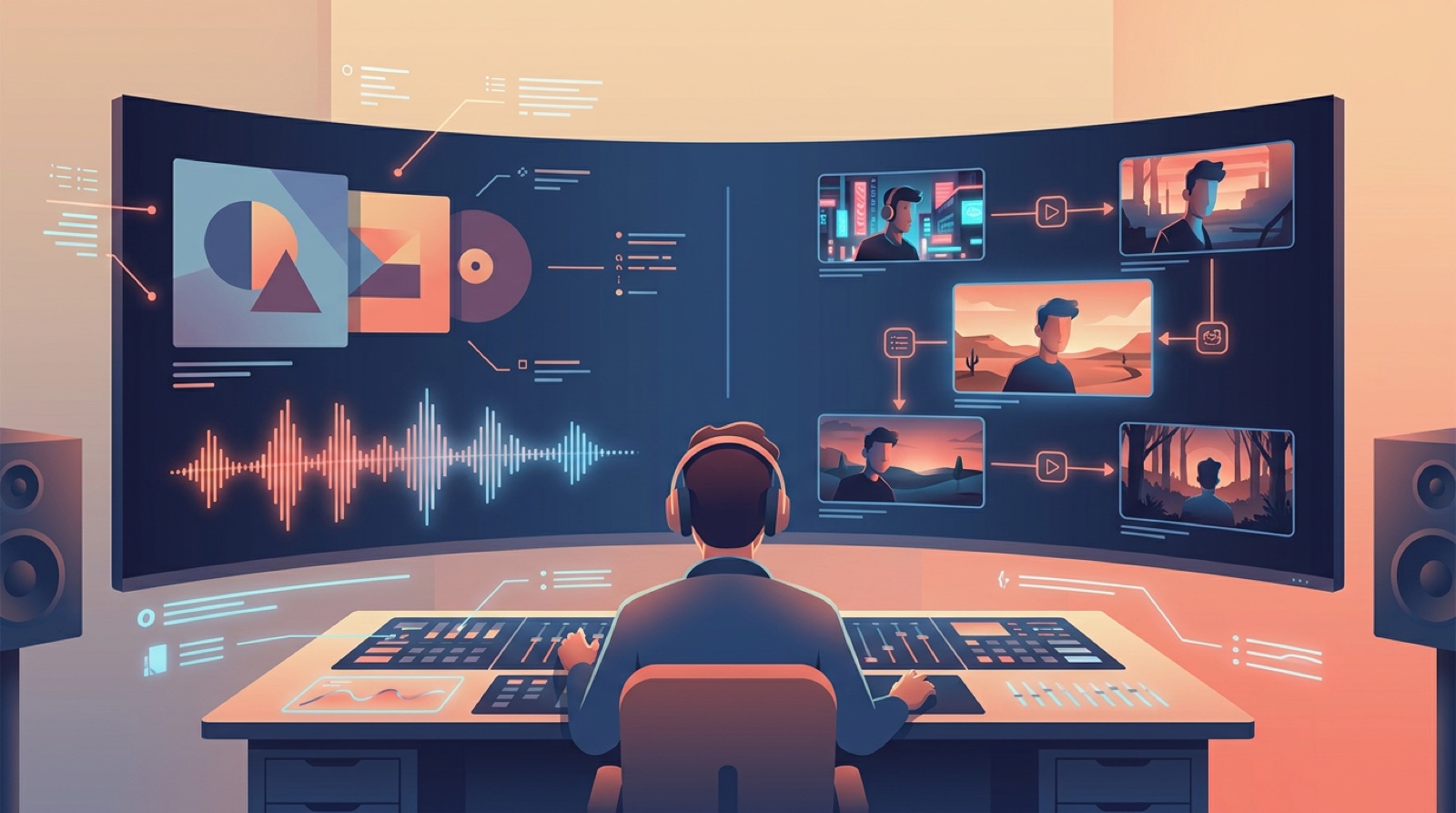
For release teams, this is where SceneLore fits. Start with the finished song, choose the visual anchor, and build a full video around the release instead of stitching together random clips by hand.
Build the release around the best frames
A less sloppy video also gives you better launch assets. Pull the thumbnail from the strongest frame, use a chorus moment for Shorts, and keep the color and object language on the upload page and social posts.
The viewer sees the same world in more than one place, so the release feels planned.
AI video slop music happens when the visuals feel generated around the song without enough direction. You fix that by making fewer, clearer decisions before you generate: one world, a few repeated details, a pace that follows the track, and a first image that earns the click.
The video needs to prove that the song has a world worth entering.
FAQ
What makes an AI music video feel like slop?
It usually feels like slop when the shots do not belong together. Common signs are changing faces, random scenery, too many effects, weak pacing, and no visual anchor tied to the song.
How do I make AI video clips feel connected?
Use one visual promise for the whole song. Repeat a few details, such as a character, color, place, object, or movement. Then let the song structure decide when the scene changes.
Should every AI song get a full music video?
No. Some songs only need a clean visualizer or cover-art motion. A full video makes more sense for a lead single, a channel introduction, or a song that needs clips and launch assets.
Want the video to feel like a release, not a pile of clips? Create your first video in SceneLore.