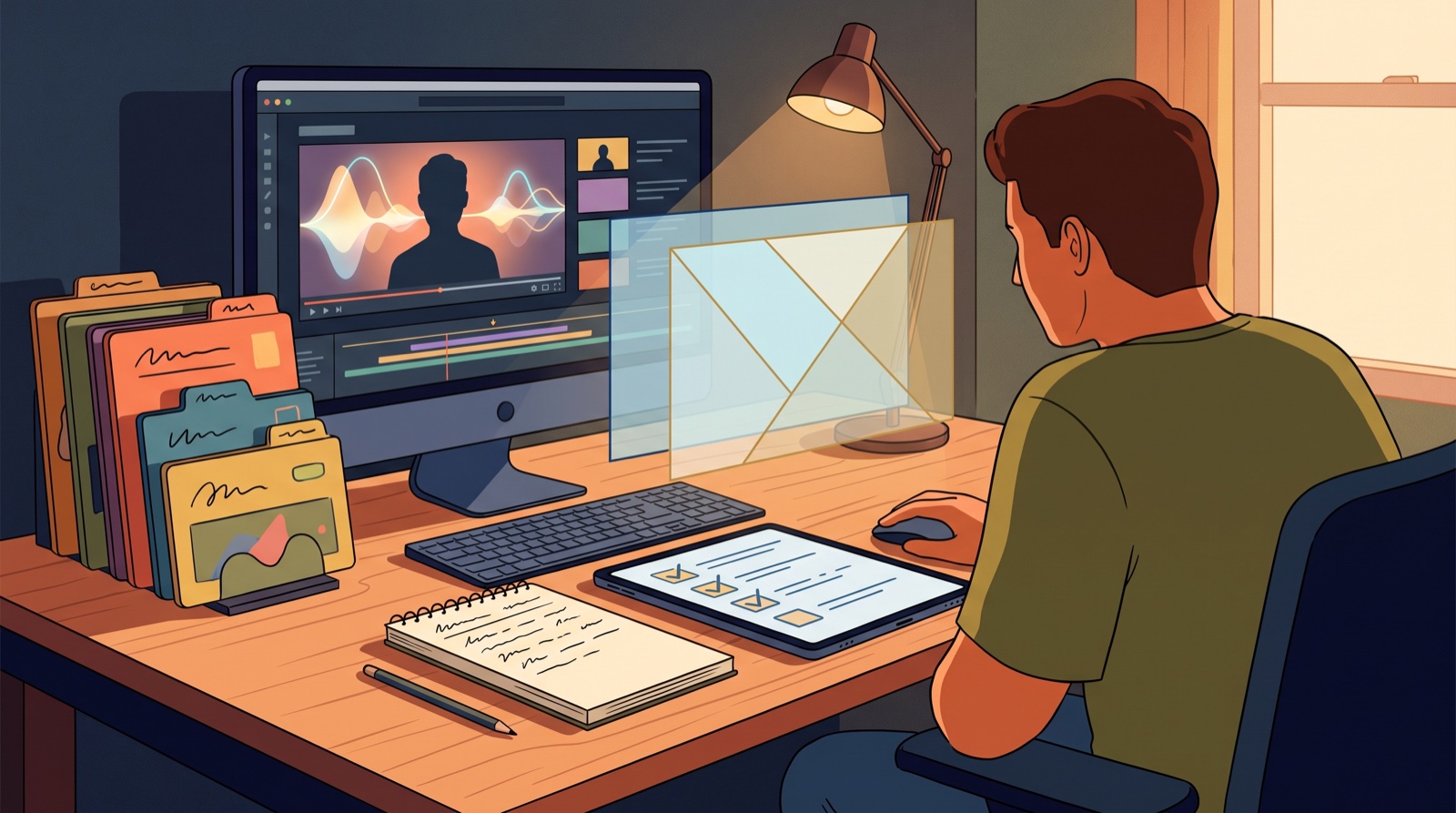
YouTube AI labels music video trust now starts before you hit publish. If your song uses AI vocals, AI-assisted visuals, generated scenes, or a hybrid workflow, the label is only one part of how the release lands.
Viewers do not judge trust from a checkbox. They judge it from the title, thumbnail, description, first frame, credits, and whether the video feels like a real artistic choice.
That is why I would treat the YouTube AI label as part of the release package, not a last-minute upload setting.
What YouTube is asking creators to think about
YouTube says creators need to disclose when they use AI to generate or meaningfully alter realistic content. The platform gives examples around realistic scenes, likenesses, and changes that could mislead viewers about what actually happened.
For AI music creators, that can feel messy. A song might use Suno or Udio for the audio, an AI image tool for cover art, and SceneLore for the music video.
I am not giving legal advice here. The practical point is simpler: if a viewer could misunderstand what they are seeing or hearing, do not make them guess. Be clear enough that the release feels honest.
Use YouTube's own help page as your baseline, then make the rest of the video package match the truth of the song.
The label cannot carry a messy release
Picture a cinematic AI song with a thumbnail that looks unrelated, a description that says nothing about the artist world, and a video made from disconnected clips. Even if the AI label is correct, the release still feels loose. People may not know what is wrong, but they can feel that no one shaped the final package.
Now picture the same song with a consistent thumbnail, a strong opening image, a short creator note, clean credits, and a video arc that matches the chorus and mood. The AI label becomes part of a clear presentation. It does not shrink the release. It supports it.
That difference matters for independent artists and small AI music channels.
Build a simple disclosure note before upload day
Write the disclosure note while you are still building the video, not after the export finishes.
Keep it plain. A useful note might say that the song was created with AI-assisted music tools, the video was generated from original direction and release artwork, and the final package was assembled by the creator.
You do not need to apologize for using AI. You also do not need to turn the description into a manifesto. A few honest sentences are usually enough.
The note should answer the questions a viewer might reasonably have:
- What parts were AI-assisted?
- What parts did you direct, edit, perform, or choose?
- Where can someone find the finished track, artist page, or release notes?
Make the first frame match the disclosure
The first frame is part of the trust signal.
If your video uses a fictional AI character, a stylized world, or surreal scenes, show that clearly. Do not hide the style behind a thumbnail that implies real artist footage if that is not what the video contains.
If the song is built around an invented artist persona, make the visual world feel intentional. Use the same colors, setting, face style, symbol, or object language across the thumbnail and video. The viewer should feel that the world belongs to the song.
This is where SceneLore can help. A finished track, one strong visual anchor, and a few scene directions can become a full music video that feels connected.
Keep proof files with the release
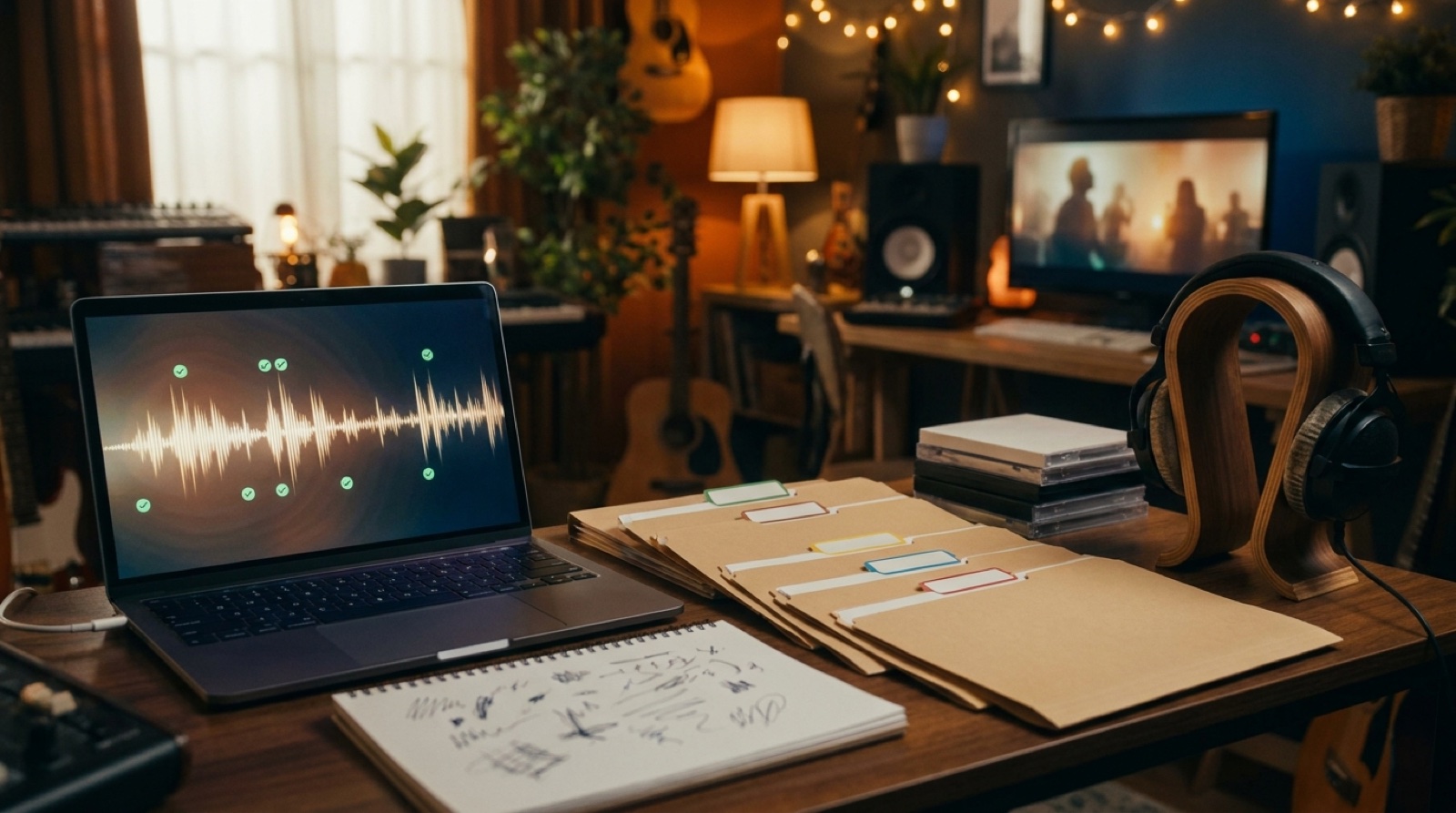
Save the final audio export, lyric draft, prompt notes, cover art, video export, thumbnail, description, credits, and disclosure note in one folder. If a platform asks for more context later, you are not rebuilding the story from memory.
This also makes your next release easier. Once you have one clean folder, you can reuse the same structure for every single, EP, or channel upload.
Connect the label to the full package
The title should sell the song, not the tool. The thumbnail should match the first 10 seconds. The description should explain the release without sounding defensive. The AI label should match the actual content. The pinned comment or release page can add a human note if the project needs one.
Watch the video with the sound off for 20 seconds. If the visuals feel random without audio, they probably need a stronger anchor. Watch it again with the audio on. If the visuals fight the song mood, the disclosure will not fix that.
Trust is built by the whole package.
A practical upload checklist
Use this before the YouTube upload screen:
- Choose the correct AI disclosure setting based on YouTube's current guidance.
- Write a short creator note for the description or pinned comment.
- Check that the thumbnail matches the real style of the video.
- Keep credits and links clear.
- Save proof files in the same release folder.
- Make sure short clips and release-page copy say the same thing as the main video.
You can still move fast. The goal is to make the release easier to trust.
Make the release feel honest before it needs explaining
AI music is already fighting for attention. A vague upload makes that fight harder.
The YouTube AI label is useful, but it is not the whole trust story. The stronger move is to make the song, video, thumbnail, description, and proof files feel like one honest release.
If you already have a finished song, start with the visual package. Build a full video that matches the track, then write the disclosure note around what you actually made. Create Your First Video when the track is ready for a visual package.
FAQ
Do all AI music videos need a YouTube AI label?
Not always. YouTube's guidance focuses on AI-generated or meaningfully altered realistic content. Check the current YouTube help page before upload, then disclose when the content could make viewers misunderstand what is real.
What should I write in an AI music disclosure note?
Say which parts were AI-assisted, which parts you directed or edited, and where viewers can find the finished release. Keep it short and factual.
Can disclosure hurt an AI music release?
A weak release can make disclosure feel awkward. A clear video, thumbnail, description, and creator note can make disclosure feel like part of a professional package.
How does SceneLore help with YouTube AI music packaging?
SceneLore turns a finished song and visual direction into a full music video, so the release has a stronger first frame, video arc, and thumbnail source before you upload.
Related guides
Turn a finished song into a clearer release
Use SceneLore to turn a track, cover image, or visual anchor into a full music video and launch assets that feel connected.
Create Your First Video