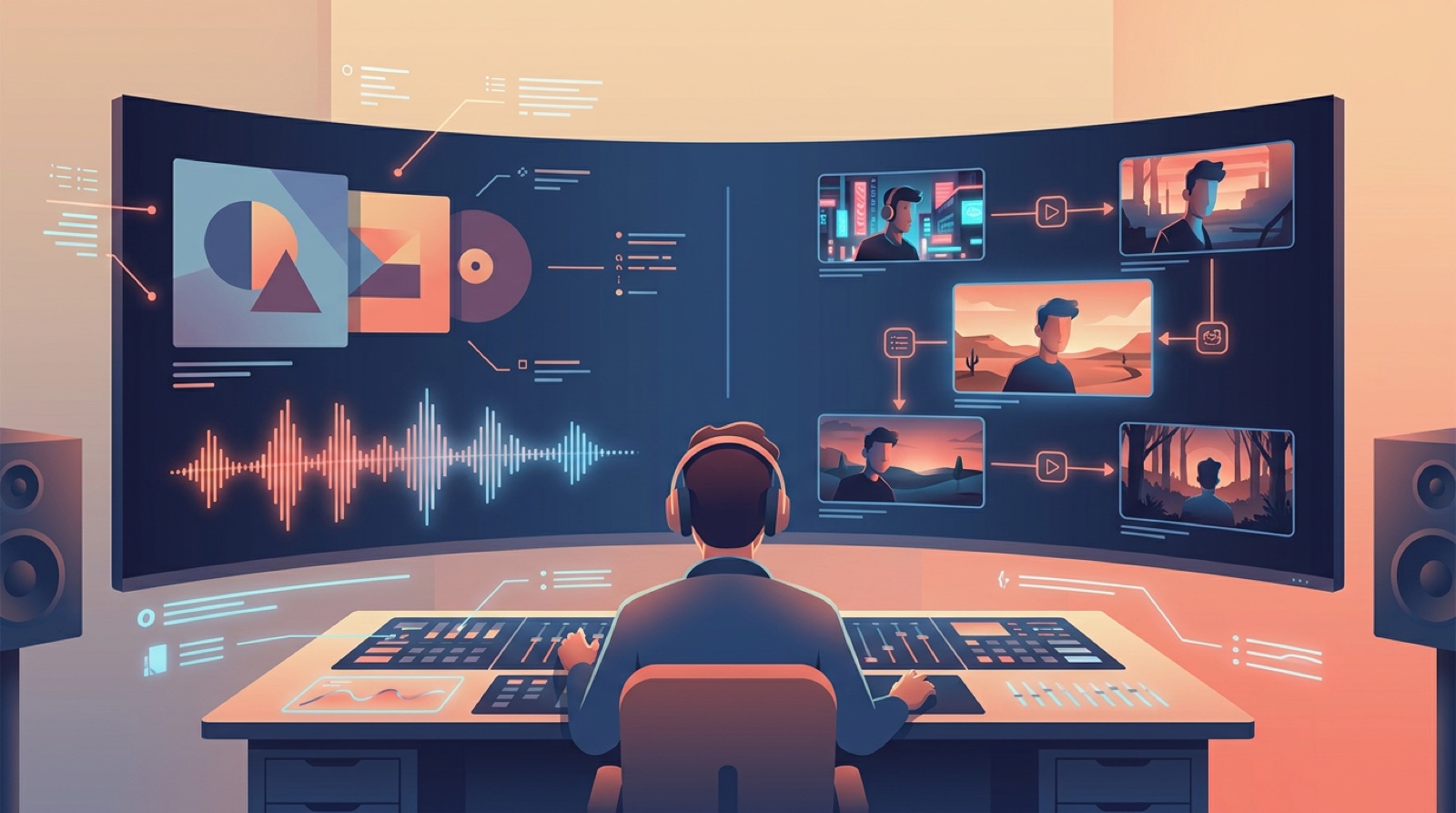
A music video release decision should happen before you spend credits, time, and attention on a full video. Some songs need the full treatment. Some only need a strong cover image, a short chorus clip, or a simple loop that supports the release without turning into a second production job.
Use this test before you build the video. It helps you choose which song deserves a full video based on hook strength, audience fit, release goal, and reuse value.
Start with the hook
A full video needs a moment that can carry visual attention. That moment is usually the hook, but it can also be the opening line, a beat switch, a drop, or one lyric that gives the song a clear image.
Listen once and write down the moment you would show someone if you only had 10 seconds. If you cannot pick one, the song may not need a full video yet.
Look for these signs:
- The chorus gives you a clear image without forcing it.
- The first 10 seconds create a mood fast.
- One line or sound would make a strong thumbnail.
- The song changes enough to support different scenes.
Check the audience fit
Some songs are built for repeat listening. Others are built for discovery. The more a song depends on being found by new people, the more the video has to explain the world quickly.
Ask what the listener needs to understand before they care. A personal ballad may need a face, place, or color mood. A club track may need motion or a visual rhythm that makes the drop feel bigger. A cinematic song may need a world, even if the world is simple.
If the audience already knows you, a small visual asset may be enough. If the song is meant to introduce the artist, the video has a bigger job. It needs to make the artist feel recognizable.
Match the video to the release goal
Do not make every song carry the same amount of visual work. A full video makes sense when the release has a clear job.
Use a full video when the song is meant to:
- Launch a new artist identity or era.
- Support a YouTube upload you want people to finish.
- Give fans a world they can recognize across clips and thumbnails.
- Turn one strong cover image into a larger campaign.
- Create several launch assets from the same visual source.
Use a smaller asset when the song only needs a presence on social, a quick update for existing fans, or a visual placeholder for streaming links. There is no shame in that. A simple loop can be the right choice when the song is not the campaign centerpiece.
Score the reuse value
A full music video becomes easier to justify when it can become more than one upload.
Before you commit, list the assets you can pull from the same video:
- YouTube upload
- Thumbnail
- Vertical chorus clip
- Release page image
- Teaser stills
- Pinned social post
- Email or newsletter visual
If the song can only use one of those assets, keep the video simple. If it can use four or more, the full video starts to make sense because it supports the whole release.
YouTube's own thumbnail guidance says a custom thumbnail should give viewers a quick snapshot of the video. That is a useful standard for this decision too. If you cannot imagine one frame that explains the song, the video concept probably needs more work. You can read the basics in YouTube's custom thumbnail help page.
Watch for the wrong reasons
The easiest trap is making a full video because the song feels important to you. That feeling matters, but it is not enough.
Pause if the only reason is:
- You already spent a long time on the song.
- The track is new, so it feels urgent.
- You want every release to look equally big.
- You are trying to fix a weak hook with visuals.
- You do not want to choose between songs.
Visuals can help a good song land. They cannot turn every song into the lead single. If the hook is soft and the reuse value is low, save the bigger video treatment for the next track.
A simple yes, maybe, or no test
Give the song one point for each question:
- Can you name the visual promise in one sentence?
- Does the hook create a clear image or motion idea?
- Does the release need discovery, not just documentation?
- Can the video produce at least four useful launch assets?
- Will the thumbnail make sense without hearing the song?
- Does the song represent the artist world you want people to remember?
Five or six points means the song deserves a full video. Three or four points means it may need a shorter visual test first. Zero to two points means a loop, cover image, or short clip is probably enough.
This test keeps the big visual effort for the songs that can actually use it.
Use SceneLore when the song passes the test
SceneLore is built for the point where you have a finished song, a visual anchor, and a release that needs more than a static upload.
When the song passes the test, start with the strongest source: the final audio, the cover image, or the clearest visual idea. Build the full video around that anchor, then pull the thumbnail and short clips from the same world. That gives the release one visual language instead of a folder of disconnected experiments.
FAQ
How do I know which song needs a music video?
Choose the song with the clearest hook, strongest visual mood, best audience fit, and highest reuse value. A song that can become a YouTube video, thumbnail, short clip, and release visual is a better full-video candidate than a track with no clear visual anchor.
Should every single get a full music video?
No. Some singles only need cover art, a Canvas loop, or one short clip. A full video makes more sense for songs that introduce the artist, support a larger campaign, or create several useful launch assets.
What if I have many songs ready at once?
Score each song with the yes, maybe, or no test. Make the full video for the strongest release candidate first, then give the other songs smaller assets until one clearly deserves more attention.
Turn the right song into the full video
Upload the finished track or cover image, choose the visual anchor, and turn the release candidate into a connected music video with reusable launch assets.
Create Your First Video