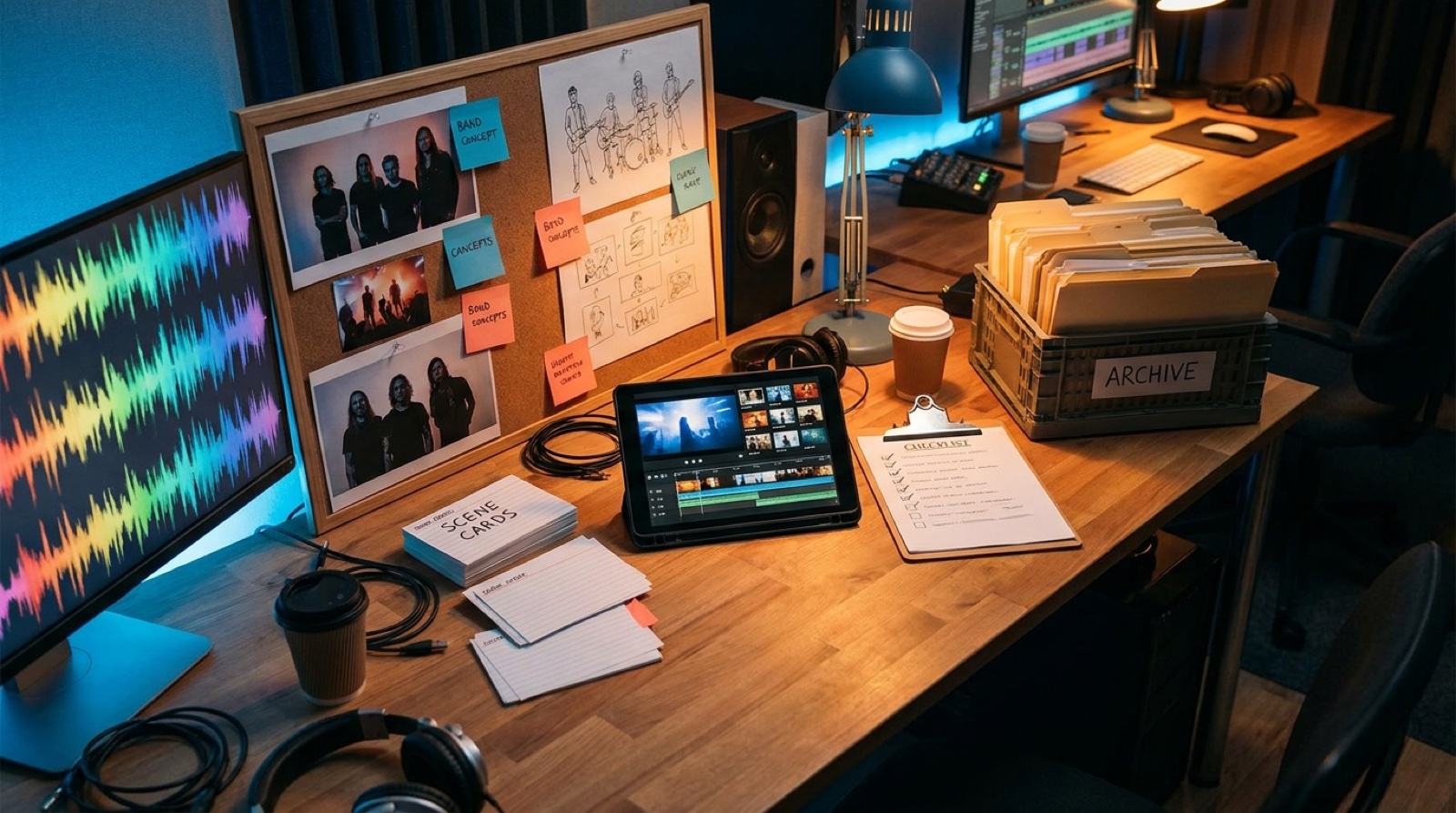
An AI video assembly line for labels sounds cold until you compare it with the normal alternative: every release becomes a new scramble.
The song is finished, but the cover art is in one folder, the reference images are in another, the video idea lives in a chat, and the clips get made only if someone still has energy. Small labels do not need more heroic edits. They need a repeatable way to turn finished tracks into videos, clips, thumbnails, and launch assets without rebuilding the process every week.
SceneLore fits best inside that kind of system. It can turn a finished song, cover image, or visual direction into a full video faster, but speed only helps when the team knows what to approve, what to reuse, and where each asset goes after export. YouTube's upload guidance also makes the boring parts clear: titles, descriptions, thumbnails, visibility, and checks still matter after the video is rendered.
Start with one intake folder per song
The assembly line starts before anyone opens a video tool. Create one folder for the song and keep every release input there.
- Final audio file.
- Lyrics or hook notes if they exist.
- Cover art and approved stills.
- Artist photos or character references.
- Genre, mood, and visual no-go notes.
- Distribution date and channel targets.
This keeps the team from guessing. It also protects taste. If a song has a dusty soul mood, a neon cyberpunk video may look impressive and still be wrong. The intake folder should make the intended world obvious before generation starts.
Approve the visual lane before making the full video
A small label does not have time for five full video directions per track. Approve the lane first.
The lane can be simple: cinematic performance, animated cover art, story scenes, lyric-forward video, abstract but branded visual world, or short-form-first footage. Once the lane is chosen, the rest of the work gets easier. The cover art, scene prompts, thumbnail, and clips all follow the same rule.
This is where labels often lose time. Everyone wants to improve the video after seeing the render, but many notes are really lane notes. The fix is to approve the lane while changes are still cheap.
Use a scene recipe instead of a new storyboard every time
Most releases do not need a custom storyboard. They need a reliable scene recipe that follows song structure.
A practical recipe might look like this:
- Intro: show the artist world or cover image mood.
- Verse: keep the camera close and let the story settle.
- Chorus: widen the frame or reveal the strongest visual.
- Bridge: add a visual break, memory, or darker color shift.
- Final chorus: return to the main image with more energy.
The recipe should be flexible, but it should not be blank. Blank pages slow labels down. A repeatable structure lets every release feel considered without asking the team to invent a music video language from scratch.
Make quality control a checklist, not a meeting
Small teams can lose half a day to vague notes. Replace vague review with a short quality control checklist.
- Does the first frame match the song and cover art?
- Does the main character, object, or location stay recognizable?
- Do color and lighting feel connected across the video?
- Does the chorus look stronger than the verse?
- Can the best frame work as a thumbnail?
- Can the chorus section become a short clip?
- Are there obvious visual glitches that would distract fans?
If the video passes, ship it. If it fails, the note should point to the exact checklist item. That keeps feedback practical and stops every reviewer from rewriting the whole idea.
Export the full release pack at once
The full video is only one asset. A label should leave the assembly line with a complete pack.
- Full horizontal video for YouTube or the release page.
- One or two short clips from the strongest chorus or visual reveal.
- Thumbnail still with the same visual world.
- Square or vertical crop if the campaign needs it.
- Cover image and video stills stored beside the final audio.
- Notes on prompts, references, credits, and disclosure needs.
This matters because release work spreads across channels. The YouTube upload, artist post, label newsletter, playlist pitch, and short-form teaser should feel like the same campaign. If every channel gets a different image, the song feels smaller.
Archive the system so the next release gets faster
A good assembly line improves over time. Save the useful parts after each release: the approved lane, the scene recipe, the final thumbnail, the best clip, and the notes that prevented rework.
After ten releases, the label has more than a folder of finished videos. It has a working visual language. You can see which lanes fit which artists, which thumbnails get approved fast, and which scenes keep turning into useful clips.
That is the real advantage. AI can speed up production, but the label still needs memory. The archive is how the team stops repeating the same arguments on every song.
Where SceneLore fits in the line
SceneLore should sit after intake and lane approval, then before packaging and archive. Give it the finished track and the approved visual direction. Use the generated video as the center of the release pack, then cut the clips, thumbnail, and campaign stills from the same visual world.
That keeps the process fast without making the output feel disposable. The team is not asking AI to invent the whole release. The team is giving it a clear lane and using it to make the video assets that used to take too long.
For a small label, that is the difference between making one polished video when everyone has time and building a release habit that can survive a busy month.
FAQ
What is an AI video assembly line for labels?
It is a repeatable workflow for turning each finished track into approved visuals, a full video, short clips, thumbnails, and archived release assets.
How is this different from a normal music video workflow?
A normal workflow often treats each video as a separate custom project. An assembly line reuses intake rules, scene recipes, review checklists, and packaging steps so the team can release more consistently.
Can a small label use AI video without making every release look the same?
Yes. The label should reuse the process, not the exact look. Each artist or song can have its own visual lane while the approval, export, and archive steps stay consistent.
Related guides
Build the video line around the song
Use SceneLore to turn a finished track, cover image, or visual lane into a full music video and release assets that stay connected.
Create Your First Video