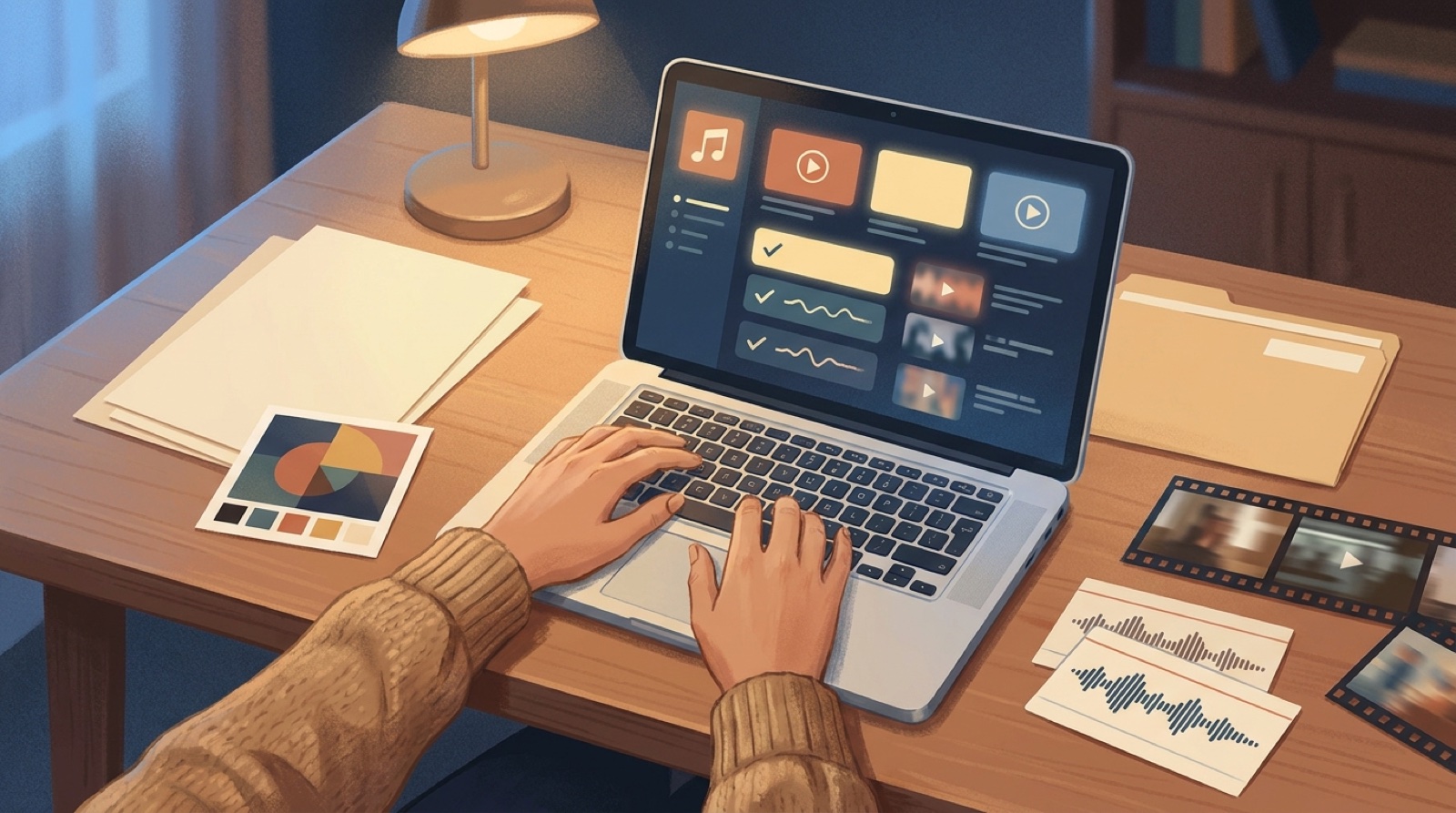
A DistroKid AI disclosure can feel like a trap if you reach it at the end of the upload. You have the song ready, the cover art ready, the release date in your head, then one field makes the whole project feel smaller.
It does not have to work that way.
Treat the disclosure as part of the release package. If the song, video, credits, description, and saved files all tell the same clear story, the disclosure stops feeling like an apology. It becomes one more sign that the release was prepared on purpose.
Decide what AI touched before upload day
Do not wait until the distributor form is open to decide what happened in the song.
Write a short private note before upload day. Keep it boring and specific:
- which tool helped with the music, lyrics, vocals, artwork, or video
- which parts were chosen, edited, performed, arranged, or approved by you
- which collaborators or rights holders need to be credited
- which final files belong to the release
This is not public copy yet. It is a record you can trust when the upload asks about AI involvement, rights, credits, or source material.
Keep the public note plain
If you need a public AI-use note, make it clear and short. Do not bury it in vague language, and do not write a long defensive paragraph.
A simple note can say that the track, artwork, or video was made with AI-assisted tools and final creative direction by the artist. Adjust the wording to match the real release. If the vocals, lyrics, or visuals have a different story, say that in normal language.
YouTube also asks creators to disclose altered or synthetic content in specific cases, and its help page explains how creators should think about GenAI disclosure for YouTube uploads. Even if your distributor flow is separate, the habit is useful: keep the viewer-facing note consistent with the upload record.
Make the video carry human intent
The release feels weaker when the only visible signal is the AI label.
The music video can fix that. Use one clear visual anchor, a first frame that matches the song, recurring details, and a thumbnail that looks connected to the track. The viewer should feel that someone chose the world of the release, not that a file was pushed through a random visualizer.
If the song has a fictional singer, keep the face and wardrobe steady. If the cover art is the main anchor, let the video grow from that image. If the track is about a place or mood, keep the setting and color choices consistent across the full video, thumbnail, and short clips.
The guide on AI music human intent goes deeper on how to make the video feel authored.
Match the description, credits, and archive
The DistroKid AI disclosure should not live alone.
Before you upload, make sure these pieces agree with each other:
- artist name and release title
- songwriter, producer, vocalist, and collaborator credits
- AI-use note for the song, artwork, or video
- YouTube description and pinned comment, if you use one
- thumbnail, cover art, and video style
- source files, export files, screenshots, and proof notes
This matters because platform questions rarely arrive at a convenient time. A clean release folder lets you answer without reconstructing the whole project from memory.
For a fuller upload prep pass, use the AI music distributor checklist before pressing submit.
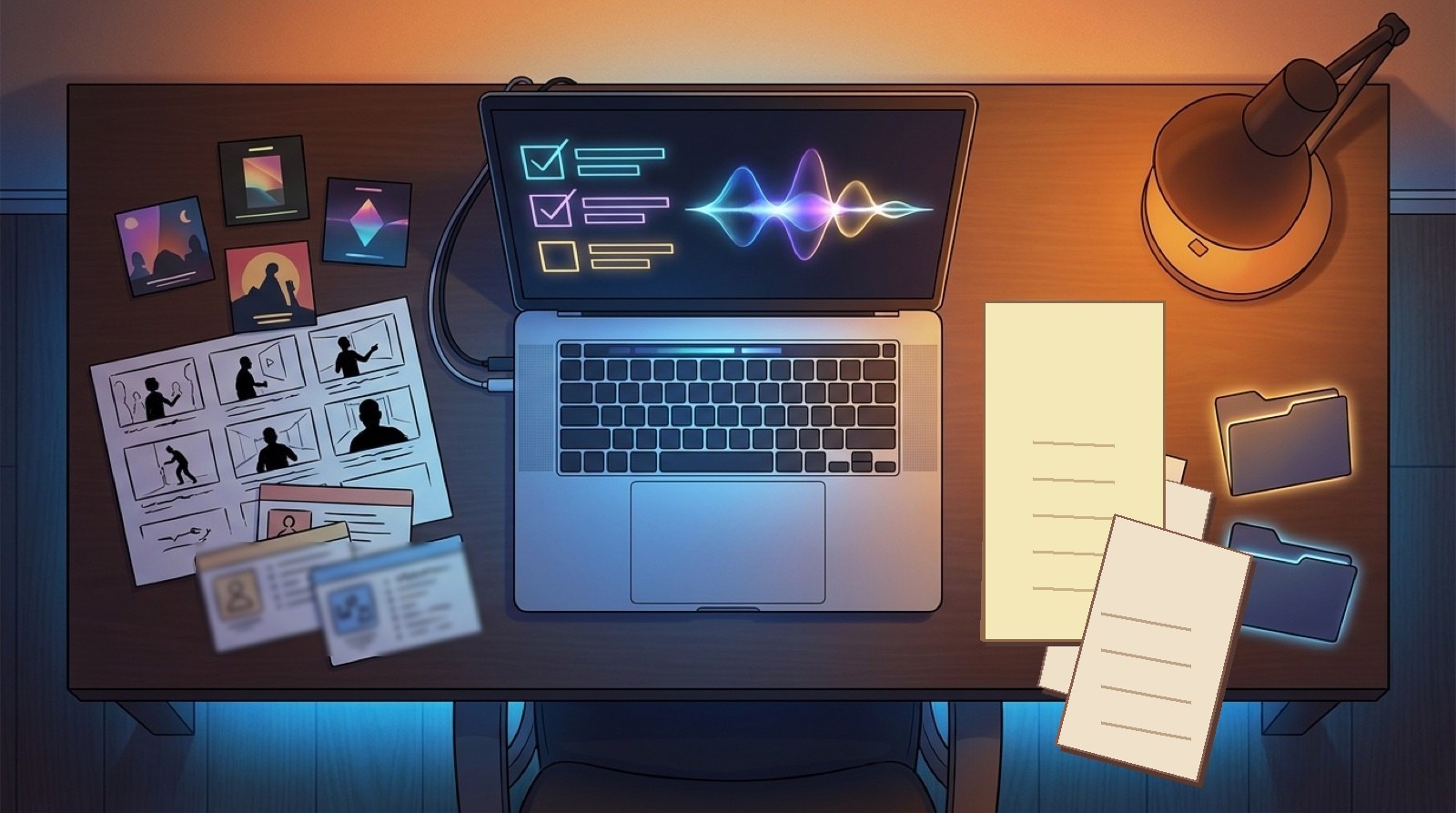
Use a small pre-upload checklist
Run this before you open the distributor form:
- Final audio is chosen and named clearly.
- Cover art matches the artist and release mood.
- AI-use note is written in private first.
- Credits match the real work and approvals.
- Full video, thumbnail, and clips share one visual direction.
- YouTube description or release page copy uses the same facts.
- Proof files are saved in the release archive.
- Disclosure answers are based on the record, not panic.
This checklist is small on purpose. The goal is to lower the stress around the field, not create a second legal department for one song.
Do not make the release sound ashamed
Some creators overcorrect when AI comes up. They either hide everything, or they write copy that makes the song sound like a technical experiment.
The better middle is calm. You can be honest about the tools and still make the release feel like music. Lead with the song, the artist, the mood, and the visual world. Put the AI note where it belongs, then make the rest of the package worth watching.
The AI music disclosure checklist can help if you need a broader pre-upload review across YouTube, distributor fields, credits, and archives.
Use SceneLore to make the package feel connected
SceneLore fits the moment after the song or visual anchor is ready. Bring in the finished track or cover image, then build a full music video that gives the release one clear visual direction.
That video can support the YouTube upload, thumbnail, short clips, release page, and archive. When the DistroKid AI disclosure appears, you are not only answering a field. You are shipping a release package that already knows what it is.
FAQ
What should I prepare before answering a DistroKid AI disclosure field?
Prepare a plain AI-use note, credits, source files, final audio details, artwork, video assets, and any collaborator approvals before distributor upload.
Does an AI disclosure make a music release look weaker?
No. A clear disclosure can make the release feel more prepared when the credits, visuals, description, and proof files all tell the same story.
Should the music video mention AI use too?
If the video or song used AI in a way viewers should understand, keep the public note plain and consistent across the video description, credits, and release records.
Where does SceneLore fit before distributor upload?
SceneLore fits after the song or visual anchor is ready. It helps create a connected music video package that can support the upload, thumbnail, description, and release archive.
Related guides
Turn the disclosure into a stronger release package
Bring a finished song or cover image into SceneLore, then build a full music video that gives the upload, thumbnail, clips, and release page one clear direction.
Create Your First Video