
Short-form AI music videos are usually made under pressure. The song is done, the chorus feels usable, and every platform wants a vertical clip now. Speed helps. The mistake is treating fast clips like spare parts with no connection to the release.
A short video should feel like a doorway into the song, not a random leftover from the editing desk.
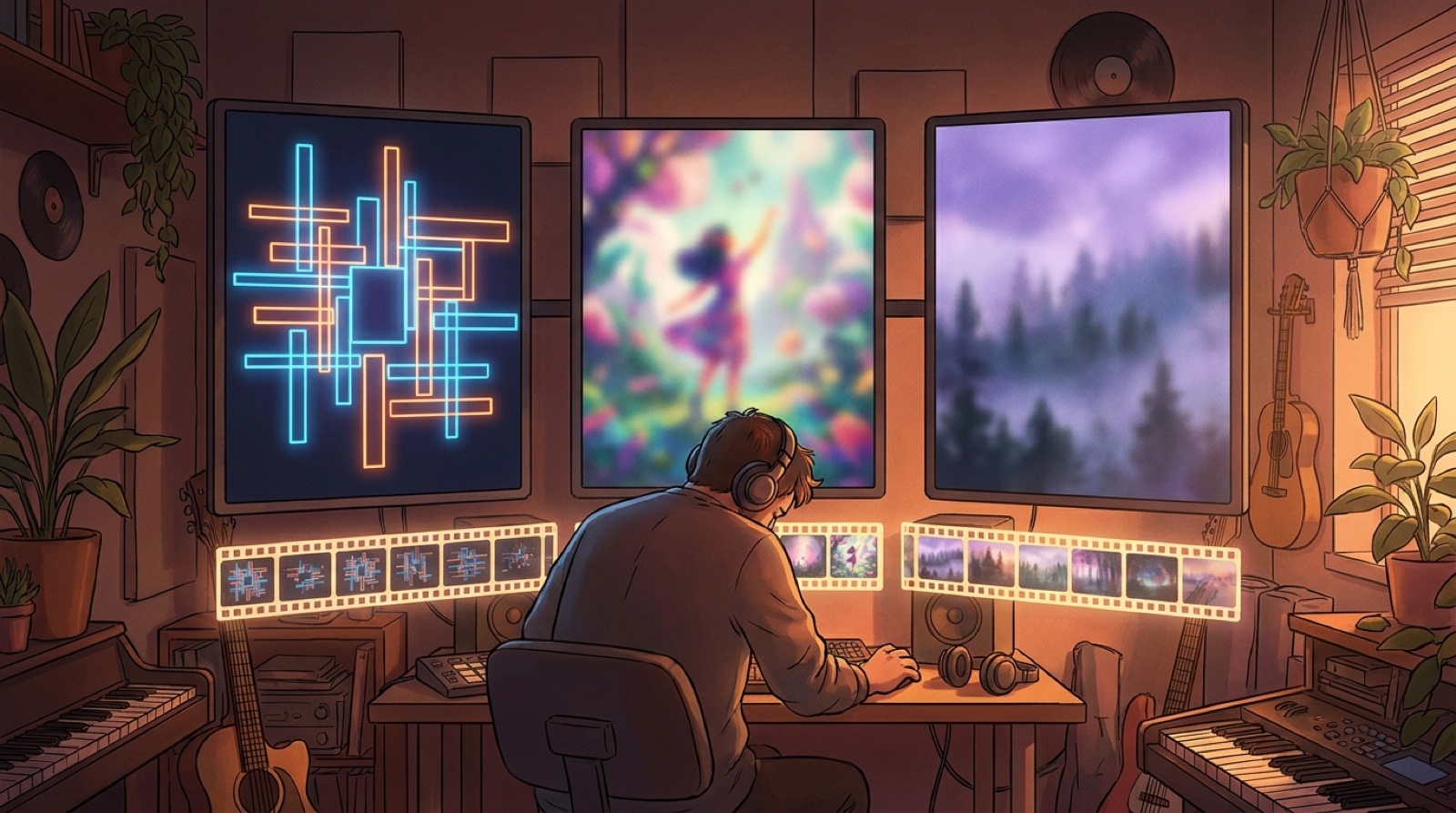
Start with the release world, then cut down
The fastest short-form workflow starts before the first vertical export. Pick the world of the release first: the main image, color mood, artist look, title style, and the emotional promise of the chorus.
Once those pieces are clear, Shorts, Reels, and TikTok clips become much easier to make. You are not inventing a new idea for every post. You are choosing the strongest moments from a world the viewer can recognize.
The Gigwise guide to Suno music video generators points out the same release pressure: a complete song can be made quickly, but publishing it still needs visual content for places like Shorts, Reels, YouTube, and Spotify. That gap is where weak clips start to pile up.
Choose one hook frame before you choose effects
The first frame does a lot of work in a short clip. It tells people what kind of song this is before the lyric, drop, or melody has time to explain itself.
Use a frame that can answer one simple question: why should someone give this song the next few seconds?
For an emotional track, that might be a close, human-feeling shot from the main video world. For a darker electronic song, it might be a city silhouette, glowing room, or strange character shape. For a lofi channel, it might be a calm visual loop with one small moving detail.
If the first frame could belong to any song, slow down. Fix that before you render five versions.
Build around the chorus moment
Short-form does not mean every second has to shout. It means the clip needs one clear reason to exist.
For most AI music releases, the chorus or strongest phrase is the best center. Build one clip around the lyric, one around the visual reveal, and one around the mood. That gives you variety without making the release look scattered.
The AI music short form hooks guide breaks down this exact split for chorus clips. Use it when you already know the hook but need different angles for different platforms.
Keep overlays simple enough to survive the crop
Titles and captions can help, but small vertical frames punish messy text. Use fewer words. Keep them away from faces and the main subject. Make sure the title treatment matches the thumbnail, description, and full video.
A good overlay should do one job. It can name the song, land a lyric, or set the promise. If it tries to explain the whole release, people will scroll before the song gets going.
Check the clip once with the sound off. If the visual still feels like the same release, the short has a better chance of being remembered after the swipe.
Do not let templates erase the artist
Template-first tools are useful when you need speed. The risk is that the clip starts to look like every other fast edit in the feed.
Protect a few things from the template: the main character or subject, the color palette, the opening frame, and the release title style. Those details are small, but they keep the song from feeling disposable.
The SceneLore post on AI music channel thumbnails makes the same point for channel grids. Recognition is built through repeated choices, not through endless new effects.
Make three useful clips from one source
A simple short-form batch can look like this:
- Hook clip: open on the strongest frame and reach the chorus fast.
- Lyric clip: put one memorable line on screen with clean timing.
- World clip: show the mood, character, or setting that makes the song feel bigger.
That is enough for a first launch pass. If one clip gets a stronger response, make the next batch from that signal. Do not build ten clips before you know which promise works.
If you are still choosing the source length, read how to choose the AI music video length before rendering. It will save you from making vertical clips out of a full video that was never planned for reuse.
Archive the full release and the short clips together
Short-form gets messy when files scatter. Keep the full video, vertical exports, thumbnail, captions, description, and source image in one release folder.
Name the clips by job, not by random export number. Use names like hook, lyric, chorus, mood, and behind-the-scenes. When the song starts getting comments or saves, you can find the right file quickly and make the next version without rebuilding the package.
This also makes the release easier to trust later. You can see what you posted, what it promised, and how the visuals connected to the song.
Use speed to protect energy, not quality
The point of a faster workflow is to keep momentum. It should stop you from polishing a clip long after the release moment has passed.
It should not remove the pieces that make people care: a strong first frame, a clear chorus moment, a consistent visual anchor, and a path back to the full song.
SceneLore helps with that source layer. Bring in a finished song or cover image, make a coherent full music video, then use that world for short clips, thumbnails, and launch assets. If you need the product basics first, the SceneLore FAQ answers the common setup and credit questions.
FAQ
How fast should a short-form AI music video workflow be?
Fast enough to test the strongest hook without rebuilding the whole song package. Start from one finished visual anchor, then make a few focused clips from the best song moments.
What should every short-form AI music clip keep from the full video?
Keep the same visual anchor, color mood, artist name treatment, and chorus promise. Those pieces make the clip feel connected to the full release.
Should I make a separate visual style for Shorts and Reels?
Use the same release world, then adapt framing, pacing, and overlays for the vertical format. A separate style can make the song feel random.
Where does SceneLore fit in short-form AI music videos?
SceneLore helps turn a finished song or cover image into a coherent full video world. That gives creators stronger source material for Shorts, Reels, TikTok clips, thumbnails, and release pages.
Related guides


Turn one song world into better short clips
Bring a finished song or cover image into SceneLore, then build a full music video that gives your Shorts, Reels, thumbnails, and release page one clear visual direction.
Create Your First Video