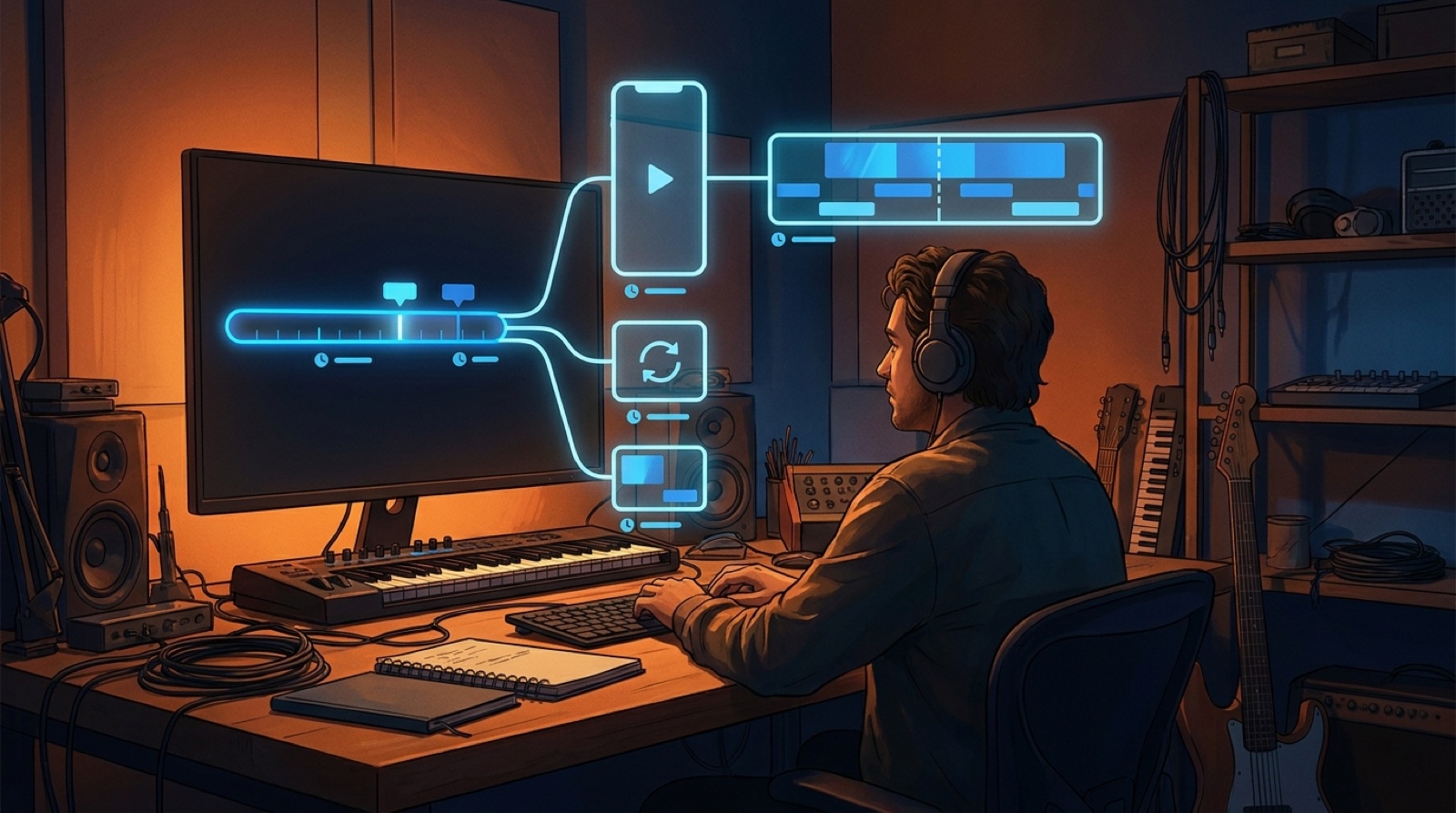
AI music video length should be chosen before the render starts. If you decide after the video is finished, every platform turns into a compromise: the full song drags, the short clip loses the hook, or the loop feels like a random leftover.
Length is not only an export setting. It tells the viewer what kind of release they are watching. A five-minute video asks for a story arc. A short hook needs one clear promise. A Canvas-style loop has to sell the mood fast and repeat cleanly.
The easiest way to avoid wasted renders is to decide what the video needs to do before you choose the format.
Start with the job, not the timeline
Ask one plain question first: where does this video need to work?
If the answer is YouTube, an artist site, or a release page, the full song may deserve a full video. The viewer has already chosen to spend time with the track, so the visuals can build, shift, and pay off with the music.
If the answer is Shorts, Reels, TikTok, or a teaser post, the video has a different job. YouTube explains that Shorts can run up to three minutes, but that does not mean every song teaser should use all of that time. A short clip should prove the hook quickly.
If the answer is a small moving asset beside the song, a loop may be enough. Spotify's Canvas guidance treats that kind of visual as a short, looping complement to the track, not a replacement for the full release.
Use the full song when the video carries the release
A full-length video makes sense when the song has enough mood, structure, or story to reward the watch.
Use it when the release needs a real YouTube asset, a launch-page embed, or a video people can send to someone else. This is also the right choice when the track has sections that should feel different: a quiet intro, a bigger chorus, a bridge, and a final image.
The danger is treating a full video like one long loop. If nothing changes, the viewer feels the length. A full song video needs a visual anchor, a few planned shifts, and a reason to stay past the first chorus.
Before you render, write the main beats of the video in one line. For example: lonely room, city drive, chorus stage light, final return to the room. That is enough structure to stop the full video from becoming five minutes of the same image.
Use a short hook when the chorus has to prove itself
A short video is best when the goal is attention, not completion.
Pick the section of the song that can work without the rest of the track. That might be the chorus, the first lyric, the drop, or one strange visual moment. The short version should make someone curious enough to click the full release.
Do not shrink the whole song into a short clip. That usually makes the video feel rushed and unclear. Choose one job for the clip: introduce the artist world, sell the chorus, show the visual twist, or point people to the full video.
Short clips also need safer framing. Important faces, objects, captions, and motion should survive a vertical crop. If the main subject sits too far left or right, the clip will feel broken on a phone.
Use a loop when the mood matters more than the story
A loop is useful when the viewer is not there to watch a whole video. They are listening, scrolling a track page, or seeing a quick preview.
The loop should be calm enough to repeat without drawing attention to the cut. Choose one image that sums up the song: a room, a road, a character, a stage light, a skyline, or the cover art in motion.
Do not try to fit a beginning, middle, and ending into a loop. The stronger move is to make one moment feel alive. A slow camera push, subtle light change, or repeated motion can do more than a tiny story that restarts awkwardly.
A good loop also protects the release identity. It gives the song a recognizable face even when the full video is not playing.
Use a release-page preview when speed matters
A release page, press note, or small artist site may not need the full file. It may need a fast visual read.
Use a preview when someone needs to understand the song world before they press play. This can be a short excerpt from the full video, a cover animation, or a selected scene that gives the release a clear first impression.
Keep the preview tied to the same visual world as the full video and short clips. If every asset looks unrelated, the release feels assembled instead of directed.
Name the file by purpose. Future you should know which version is the full video, which one is the vertical hook, which one is the loop, and which one belongs on the release page.
Run this length check before rendering
Use this checklist before you spend time on the final render:
- full song video: the release needs a watchable YouTube or embed asset
- 60-second hook: the chorus, first lyric, or drop can sell the song fast
- vertical clip: the subject and key motion survive a phone crop
- short loop: one image can repeat without feeling broken
- release-page preview: the asset explains the song world quickly
- thumbnail or first frame: the public image matches the video people land on
The same song can need more than one length. The mistake is trying to make one render do every job after the fact.
Choose the main job first, then build the other assets from the same visual direction. That gives the full video more shape, the short clips more punch, and the release page a cleaner first impression.
If you already have a finished track or cover image, create your first video in SceneLore. Start with the length your release needs, then turn the same visual world into a full video, hook clip, loop, and release asset set.
FAQ
What is the best AI music video length for a full song?
Use the full song when the video needs to carry the release on YouTube, an artist page, or a launch page. Plan shorter assets from the same visual world.
Should I make a short AI music video instead of a full one?
Use a short version when you only need to test the hook, promote the chorus, or make a social clip. Do not let the short version replace the full release if the song needs a real video.
How long should a loop for an AI song be?
A loop should be short, stable, and easy to repeat. It should sell the mood quickly instead of trying to tell the whole song story.
Can SceneLore help choose the right video length?
SceneLore helps creators turn a song or anchor image into connected visuals, so the full video, short clips, loops, and release assets can come from one clear direction.
Related guides
Turn the right length into a cleaner release
Use SceneLore to turn a track, cover image, or visual anchor into a full music video and release assets that feel connected.
Create Your First Video