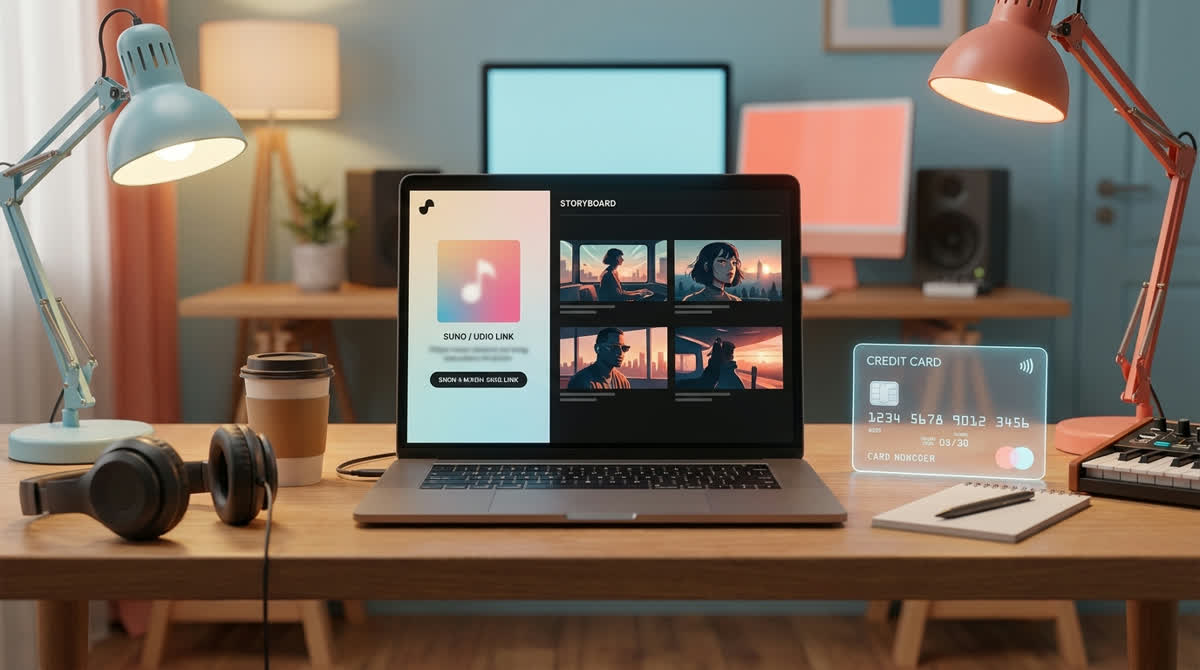
PulseJet is clearly aimed at the same new habit many Suno and Udio creators now have: make the song first, then turn it into a video fast. Its public site says you can drop a Suno or Udio link, choose from visual themes, and get a finished music video automatically.
That is a useful category. It also means the best choice depends on the kind of release you are making. A creator posting one experimental track may care most about speed. An artist building a channel may care more about visual consistency across songs, price clarity, and whether the same cover image can anchor the whole video.
What PulseJet is positioning around
PulseJet's homepage presents a link-first workflow: drop a Suno or Udio link, have the system script the video, plan shots, generate stills and clips, then compile the final MP4. It also lists sixteen visual treatments and says new accounts get enough free credits for one full music video.
That makes PulseJet worth looking at if you want a fast, theme-driven video from a Suno or Udio link. The page also says free output is watermarked and clean output is paid, with credit packs for larger runs.
Where SceneLore takes a different angle
SceneLore is built around the idea that one song or one image should hold the visual world together. That matters when you already have cover art, an artist image, a character, or a visual identity that should not change every few shots.
The main difference is the starting point. SceneLore is useful when the cover image is part of the release identity. You can use it as the visual anchor, then build a full-length video around that source. This is the reason SceneLore is interesting for Suno and Udio creators who already have a track and a cover, but do not want to become prompt writers for every scene.
How to compare the two workflows
Use a small checklist before you spend credits anywhere:
- Input: do you want to paste a music link, upload audio, start from one image, or combine those assets?
- Continuity: does the video keep the same character, style, and visual mood across the whole song?
- Control: do you want to choose a broad visual theme, or do you want your cover image to steer the shots?
- Export: do you get a reusable MP4 that works outside the tool?
- Pricing: can you see what the finished video will cost before you commit?
My bias: if the song already has a strong cover image, start with that image. It gives the video a recognizable world and makes the final release feel less generic.
When SceneLore is the better fit
SceneLore is a better fit when you want the same visual idea to carry the whole track. That could be a singer in a sci-fi city, an album-cover character walking through different scenes, a band photo turned into a cinematic sequence, or a faceless channel style that needs to stay recognizable across uploads.
It also fits creators who dislike subscriptions. SceneLore uses pay-as-you-go credits, and the site shows the cost before rendering. For a creator who makes videos only when a song is ready, that can be easier to accept than another monthly tool.
When PulseJet may be enough
PulseJet may be enough if you mainly want a fast music-video generator from a Suno or Udio link and you are happy picking a broad visual theme. If you like the look of the generated result and the price works for your release schedule, that is a valid route.
The decision gets more specific when you care about repeatable identity. If the same character, cover image, or visual brand needs to survive the whole song, test that part carefully before choosing a tool.
A good test before you choose
Take one finished song and one cover image. Run the same creative idea through the tools you are considering. Do not judge only the first five seconds. Watch the whole video and ask whether the visual world stays intact.
For YouTube, this matters more than a flashy opening. A viewer may leave after thirty seconds if the video feels like a random clip reel. A coherent world gives the song a better chance to hold attention.
Sources and useful context
This comparison uses the PulseJet public homepage for its stated workflow, visual themes, free-start offer, watermark note, and credit-pack pricing. The broader need is visible in creator discussions about music videos that do not take forever and the recurring problem of making better visuals for Suno and Udio songs.
FAQ
What should I compare in a PulseJet alternative?
Compare the starting asset, the amount of prompt work, visual consistency, export format, pricing model, and whether the workflow is built for a full song or short clips.
Does SceneLore work with Suno and Udio songs?
Yes. SceneLore is built for creators with finished Suno, Udio, or other AI music tracks who want a full-length video from a song or a single visual anchor.
When is SceneLore a better fit?
SceneLore is a better fit when you want a coherent visual world from one image or song, pay-as-you-go credits, and less manual shot prompting.
Try the workflow with your own song
Upload a track or a cover image to SceneLore and see whether a single visual anchor gives your song a stronger full-length video.