Suno creators have been reporting a simple but annoying problem: a cover video that used to download as motion now comes out as a static image with the song behind it. There are also reports from creators whose old cover-art workflow, using a video plus a separate image, no longer behaves the way it did.
If you are just sharing a quick preview, a static cover may be fine. If you are trying to post on YouTube, Reels, Shorts, TikTok, or a release page, you need something more reliable than a feature that may change from one week to the next.
Why the cover-art workflow breaks down
A cover video is usually treated as a wrapper around the song, not as the finished music video. That difference matters. A wrapper can be useful inside one platform, but it may not export the same way across devices, browsers, and social channels.
Creators in the Suno community have described video downloads turning into static-image files, and others have asked whether upload behavior for MP4 cover art has changed. Those reports do not mean every account is affected. They do show why serious releases need a video workflow that you control.
The better fix: make a standalone music video
The cleanest path is to treat the Suno song as the audio master and the cover art as the visual starting point. Then create a separate MP4 video from those assets.
That gives you one file that can live anywhere. You are no longer asking the cover-art feature to act like a full video generator. You are making the release asset directly.
A good rule: if the video has to work outside Suno, build it outside the cover slot. Keep Suno for the song. Use a separate video workflow for the final MP4.
A practical workflow for Suno creators
- Export the finished song. Use the final audio version you actually plan to release.
- Choose one visual anchor. This can be your Suno cover, album art, artist photo, or a Midjourney image.
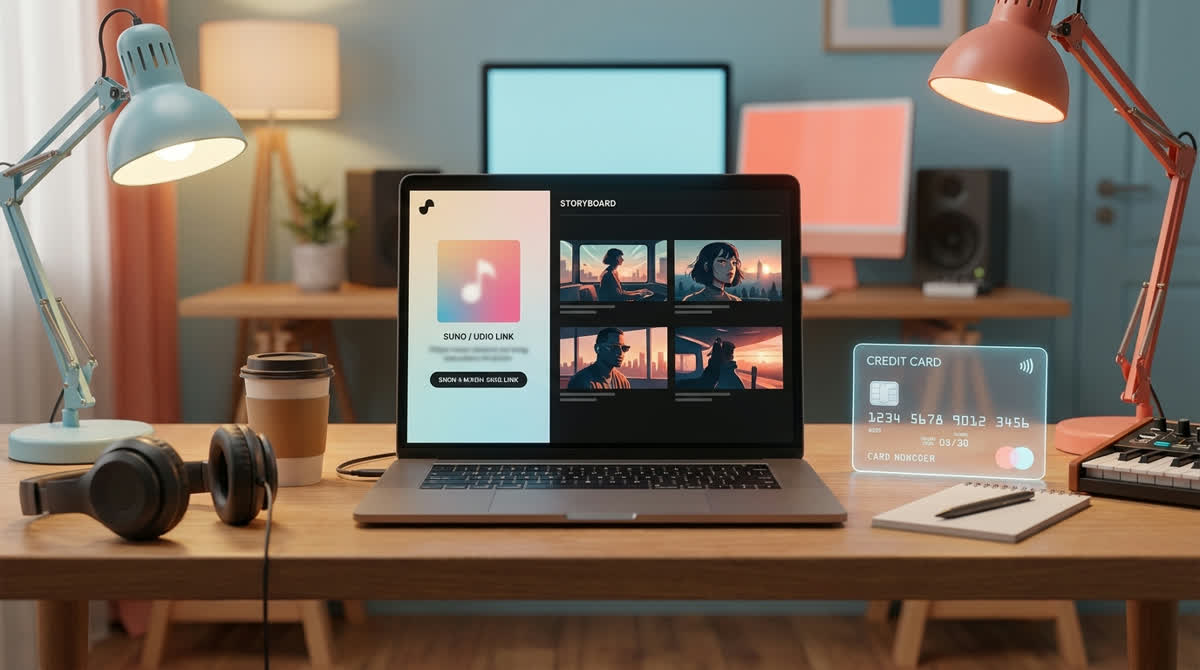
- Create a shot sequence from that anchor. The goal is continuity. The video should feel like one visual world, not a random set of AI clips.
- Render a standalone MP4. Use that file for YouTube, Shorts, Reels, TikTok, or your release page.
- Keep the cover image for thumbnails. The cover still matters. It just should not carry the whole video job.
Where SceneLore fits
SceneLore is built for this exact gap. You can start from a song or a single image, then generate a full-length music video with a coherent story sequence. You do not need to write a prompt for every shot or stitch a pile of short clips in an editor.
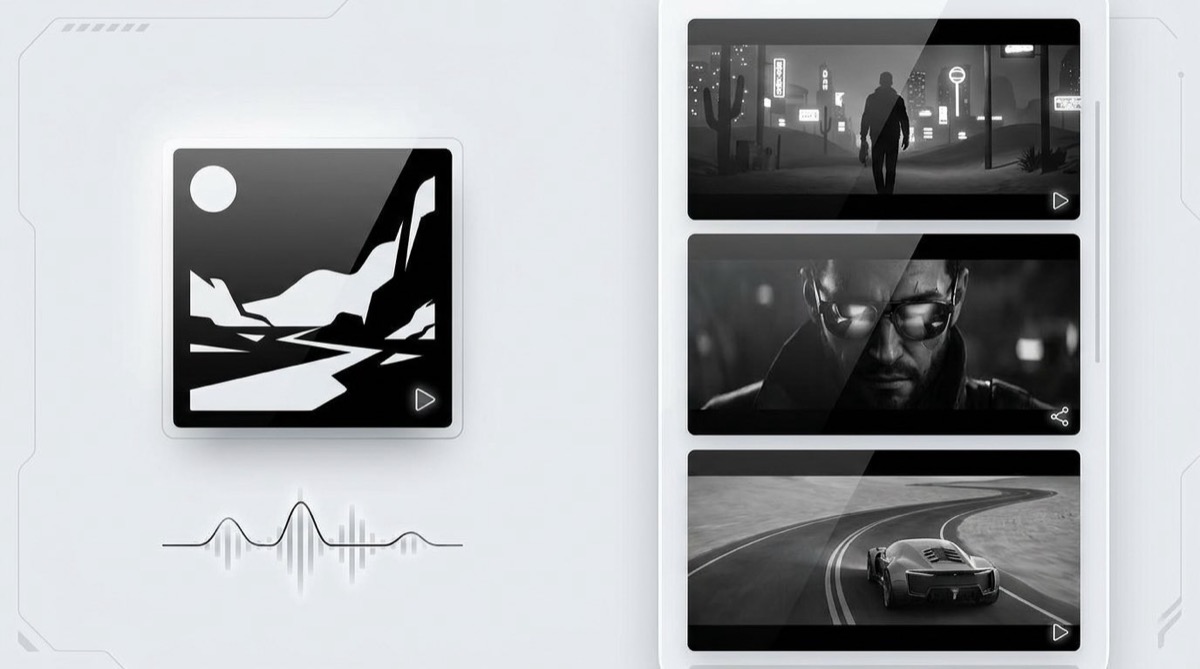
For Suno and Udio creators, the useful part is consistency. The same cover image or artist image can guide the visual world, so the finished video feels connected to the track instead of looking like a new experiment every five seconds.
If you want the broader product details, the SceneLore FAQ explains how character consistency works, how long videos can be, and whether you need to be good at prompting.
When a static cover is enough
You do not need a full music video for every track. If you are testing a rough idea, sending a private demo, or posting a short audio preview, the cover image can do the job.
It becomes a problem when the song is finished and the visual still feels disposable. A full-track video gives people something to watch, gives YouTube more than a frozen thumbnail, and makes the release easier to reuse across channels.
Sources and useful context
The issue is visible in creator discussions, including Reddit threads about Suno cover video downloads turning static and changes to MP4 plus image cover-art workflows. Suno also has its own short-form video sharing features, such as Hooks, which are useful inside the Suno ecosystem but are not the same thing as owning a finished MP4 music video for every channel.
FAQ
Why does my Suno cover video download as a static image?
Some creators report that their Suno cover video downloads as a static image with audio. The safest workaround is to export the song and create a separate MP4 music video.
Can I use my Suno cover art in SceneLore?
Yes. You can use the cover art as the visual anchor for a SceneLore video, so the final MP4 keeps a consistent look.
Do I need to edit the video myself?
SceneLore is designed to create a coherent shot sequence without asking you to prompt every scene or stitch short clips by hand.
Make the video file you actually need
If your Suno cover video is not working, stop waiting on the cover slot. Upload the track or image to SceneLore and make a standalone MP4 music video from the same creative idea.