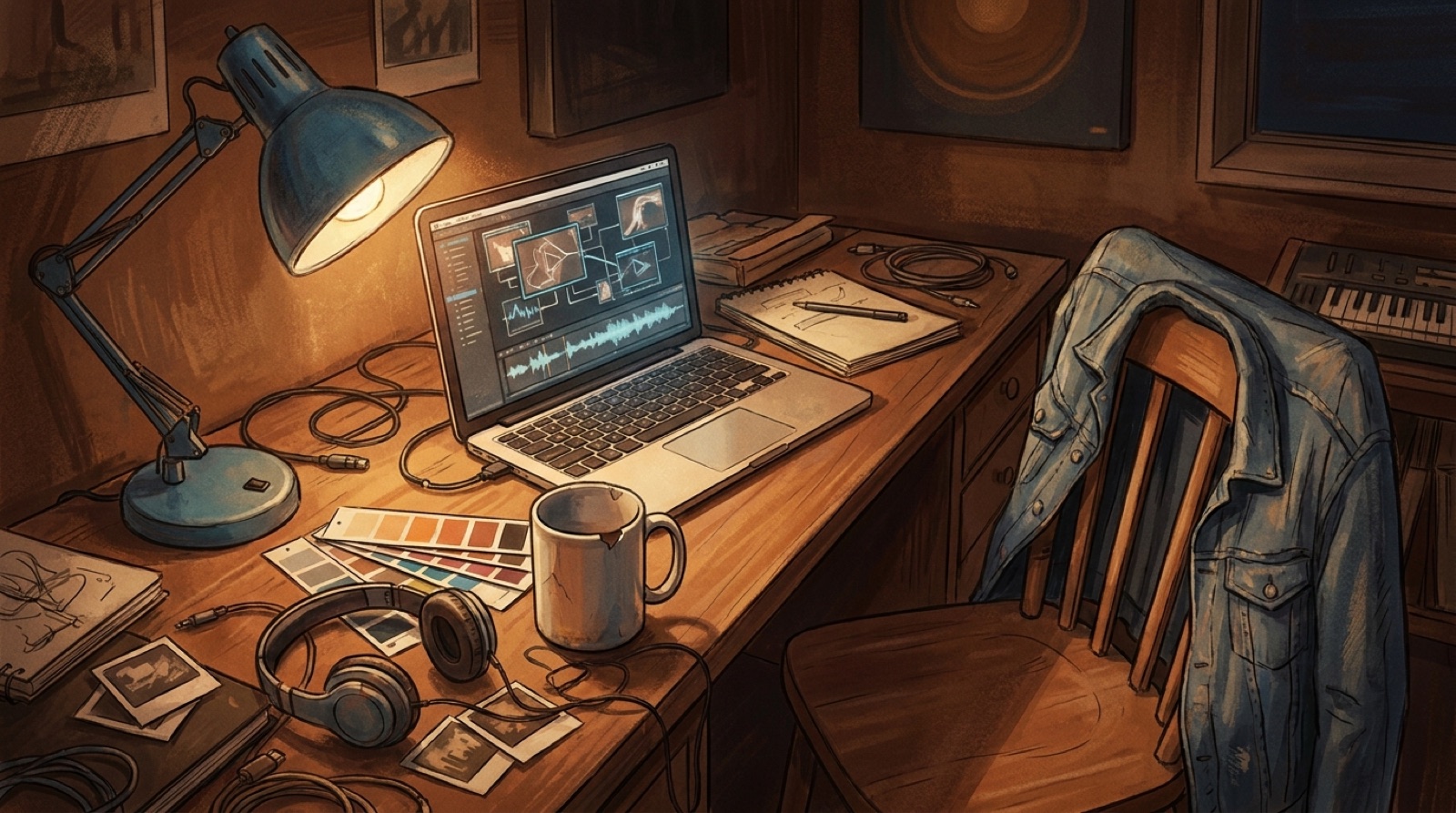
Humanize AI music visuals by giving the viewer something specific to hold onto. A finished AI-assisted song can sound emotional, strange, funny, lonely, or cinematic, but the video often loses that feeling when every shot looks like a tool demo. The fix is not more effects. It is small visual detail that feels chosen.
A worn jacket. A late train platform. A cracked phone screen. One blue lamp in the same corner of every chorus. These details do a simple job: they make the release feel like it came from a person with taste, memory, and intent.
Start with a detail the song would remember
Most generic AI music videos start too wide. They chase cities, galaxies, storms, crowds, dancers, and camera moves before the viewer has a reason to care. Human detail usually starts smaller.
Listen through the song once and write down the first real object, place, or feeling that appears in your head. Do not polish it. If the song feels like a voice memo from 2 a.m., maybe the anchor is a bedside table and a phone glowing in the dark. If the hook feels like a highway escape, maybe it is a gas-station sign, headlights, and rain on glass.
The detail does not need to explain the whole song. It only needs to feel true enough that the viewer believes the world exists beyond the frame.
Use imperfection on purpose
AI visuals often feel synthetic because everything is too clean. Skin is too smooth. Rooms have no dust. Clothes look unworn. Streets feel designed instead of lived in.
Add one or two controlled imperfections. A sticker peeling off a guitar case. Mascara that has run a little. A chipped mug beside the laptop. A hoodie that appears in multiple scenes. These are not random props. They are proof that the scene has been lived in.
This matters for AI music authenticity because listeners are already asking what came from the tool and what came from the creator. You do not have to argue with that in the video. You can answer with taste.
Keep one symbol across the video
A recurring symbol can do more than a complicated plot. Pick one object, color, sign, or shape that returns at important moments in the song.
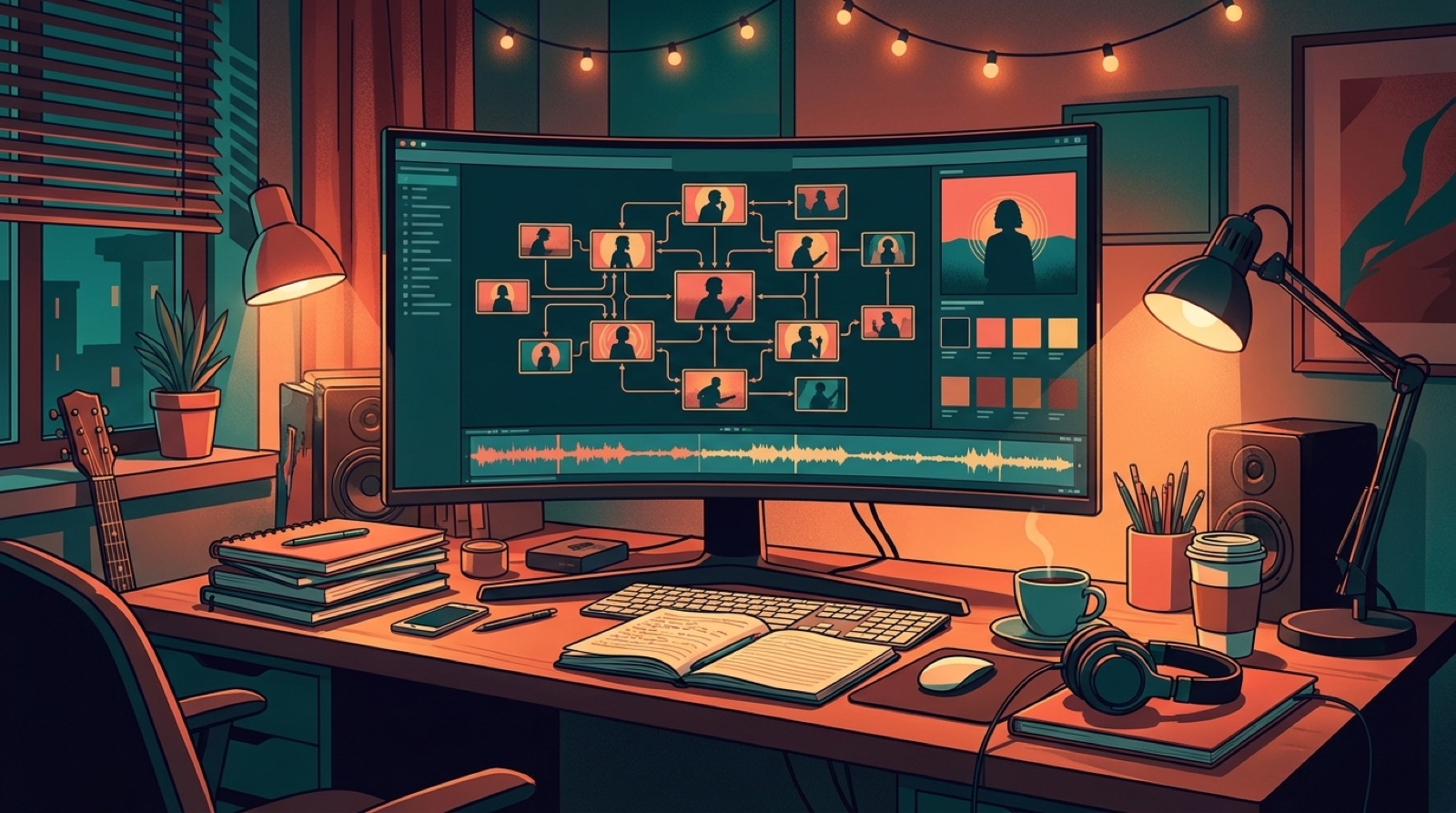
For a sad electronic track, the symbol might be a paper crane on a windowsill. For a hard pop track, it might be a silver lighter, seen first in the verse and then huge in the final chorus. For a lofi channel, it might be the same desk lamp across every release.
The trick is restraint. Do not explain the symbol. Let it return. Viewers do not need a full story map to feel continuity. They need enough repetition to sense that the song has a private language.
Match detail to song structure
Human detail works best when it changes with the music. Keep the first verse intimate. Let the chorus reveal more of the world. Let the bridge show one detail in a new light.
A simple structure can look like this:
- Intro: one close object, room, or character cue.
- Verse: small movement, low light, fewer cuts.
- Chorus: the same detail appears in a wider, stronger frame.
- Bridge: a break in the pattern, like a new location or colder light.
- Final chorus: return to the original detail, changed by what happened.
That is enough for many songs. You are making the track feel watched with care.
Make the first frame pass the human test
Before you publish, freeze the first frame and ask: could a listener guess the mood of the song from this image?
If the frame is only a waveform, a random skyline, or a glossy face with no context, it probably needs more detail. If the frame shows a room, a character, a prop, a color rule, or a visual tension that matches the track, you have a better start.
This first frame also affects the thumbnail, short clips, and release page. YouTube tells creators that altered or synthetic content may need clear disclosure when it could mislead viewers, and that same trust layer shows up in music packaging too. A specific first frame helps the release feel clear about what it is.
Turn the details into a release system
One video is useful. A repeatable visual habit is better.
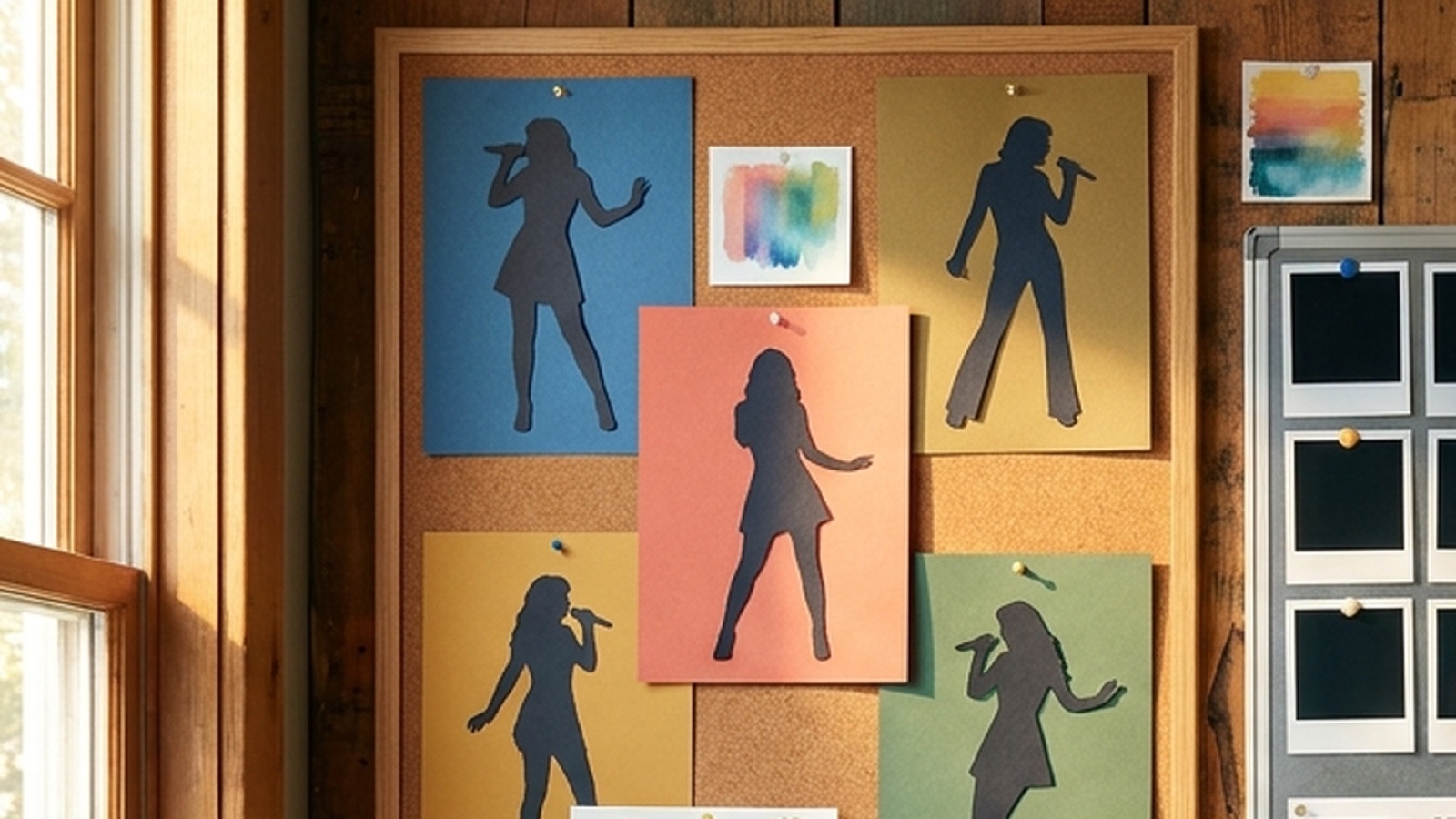
If a detail works, save it. The same lamp, mask, character, color accent, or city corner can become part of the artist identity.
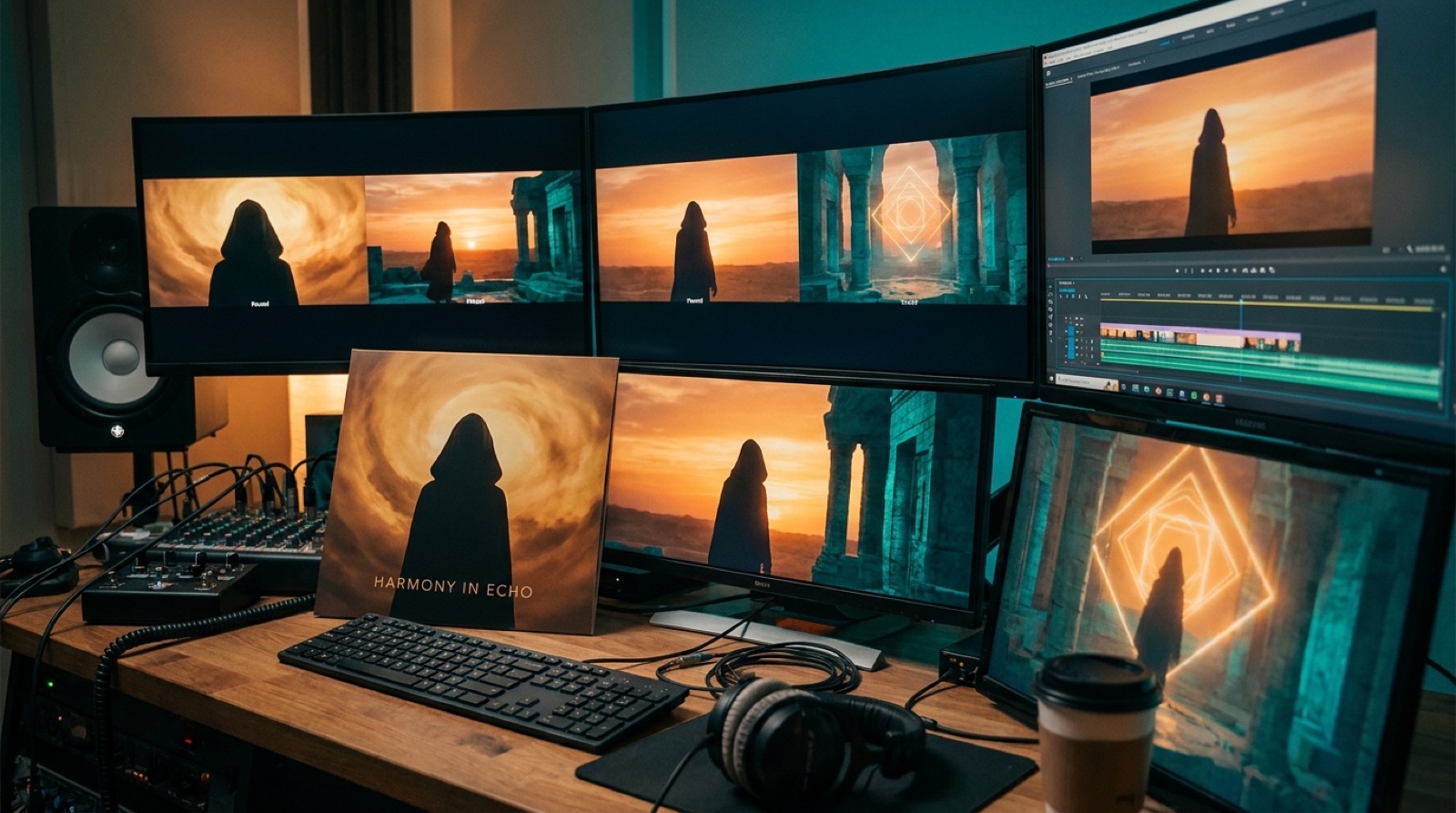
This is where SceneLore fits well. Start with a finished track, cover image, or visual anchor, then use that as the spine for the full video. The goal is to make the release feel like it belongs to one artist.
A quick detail checklist
Before you render, check the idea:
- One object, place, or character cue appears early.
- The palette has two main colors and one accent.
- At least one imperfect detail makes the scene feel lived in.
- The chorus gives the anchor a stronger frame.
- The first frame can work as a thumbnail direction.
- The same visual rule could return in a future release.
If those are true, the video has more human texture than most AI uploads.
The detail is the promise
Humanize AI music visuals by making choices a listener can feel. A tiny prop, a repeated color, a believable room, or one visual scar can carry more emotion than another wall of moving particles.
The viewer may not notice every detail. They will feel the difference between a video that looks generated and a video that looks directed.
Start small, repeat what matters, and let the release show the taste behind the song.
FAQ
How do you humanize AI music visuals?
Start with one specific anchor, such as a place, object, character cue, color, or recurring symbol. Then repeat it across the video so the release feels directed instead of random.
What makes AI music visuals feel fake?
AI music visuals often feel fake when every shot is too clean, too broad, or disconnected from the song. Random clips, glossy faces, abstract loops, and changing styles can make a release feel synthetic.
Do AI music videos need disclosure?
Follow the rules of the platform where you publish. On YouTube, altered or synthetic content may need disclosure when it could mislead viewers. For music releases, clear credits and a consistent visual package also help build trust.
Related guides
Make the release look as specific as the song
Use SceneLore to turn a finished track, cover image, or visual anchor into a full music video and launch assets that feel connected.
Create Your First Video