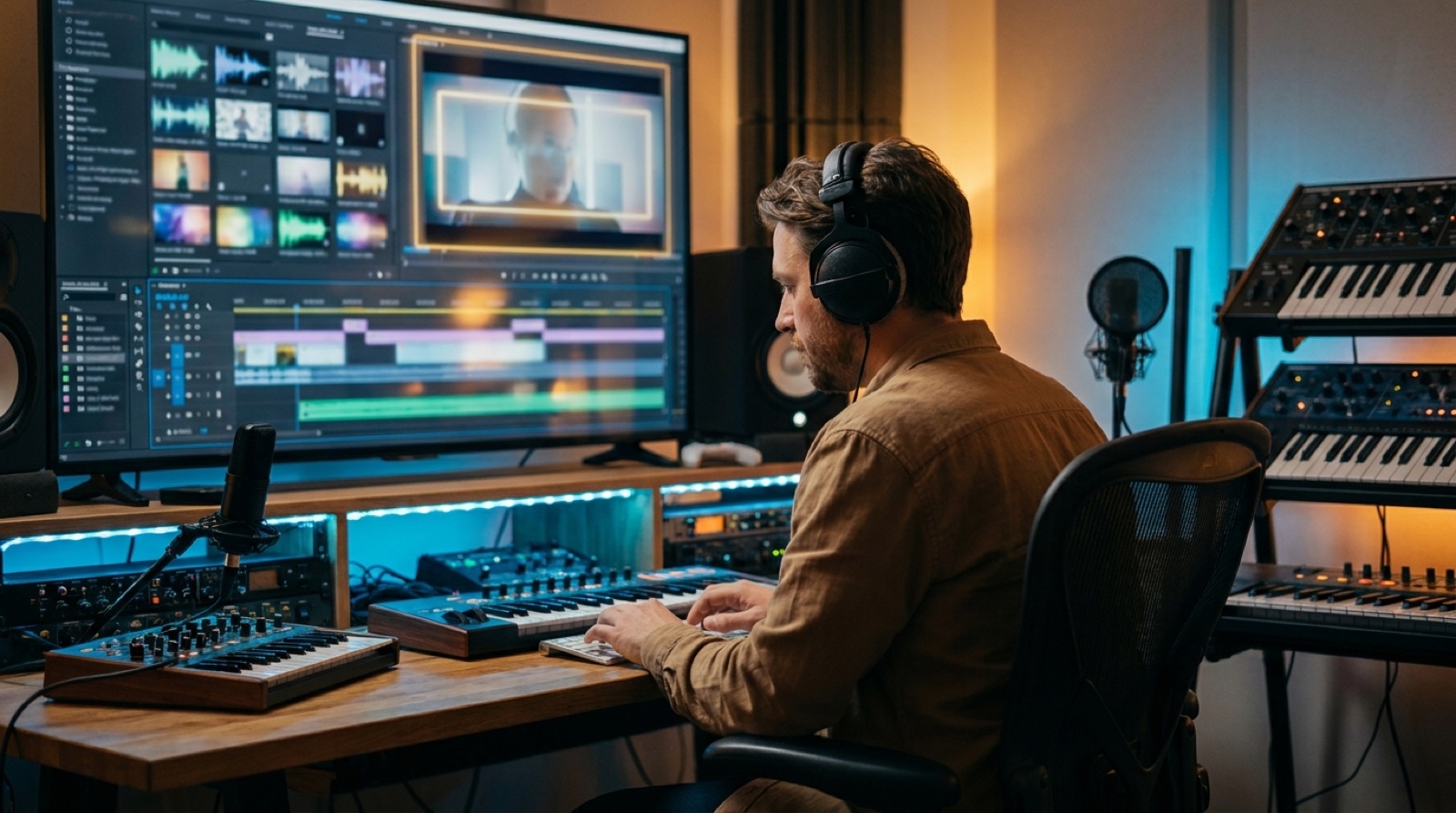
A Suno Spark release video has a different job from a normal music video. It can show process, proof, and creative intent around the song. The problem is that process footage can take over fast. A viewer came for the track. If the video feels like a folder of clips, the song gets smaller.
Use the footage as support. Let it answer the trust question, then move the viewer into the world of the release.
Decide what the process footage is proving
Before you add any behind-the-scenes material, decide what it is meant to prove. Is it showing that you wrote the lyrics, directed the visual idea, tested versions, worked with collaborators, or shaped the final sound?
Those are different promises. A screen recording of a prompt session may prove that you touched the tool, but it may not prove much about taste. A short clip of your lyric notes, vocal direction, image references, or final edit choices often says more.
A third-party guide to Suno Spark frames the program around readiness, rights, disclosure, and creator control. That is the useful lens. Treat Spark-style material as part of release readiness, not as a replacement for the release itself.
Keep the main video about the song
The final video still has to carry the track. It needs a first frame, a mood, a character or visual anchor, a chorus payoff, and enough motion to keep the viewer with the music.
Process clips should not become the whole shape unless the song is about the making of the song. For most releases, the better structure is simple:
- open with the finished visual world
- use one short process beat where it adds trust
- return to the music video before the hook loses energy
- save deeper process material for Shorts, Reels, or the release page
This keeps the song in charge. The viewer gets a sense of authorship without feeling pulled into a tutorial.
Build a frame around raw clips
Raw process footage usually looks smaller than the release. It may have awkward crops, tiny interface text, rough lighting, or files moving around a desktop. That can be useful, but only if you frame it with intention.
Use the same color mood, thumbnail style, and visual anchor around those clips. If the release has a blue night-city look, the process segment should not suddenly feel like an unrelated screen share. Add the footage as a brief proof insert, then land it back inside the same world.
The guide on AI music human intent goes deeper on how visible choices make an AI-assisted release feel authored.
Use Spark footage where it fits the launch
There are places where process material works better than inside the full music video.
A short vertical clip can show one before-and-after moment: rough song idea, visual anchor, finished chorus shot. A release page can show a small proof section next to the final video. A pinned comment or description can explain the tools and human choices in plain language.
The full video should get the polished version first. Give people the emotional read before the production receipt.
Make the thumbnail promise the finished release
Do not make the thumbnail look like admin work unless the target viewer wants a tutorial. For a music release, the thumbnail should sell the world of the song.
Use a finished frame, clear subject, and mood that matches the chorus. If you mention Suno Spark or process in the title or description, let the thumbnail still feel like a release, not an application checklist.
The same rule applies to the first frame. If the video starts with tiny interface footage, many viewers will decide it is not for them before the song has a chance. Start with the visual promise, then show the process once the viewer understands why they should care.
Write the disclosure like a normal person
Process footage does not remove the need for plain credits. Write a short note that explains the meaningful parts: song generated or assisted with Suno, lyrics or direction by the creator, visual package made from a cover image or chosen style, final edits handled by the artist or team.
Keep it factual. Do not over-explain the technology. Do not apologize for the release. The job is to make the work easier to trust.
If you publish often, the AI music release documentation guide gives you a record system for prompts, versions, credits, files, and final links.
Use this quick Suno Spark release check
Run this before the video goes public:
- The first frame looks like the finished song, not a desktop capture.
- Process footage has one clear reason to be there.
- The full video still has a visual anchor and chorus payoff.
- Thumbnail, title, and description promise the same release.
- Credits and AI-use notes are short, clear, and honest.
- Behind-the-scenes clips are saved for launch assets when they would slow down the main video.
- The final archive keeps the song, video, thumbnail, process proof, and description together.
For the song-to-video side of this workflow, the Suno link to music video workflow guide shows how to move from a finished Suno track into a launch-ready package.
Give the proof somewhere to live
A strong release can hold both things: the finished world of the song and the proof that a person made choices.
Do not make the viewer choose between them. Put the best version of the song on screen first. Use Spark footage as the trust layer around it. Then turn the extra process material into launch clips, a release page section, or a simple proof folder that you can find later.
SceneLore helps with that last mile. Bring in a finished song or cover image, then make a full music video that can support the upload, thumbnail, short clips, and proof trail without turning the release into a production diary. If you need the product basics first, the SceneLore FAQ answers the common setup and credit questions.
FAQ
What is a Suno Spark release video?
It is a video package that uses Suno Spark or process footage as proof, then wraps it in a finished visual direction, thumbnail, description, and full music video.
Should I show AI music process footage in the final video?
Use process footage when it helps trust or context. Keep it short, place it where it supports the song, and avoid letting it replace the main music video.
How much behind-the-scenes footage should an AI music release use?
Use enough to prove the creative path. A short intro, a launch clip, or a release-page section is often stronger than filling the full video with workflow material.
Where does SceneLore fit in a Suno Spark workflow?
SceneLore fits after the song, cover image, or process footage is ready. It helps turn those pieces into a coherent full music video and launch assets.
Related guides
Turn the process into a release package
Bring a finished song or cover image into SceneLore, then build a full music video that gives the upload, thumbnail, clips, and release archive one clear direction.
Create Your First Video