Consistent characters AI video problems rarely start with a bad prompt. They usually start earlier, when the creator asks a tool for a singer, a scene, a mood, and a full visual world all at once.
The first shot looks good. The second shot looks like a cousin. By the chorus, the outfit has changed, the face has drifted, and the video feels like a montage of separate ideas. For a music release, that breaks the spell fast.
The fix is not a prompt marathon. The fix is a smaller system. Give the video one character source, a few rules, and a song structure before you render too many shots.
Start with one source image
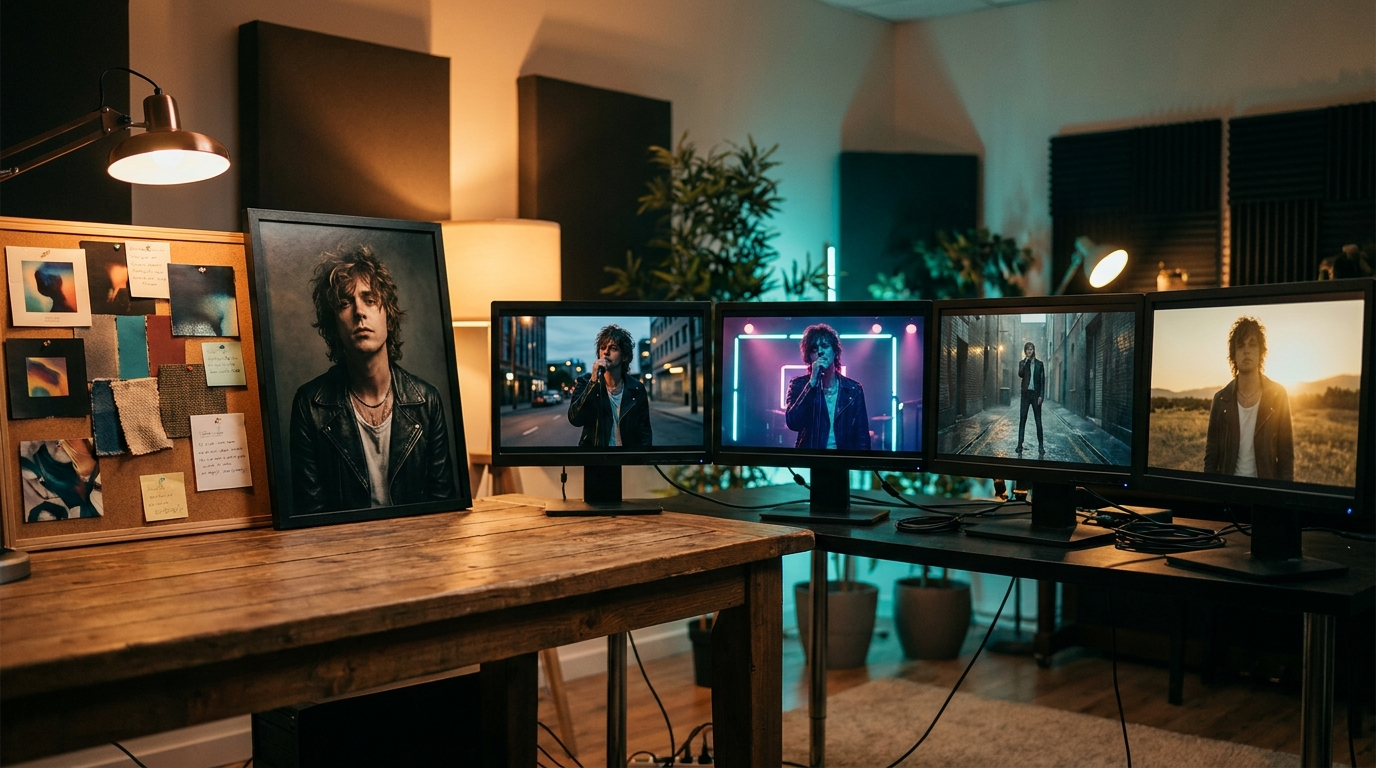
If the same person needs to appear across the video, begin with one image that defines the character. It can be cover art, a portrait, a still from a previous visual, or a frame you generate just for the release.
Do not treat that image as decoration. Treat it as the character record. It should answer the basic questions before any scene prompt does: face shape, hair, outfit, color mood, age range, camera attitude, and the emotional role in the song.
This is where many creators make the work harder than it needs to be. They write a new character description for every scene, then wonder why each scene invents a slightly different person. A source image gives the video something steadier than memory.
Write the character rules in plain language
After the source image is chosen, write five rules you can reuse:
- The same face and hair stay visible.
- The outfit keeps the same main color.
- The lighting stays within one mood.
- The character has one emotional arc.
- Backgrounds can change, but the visual world still feels related.
These rules do not need to sound technical. They need to be boring enough to follow. If you cannot repeat them while tired, they are too complicated.
For a synth-pop track, the rules might be: one silver jacket, wet city light, close-up eyes, lonely first verse, warmer final chorus. For a dark folk song, the rules might be: same red coat, forest road, handheld camera feel, quiet grief, no glossy neon.
That is enough direction to stop each shot from becoming a new character audition.
Map the song before making scenes
Character consistency is not only about the face. It is also about what the character is doing as the song moves.
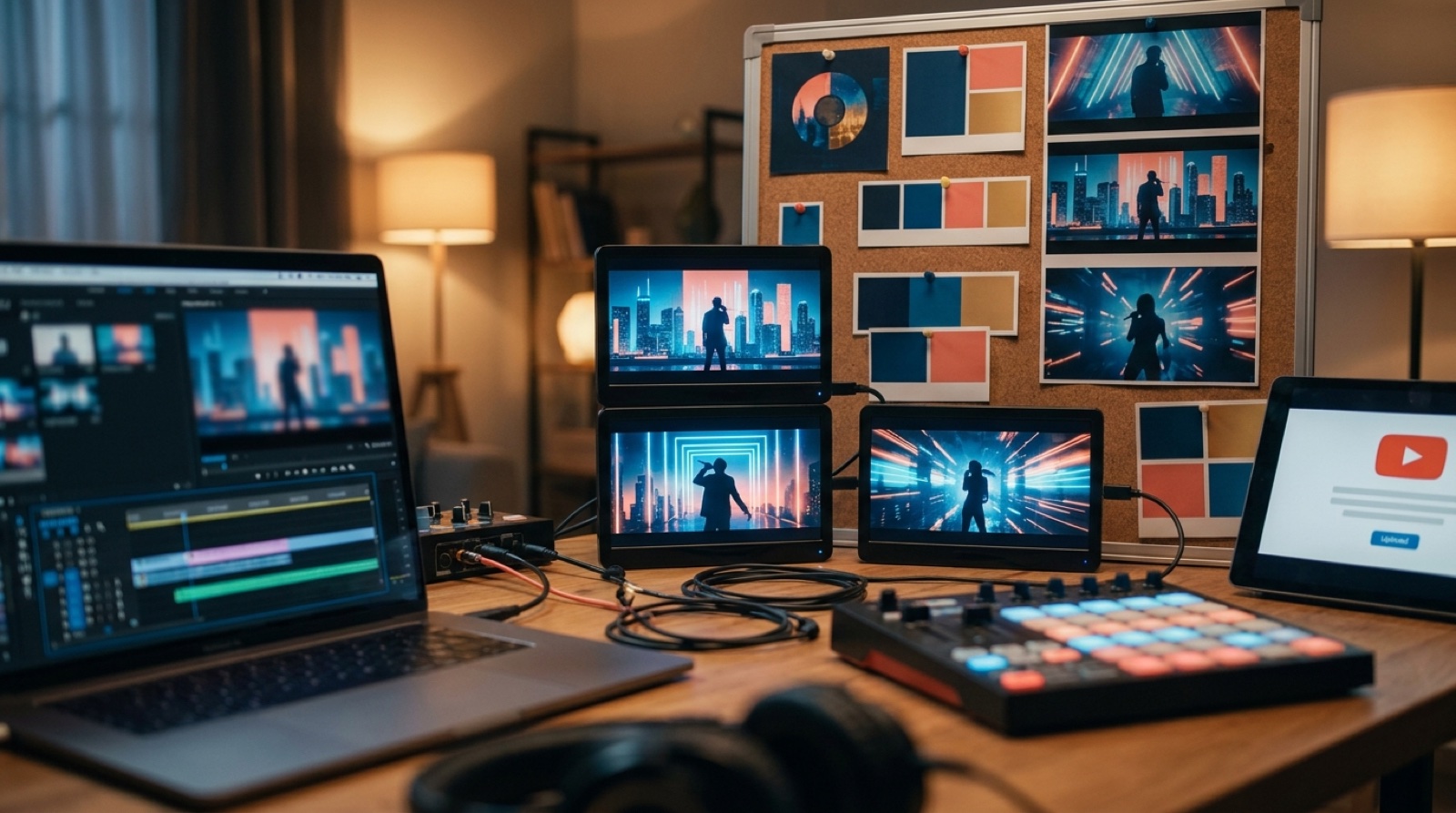
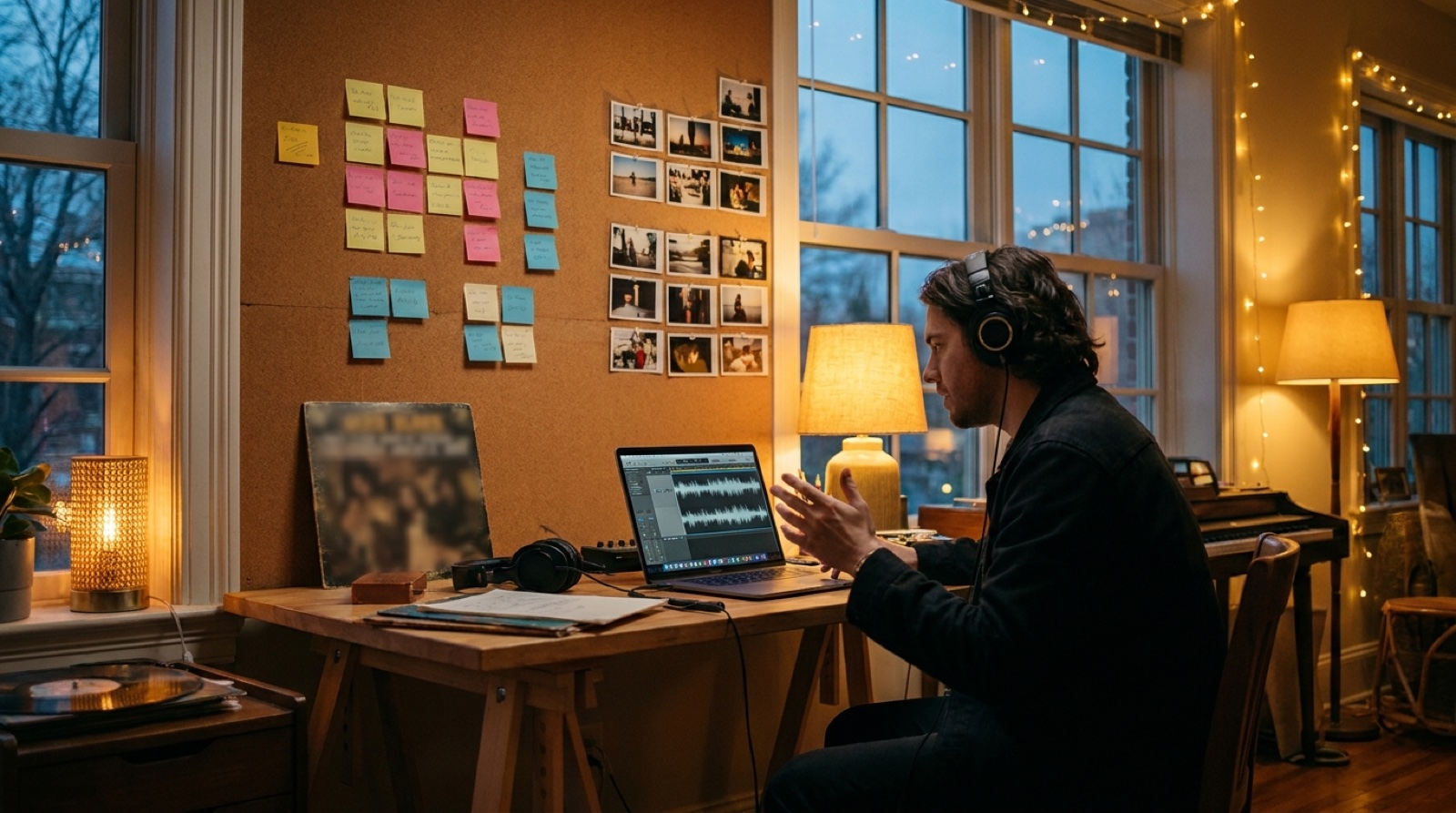
Before building scenes in SceneLore, listen to the track once and mark the major parts: intro, first verse, chorus, second verse, bridge, final chorus, outro. Then write one sentence for each section.
The intro might show the character alone before the story begins. The first verse can stay close and quiet. The chorus can open the world. The bridge can shift the lighting or location. The final chorus can bring the character back with more motion.
This keeps the video from looking like random images of the same person. The viewer sees the same character moving through a release, not the same portrait pasted into unrelated scenes.
Use variation around the anchor
Consistency does not mean every shot should look identical. A full music video needs change, or it starts to feel like a static visualizer.
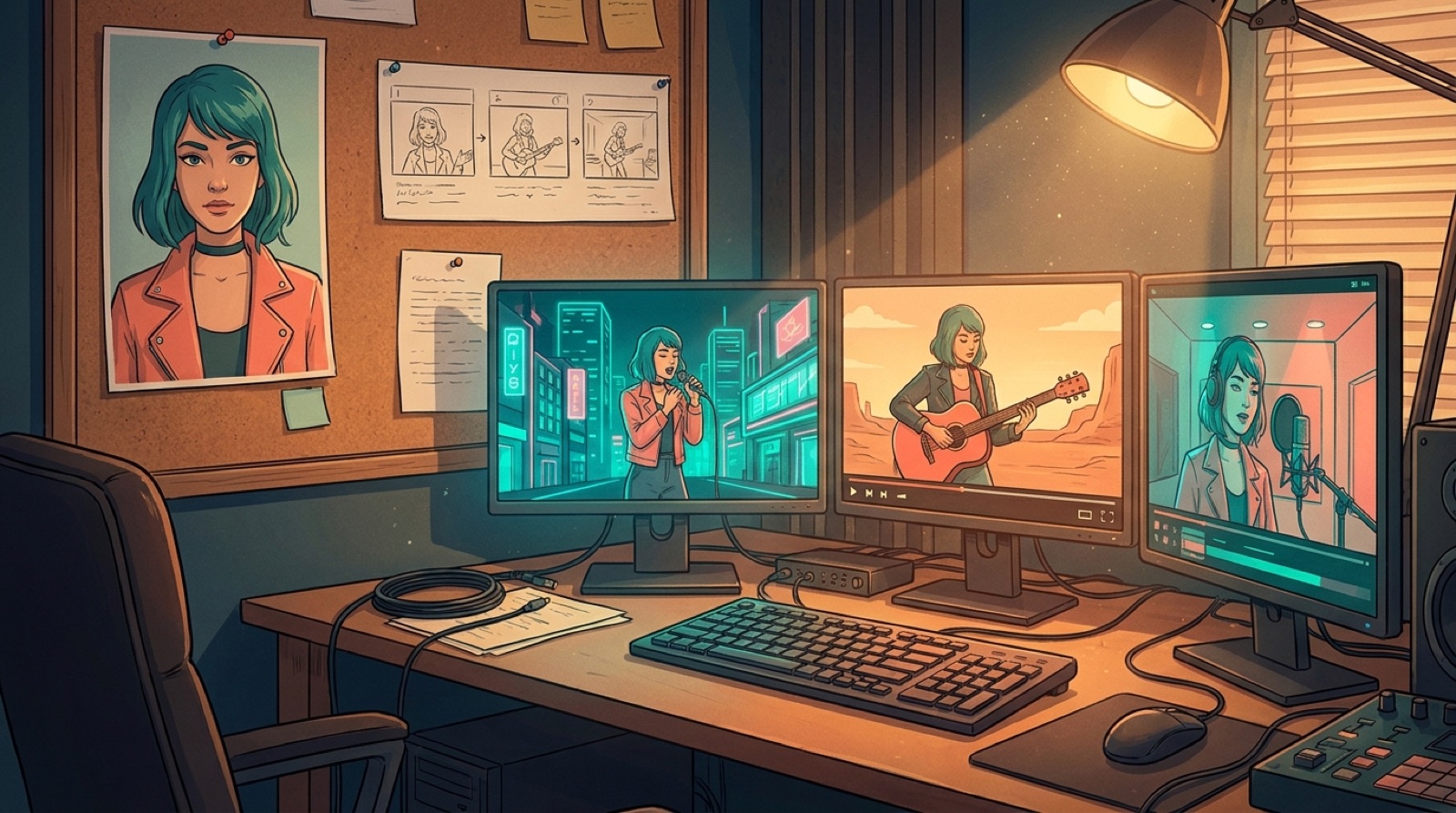
Vary the camera distance, scene scale, movement, and timing. Keep the character anchor steady. You can move from a close-up to a wide shot, from a bedroom to a rooftop, from stillness to performance, as long as the face, outfit, mood, and story logic remain connected.
This is also where thumbnails and short clips get easier. YouTube has official guidance on adding custom video thumbnails because thumbnails are a major part of how a video is presented in feeds. If the character looks different in the thumbnail, the first frame, and the chorus clip, the release starts to feel less trustworthy before the song has a chance.
Use the source image as the visual handshake across the whole package: full video, thumbnail, teaser clip, release page, and pinned post.
Keep prompts short enough to control
Long prompts can be useful, but they can also hide contradictions. If one line says cinematic stage lighting, another says documentary street footage, another says fantasy palace, and another describes a different outfit, the character has too many jobs.
A steadier prompt usually has four parts:
- The source character.
- The song section.
- The scene action.
- The visual mood.
For example: same singer from the reference image, silver jacket and wet city light, walking alone during the first verse, slow camera movement, melancholy synth-pop mood.
That prompt gives the tool less room to replace the person with a new version. It also makes it easier to fix a scene because you can see which part failed.
Save the working version
Once a character starts working, save the exact source image, prompt notes, and best frames in the release folder. Do this before you make ten more versions.
For AI music creators, the next song often arrives before the last release is fully organized. If you want a character or artist world to continue, you need the files that made it work the first time.
Keep a small folder with the source image, approved character stills, thumbnail, final video, short clips, and notes. This makes the next release faster, and it gives the artist project a memory.
Use SceneLore after the anchor is clear
SceneLore works best when the song and visual anchor are already chosen. Upload the track or cover image, keep the character source nearby, and build the scenes around the song's sections.
The goal is not to remove taste from the process. The goal is to avoid wasting taste on avoidable drift. Pick the character once. Give the video a few rules. Let each scene support the song instead of reinventing the person.
That is how consistent characters stop being a prompt problem and start becoming part of the release plan.
FAQ
What is the easiest way to keep a character consistent in an AI music video?
Start with one source image, then reuse a short set of character rules for face, outfit, color mood, and emotional arc across every scene.
Should every scene use the same prompt?
No. Keep the character anchor stable, but change the action, camera distance, pacing, and setting to match each section of the song.
Turn one character idea into a full music video
Upload your track or cover image, choose the visual anchor, and build a release video where the character stays recognizable from the first frame to the final chorus.
Create Your First Video