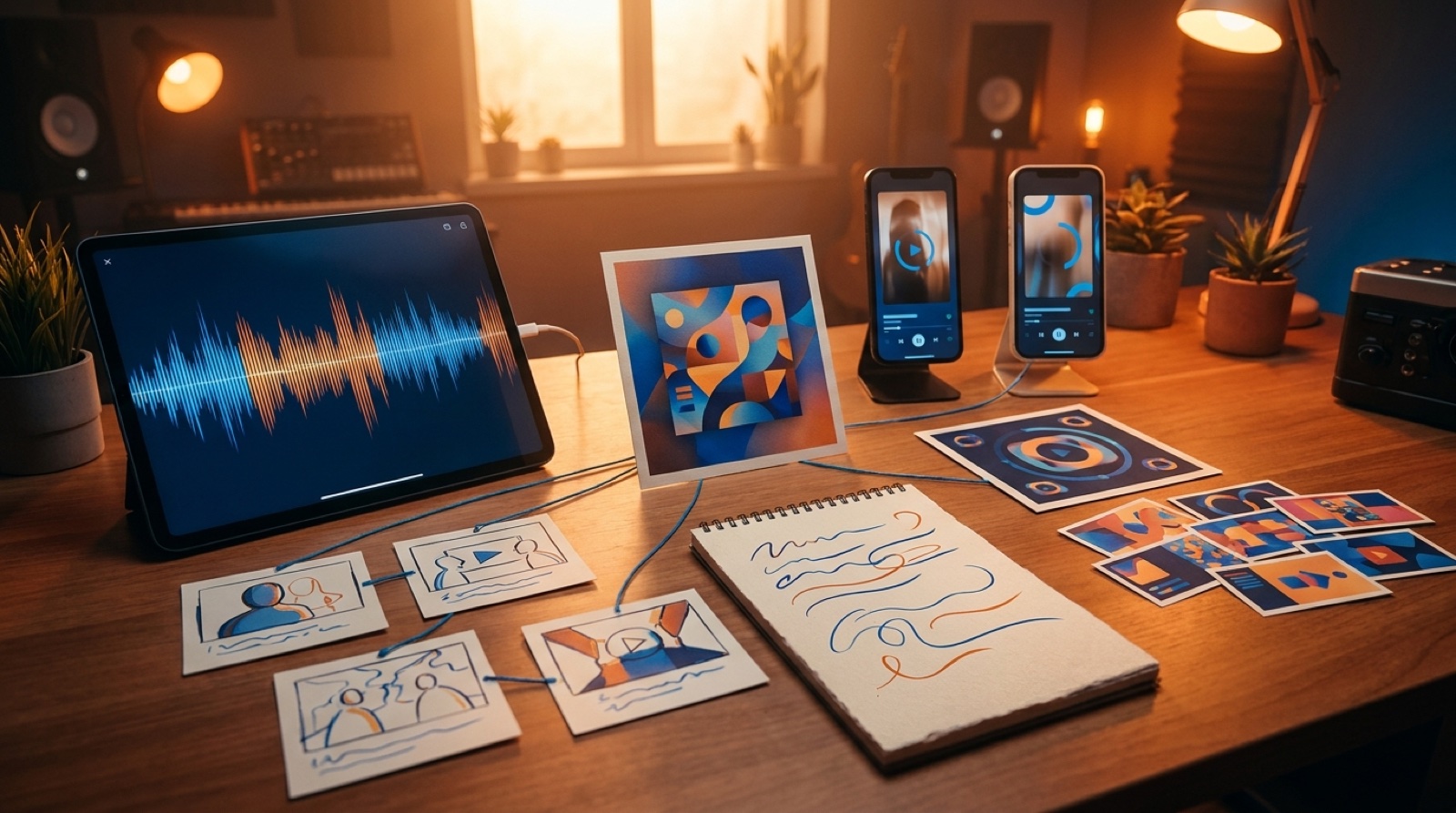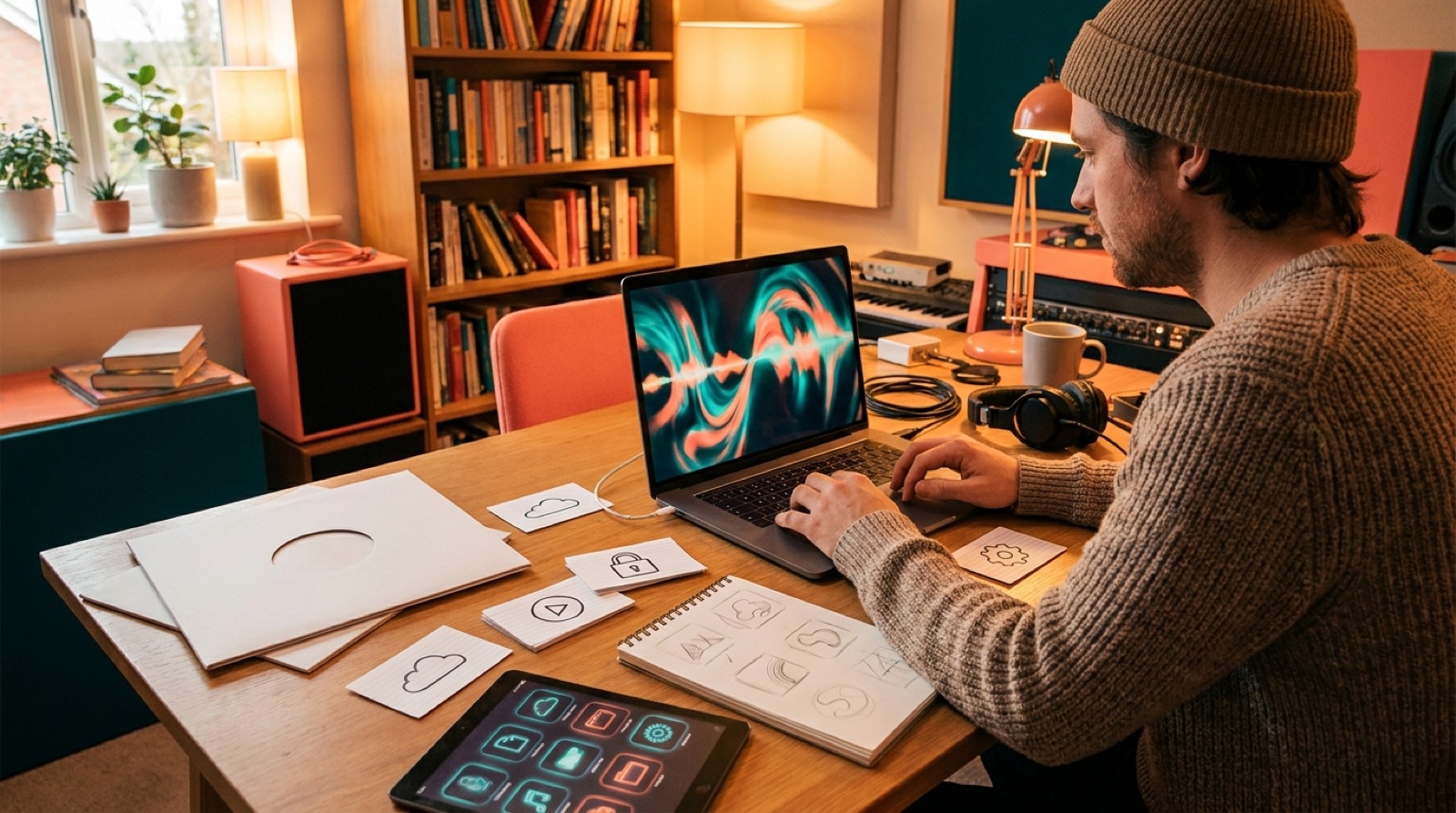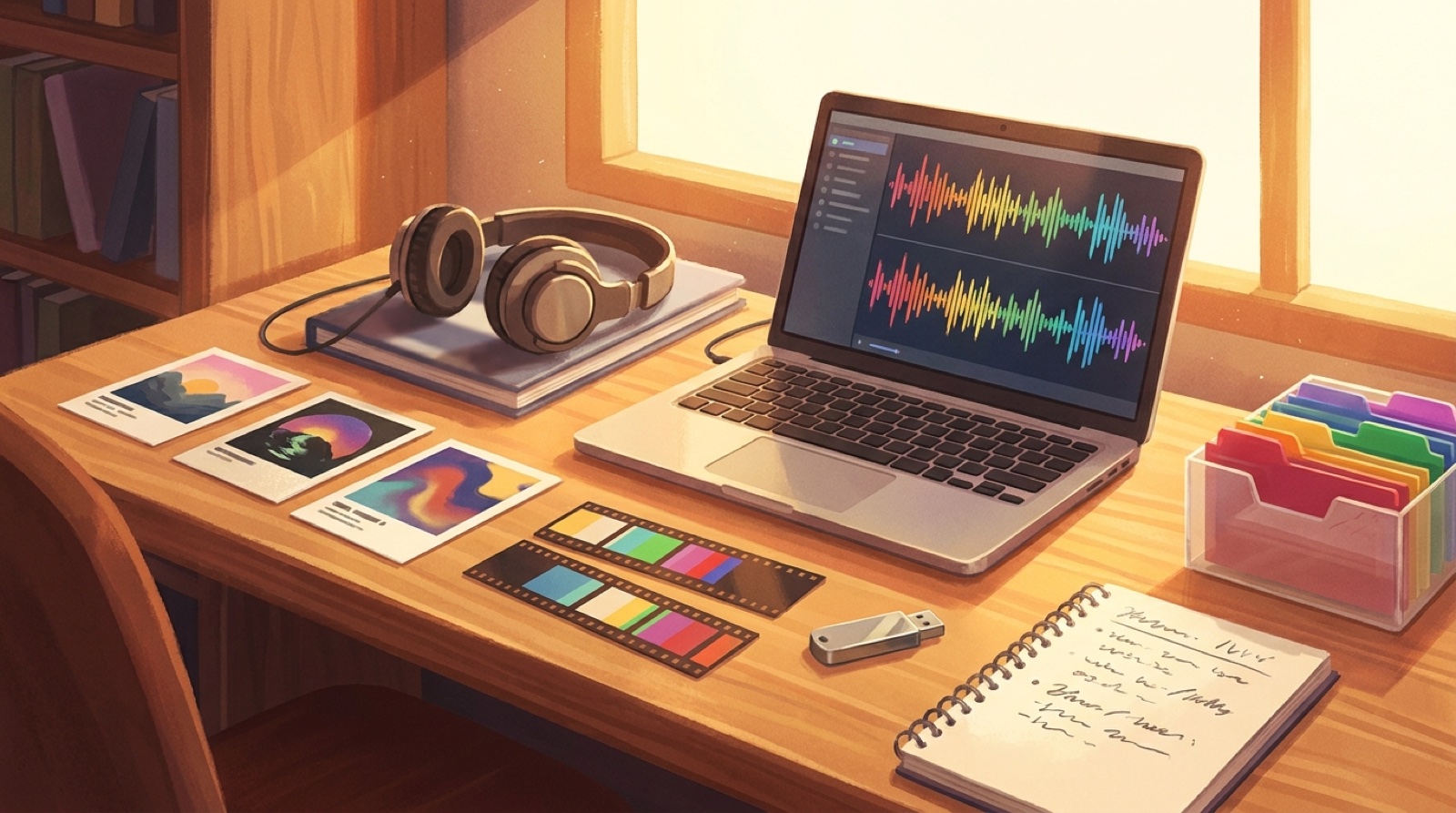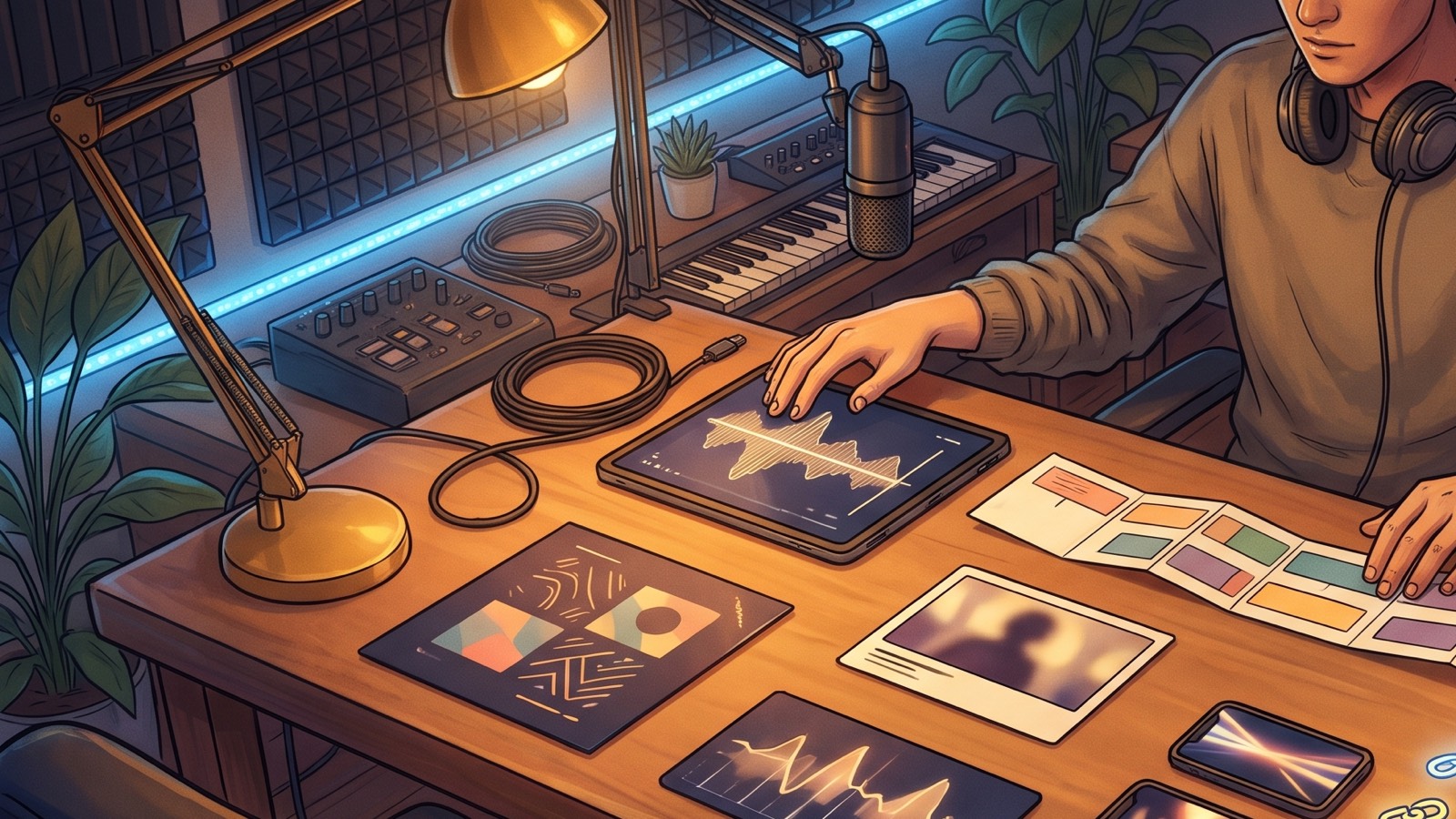
An AI music launch pack is the smallest set of files that makes a finished song feel ready for public release. Keep it smaller than a campaign plan: audio, video, thumbnail, short clips, credits, links, and saved source files before the upload button starts feeling dangerous.
This matters most when the song is already done. That is when creators tend to rush the boring parts. The track sounds finished, the cover is close enough, and the video can wait until later. Then release day arrives with a weak thumbnail, no short clips, no clear credits note, and files scattered across downloads, chats, and prompt history.
Build the minimum viable pack before you publish.
Start with the final song file
Your launch pack starts with the version of the song you actually plan to release.
Save the final WAV or MP3 in a release folder. Add the song title, artist name, date, and version in the file name if you can do that without making it ugly. Keep the rough exports somewhere else. Release day gets messy fast when "final", "final2", and "real-final" all live in the same folder.
Also save the lyrics if the song has them. They help with captions, descriptions, visual timing, and short-form clips.
Add one finished full video
The full video is the center of the pack because it turns the song into something people can watch.
For most independent AI music creators, the full video can stay straightforward. Give it a clear visual anchor, a first frame that matches the song, and enough scene movement to keep the release from feeling like a static upload.
If you already have cover art, use it as the starting point. If the song has a character, a room, a stage, a city, or a symbol, keep that visible across the video. SceneLore's guide on why AI music videos need a visual anchor can help if the video keeps drifting.
Export one clean horizontal version for YouTube or your main release page. Check that the audio is the right master, the ending does not cut off, and the first frame does not look like a random paused render.
Make the thumbnail before you need it
A thumbnail belongs in the release package from the start.
Make one YouTube-ready thumbnail from the same visual world as the video. Keep the subject readable at small size. If you use text, keep it short and large. If you do not use text, make the image promise the mood of the song clearly enough that a viewer can understand the genre before clicking.
Compare the thumbnail with the title. A cinematic title with a flat, generic thumbnail feels weak. A strong song with a confusing thumbnail often gets ignored.
Cut two or three short clips
Two or three useful short-form assets are enough to launch one song.
Pick one chorus clip, one opening hook, and one alternate moment if the song has a visual turn worth showing. Export vertical versions for Shorts, Reels, or TikTok if those channels matter to you.
SceneLore's guide on how to turn a full AI music video into Shorts goes deeper on this. For the minimum pack, keep it practical. One strong chorus clip beats a folder full of half-finished experiments.
Write the description, credits, and disclosure note
The text files in your launch pack are easy to skip because they feel less creative than the video. They are also the files that save you time when platforms ask questions.
Write a short video description with the song title, artist name, mood, credits, and the main link you want people to use. Add a plain credits note that says what you made, what tools helped, and who contributed.
If your workflow used altered or synthetic content in a way a platform asks you to disclose, write that note before upload day. YouTube has explained its approach to AI-generated content disclosure, and creators should follow the platform rules where they publish.
A clear reusable note is better than a legal essay, and it gives you something calm to adjust when each platform asks for slightly different wording.
Save the links you will need after upload
Add a simple links file with the streaming link, YouTube link, release page, artist profile, mailing list, or any other destination you plan to use. Some links may not exist before publishing, so leave a clear placeholder and fill it in after upload.
Archive the pack before the next song starts
The last piece is the archive folder.
Keep the final audio, cover image, full video, thumbnail, short clips, description, credits note, disclosure note, source prompts, useful screenshots, and final links together. SceneLore's AI music asset archive guide has a bigger version of this system if you release often.
The archive protects the release. If a platform asks about credits, if a thumbnail needs to change, or if you want to turn the song into a later campaign, the proof and assets are still there.
The minimum pack
For one serious AI music video release, the minimum viable pack is:
- final WAV or MP3
- cover image
- full horizontal music video
- YouTube thumbnail
- two or three short clips
- description file
- credits and disclosure note
- streaming and promo links
- archive folder with source files
That is enough to make the release feel planned without turning one song into a month of production.
SceneLore is built for this exact handoff. Bring in a finished song and a visual anchor, then turn them into a full music video, thumbnail, clips, and release assets that feel like one package.
FAQ
What is an AI music launch pack?
An AI music launch pack is a folder of final release assets for one song, including audio, cover art, full video, thumbnail, short clips, credits, links, and source files.
How many short clips does one AI song need?
Start with two or three. A chorus clip, an opening hook, and one alternate visual moment are usually enough for a focused launch.
Should the thumbnail be made before or after the video?
Make the thumbnail while the video is being finalized. It should share the same visual world as the first frame and full video, not feel like a separate design task.
Build one package around the song
Bring a finished song and visual anchor into SceneLore, then turn them into a full music video, thumbnail, clips, and release assets that feel connected.
Create Your First Video