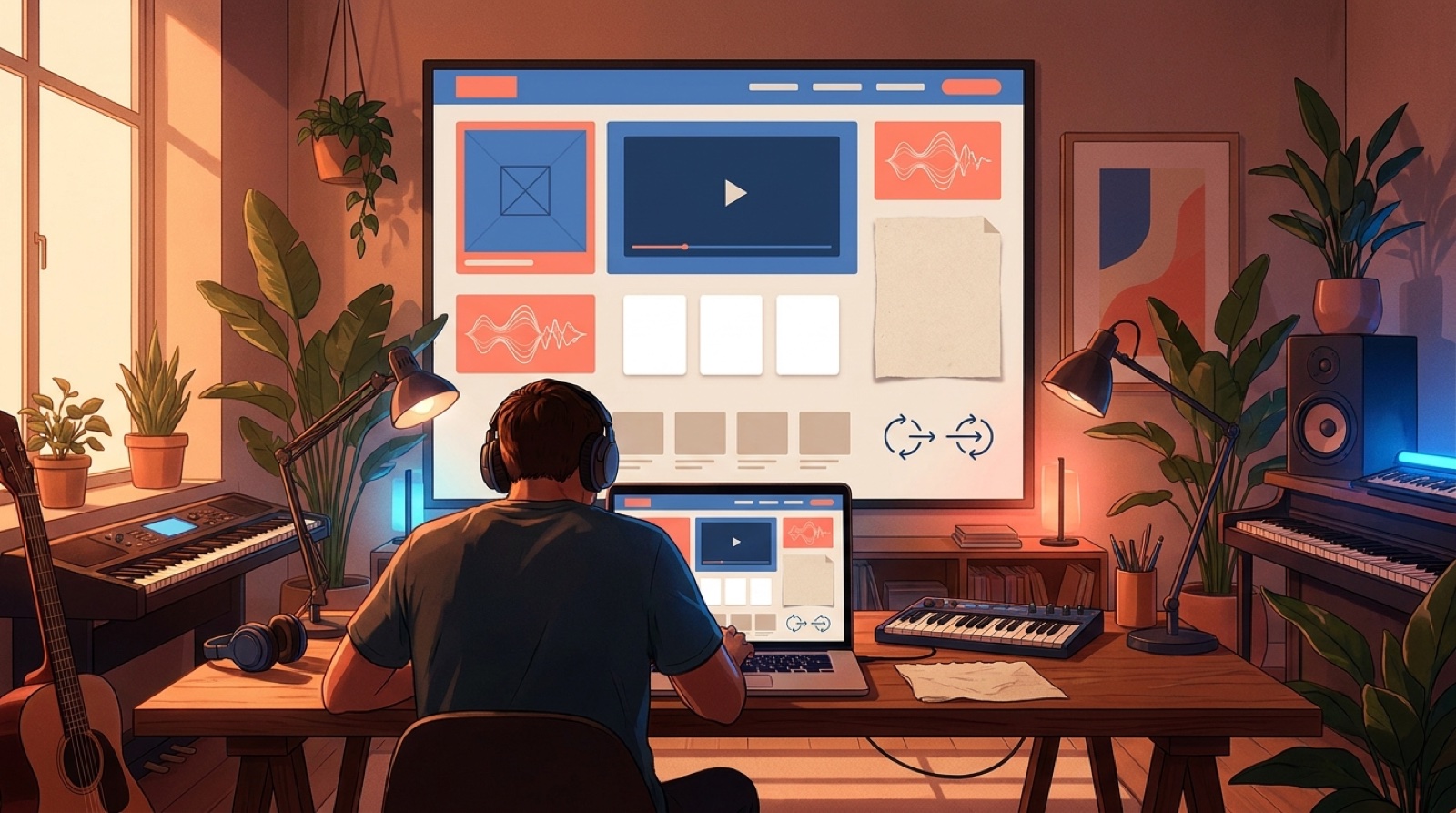
An AI music release page is the hub for one finished song. It gives listeners the video, cover art, lyrics, credits, short clips, and listening links in one place, so the track feels like a release instead of another stray streaming link.
This matters more for AI-assisted music because the audience often sees the package before they trust the song. A bare link says, "go somewhere else and figure it out." A clean page says, "this is the world of the track, and here is the best way to enter it."
Coverage of creative AI video platforms for DIY music promotion keeps pointing to the same broader shift: independent artists are expected to package the release around the audio. The page is where that package becomes easy to understand.
Put the video above the fold
The video should be the strongest asset on the page. It gives a visitor something to watch before they decide whether to save, stream, share, or follow.
Place the full video near the top with the song title, artist name, cover image, and one main action. Before launch day, use a trailer, then swap it for the final video after release.
Make the cover, title, and first frame agree
A release page falls apart when every asset looks like it came from a different project. The cover is dark and cinematic. The video is glossy sci-fi. The short clip uses bright meme captions. The title feels serious, but the thumbnail feels random.
Before building the page, choose one visual promise. Maybe it is lonely neon, soft folk realism, dusty VHS horror, or clean pop futurism. Then make the cover, first frame, and page colors support that promise.
This is where a tool like SceneLore fits the release work. Start from the song, cover image, or visual anchor, then build the full video around the same world instead of trying to rescue the page with scattered assets later.
Give listeners more than platform buttons
Streaming links are useful, but they are not the whole page. Add the pieces that make the song easier to care about:
- the full music video
- cover art and one strong thumbnail
- listening links for the main platforms
- a short artist note or story note
- lyrics, if words drive the song
- credits for vocals, writing, production, and visuals
- AI disclosure copy when the workflow needs it
- short clips built from the hook
The best version feels like a clean release folder turned into a public page.
Use disclosure without shrinking the song
If AI tools are part of the music or visuals, say it plainly. A release page is a better place for that note than a comment reply buried under a platform upload.
Keep the language calm and specific. "Written and directed by [artist name]. Built with AI-assisted music and video tools, then shaped around the final song, cover art, and release concept." Adjust the wording to match the real process.
Clear credits remove the blank space where authorship should be and make the whole release feel steadier.
Turn short clips into entry points
Short-form clips should feel like doors back to the release page.
Pick two or three moments: the chorus image, the strongest lyric, the most surprising visual change. Give each clip a clear link back to the page, then let visitors choose the full video or their favorite listening platform from there.
This keeps the release from splitting into separate pieces. The clips, video, cover, and page all point toward one song.
Use one clear call to action
Most release pages try to do too much. Follow, stream, subscribe, buy, watch, join the list, pre-save, share, comment. The visitor has to decide what matters.
Choose the main action for the release stage. Before launch, it might be pre-save or join the list. On launch day, it might be watch the video. After launch, it might be stream the track or follow the artist.
You can still include secondary links lower on the page. Just keep the top action obvious.
A simple AI music release page layout
Use this order if you want the page to stay clean:
- Song title, artist name, and one sentence about the mood.
- Full video or trailer.
- Main action button.
- Cover art, listening links, and short artist note.
- Lyrics or story context.
- Credits and disclosure note.
- Short clips and related visuals.
- Email signup or follow links.
If the page can pass that scan, it is already doing more than a link-in-bio stack. It is giving the song a home.
A strong AI music release page will not fix a weak song. It will make a finished song easier to understand, easier to share, and easier to trust. That is the work most artists skip after the audio export, and it is exactly where a release starts to feel real.
FAQ
What should an AI music release page include?
An AI music release page should include the full video, cover art, listening links, lyrics or a short story note, credits, disclosure copy when needed, short clips, a main call to action, and backup contact or email links.
Why put the music video on the release page?
The music video gives visitors something to watch before they choose a streaming platform. It also makes the song's mood, story, and visual world clear in one place.
Can a simple release page help AI music feel more credible?
Yes. A clear page with video, credits, context, and matching visuals makes the release feel planned instead of scattered across unrelated links.
Related guides
Build the video before the release page feels empty
Use SceneLore to turn a finished song, cover image, or visual anchor into a full music video that gives the whole release something to revolve around.
Create Your First Video