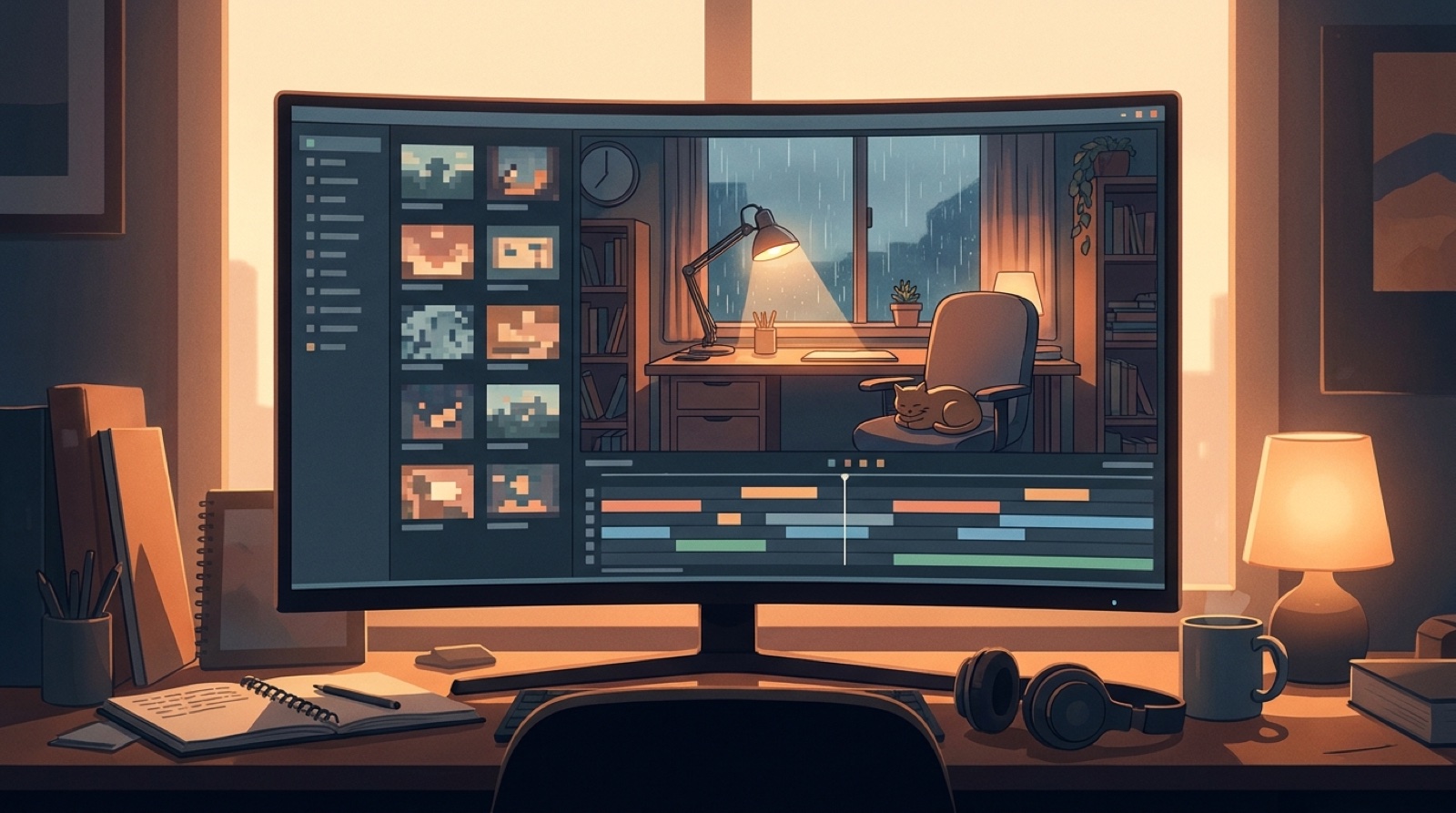
Lofi AI music channel visuals have a strange job. They should be quiet enough to sit behind study, sleep, coding, or late-night listening. They also need enough identity that a viewer can recognize the channel before reading the title.
If every upload gets a new random room, color palette, character, and thumbnail style, the channel starts to feel like a playlist made from unrelated prompts. More songs do not fix that. A stronger visual system does.
The goal is simple: make one calm world viewers want to return to.
Choose the room before you choose the effect
Most lofi visuals start with a place. A desk by a rainy window. A train seat at night. A small apartment with a lamp that never feels too bright. The place matters because it becomes the memory hook for the channel.
Pick one main location style and write down the repeatable parts: the camera angle, time of day, color mood, weather, main object, and one small motion detail. Those rules can be plain. They only need to be clear enough that the next upload still belongs to the same world.
For a lofi study channel, the anchor might be warm desk light against a blue window. For ambient sleep music, it might be a distant skyline with slow cloud movement. For darker instrumental beats, it might be a tiny room surrounded by a much bigger city.
Build loops that can survive a full track
A loop is not weak because it repeats. It is weak when nothing in it feels chosen.
Use one or two motion rules instead of constant visual changes. Rain on glass, a lamp flicker, tape movement, passing train lights, or a slow camera drift can carry the mood without fighting the music. The loop should make the song feel settled, not sleepy in the wrong way.
Spotify's Canvas guide is a useful reminder that short looping visuals can become part of how a track is recognized outside a full video. Even if your main home is YouTube, the same idea applies: a small visual motion can become part of the song's identity.
Make thumbnail rules before the grid gets noisy
Lofi thumbnails often fail by becoming too polite. Every image is pretty, but none of them says which channel made it.
Decide the thumbnail grammar before the channel fills up. Keep a recurring framing choice, a narrow color range, a title placement rule, and one genre cue that viewers can spot at small size. A channel grid should look calm, but it should not look anonymous.
The AI music channel thumbnail rules guide goes deeper on faces, colors, text size, and first-frame choices. For lofi, the same rules need more restraint. You are selling mood and trust, not shock.
Use playlists as visual lanes
A lofi channel can hold more than one mood, but each mood needs its own lane.
Study beats, rainy night loops, ambient sleep tracks, coffeehouse instrumentals, and darker cinematic mixes should not all use the exact same cover language. Give each lane a small variation: one color shift, one location type, or one thumbnail border rule.
This helps viewers choose faster. It also gives the creator room to publish often without making the whole channel feel random.
Know when a full video beats a static loop
Some lofi tracks only need a strong loop. Others deserve a fuller visual path.
Use a full video when the song has a clear arc: a vocal sample, a beat switch, a bridge, a seasonal release, or a channel milestone. The video does not need a complex plot. It can move from evening to rain, from desk to window, from empty room to morning light.
That small change gives the upload a reason to keep playing. It also creates better source material for clips, thumbnails, and future playlist art.
Keep the visual system easy to reuse
A good system should make the next upload easier, not heavier.
Save the prompt notes, source image, final video, thumbnail, and description in the same release folder. Name the location, color mood, and motion rule in plain language. When the next song is ready, you should be able to reuse the system without opening a blank document.
The AI music channel calendar guide is useful here. Add the visual anchor, thumbnail, loop, description, and archive step to the same schedule so the channel keeps its shape as the songs keep coming.
A simple lofi visual system checklist
Before publishing the next track, check these pieces:
- One recurring location or visual world
- One main color mood for the channel lane
- One small motion rule that fits the music
- A thumbnail pattern that works at small size
- A playlist lane for the release mood
- A reason to use a full video if the song has an arc
- An archive folder with the final files and prompt notes
This is enough structure for most lofi AI music channels. The system should protect the feeling of the channel while leaving room for each song to have its own small detail.
Make the channel feel lived in
Lofi works because it feels familiar. A good channel does not need to scream for attention. It needs a room, light, rhythm, and texture that viewers trust enough to leave on.
SceneLore fits that job when you already have the track or the cover image. Build one coherent video world, then reuse it for the long upload, loop, thumbnail, playlist, and short clips. If you need the product basics first, the SceneLore FAQ answers the common setup and credit questions.
FAQ
What should lofi AI music channel visuals include?
Lofi AI music channel visuals should include a repeatable location, calm motion, a clear color mood, simple thumbnail rules, and enough variation to make each release feel deliberate.
Can a lofi channel use the same visual loop for every song?
It can reuse the same world, but each song still needs a small reason to feel distinct. Change the time of day, object, weather, camera distance, or motion detail while keeping the channel identity intact.
When does a lofi AI song need a full music video instead of a loop?
Use a full music video when the song has sections, a strong emotional turn, a vocal moment, or a release push that needs more than a static background.
Where does SceneLore fit for lofi AI music channels?
SceneLore can turn a finished song or cover image into a coherent visual world. That gives lofi creators source material for long videos, loops, thumbnails, playlists, and short clips.
Related guides
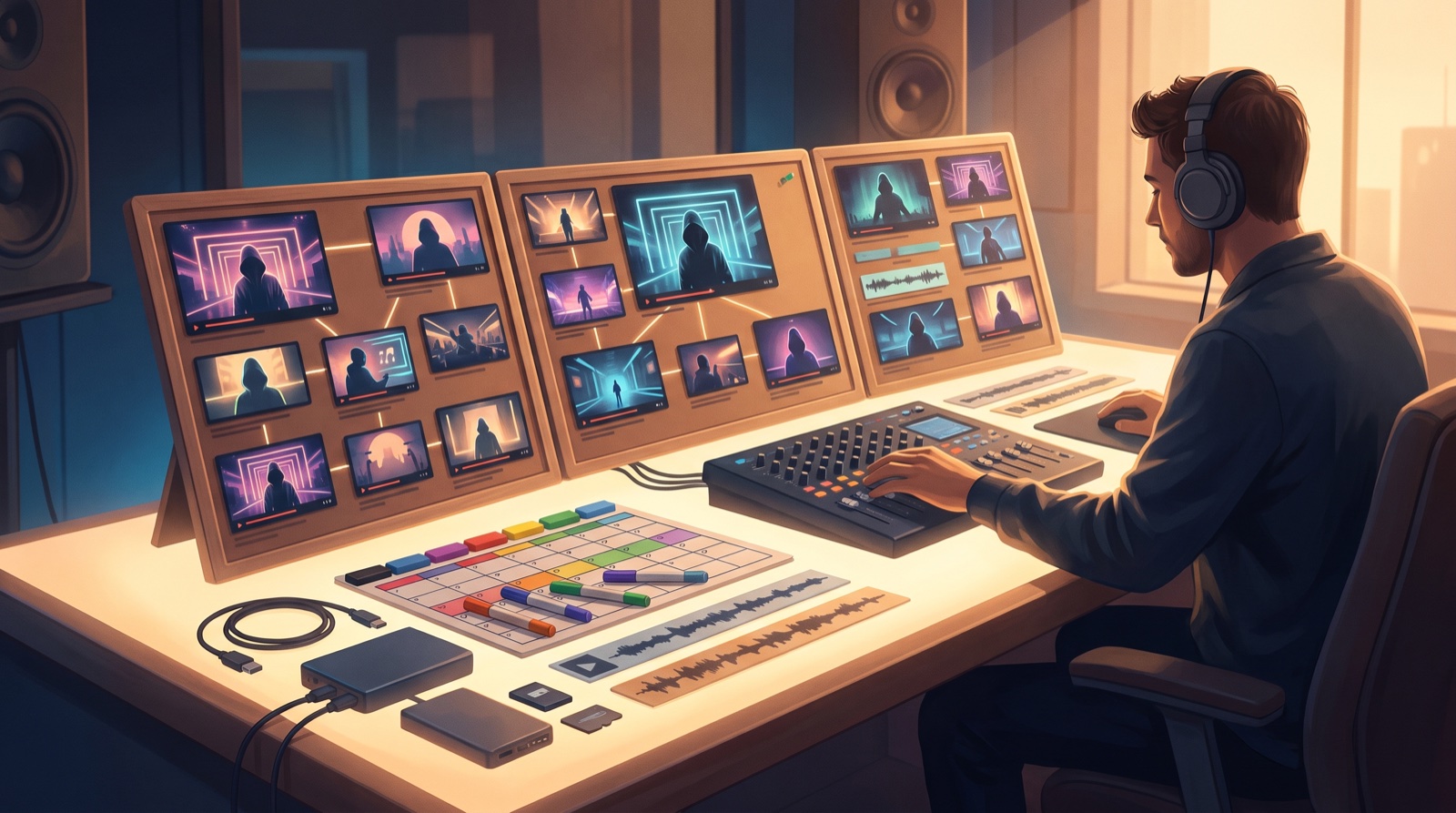
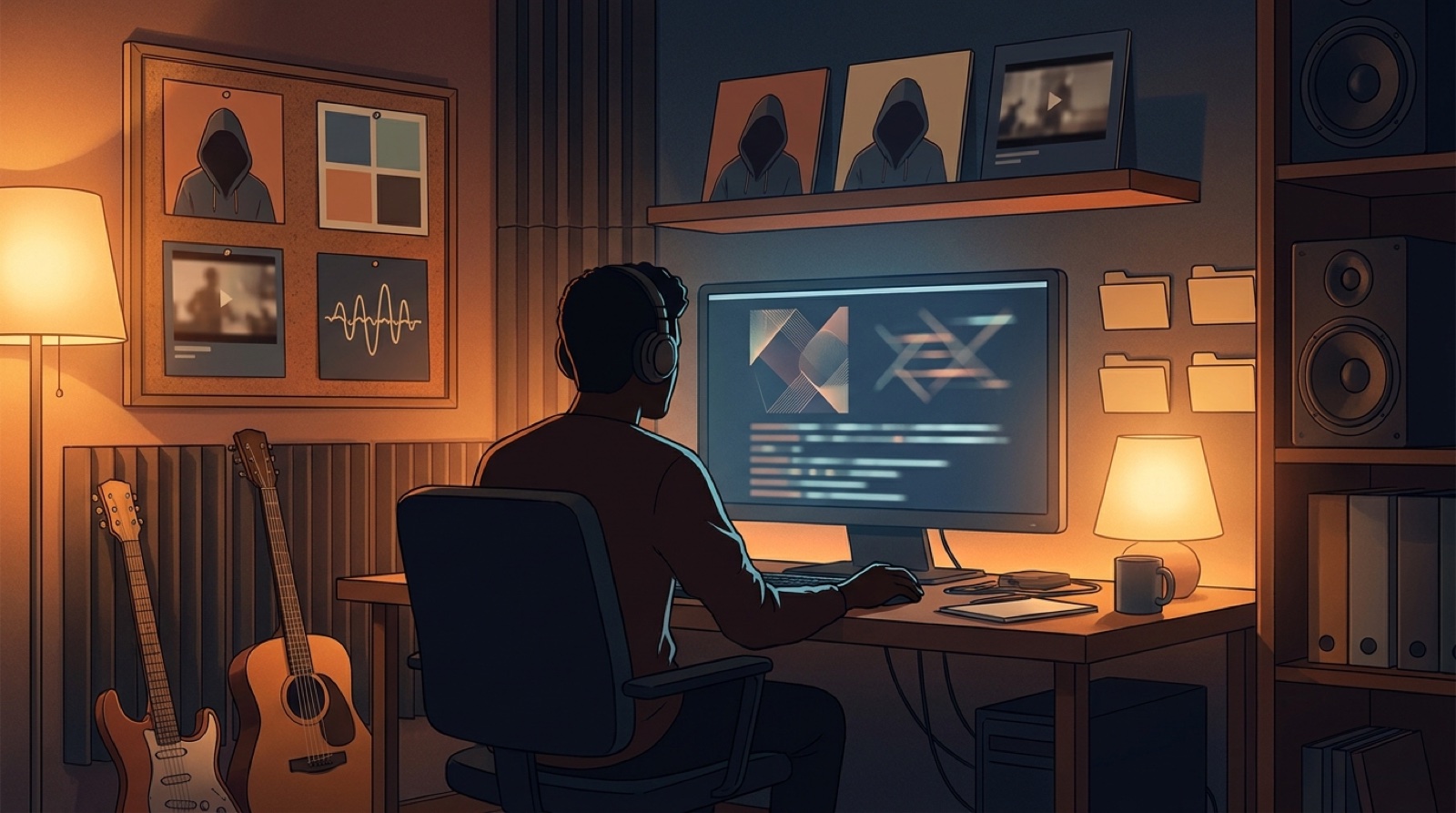

Turn one lofi world into a release system
Bring a finished song or cover image into SceneLore, then build a full music video that gives your loop, thumbnail, playlist, and clips one clear visual direction.
Create Your First Video