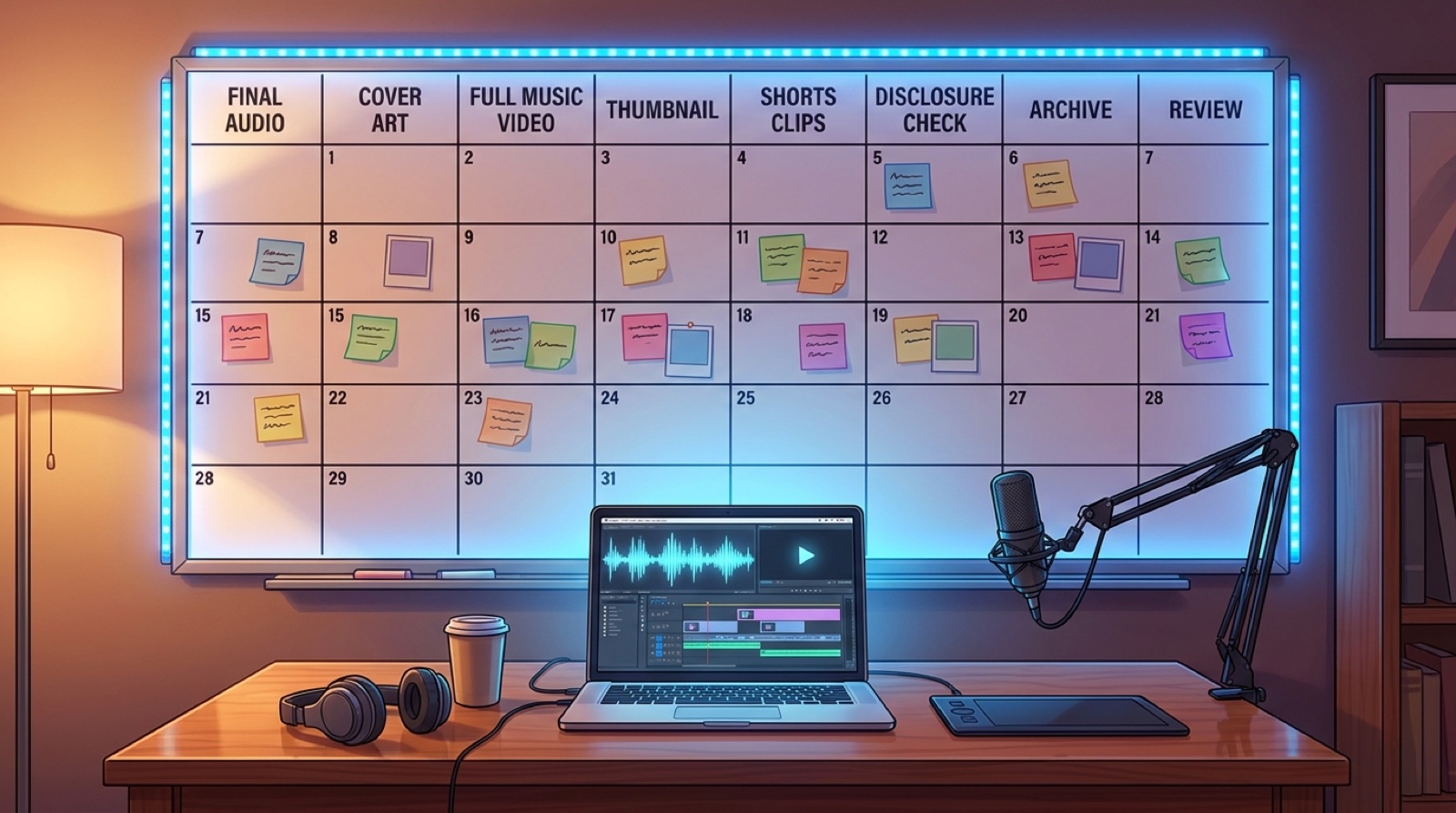
An AI music channel calendar should do more than mark song drops. If the calendar only says upload on Friday, every other decision gets pushed into the same stressful hour: the thumbnail, the first frame, the description, the short clips, the disclosure note, and the archive folder.
That is how prolific channels start to look random. The creator keeps making songs, but the release system never catches up.
A better calendar treats each song like a small launch. The audio matters, but the channel grows from the package around it: a full video, a recognizable thumbnail, a few short clips, clear credits, and a review step that teaches the next release what to fix.
Start with the upload date, then work backward
Pick the public upload date first. Then add the jobs that must happen before it.
For most AI music channels, the calendar needs at least these milestones:
- final audio chosen
- cover image or visual anchor approved
- full music video generated or edited
- thumbnail selected from the same visual world
- description, credits, and AI-use note drafted
- short clips pulled from the strongest moments
- final files saved in the release archive
- performance review scheduled after publishing
This looks like extra planning until the second or third release. Then it becomes the reason the channel feels steady instead of improvised.
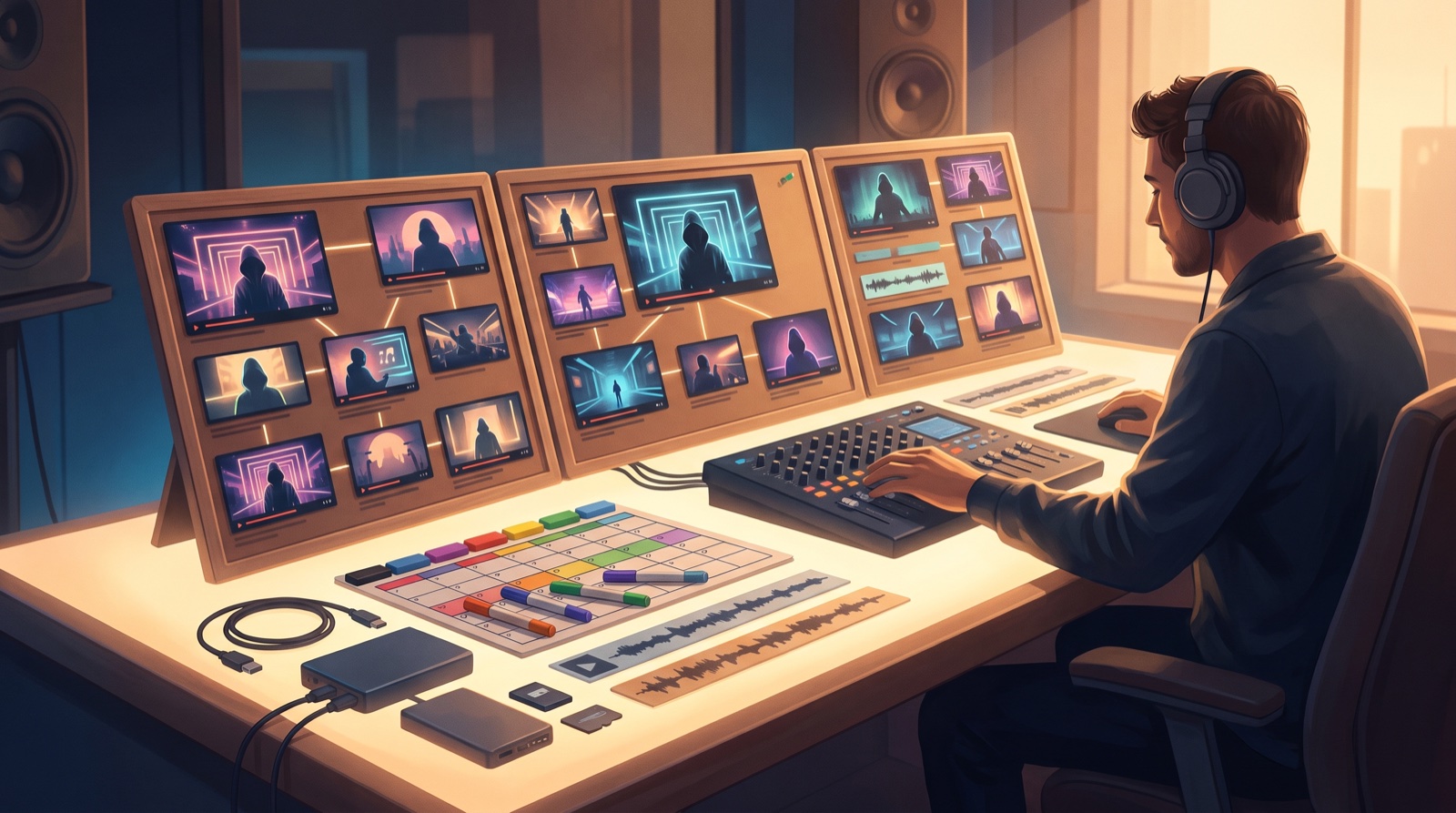
Give each song one visual anchor
The calendar should force one early choice: what image, character, setting, color, or object will carry this song?
That anchor is not only for the video. It should shape the first frame, thumbnail, short clips, and release page. If the song opens on a neon train platform, the thumbnail should not suddenly look like a beach poster. If the song is built around one fictional singer, do not swap faces every chorus.
This is where a calendar protects the channel identity. You are not trying to make every release identical. You are giving each release a clear source so viewers can remember it.
If your channel already has recurring characters, colors, or thumbnail rules, connect the calendar to your AI music channel series plan before you start generating visuals.
Separate full video work from clip work
A full music video and a short clip are related, but they do not do the same job.
The full video should make the song feel complete. It needs enough continuity for a viewer to stay with the track. The short clips need a faster promise: a strong first image, a lyric moment, a chorus lift, or a clear mood shift.
Add both to the calendar as separate tasks. First finish the full-song direction. Then pull short clips from the sections that already have the best visual payoff.
This keeps the channel from becoming a pile of one-off vertical clips that do not support the main release.
Schedule the description and disclosure before upload day
The description is part of the release package, not a box to fill at the end.
Use the calendar to draft the description one or two days before publishing. Include the song title, artist name, links, credits, and any AI-assisted music or visual note that fits the release. YouTube asks creators to disclose altered or synthetic content in specific cases, and its help page explains the creator-side process for altered or synthetic content.
You do not need to write a nervous essay under every video. You need a plain note that matches what the viewer is seeing and what your release records say.
Use a weekly channel view
Daily tasks are useful, but channel operators also need a weekly view.
For one song per week, a simple calendar can look like this:
- Monday: choose the final audio and visual anchor.
- Tuesday: build or generate the full video direction.
- Wednesday: pick the thumbnail and first short clip.
- Thursday: write the description, credits, links, and disclosure note.
- Friday: upload the video, save the final files, and publish.
- Saturday or Sunday: review retention, comments, and click-through signals.
For two or more songs per week, do not make the system bigger. Make it more visible. Use one row per release, one due date per asset, and one owner for the final check.
Keep a release archive in the same calendar
The release is not finished when the video goes live.
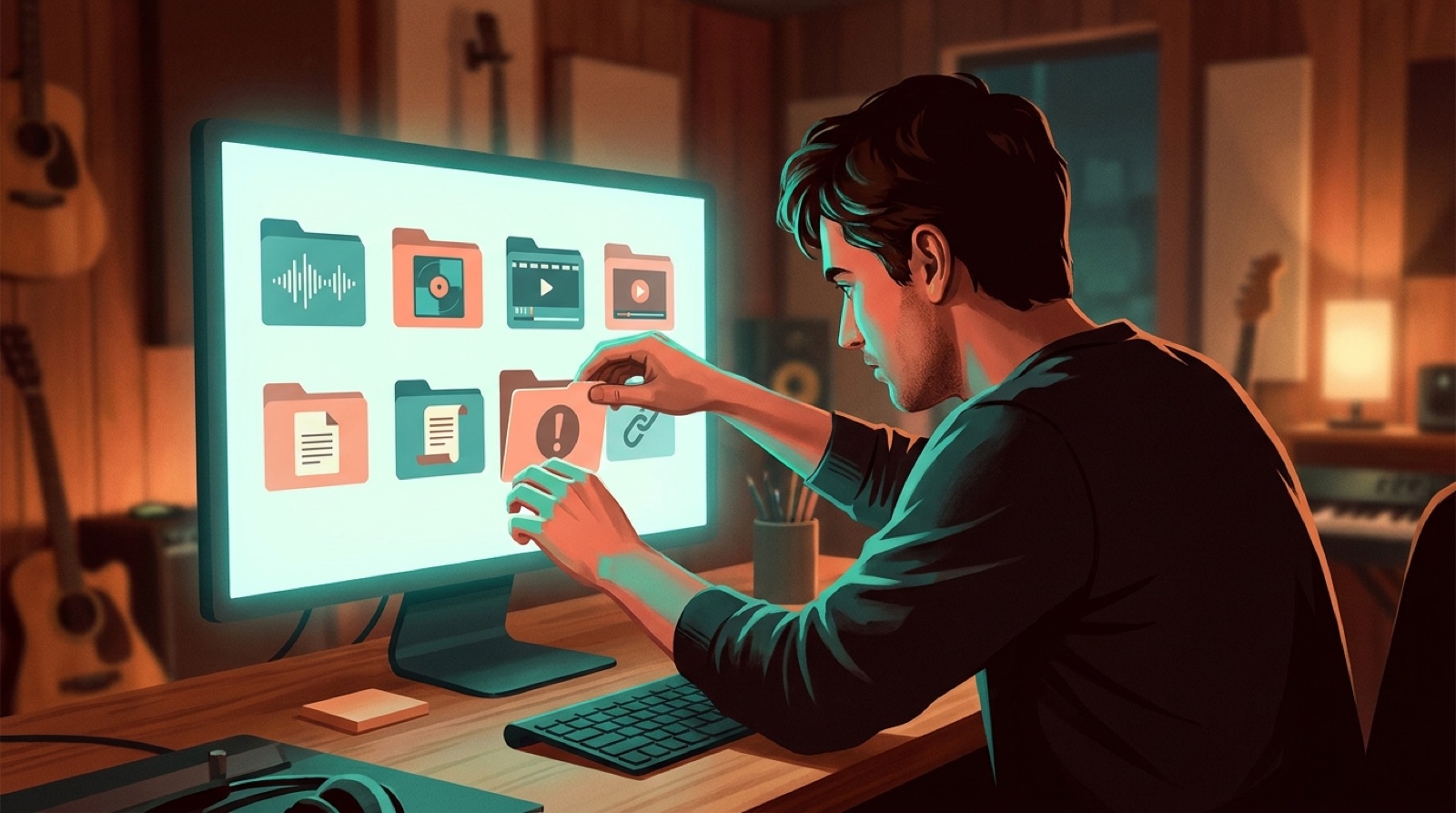
Save the final audio, video export, thumbnail, short clips, description, public link, credits, and important source files. Add that archive task to the same calendar so it does not depend on memory.
This helps when a distributor asks a question, a collaborator wants the final link, or a future post needs the same visual world. The AI music release documentation guide gives a fuller version of this folder system.
Review the release before planning the next one
A channel calendar should make the next release smarter.
Schedule a small review after the upload. Look at which thumbnail got the click, where viewers left, which short clip felt strongest, and which comment repeated a useful objection. Do not turn this into a giant report. Write the one change the next release should make.
Maybe the next video needs a clearer first frame. Maybe the thumbnail text was too small. Maybe the chorus clip worked better than the verse clip. Put that note directly into the next release row.
A simple AI music channel calendar template
Use one row per song and keep the columns practical:
- song title
- release date
- audio status
- visual anchor
- full video status
- thumbnail status
- clip status
- description and credits status
- disclosure or platform check
- archive complete
- review note
Keep the language boring inside the calendar. Done, blocked, ready, needs review. The creative work belongs in the song and the video. The calendar should make the release easier to finish.
If you already have the song or the anchor image, create your first video in SceneLore. Turn the source into a connected full-length video, then use that video as the center of the channel calendar.
FAQ
What should an AI music channel calendar include?
An AI music channel calendar should include the song deadline, final audio, cover art, full video, thumbnail, short clips, upload description, disclosure check, archive step, and review date.
How far ahead should AI music creators plan videos?
Plan at least one release ahead when possible. Weekly creators should keep a simple two-week view so the next song, video, thumbnail, and clips are not all due on upload day.
Does every AI song need a full music video?
No. Some songs only need a short clip or loop. The calendar should force that choice early so the creator does not waste time building the wrong asset.
Where does SceneLore fit in an AI music channel calendar?
SceneLore fits after the song or visual anchor is ready. It helps turn that source into a connected music video package that can support the upload, thumbnail, clips, and release page.
Related guides
Turn the calendar into a release package
Bring a finished song or visual anchor into SceneLore, then build a full music video that gives the upload, thumbnail, clips, and release page one clear direction.
Create Your First Video