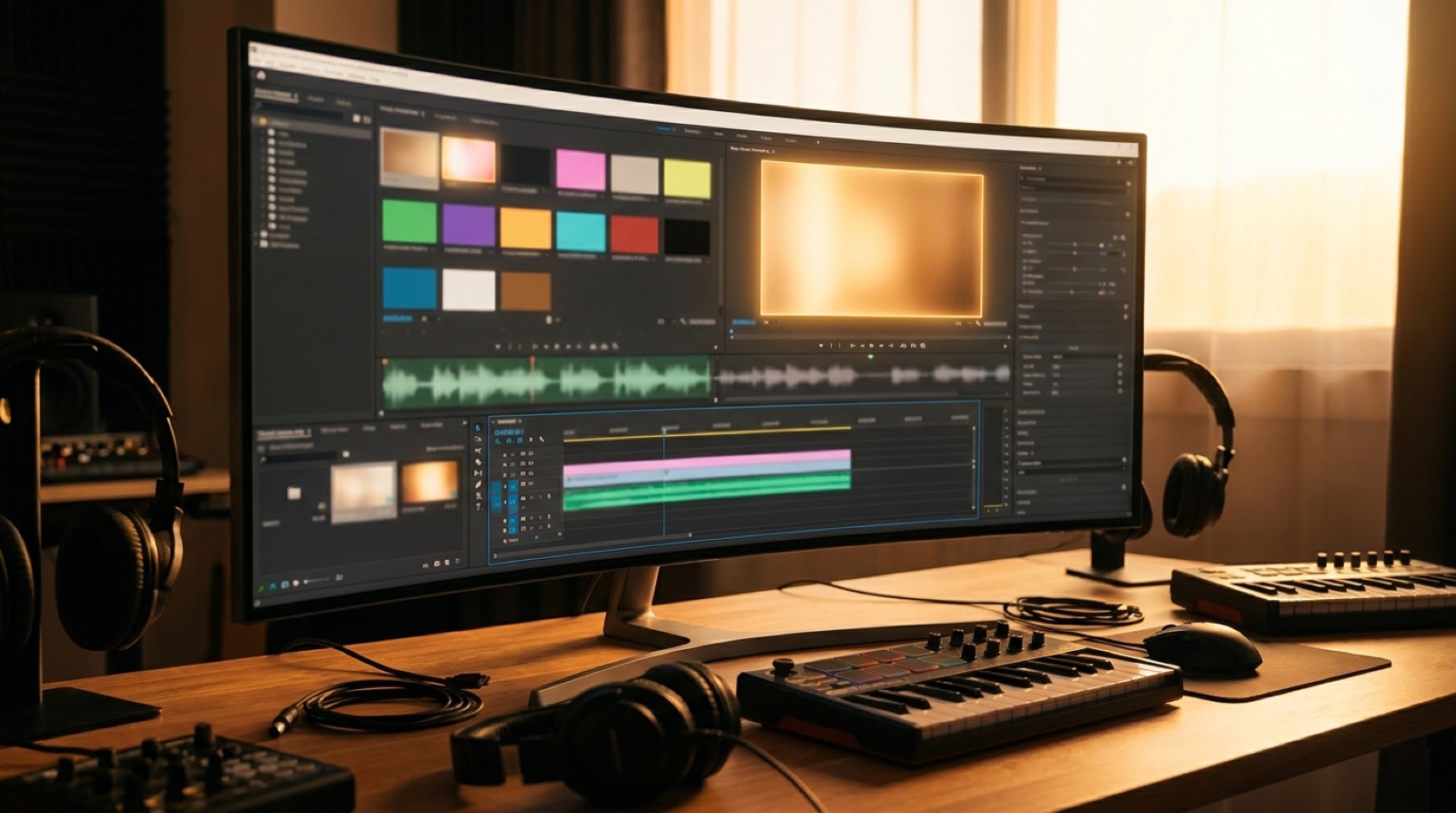
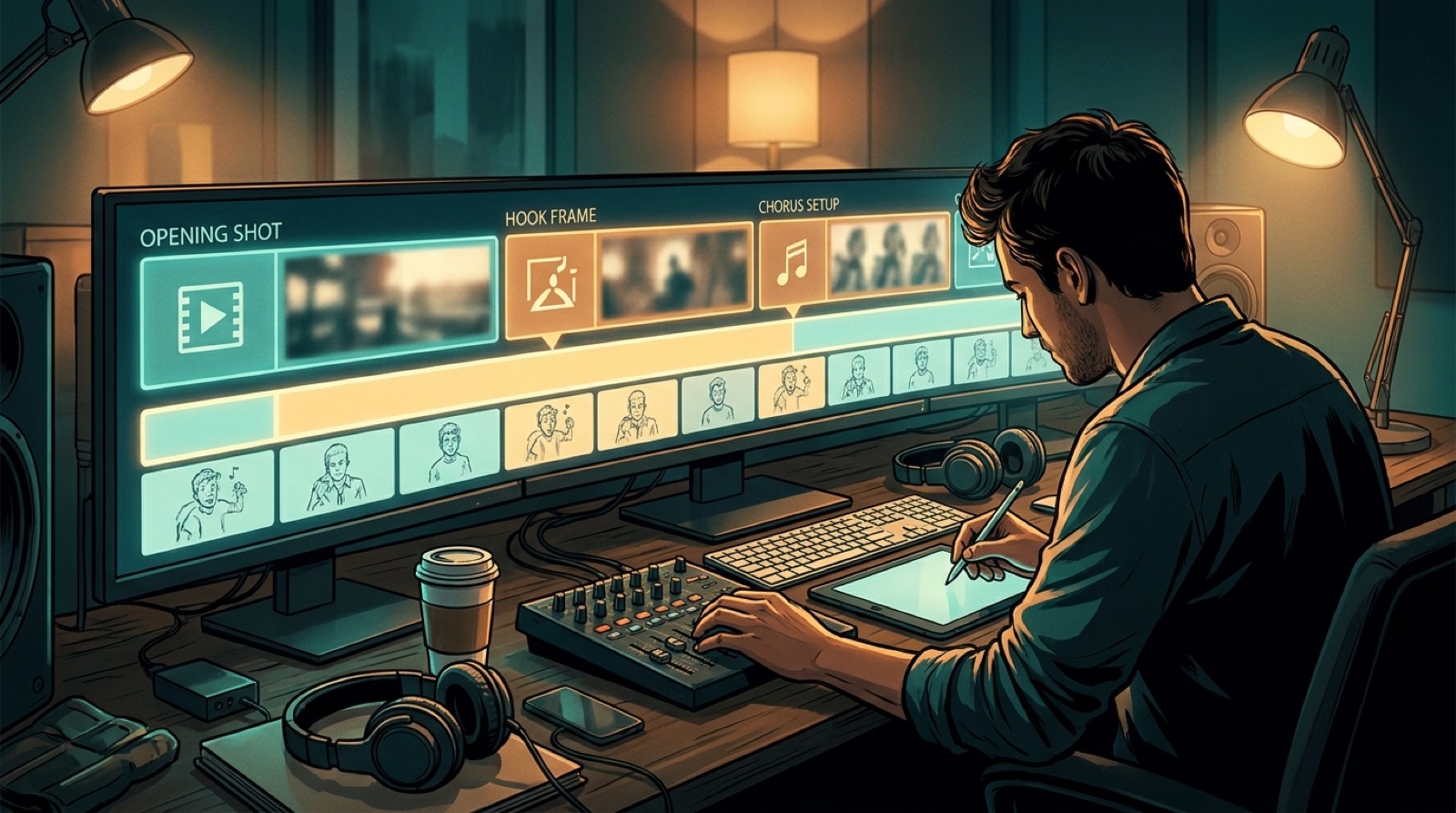
A music video first frame test is a small pause before a big render. Put the thumbnail, title, first frame, first lyric or hook, and first scene next to each other. If they do not promise the same feeling, the full AI music video is not ready yet.
This matters because viewers judge the video before the song has time to unfold. YouTube's own guidance on audience retention focuses on where viewers keep watching or leave. For music creators, the first frame is one of the cheapest places to improve that first decision.
The test is simple: if the first image feels generic, fix the visual anchor before you spend credits, export time, or creative energy on a full render.
Line up the promise before the render
Start with the public promise. What does the thumbnail say the viewer is about to feel? Dark club drama, lonely bedroom pop, neon road trip, dusty country memory, glossy pop performance, or something else?
Now compare that promise with the title, the opening lyric, and the first frame. They do not need to repeat each other. They do need to feel like they belong to the same release.
If the thumbnail looks cinematic but the first frame opens on a flat, unrelated image, the viewer feels the mismatch instantly. If the title promises heartbreak and the first scene looks like a random visualizer, the song has to work harder than it should.
Use one visual anchor
A strong first frame usually has one clear anchor: a face, a room, a road, a stage light, a car, a window, an object from the cover art, or a silhouette that belongs to the artist world.
The anchor gives the viewer something to remember. It also gives the rest of the video a direction. Without it, the opening can look technically polished and still feel disposable.
Before rendering, describe the first frame in one sentence. If that sentence could describe any AI music video, make it more specific. Add the setting, mood, color, and point of view.
Check the crop where people will see it
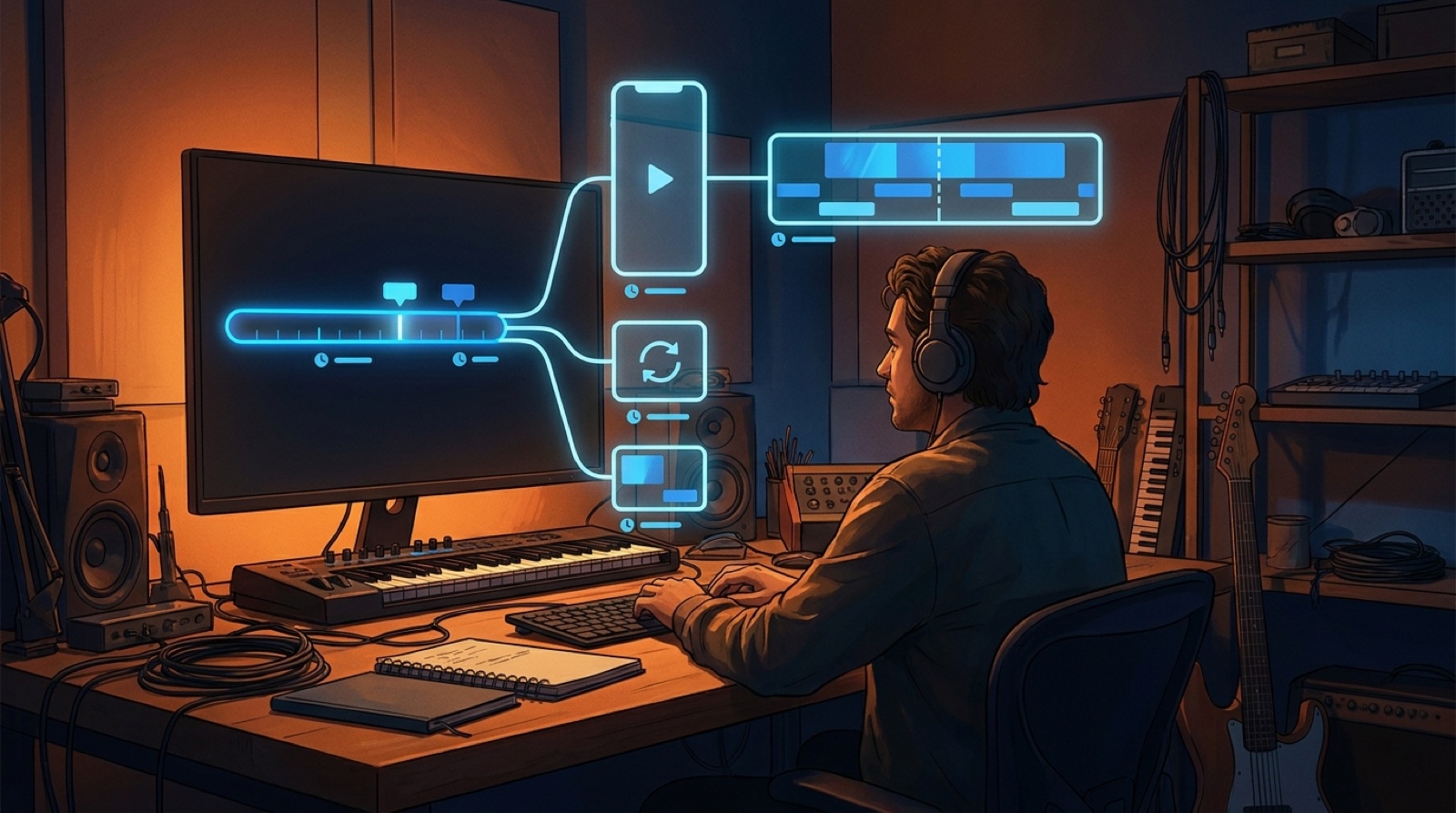
The first frame has to survive the places where the song will be discovered. A wide YouTube frame, a vertical short, and a small release-page card all punish different mistakes.
Look for faces cut too close to the edge, important objects outside the phone crop, captions covering the subject, and dark details that disappear on small screens. A first frame can be beautiful at full size and unclear in the feed.
This is also where the thumbnail should talk to the video. The thumbnail can be more dramatic, but it should not feel like a different release.
Match the first lyric or hook
The first lyric or hook gives the image its emotional job. If the lyric is intimate, the first frame should not open like a festival trailer. If the hook is huge, the image should not feel like a placeholder.
Read the first line while looking at the first frame. The combination should make the song easier to enter. If it creates confusion, fix the scene, not the whole video.
Small changes often work: warmer color, a closer crop, a clearer object, a stronger silhouette, or an opening camera move that points at the right part of the world.
Run the five-point first frame test
- thumbnail: would this make the right listener curious?
- title: does it promise the same mood?
- first frame: is there one memorable visual anchor?
- first lyric or hook: does the image support the emotional entry?
- first scene: does the motion build from the same idea?
If one part fails, adjust it before the full render. If three parts fail, the concept probably needs a clearer visual direction.
SceneLore is useful here because you can start from a track, cover image, or visual anchor and keep the opening moment tied to the rest of the release. Create your first video in SceneLore when the first frame and song finally point at the same world.
FAQ
What is a music video first frame test?
It is a quick check that the thumbnail, title, first frame, first lyric, and opening scene all promise the same mood before you render the full video.
Why does the first frame matter for an AI music video?
The first frame tells viewers whether the video matches the song they clicked. A weak opening can make a polished render feel generic before the chorus arrives.
When should I fix the first frame?
Fix it before the final render. Change the visual anchor, crop, color, or opening scene while the work is still cheap to adjust.
Related guides
Make the opening frame earn the full render
Use SceneLore to turn a song, cover image, or visual anchor into a music video that opens with intent.
Create Your First Video