Udio vs Suno AI music video workflow: choose the song, then finish the release
A Udio vs Suno AI music video workflow should start with the track that feels most ready to release. The better question is not only which music tool made the song. It is how quickly that song can become a coherent video people will actually watch.
Creators compare Udio and Suno because both can produce strong moments fast. One track may have a better hook. Another may have a cleaner vocal. Another may simply feel more like the artist had in mind. That first listen matters.
But the release does not end when the audio file sounds good. If you want the track to live on YouTube, TikTok, Reels, or your own site, you need a visual layer that feels connected to the song. That is where the workflow starts to matter more than the music generator itself.
Pick the best finished song first
When you are deciding between Udio and Suno outputs, judge the track as a release asset. Does the intro invite people in? Does the chorus have enough lift? Does the vocal match the style you want to show visually? Does the ending give you somewhere to land?
The winner is not always the technically cleanest file. Sometimes it is the song with the strongest mood. A strange synth texture or a clear vocal phrase can make the video easier to direct.
Both Udio and Suno are built around fast music creation. The next step is slower if you treat visuals as a separate project. The next step is much easier if the video workflow follows the song you already chose.
Use the song structure as the video map
A finished AI song usually has a shape, even when it was generated quickly. There is an opening mood, a build, a main hook, a bridge, and a final release. The video should respect that shape.
If every visual clip is generated in isolation, the result can feel like a folder of nice shots. Colors change. Characters drift. The editor then has to repair problems that should have been handled before generation.
A better workflow starts with the track, then asks what the viewer should feel during each section. The verse may need space. The chorus may need motion. The bridge may need a visual turn. That simple structure makes the final video feel intentional.
Simple path: choose the strongest Udio or Suno track, add one visual anchor if you have it, then build a full video around the song structure.
Give the visuals one anchor
If you already have cover art, use it. If you have a fictional artist image, use that. If the song belongs to a clear world, write that world down in plain language before generating anything.
The anchor does not need to be complicated. It can be a neon city, a lonely desert stage, a small apartment at night, or a surreal concert in the clouds. What matters is that the video keeps returning to the same visual logic.
Where SceneLore fits
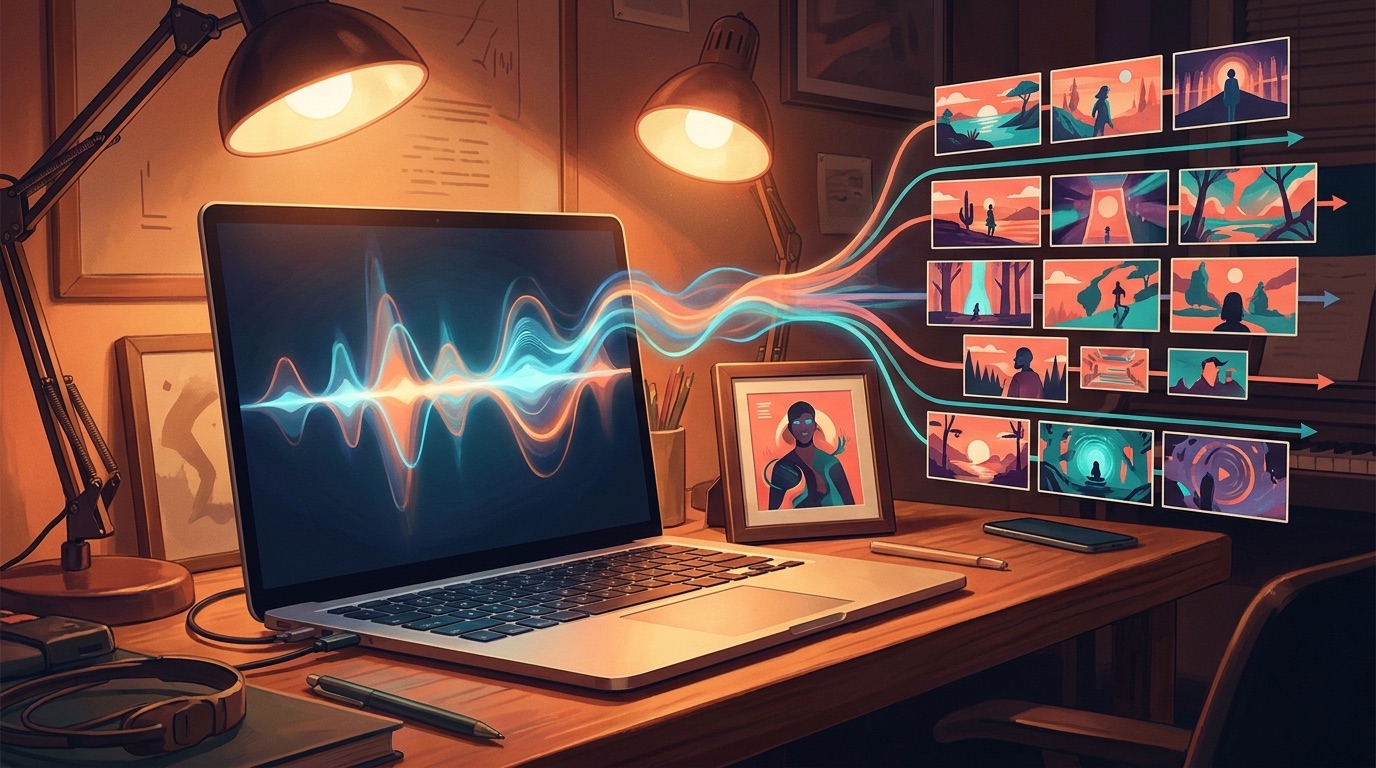
SceneLore is built for the step after the song exists. You bring a finished track or a single image, and SceneLore turns it into a full cinematic music video. The aim is to avoid the prompt marathon and keep the output tied to the release.
That makes it useful after either Udio or Suno. You do not need to rebuild your music process around another complicated tool. You need a clean handoff from finished audio to finished visual sequence.
For YouTube, this can mean a full-length visual that carries the track from start to finish. For social, it can give you stronger clips because they come from a coherent video.
A practical decision checklist
- Choose the Udio or Suno version that feels closest to a real release.
- Listen for the sections that need visual changes: intro, hook, bridge, and ending.
- Pick one image or visual world before you generate the video.
- Avoid changing the style every few seconds unless the song truly calls for it.
- Export the final video for the channel where the song will first be discovered.
When the comparison is no longer about the tool
At some point, the Udio vs Suno question becomes less useful. You have the song. You like it. The next bottleneck is whether you can ship the release with enough polish to hold attention.
That is the moment to stop testing more audio variations and start finishing the package. A good AI music video gives the track a visual memory.
If you want a broader path from track to video, read the guide to a finished song to AI music video workflow. If you are starting from an audio file, the music video generator from audio file guide goes deeper into that use case.
Turn your AI song into a release video
Upload your track or start from one image, and SceneLore will build a cinematic music video around it.
Create Your First Video