Suno creator workflow problems do not usually come from a lack of songs. They come from having too many half-finished ideas, too many possible uploads, and no clear way to decide which tracks deserve a full video.
If you make songs often, a video workflow has to protect your time. The goal is not to turn every export into a giant project. The goal is to sort songs quickly, choose the ones with release potential, and give those tracks a visual package that feels planned.
Start with a release filter
Before you open a video tool, make a small decision list. A song should earn a full video because it has a clear hook, a mood you can picture, or a release role that matters. Maybe it is the lead single for the week. Maybe it has the strongest chorus. Maybe it fits the character or world you are building.
Do not judge every track by whether it is technically good. Many Suno creators make plenty of usable songs. The better question is whether the song can carry attention after the first play. If the answer is no, save it for a short clip, playlist filler, or later rewrite.
For a high-output creator, this filter is the difference between a channel and a folder full of exports.
Pick one visual anchor
The fastest way to make a Suno release feel scattered is to start with ten unrelated image ideas. Pick one visual anchor first. It can be cover art, a character, a location, a color mood, or a single object that explains the song world.
That anchor gives the video a job. Every scene should feel like it came from the same release, even if the camera angle, pace, and setting change. A sad synth-pop track might use one empty apartment, blue street light, and a recurring face in the window. A fantasy metal song might use one hero image, one stormy place, and sharper cuts around the chorus.
SceneLore works best when you give it that kind of center. A finished song plus one strong visual idea is easier to turn into a full video than a pile of loose prompts.
Map the song before you render
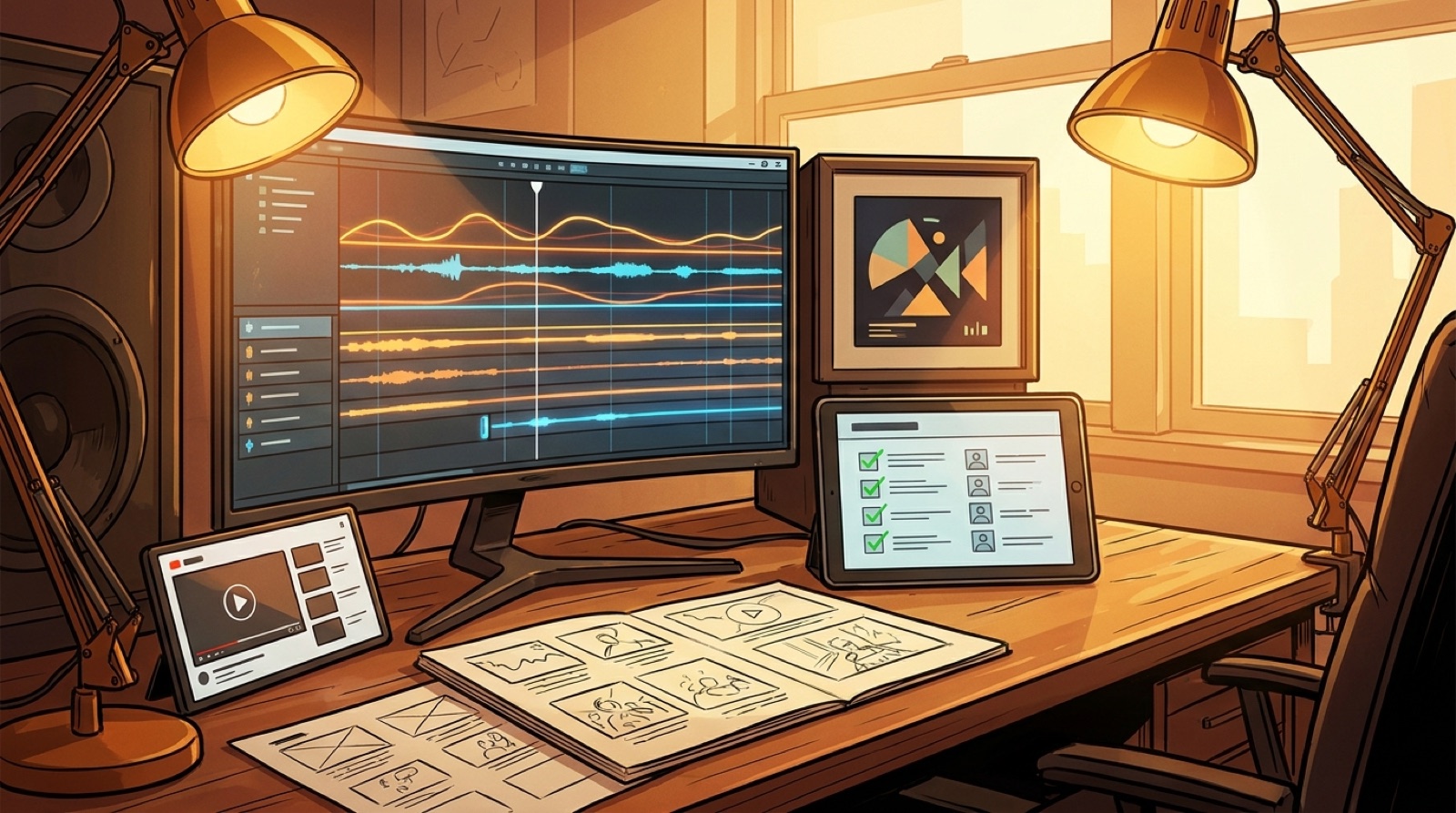
A practical Suno release workflow should follow the shape of the track. Listen once and mark the intro, first hook, second verse, chorus, bridge, and final lift. You do not need a detailed storyboard. You need enough structure to avoid random scenes.
Write one plain sentence for each section. For example: the intro shows the city before the character appears. The first chorus reveals the performance space. The bridge drops into a darker memory. The final chorus returns with warmer color and more motion.
This simple map keeps the video from feeling like a slideshow. It also makes the first 30 seconds stronger because the viewer sees a promise right away.
Build the release package together
High-output creators lose time when the video, thumbnail, title, short clips, and description are treated as separate chores. Build them from the same visual anchor.
The thumbnail should look like the video belongs to the song. The short clips should come from moments that already sell the hook. The YouTube description should match the same release story, not read like a tool log. If you keep a website, release page, or pinned post, use the same art and wording there too.
This matters more when you release often. A repeat listener starts to recognize your channel by the way your songs are packaged, not only by the sound.
Keep a tiny production board
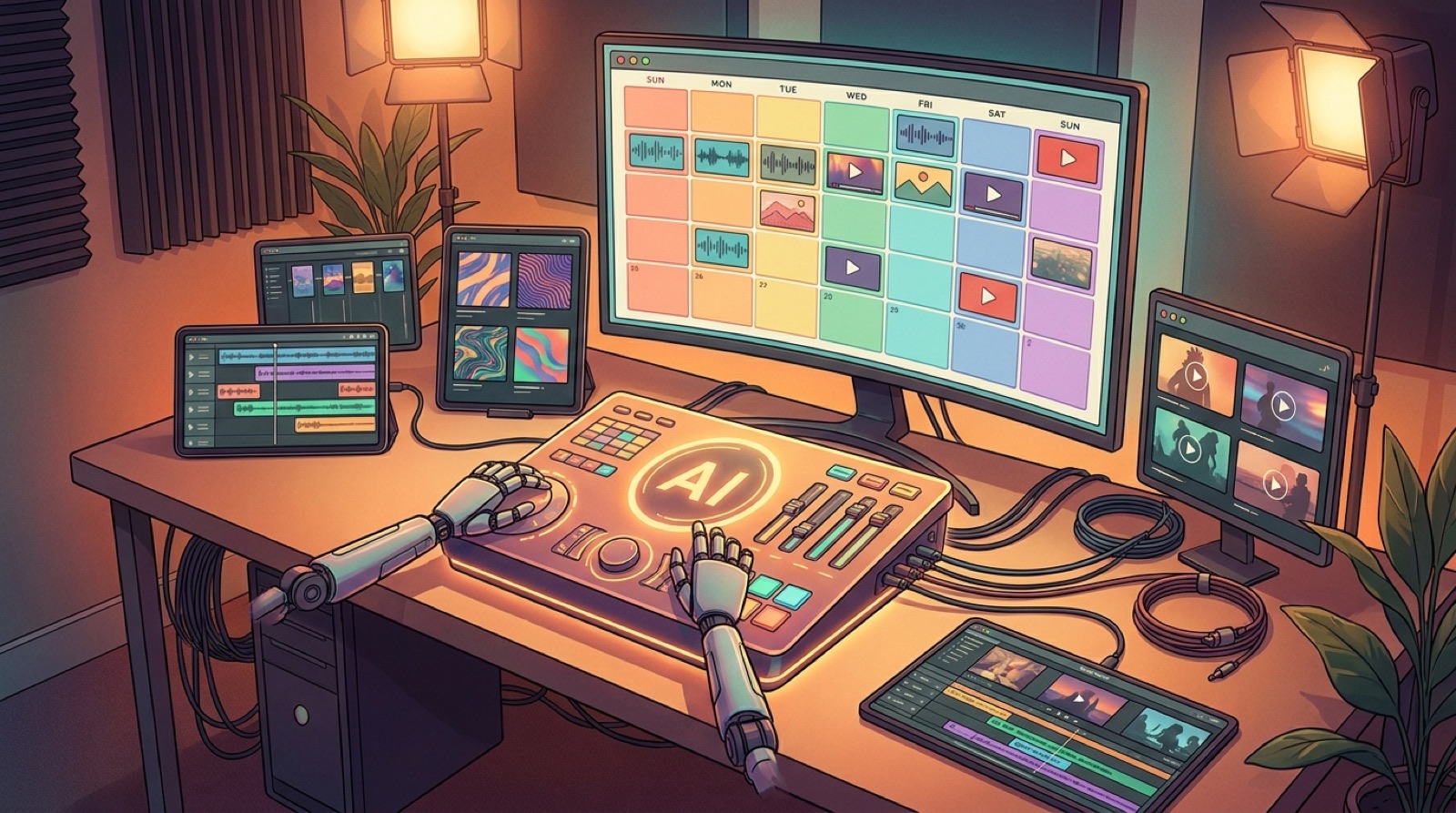
You do not need project management software to stay organized. A simple board with five columns is enough: song selected, anchor chosen, video drafted, assets exported, published.
For each song, keep the title, final audio file, cover image, video file, thumbnail, short clips, and release notes in one folder. If you plan to publish commercially, also keep the relevant terms, licenses, and platform notes. Suno creators should check Suno's current terms before release because commercial-use details can change by plan and policy.
The point is not paperwork. The point is being able to find the right files when you want to upload, fix, repost, or prove what you made.
Decide what gets a full video
Not every song needs the same treatment. Use three lanes.
Put your strongest songs in the full-video lane. These get a complete SceneLore video, thumbnail, short clips, and a proper release page or channel post.
Put promising experiments in the short-form lane. These get one or two clips to test the chorus, character, or mood before you spend more time.
Put unfinished ideas in the archive lane. Keep them, label them, and move on. A prolific workflow needs a way to say no without deleting everything.
This lane system keeps your best ideas from being buried under your newest ideas.
Use SceneLore as the finishing step
SceneLore should sit near the end of the workflow, after the song and visual anchor are chosen. That is where it can help most. You are giving it a finished track, a mood, and a clear direction.
Upload the song or cover image, choose the scenes that match the track, and export a full music video that can also feed thumbnails and short clips. For a Suno creator workflow, that means less time stitching assets by hand and more time deciding which songs deserve the push.
The best prolific creators are fast because they know what each song needs. Some tracks need a full video. Some need a chorus clip. Some need to wait. Build the workflow around that choice, and the whole channel starts to feel more intentional.
FAQ
Should every Suno song get a music video?
No. A prolific creator should save full videos for songs with a strong hook, clear release role, or visual world worth building. Use short clips for tests and archive weaker ideas.
What is the fastest way to make Suno releases look consistent?
Choose one visual anchor before making the video. Use the same cover image, character, color mood, or setting across the video, thumbnail, clips, and release notes.
Turn one finished song into a real release video
Upload your track or cover image, pick the visual direction, and build a full music video with launch assets that match the song.
Create Your First Video