Release proof
An AI music copyright checklist helps creators ship without chaos

An AI music copyright checklist will not turn uncertainty into legal advice. It will give you a calm release folder when the questions start.
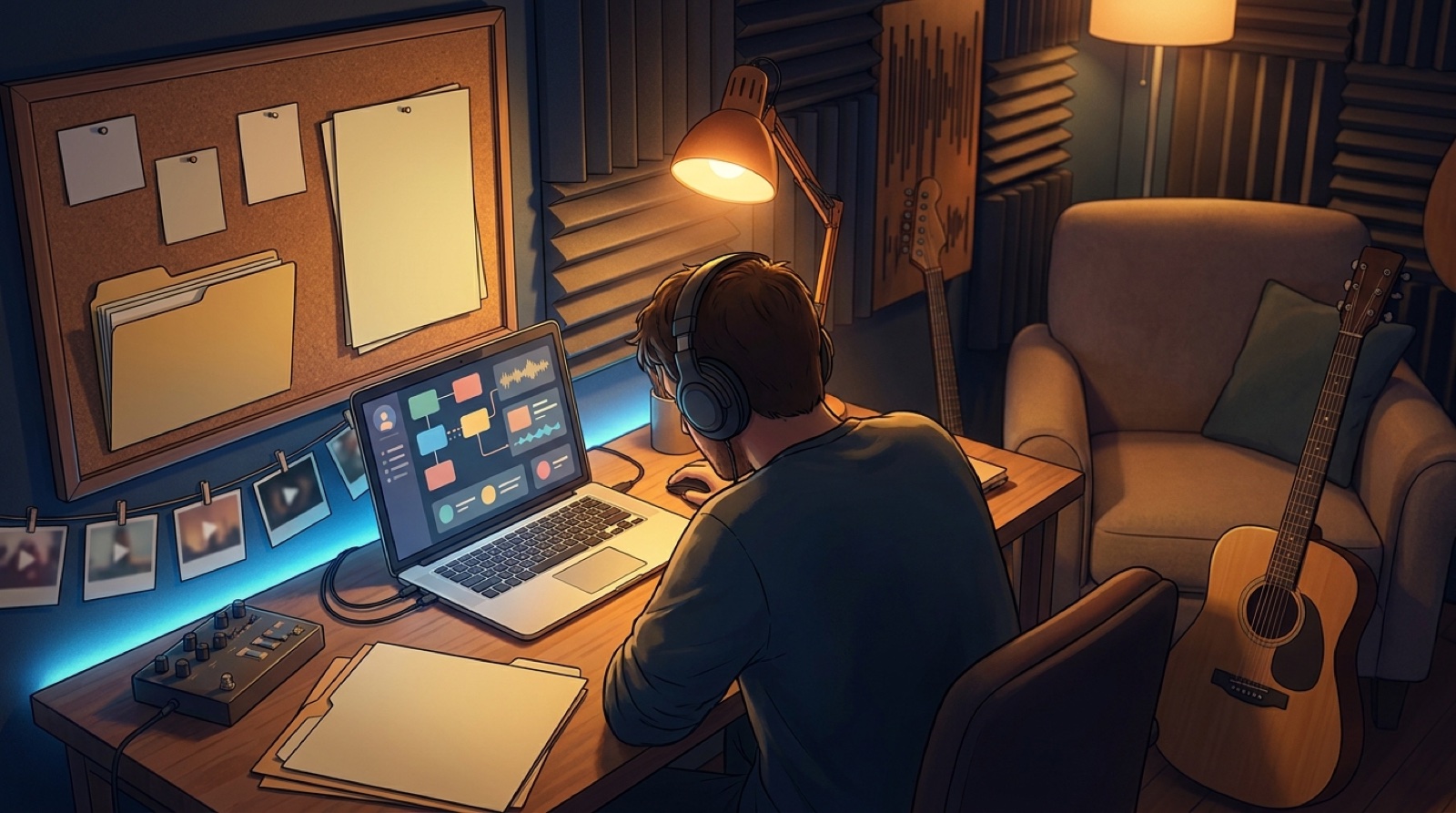
AI-assisted musicians are shipping songs in the middle of a noisy copyright debate. Lawsuits, platform rules, distributor checks, and audience skepticism can make a normal release feel fragile. The worst moment to hunt for proof is after the track is already public.
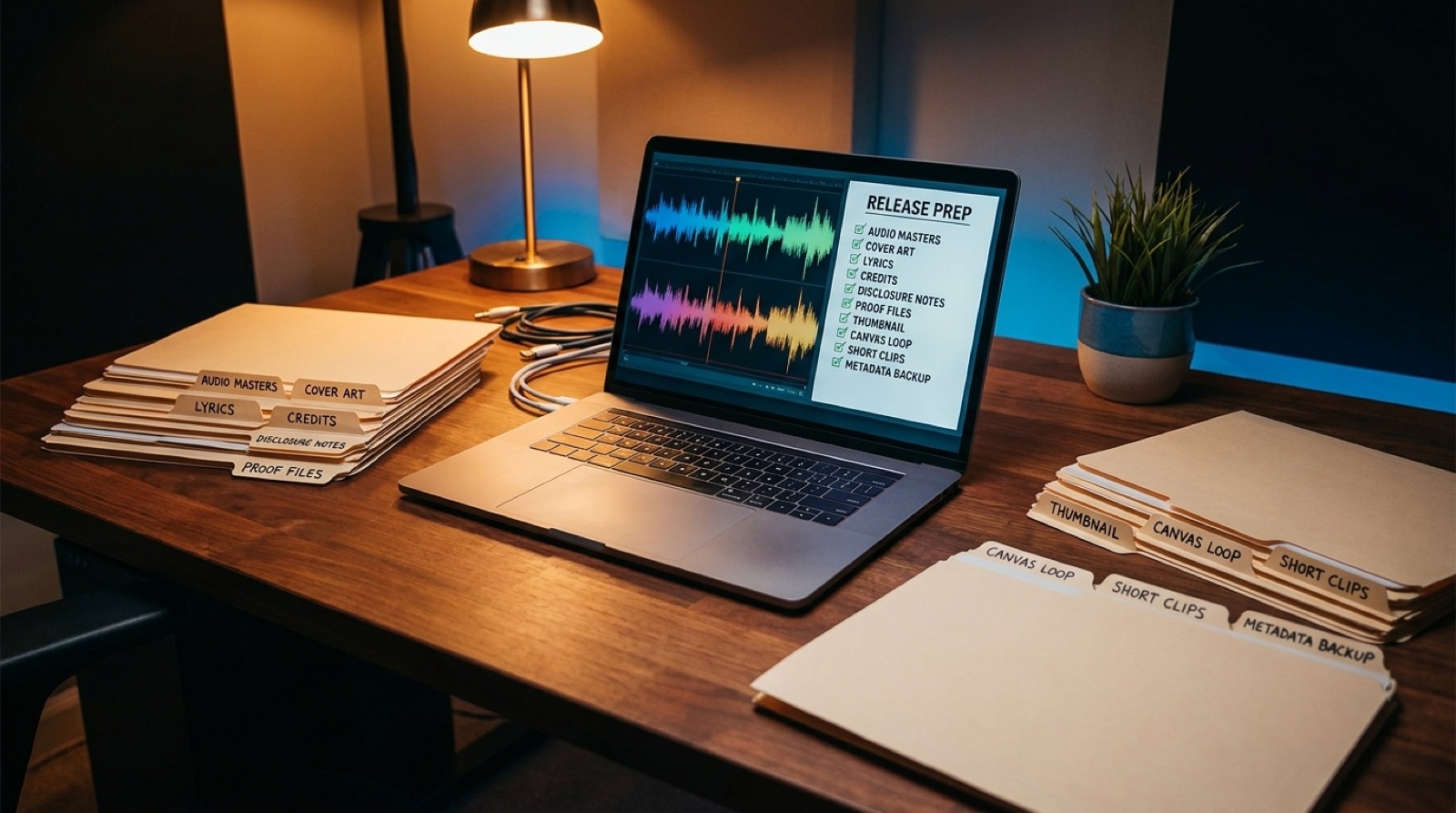
The practical answer is not panic. It is documentation. Before release day, collect the files that show what you made, what you owned, what you licensed, and how the song became a finished package.
Start with the song source files
Keep the final master, working exports, stems if you have them, lyrics, project notes, and any dated drafts in one archive folder. If your track came from Suno, Udio, or another AI music tool, save the prompt notes, generation dates, account screenshots, and version history that matter.
This does not prove every legal question. It does make your process easier to explain. If a distributor asks about authorship or a collaborator needs context, you are not rebuilding the story from memory.
Save rights notes before they become urgent
Create a plain text rights note for each release. List who wrote the lyrics, who selected or edited the audio, who created the cover art, which tools were used, and which assets came from licensed sources. If you used a sample, stock image, vocal pack, or font, save the license receipt beside the track.
For actual disputes, talk to a qualified lawyer. This checklist is operational, not legal advice. Its job is to keep your release records organized enough that a professional can understand the facts quickly.
Package the visual proof too
The release is not only the audio file. Save the cover art, thumbnail, finished video, teaser clips, caption files, description text, disclosure wording, and upload screenshots. Those assets show how the song was presented to listeners.
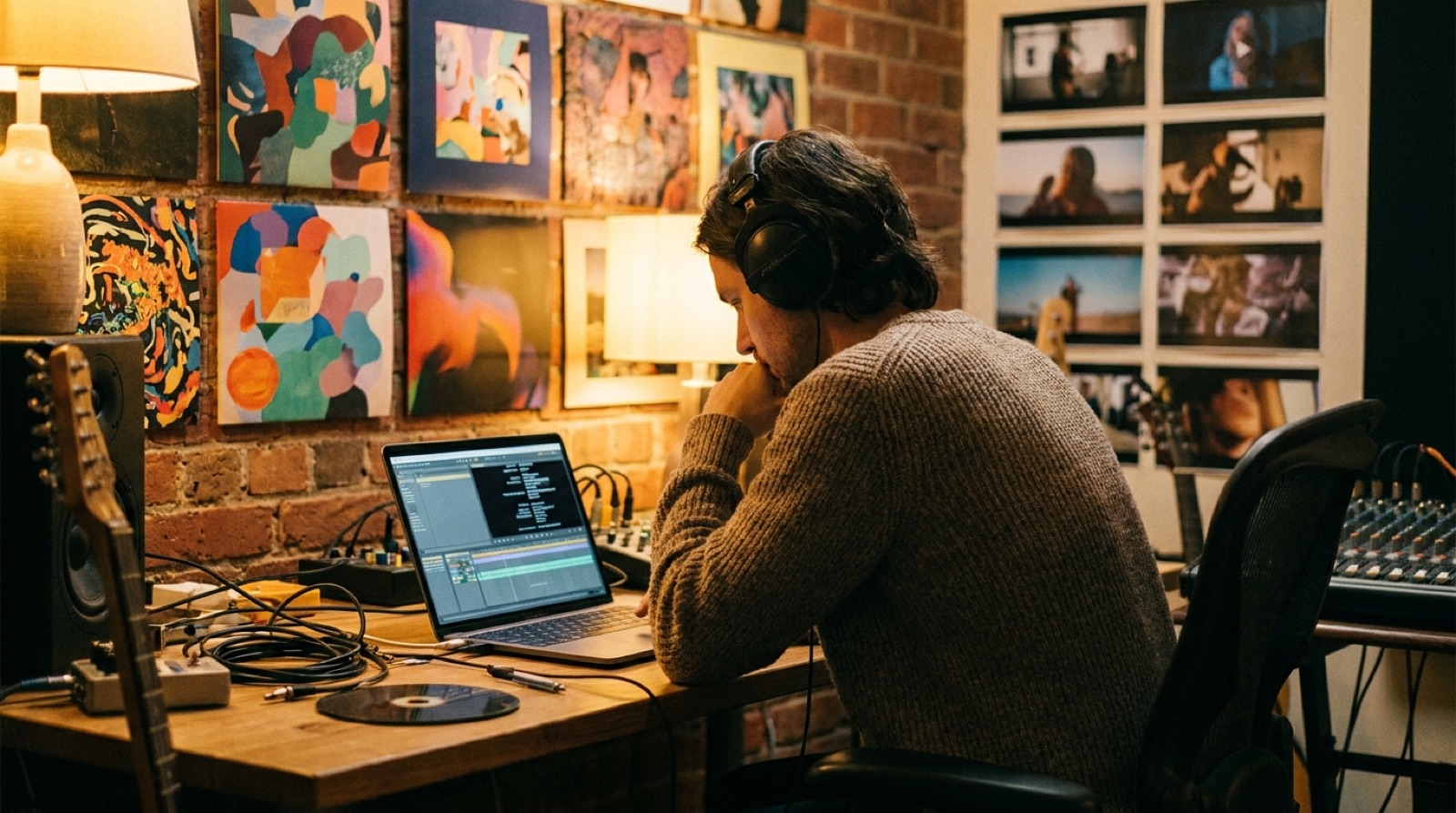
SceneLore fits neatly into this folder. When you turn a finished AI song into a full music video, keep the video export, thumbnail, visual concept, and any release copy together with the master audio. The visual package becomes part of the release record, not a scattered afterthought.
Make a one-page release summary
Add one short summary file that explains the release in human language. Include the song title, artist name, release date, platforms, tools used, major creative decisions, collaborators, licenses, and links to the live video or release page.
This page is useful for more than compliance. It helps you write YouTube descriptions, pitch notes, press emails, and future remixes without reopening ten tabs.
Check the folder before the upload
Before the song goes public, open the folder and ask three questions: could I explain where this audio came from, could I explain who made the key creative choices, and could I find the final release assets in under a minute?
If the answer is yes, you can ship with less chaos. If the answer is no, pause and clean the folder before the release gets harder to edit.
Turn the proof folder into a release people can understand
SceneLore helps AI musicians turn finished songs, cover art, and release ideas into full music videos that make the project feel intentional.
Create Your First Video