Creator-safe visuals for AI music are not about making everything bland. They are about making a video package you can actually use after the render finishes.
If the thumbnail looks like a real celebrity, the first frame hints at a brand you do not control, or the character changes so much that the release feels misleading, promotion gets harder. You start second-guessing every upload, clip, pitch, and ad idea.
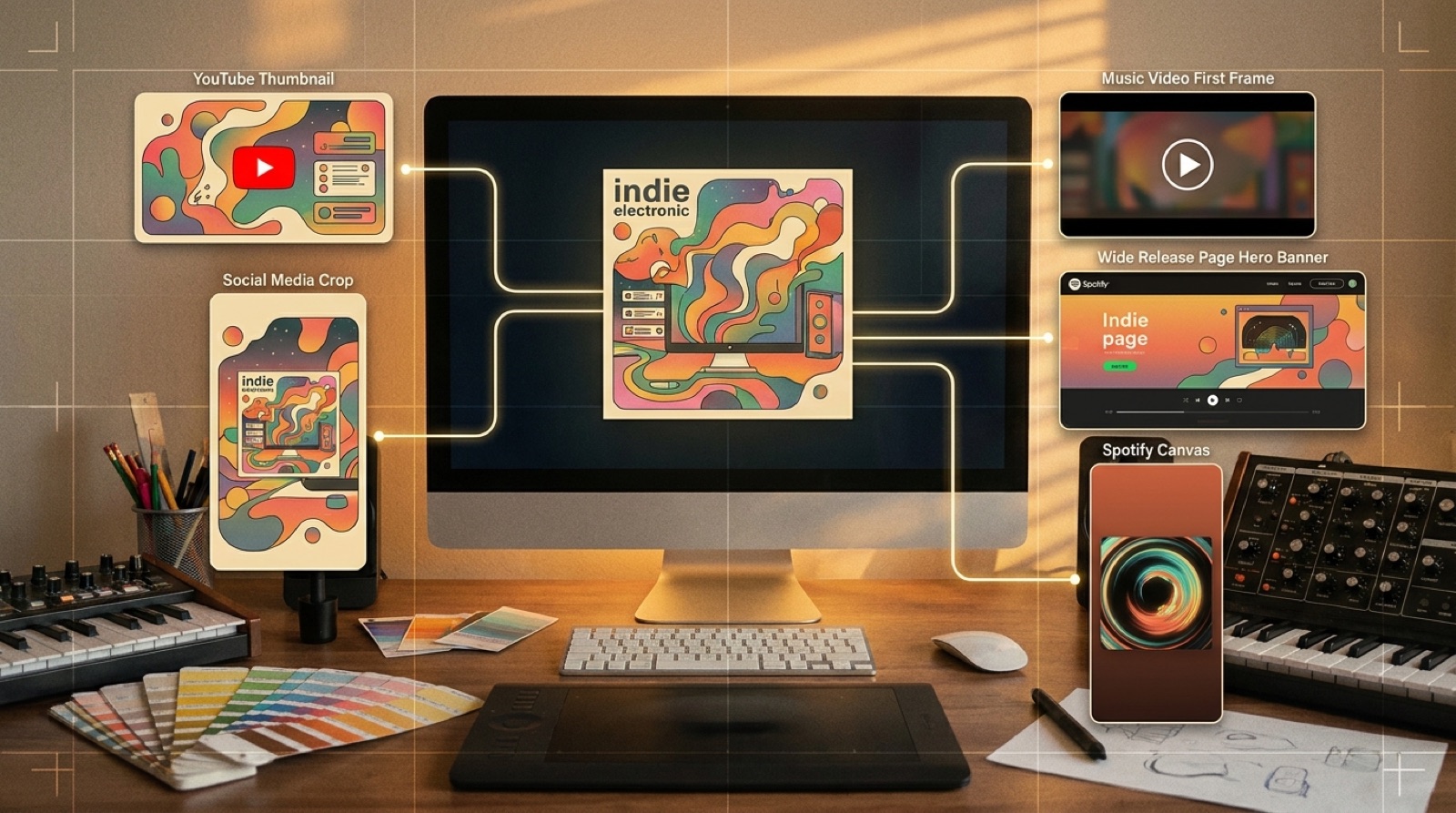
A safer visual system gives you more places to use the song. The release can move from YouTube to Shorts, newsletters, Bandcamp, pre-save pages, and small paid tests without rebuilding the whole package.
Start with original faces and characters
The easiest risk to avoid is a fake likeness. Do not build the visual world around a public figure, a recognizable actor, a real creator, or a character that belongs to someone else. Even when a tool can make it, the release can become harder to promote.
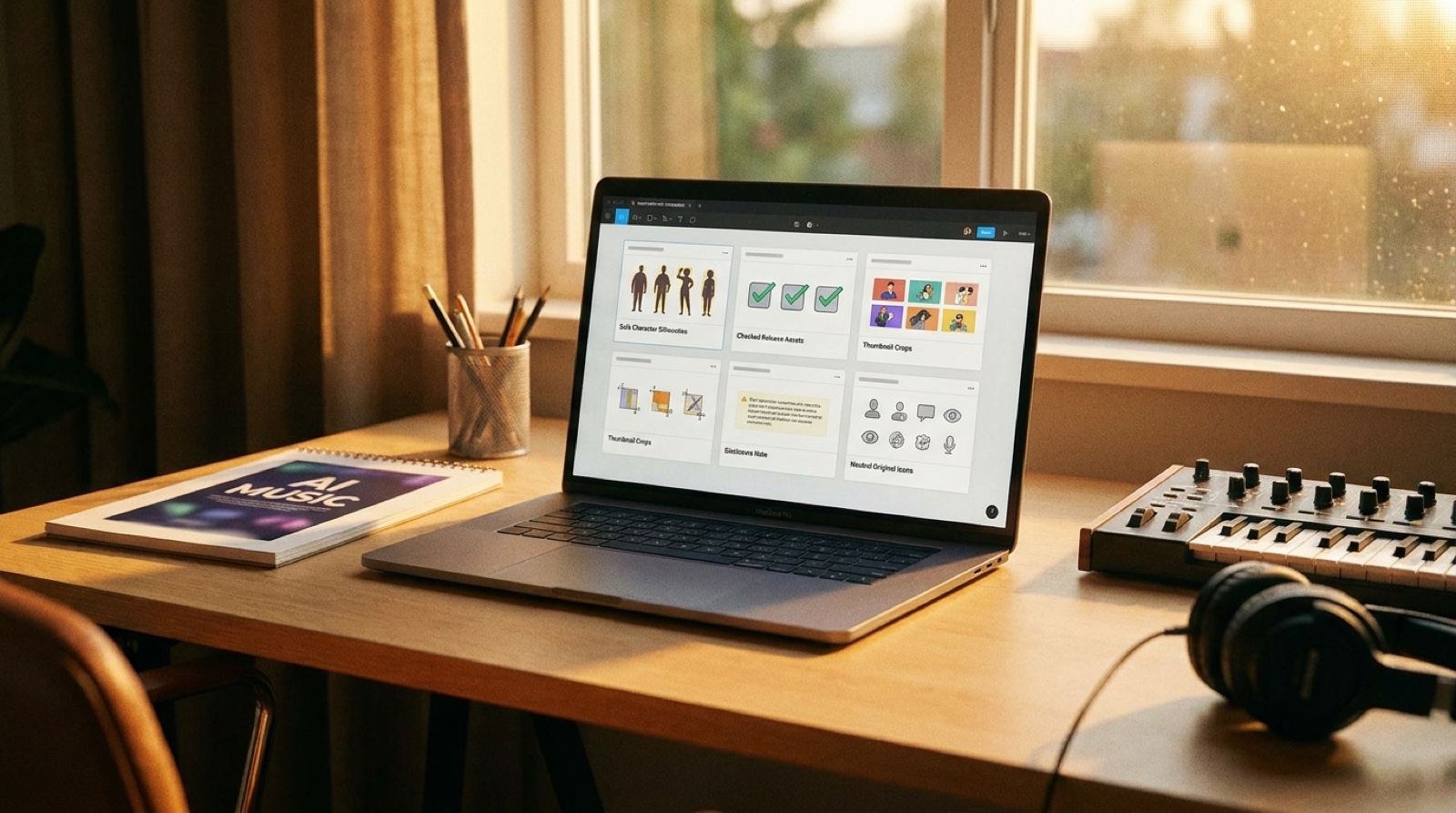
Use original characters, silhouettes, masks, costumes, locations, or symbolic objects that fit the song. If you need a human anchor, keep it clearly fictional and consistent across the video, thumbnail, and short-form clips.
YouTube has continued to expand disclosure and likeness controls around synthetic content, so creators should treat likeness choices as part of the release plan, not a last-minute style choice. YouTube's altered or synthetic content guidance is a useful starting point.
Avoid scenes that make false promises
Realistic visuals can look polished, but they can also imply things the song cannot support. A fake live concert, fake award show, fake police scene, fake disaster clip, or fake crowd reaction can make a small release feel slippery.
If the scene is fictional, make it feel like part of the music video world. Stylized lighting, clear art direction, and a stable character design usually work better than pretending the clip is documentary footage.
Keep trademarks and labels out of the frame
AI tools often invent marks that look close enough to real logos to become annoying. Watch for fake streaming-app screens, shoe logos, soda cans, festival posters, label names, car badges, and clothing marks.
You do not need those details for a strong release image. Swap them for invented symbols, plain surfaces, abstract album art, or visual motifs from the song. The thumbnail will usually read cleaner on mobile too.
Make text large enough to survive reuse
Small AI-generated text can turn a polished frame into a mess. It gets worse when you crop the same image for Shorts, a square social post, or a tiny YouTube recommendation card.
Use little or no generated text inside the image. Put readable copy in the platform field where it belongs: title, description, caption, pinned comment, or release page. If text must appear in the visual, add it deliberately after the image is finished.
Use one approval pass for every asset
Before the release goes public, review the full visual set together: music video, thumbnail, first frame, vertical clips, cover-art variant, release page hero, and any ad or newsletter image.
Ask simple questions. Does this look like an original world? Is any face too close to a real person? Are there fake logos? Does the disclosure note match the way the visuals feel? Would you be comfortable sending the same image to a collaborator, label, playlist curator, or journalist?
SceneLore helps when the world stays consistent
Creator-safe visuals work best when the release has one clear visual promise. SceneLore starts from the song or image and helps keep the video, thumbnail, and launch assets connected, so you are not stitching together random clips after the track is done.
That consistency matters because reusable assets are easier to trust. A creator-safe package lets the song keep moving after upload day.
FAQ
What are creator-safe visuals for AI music?
Creator-safe visuals are promotional assets that avoid risky likenesses, confusing realism, trademark-heavy scenes, unreadable text, and inconsistent characters so the release is easier to reuse across channels.
Do creator-safe visuals replace legal advice?
No. They are a practical packaging habit. If rights, likeness, or trademark questions affect a release, ask a qualified professional before publishing or buying ads.
Why do creator-safe visuals matter for promotion?
They reduce second-guessing when you need a thumbnail, short clip, newsletter image, release page hero, ad creative, or press asset from the same song world.
Build a safer visual package for the song
Bring a finished track or cover image into SceneLore and create a connected video world you can reuse across the whole release.
Create Your First Video