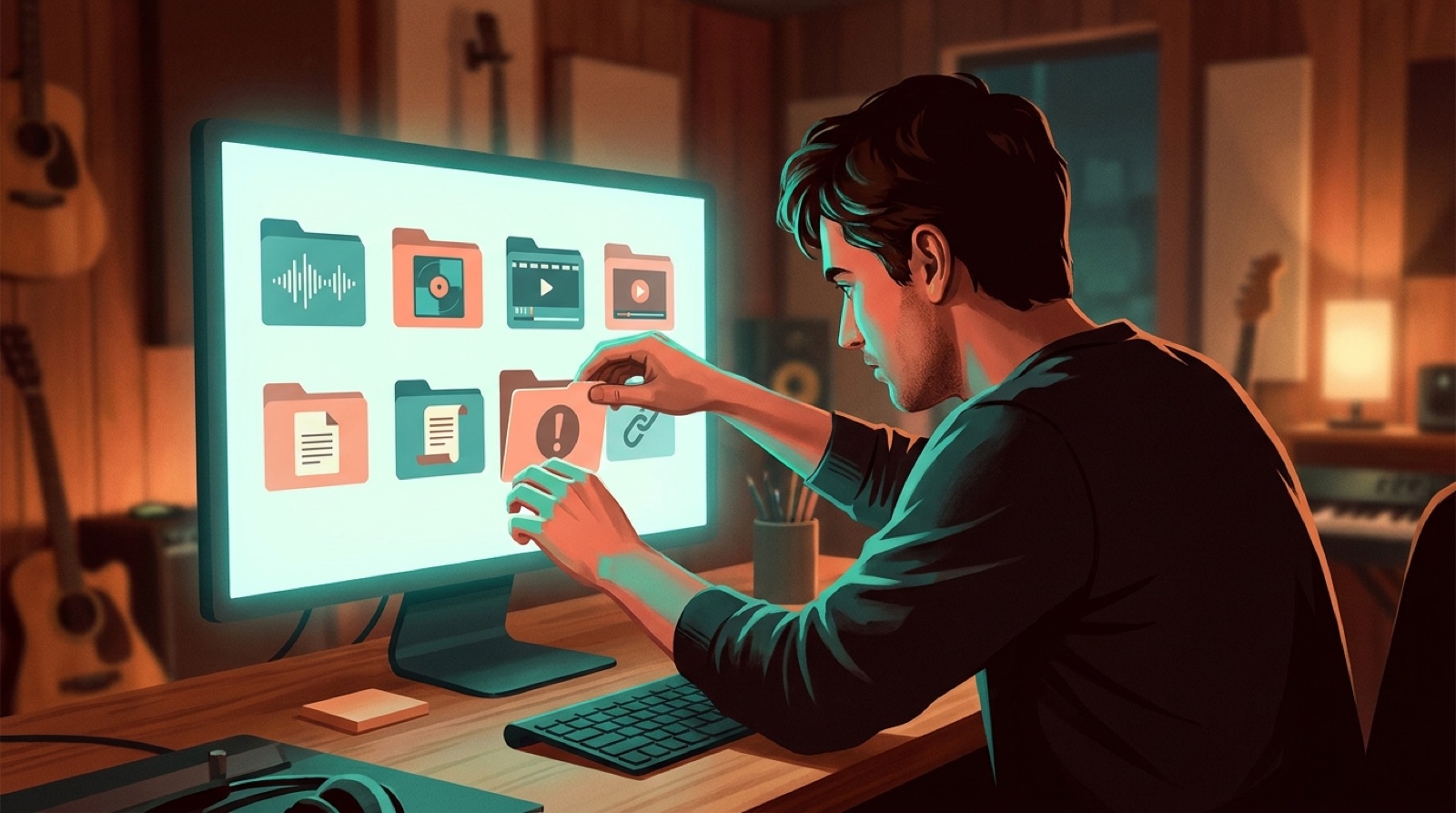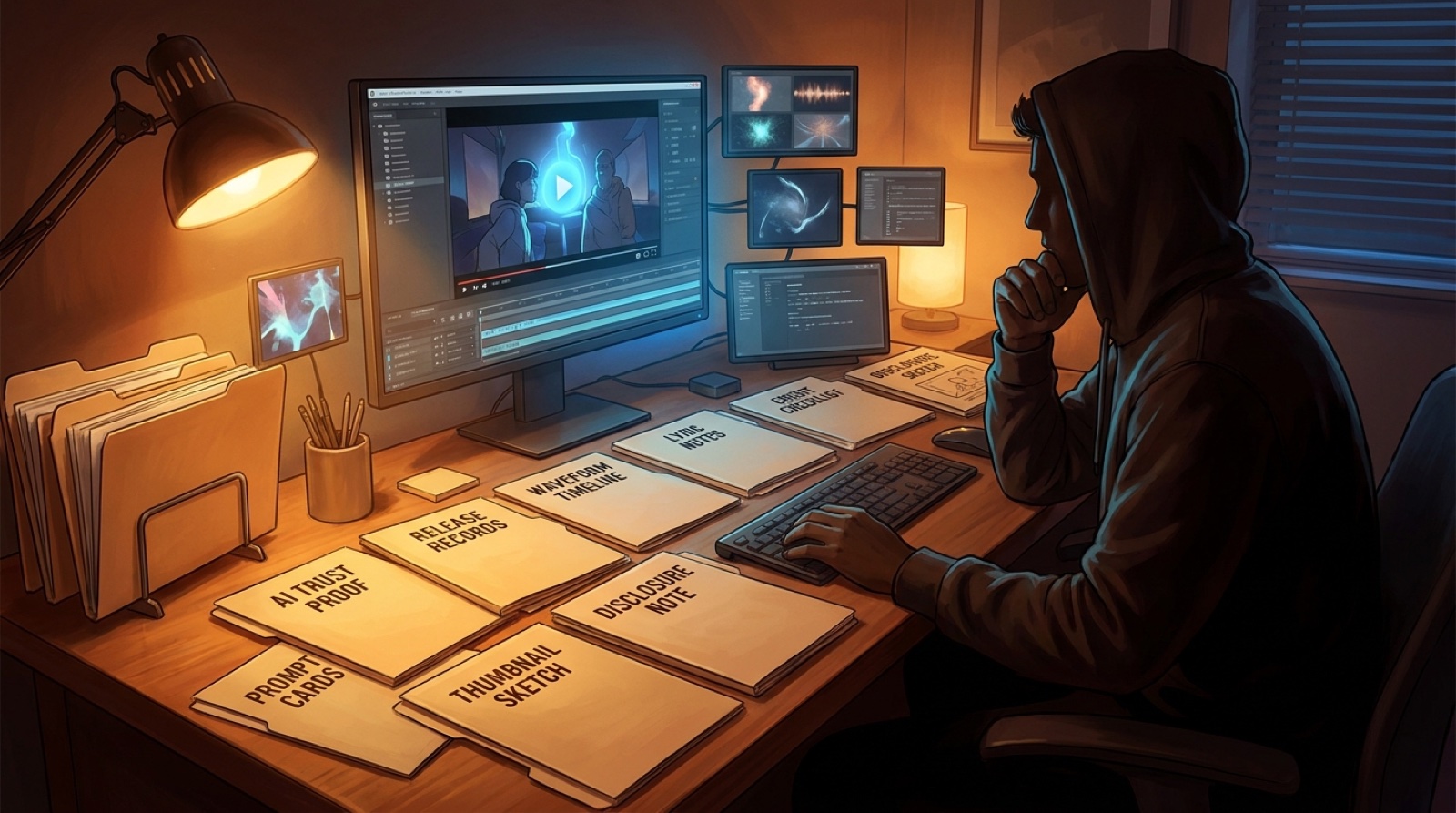
AI music trust is no longer something you can add with one sentence after the upload is done. Listeners, collaborators, distributors, and platforms increasingly look for signs that a real person made choices and kept track of the release.
That does not mean every creator needs a legal archive or a corporate approval system. It means each serious AI-assisted song should have a small proof folder: the source audio, lyric notes, credits, disclosure wording, cover image, video exports, thumbnail, and version history that explain how the release came together.
The goal is calm preparation. When the records are already saved, disclosure feels clearer, packaging feels stronger, and the video can support the song instead of looking like a last-minute cover-up.
Trust starts before the public description
A public description can only say what you know. If the release folder is scattered across downloads, chat logs, generator histories, and unnamed exports, even honest disclosure becomes harder than it should be.
Start before upload day. Create one folder for the song as soon as it becomes a real release candidate. Save the final audio, the working title, the lyric file, the cover image, the video plan, and any notes that explain the human choices behind the track.
This is not about apologizing for using AI. It is about being able to show the release was assembled with intent.
Keep the source files that explain the song
Begin with the music itself. Save the final WAV or MP3, the project name, export date, lyric document, section notes, and any meaningful writing or arrangement decisions.
If prompts, references, stems, or tool settings shaped the finished song, keep a plain record of them. You do not need a novel. A short note that says what changed between versions is often more useful than a giant pile of screenshots nobody will read.
For creators using Suno, Udio, or similar tools, this habit also protects you from account clutter. The public release should not depend on your memory of which draft became the final master.
Make credits and disclosure part of the package
Credits get messy when they are written after everything else. Write them while the people, tools, and roles are still fresh.
Keep a private credit note with human contributors, AI-assisted elements, vocals, lyrics, cover art, video creation, editing, and any outside assets. Then turn that private note into a public version that fits the platform where the song will live.
YouTube asks creators to disclose meaningfully altered or synthetic content in certain cases, and its help center explains how that disclosure appears to viewers. Reading the official guidance can help you avoid vague wording. See YouTube's altered or synthetic content policy for the platform's current framing.
Let the visual assets prove consistency
Trust is not only in the description. The visual package also tells people whether the release was cared for.
Save the cover image, thumbnail, first frame, final video, short-form cutdowns, captions, and any stills used for promotion. Keep them named clearly enough that you can tell which assets went public and which were only tests.
A coherent video helps because it gives the song a visible world. If the cover, thumbnail, opening shot, and chorus visuals all point to the same mood, the release feels less like a random output and more like a finished piece.
Use a simple proof folder checklist
- Final audio file and export date.
- Lyrics, section notes, and any writing or arrangement notes worth keeping.
- Prompt, reference, or tool-setting notes that explain important AI-assisted choices.
- Human contributor credits and AI-assisted role notes.
- Disclosure wording for YouTube, distributors, release pages, and social posts.
- Cover image, thumbnail, first frame, full video, captions, and short-form clips.
- Version history that shows which draft became the public release.
Keep the checklist small enough to repeat. The best proof system is the one you will actually use when the next song is already demanding attention.
Turn proof into a calmer release day
Proof records are not only for disputes or platform reviews. They make everyday release work easier.
When the folder is clean, you can write the description faster, choose the right thumbnail, answer collaborator questions, reuse the best short-form asset, and rebuild the release page if a link changes. The release becomes portable instead of trapped inside one app or one memory.
If your next step is disclosure wording, start with the AI music disclosure checklist. If the issue is keeping the whole release organized, the AI music release documentation guide can help you set the folder structure.
SceneLore helps turn a finished song, cover, or visual idea into a connected music video package. Create your first video when the proof folder is ready for visuals that match the release.