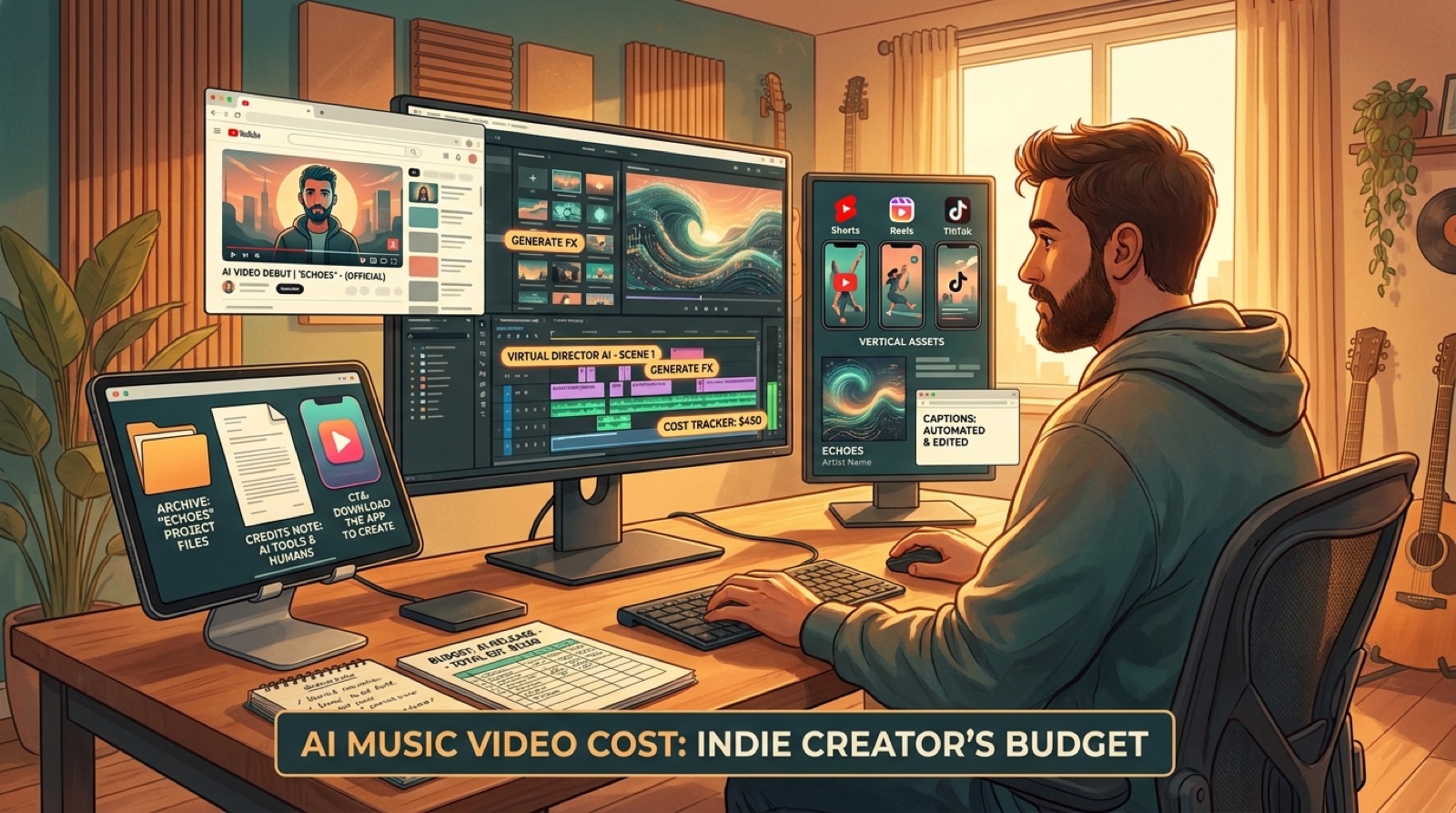
AI music video cost is easy to misunderstand because the render is only one line in the release. A finished song also needs a first frame, a thumbnail, short-form clips, captions or lyric text, a description, credits, export versions, and a folder you can find later.
That is why a cheap loop can still waste money. If it only fills the screen while the song plays, you may still have to rebuild the launch package before YouTube, Shorts, Reels, a pre-save page, a newsletter, or an artist site can use it.
A better budget starts with the question that matters: what assets does this song need to feel finished everywhere it will appear?
Price the package, not the render
The render is the visible part. The package is what helps the release survive upload day.
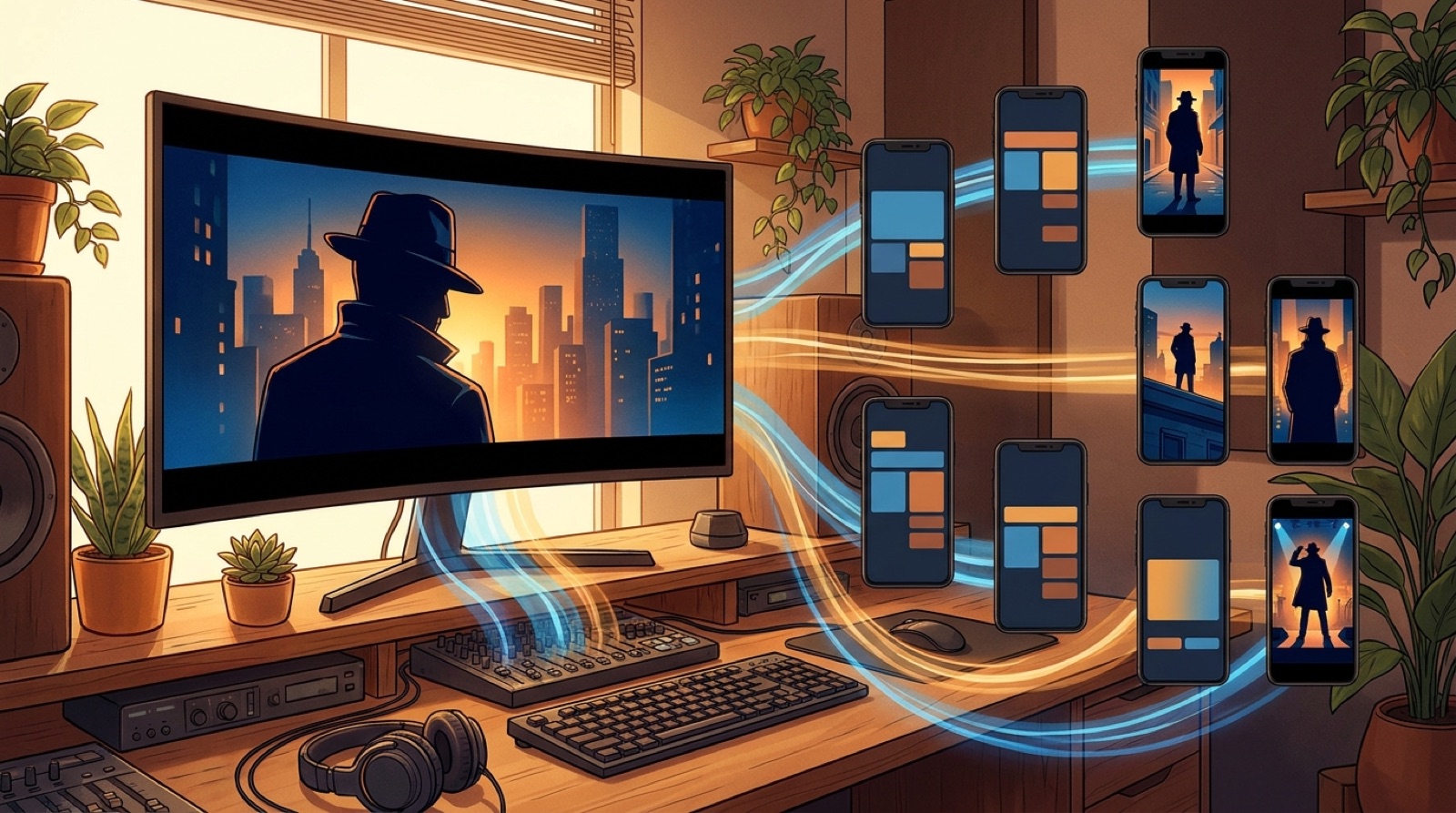
For a serious AI song, count the full music video, a strong opening frame, a mobile-readable thumbnail, one or two vertical chorus clips, caption or lyric assets, a calm disclosure or credits note, and clean exports for each platform. If the budget only pays for one horizontal file, the rest of the release gets pushed into rushed manual work.
This is especially important because YouTube now asks creators to think carefully about synthetic or altered content disclosures. YouTube's altered or synthetic content guidance is worth reading before the visual plan is locked.
A cheap video can hide expensive gaps
The painful costs usually appear after the first export. The thumbnail does not match the song. The chorus clip has no clean vertical moment. The description needs proof and credits. The cover art does not crop well. The first frame looks weaker than the best part of the song.
Each gap creates another decision, another tool, another export, or another paid revision. A realistic AI music video budget leaves room for those launch assets from the start.
Decide which songs deserve the full spend
Not every track needs the same package. A private test, throwaway experiment, or catalog sketch can live with a simple visualizer. A single that will carry a channel upload, playlist push, paid test, pre-save page, or label pitch deserves more.
Before spending, ask whether the song has a clear hook, a visual world, a release date, and a reason to reuse clips after the main upload. If the answer is yes, the budget should support the whole launch instead of only the first file.
Include proof and reuse in the cost
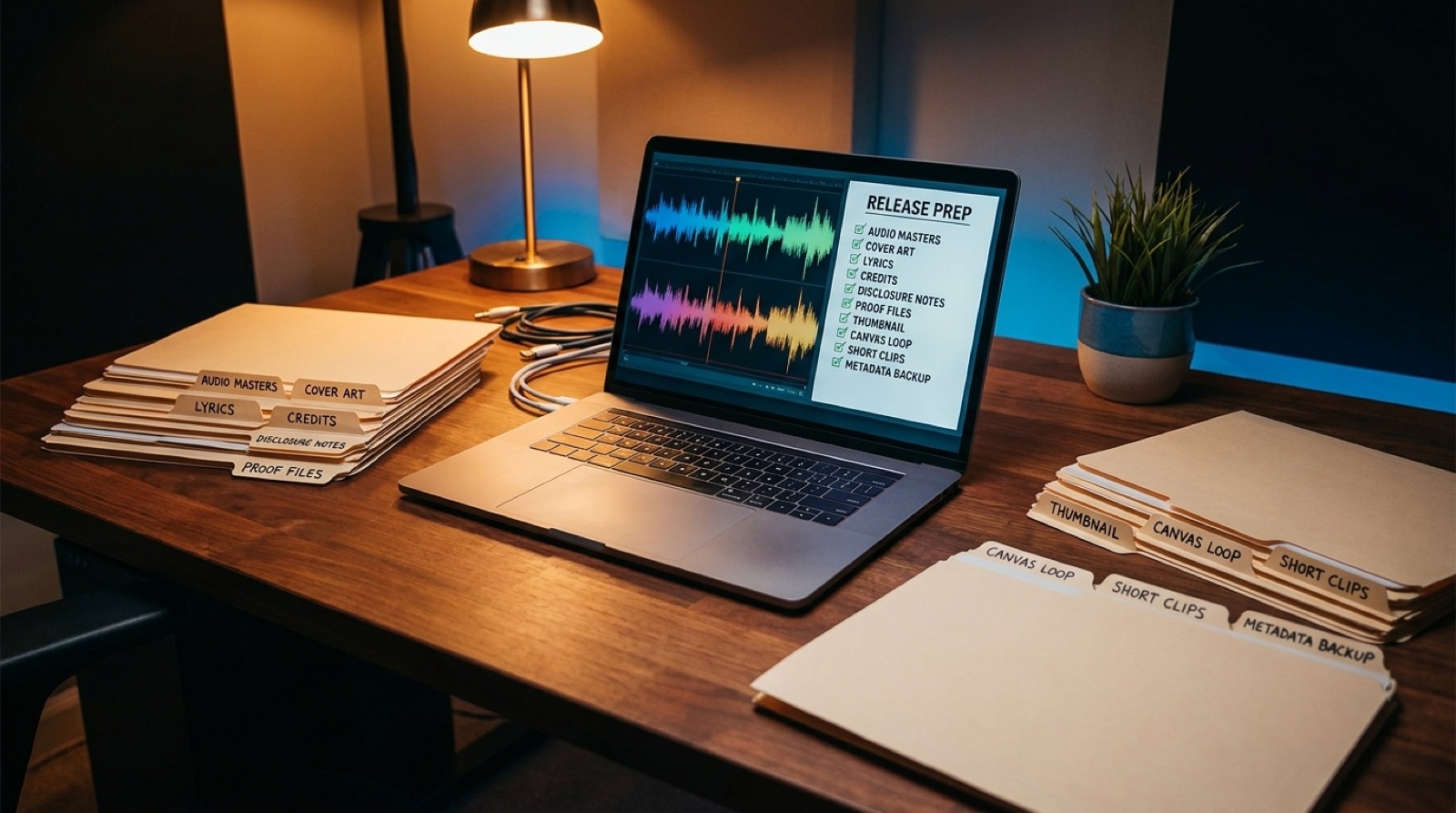
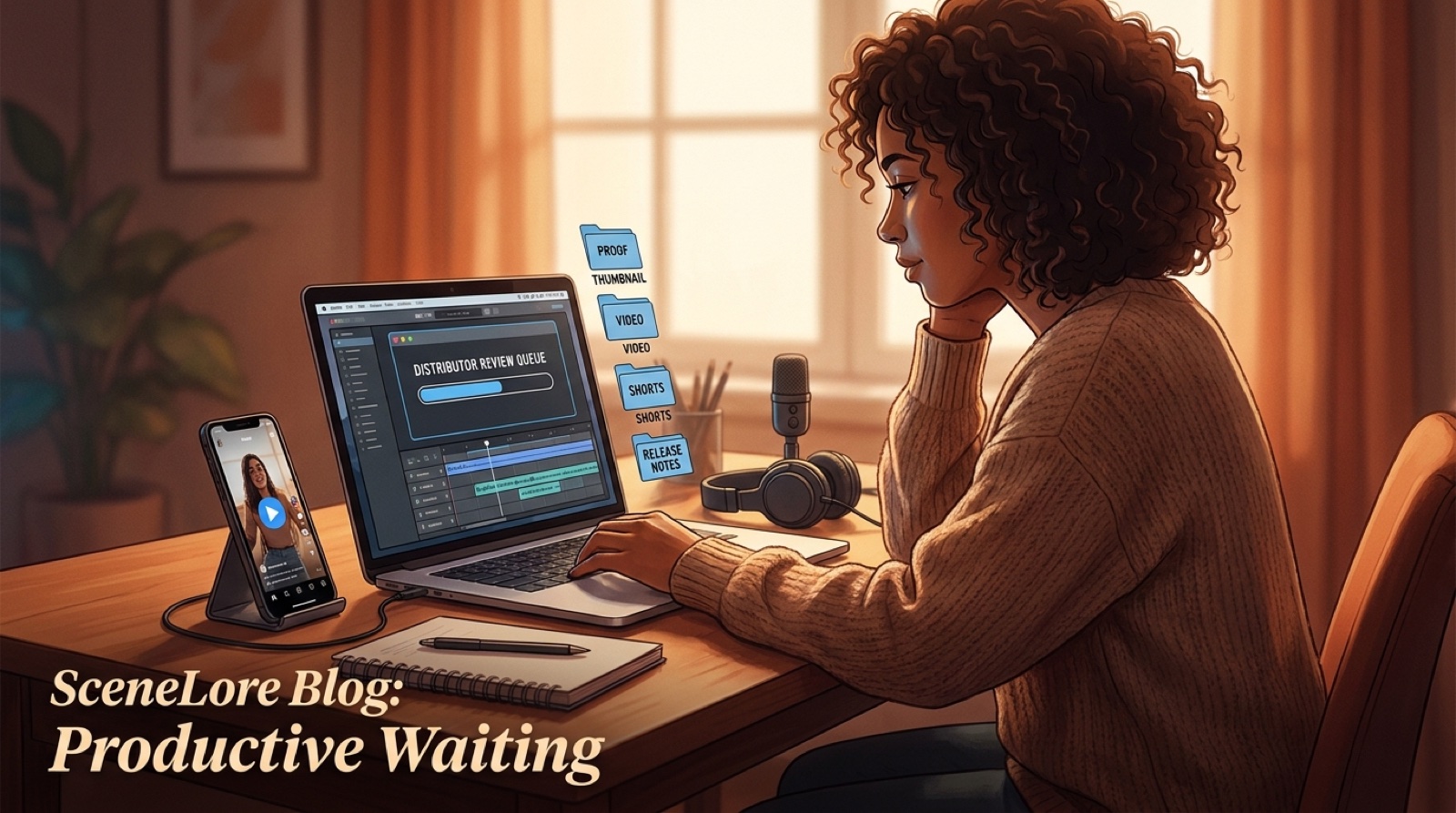
AI music releases are judged quickly. Viewers, collaborators, distributors, and platform reviewers all look for signals that the project is intentional. A release folder helps: source audio, cover image, final video, short clips, credits, disclosure wording, lyrics, export dates, and thumbnails in one place.
That folder does not have to be fancy. It just needs to make the release easier to explain and easier to reuse when someone asks for a link, a clip, a still, or a clean credit line.
SceneLore is built for the full-release cost
SceneLore works best when you treat the song as a release, not a lonely render. Start with the track or cover image, then create a connected video world that can feed the main upload, the thumbnail, and the shorter launch assets.
The right AI music video cost is not the smallest number. It is the spend that gets one good song ready to travel.
FAQ
How much should an AI music video cost?
The useful budget is the cost of the release package, not only the render. Plan for the full video, thumbnail, vertical clips, captions, description assets, credits, export versions, and an archive folder.
Is a cheap visualizer enough for an AI song?
A cheap loop can work for a test or private draft. For a public release, creators usually need assets that can support YouTube, Shorts, Reels, newsletters, pre-save pages, and artist profiles.
What should be included in an AI music video budget?
Include the finished video, hero image, thumbnail, first frame, chorus clips, captions or lyric text, description copy, credits or disclosure note, export sizes, and saved source files.
Build the release package, not just the render
Bring a finished track or cover image into SceneLore and turn it into a connected video world with assets the launch can reuse.
Create Your First Video