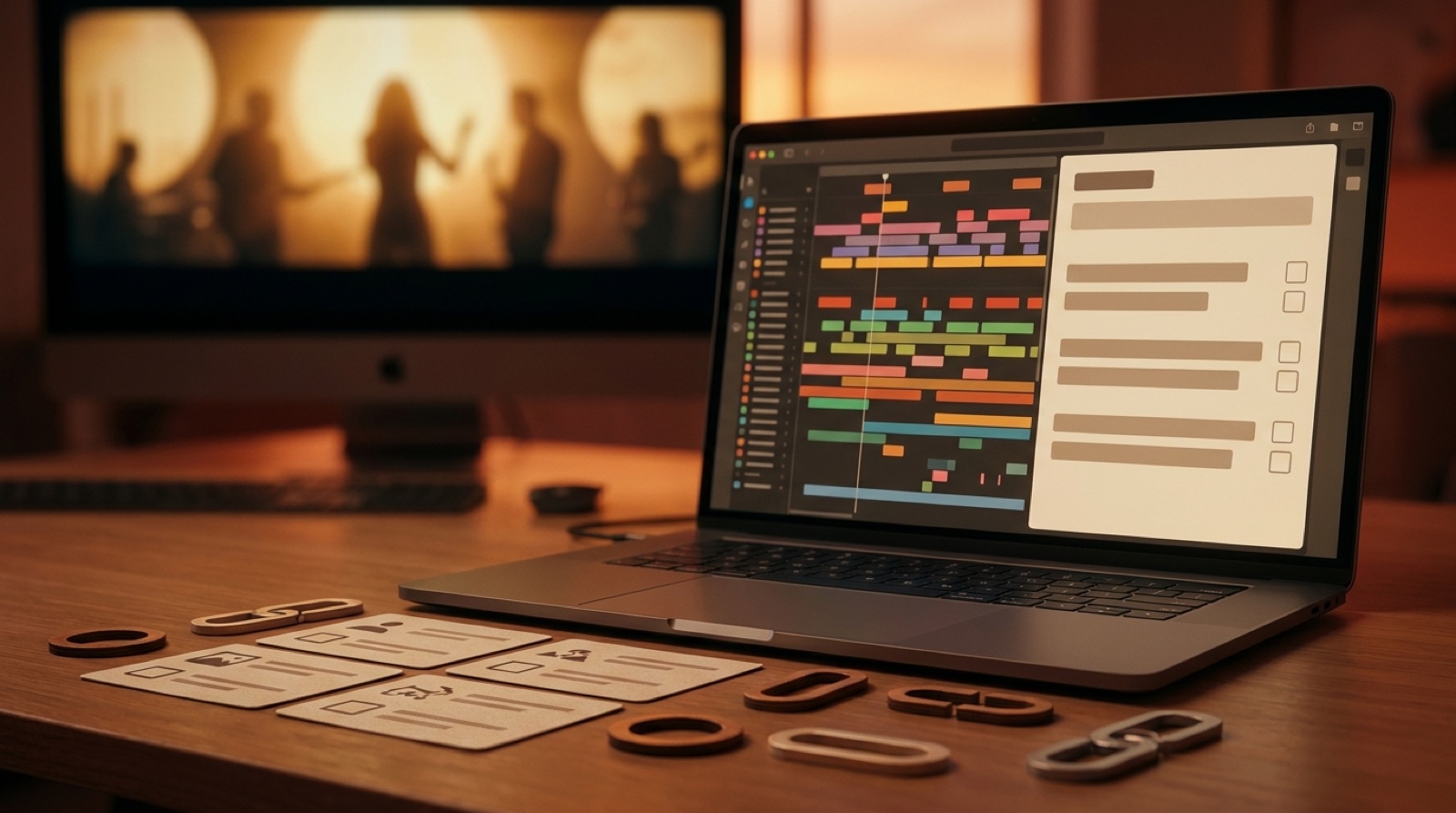
An AI music video description has a quiet job. It makes the upload feel deliberate before viewers start guessing how the song was made.
That matters because the description is often the only place where the song story, credits, disclosure, release links, lyrics, and next step can sit together. A good one gives the listener enough context to press play, keep watching, and explore the artist without feeling like anything is being hidden.
Use this as a practical YouTube music video description structure, then trim it to fit your own release.
Open with the song, not the tool
Start with one or two sentences that tell people what they are about to hear and see. Mention the mood, genre, story, or release moment before you mention production details.
A useful opener might say: "This track is a late-night synth pop song about leaving a city before it wakes up. The video follows one character through empty streets, neon reflections, and the last train out."
That gives the listener a reason to care. The tool details can come later, where they support trust instead of taking over the release.
Add the credits and disclosure in plain language
If the song or visuals were AI-assisted, say it cleanly. YouTube asks creators to label altered or synthetic content in specific cases, and its help page on altered or synthetic content disclosure is worth checking before upload.
Keep the description calm and factual. Name the human role first when that is accurate: writing, direction, editing decisions, vocal performance, mix choices, visual concept, or final assembly. Then describe where AI helped.
For example: "Written and directed by [artist name]. Song production and video visuals include AI-assisted generation. Final arrangement, visual direction, edit choices, credits, and release package were reviewed by the artist."
Do not turn this section into a courtroom statement. Short, direct credits usually feel more trustworthy than a long defense.
Give viewers the useful links
After the story and credits, add the places people actually need. Link to the full release page, streaming profiles, artist site, mailing list, lyrics, merch, or a behind-the-scenes note if you have one.
Put the most important link first. If the YouTube upload is the main video, the release page is often the best destination because it can hold the credits, stills, short clips, and archive notes without crowding the description.
If you use SceneLore to build the video world from one track or image, keep the public copy focused on the release. The product workflow belongs in your private notes unless your audience cares about the making-of story.
Include lyrics notes when they help the listener
Not every description needs full lyrics. If the song has a lyric video, strong narrative lines, multilingual sections, or a title that might be misheard, add a short note and link to the full lyrics page.
This is especially useful for AI-assisted artists because listeners may be trying to understand which choices were intentional. A clean lyric note helps the song feel authored without making the description heavy.
Use metadata as a reader aid
Metadata is not only for platforms. A compact release block can help people scan the upload fast:
- Song title and artist name
- Release date
- Genre or mood
- Video format, such as full music video, lyric video, visualizer, or short edit
- Credits and disclosure
- Release page or streaming links
Keep it readable. A description packed with tags, repeated keywords, and vague promo lines can make a careful release feel cheap.
A reusable AI music video description template
Copy this structure into your upload notes and replace the brackets:
[Song title] by [artist] is a [genre or mood] track about [plain song idea]. The video follows [visual premise], using [main visual anchor] to keep the release world connected from the first frame to the final shot.
Credits: [human roles and names]. AI-assisted elements: [song, visuals, cover art, video generation, or other parts]. Final direction, release decisions, and upload package by [artist or team].
Listen, watch, or read more: [release page]. Lyrics: [lyrics link or note]. Follow the artist: [best link].
Make the video package match the description
The description cannot rescue a random-looking video. The thumbnail, first frame, video world, credits, and release page should all point at the same promise.
That is where a tool like SceneLore fits. If you already have the track, cover image, or visual idea, Create Your First Video and build a full release video that gives the description something real to support.
FAQ
What should an AI music video description include?
Include a short song hook, the release story, clear credits or disclosure, useful links, lyric or rights notes when needed, and one next step for listeners.
How do I disclose AI music on YouTube without sounding defensive?
Use plain language. Say what was human-made, what was AI-assisted, and who made the final choices. Keep it short and place it near the credits.
Should the description link to a release page?
Yes, if you have one. A release page can hold credits, lyrics, proof notes, full video links, and related clips without making the YouTube description too crowded.
Related guides
Give the description a video worth backing up
Use SceneLore to turn a finished song or cover image into a coherent music video, then publish it with credits, links, and a release package that feels prepared.
Create Your First Video