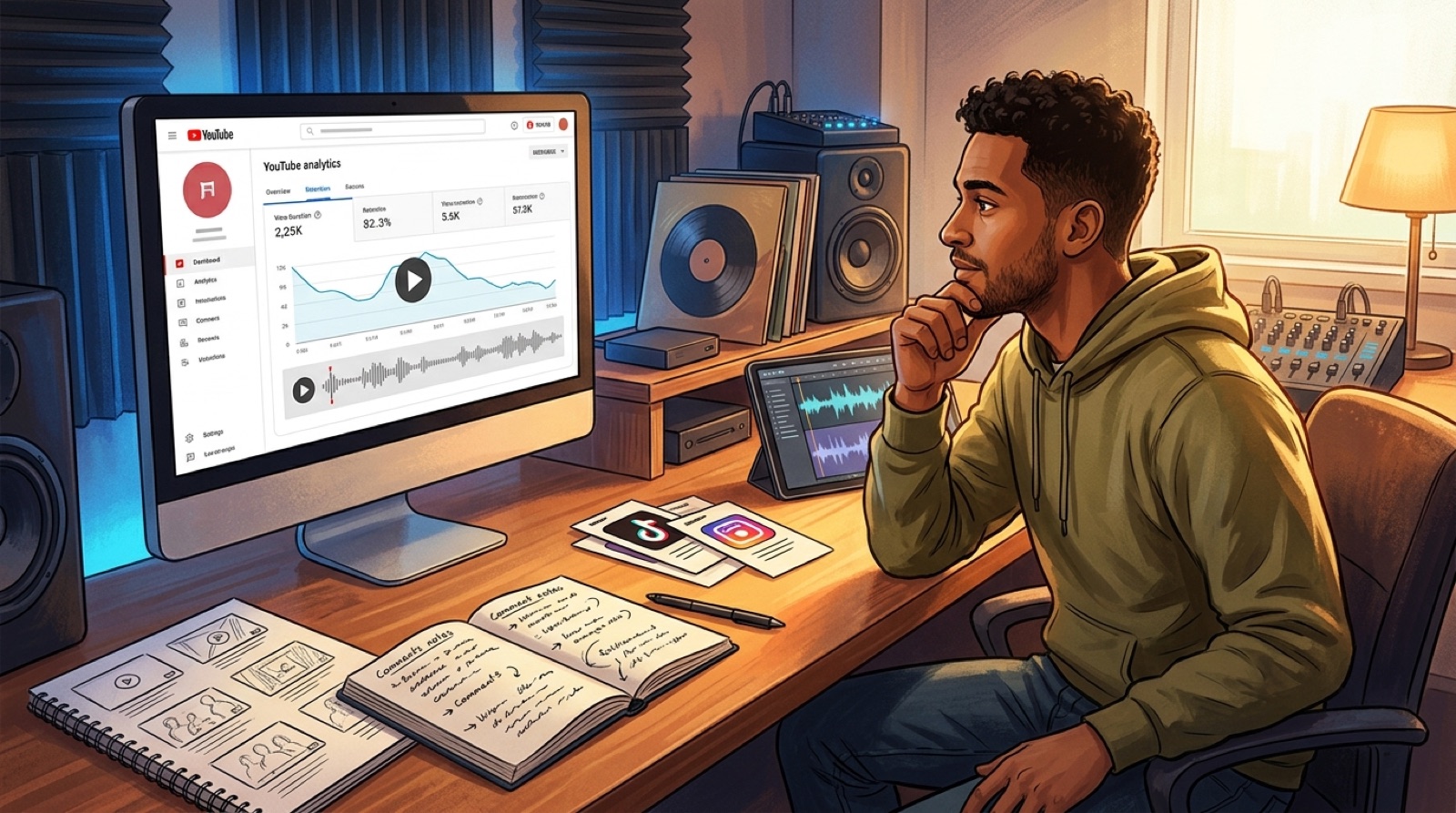
An AI music video underperforming can feel personal because the song is already finished. You spent time on the track, picked a visual direction, exported the video, and waited for the upload to prove it had a chance.
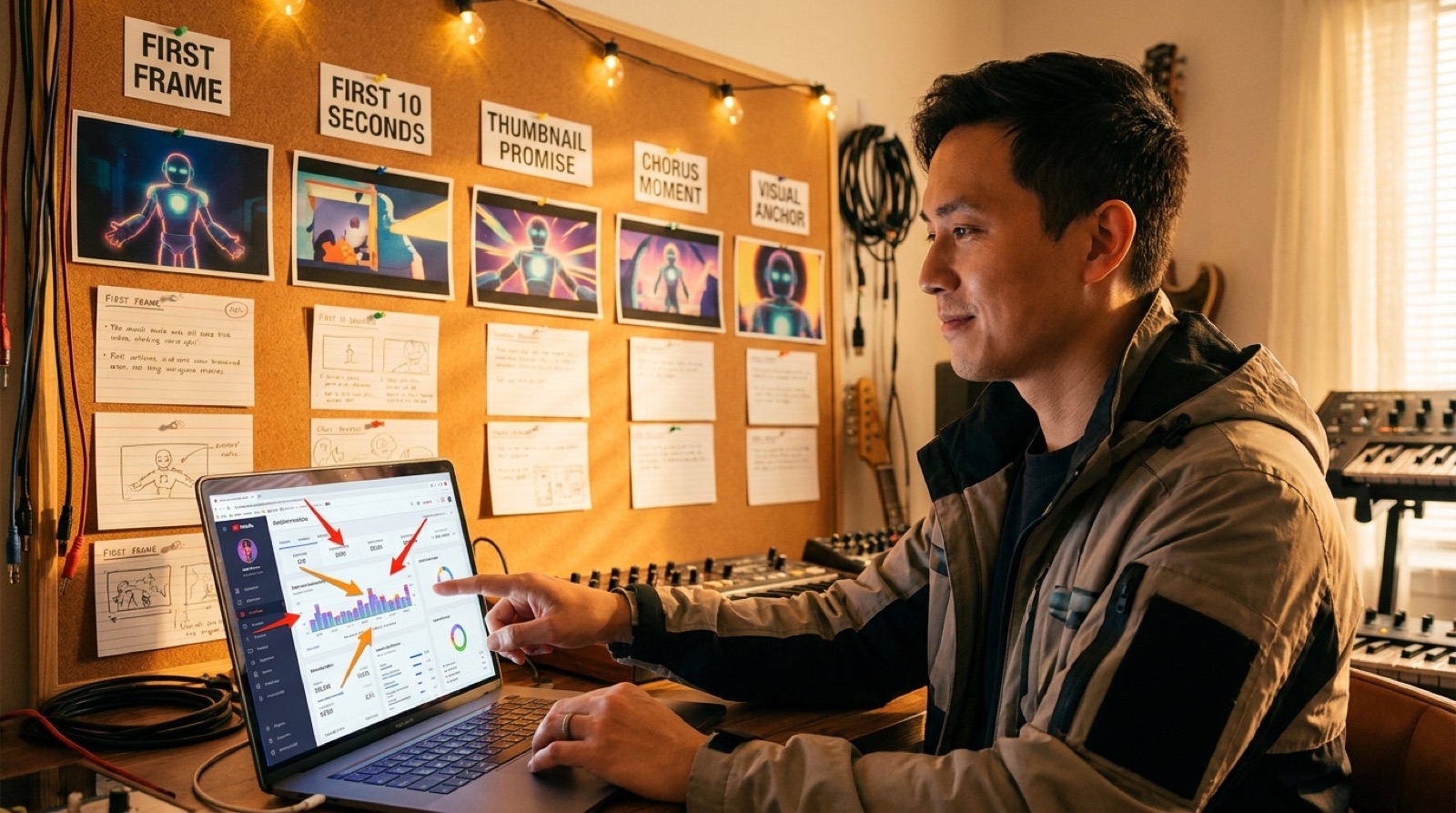
If the numbers are flat, do not blame the song first. The problem may be the package around it: the first frame, the first 10 seconds, the thumbnail, the chorus moment, the visual drift, or the way your Shorts point back to the full video.
A rescue pass gives one good song a fairer test before you move on.
Start with the click promise
Look at the thumbnail, title, and first frame as one promise. If the thumbnail suggests a dark cinematic world but the first frame opens on a flat loop, viewers feel the mismatch right away.
Open the video on a phone and pause before the music starts. Would a stranger understand the mood, artist world, and reason to keep watching? If the answer is vague, the video may need a stronger first image more than it needs a new song.
Audit the first 10 seconds
Low retention often starts before the chorus has a chance. The first 10 seconds should make the viewer feel the song world quickly. That can be a close character moment, a striking setting, a lyric cue, a motion reveal, or a visual detail that matches the hook.
Do not add random movement just to look busy. Choose one anchor that tells the viewer where they are and why the track has a world around it.
Find the chorus moment
Every rescue pass needs one obvious moment to build around. Scrub to the chorus, drop, or emotional line that made you believe in the song. If the visual does not rise with that section, the video may feel smaller than the audio.
Mark that moment and design backward from it. The thumbnail, first frame, vertical clip, and description can all point toward the strongest part of the track.
Check for visual drift
AI videos can lose people when the world changes too often. A face shifts, a room becomes another room, colors jump, or the visual style starts chasing prompts instead of supporting the song.
Watch the video muted. If the scenes feel like separate experiments, pick a smaller set of rules for the refresh: one location family, one color mood, one character or object anchor, and fewer scene changes.
Cut the static sections
A static section is not always bad. A quiet bridge can hold still if the image has tension. The problem is a section that gives the viewer nothing new while the audio is asking for movement.
List the timestamps where the picture stops helping. Then decide whether each one needs a crop change, a lyric cue, a new angle, or a shorter edit. A few precise changes can do more than rebuilding the whole video.
Make Shorts point to the best part
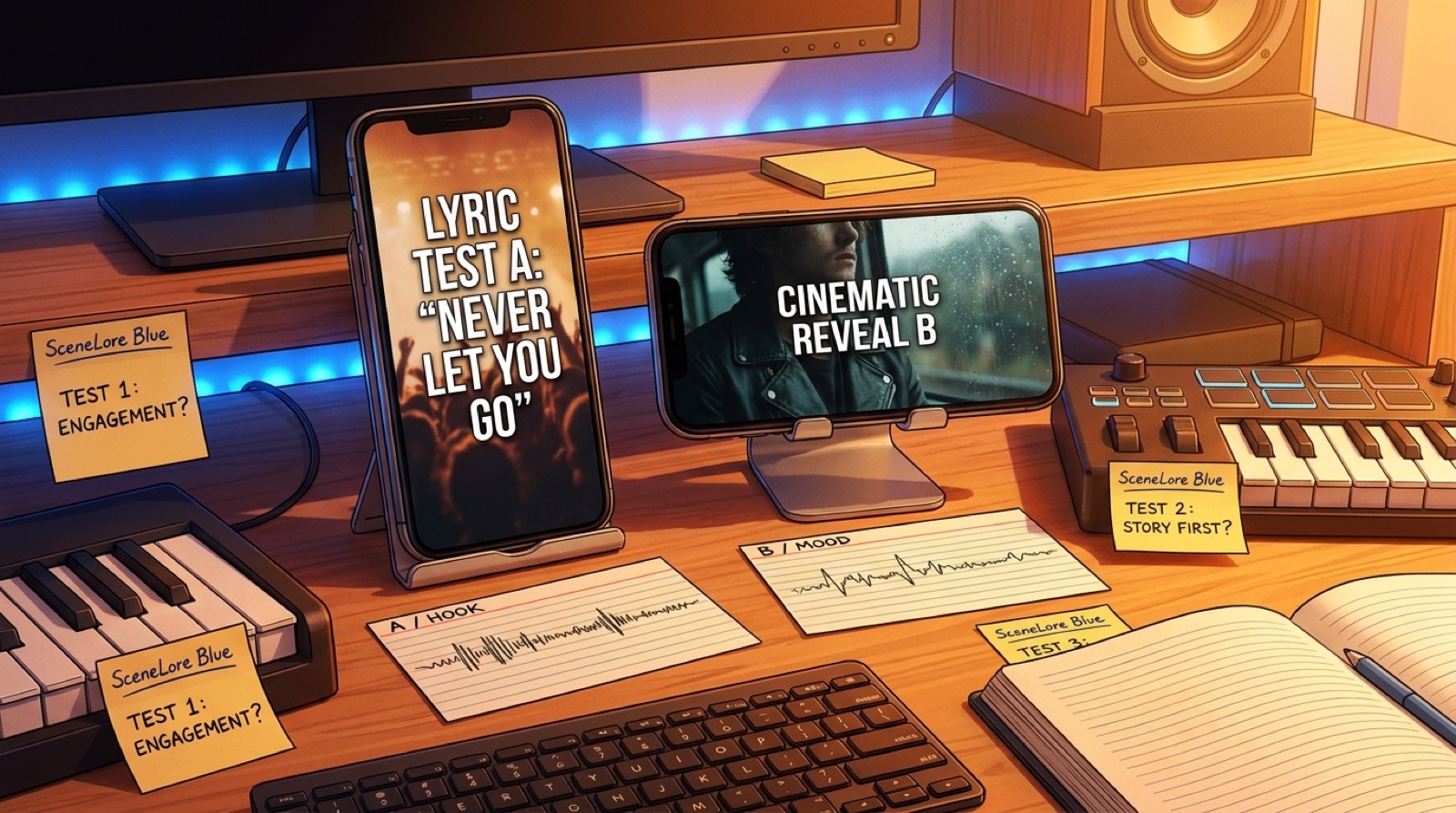
If the full video is struggling, your short clips should not repeat the weakest opening. Use the chorus, the strongest visual reveal, or the cleanest lyric moment as the short-form test.
The goal is simple: prove the best part of the song in a format people can understand quickly. If the short gets a better response, use that lesson to refresh the main upload package.
Update the description and proof notes
The description should support trust without sounding defensive. Add the song story, credit line, AI disclosure if needed, release links, and one clear next step. YouTube's guidance on altered or synthetic content is worth checking when the visuals could affect viewer expectations.
A cleaner description will not save a weak video alone, but it can remove doubt for viewers who are deciding whether the release is serious.
Rebuild around one clearer visual anchor
The strongest fix is usually a narrower one. Keep the song. Keep the best idea. Rebuild the video around the image, scene, character, or object that makes the track easiest to remember.
SceneLore works well for this kind of second pass because the goal is not more random prompts. It is a connected video world that gives the song a better first frame, a stronger chorus moment, and launch assets that match.
FAQ
Why is my AI music video underperforming?
Start with the packaging before blaming the song. The first frame, first 10 seconds, thumbnail promise, chorus moment, visual drift, title, description, and Shorts clips can all weaken a good track.
How do I improve an AI music video after upload?
Review the weak points in order: thumbnail, opening frame, first 10 seconds, strongest chorus moment, static sections, visual consistency, description promise, and short-form clips. Then rebuild the same song around a clearer visual anchor.
Should I delete a low-retention AI music video?
Usually, check the video first. If the song still has a strong hook, a refresh with a better opening, thumbnail, chorus scene, and supporting clips may be more useful than starting over.
Give the song a stronger second pass
Bring the finished track or cover image into SceneLore and rebuild the video around a clearer visual anchor.
Create Your First Video