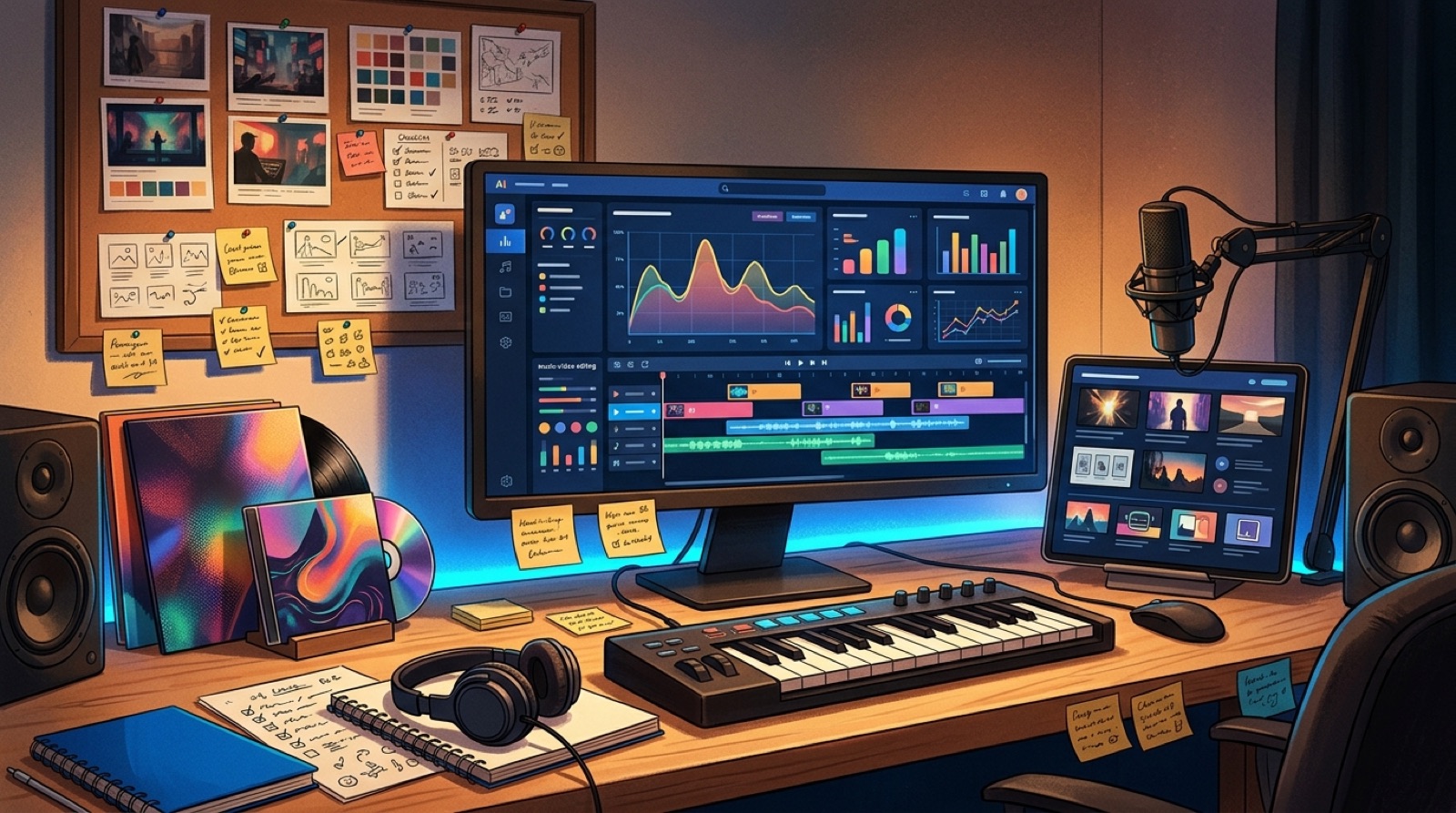
AI music channel analytics are easy to read as a verdict on the song. Good retention means the track worked. Weak retention means the track missed. That is tempting, but it leaves the fastest improvement untouched.
If the song is already finished, the video package is often the lever you can change first. The thumbnail, title, first frame, pacing, captions, Shorts cutdowns, and pinned comment can all shift what viewers understand before the chorus arrives.
Use the numbers to make the next video clearer, not just to decide whether the last song deserved more love.
Start with impressions and click-through
Impressions tell you how often YouTube had a chance to show the video. Click-through rate tells you whether the promise on the surface made people curious enough to open it.
For AI music channels, a low click-through rate is not always a song problem. It can mean the thumbnail looks like every other AI visualizer, the title does not name a mood, or the first visual promise feels too vague. Compare videos by visual concept, not only by genre.
If a track with a strong chorus gets weak clicks, test the package before you abandon the sound. A cleaner thumbnail rule can matter more than another prompt marathon. SceneLore has a separate guide on high-resolution YouTube thumbnails for AI music if that is the obvious weak point.
Watch the first 30 seconds like a viewer
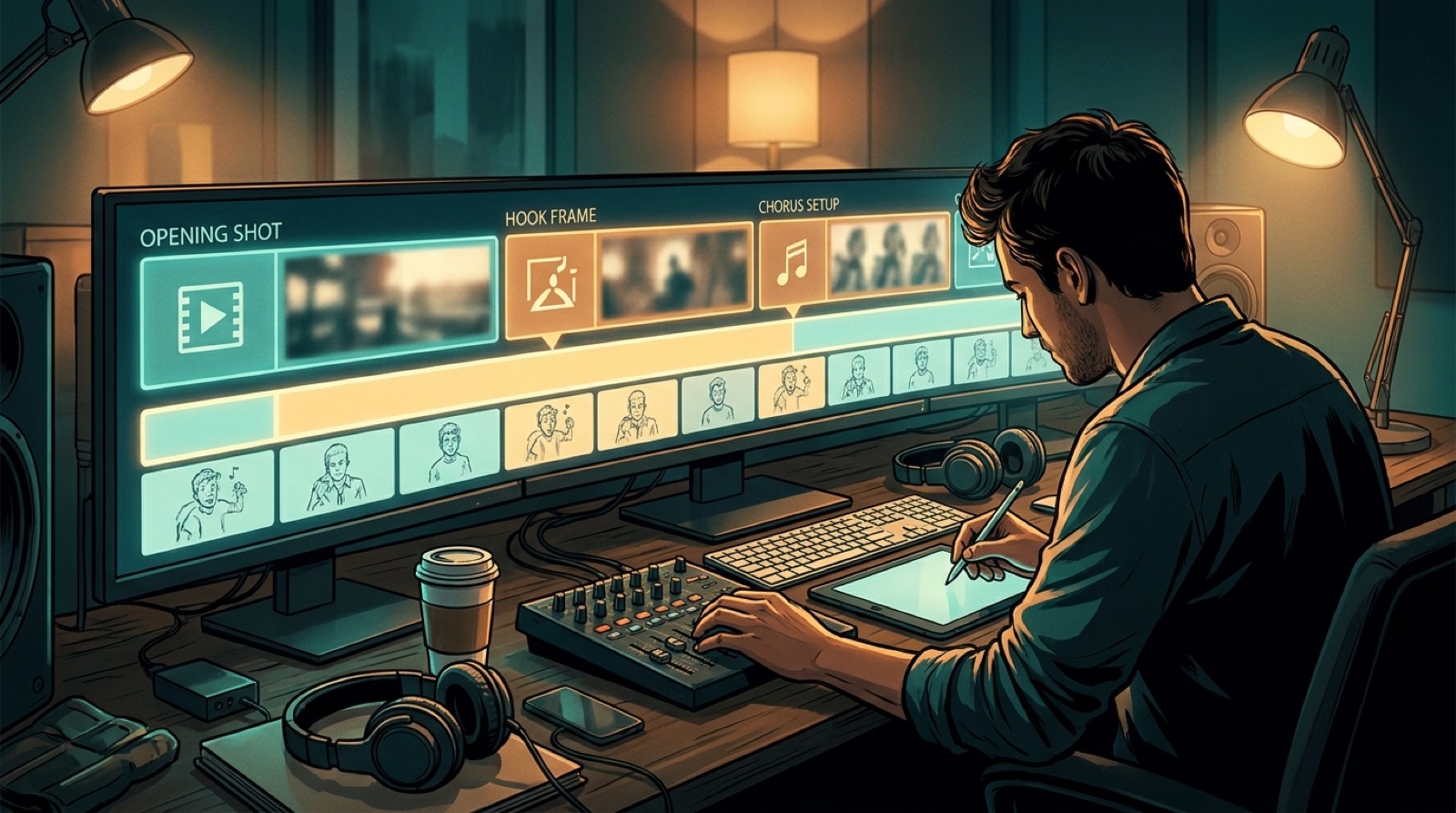
The first retention drop is usually the most honest part of the report. It shows whether the title, thumbnail, first frame, and opening motion all made the same promise.
If viewers leave before the vocal lands, the video may be asking them to wait too long for proof. Open with a stronger image, a more specific world, a lyric moment, or a motion choice that tells them what kind of song they have entered.
YouTube explains audience retention as a way to see which parts of a video keep or lose viewers. The current YouTube audience retention guidance is worth checking before you build a repeatable review habit around one chart.
Dips often point to visual fatigue
A retention dip does not always mean the song got boring. It can mean the image stopped evolving. Static cover art, repeated loops, and disconnected AI shots make viewers feel the video has already shown everything it has.
When you see a dip, match it to the actual moment in the video. Did the second verse reuse the same setup? Did a character change style without a reason? Did the scene lose the visual anchor that made the opening feel promising?
Those answers should shape the next visual brief. Keep the strongest world-building choice. Replace the part that feels like filler.
Replays reveal the moments worth packaging
Replayed moments are useful because they show where viewers found something worth returning to. That might be a lyric, a drop, a face reveal, a color shift, or a scene that finally made the song feel real.
Turn those moments into assets. Use them for Shorts, teaser clips, community posts, thumbnails, or the next channel trailer. A replay spike is a hint about what the audience can remember.
Shorts retention can test the visual promise
Shorts are not just distribution scraps from the main upload. They can test which part of the visual world travels fastest on a phone.
Compare a chorus cut, a lyric-led clip, and a world-building shot. If one holds attention far better, the next full video should learn from it. You are not only choosing the best clip. You are learning what your channel should lead with.
Comments tell you what the chart cannot
Comments are noisy, but they often name the feeling behind the numbers. People might mention the character, the mood, the lyrics, the disclosure, the cover image, or the part where the video felt too synthetic.
Do not overreact to one loud comment. Look for repeated language. If several viewers describe the same scene, confusion, or favorite moment, turn that into a note for the next release package.
Make one change at a time
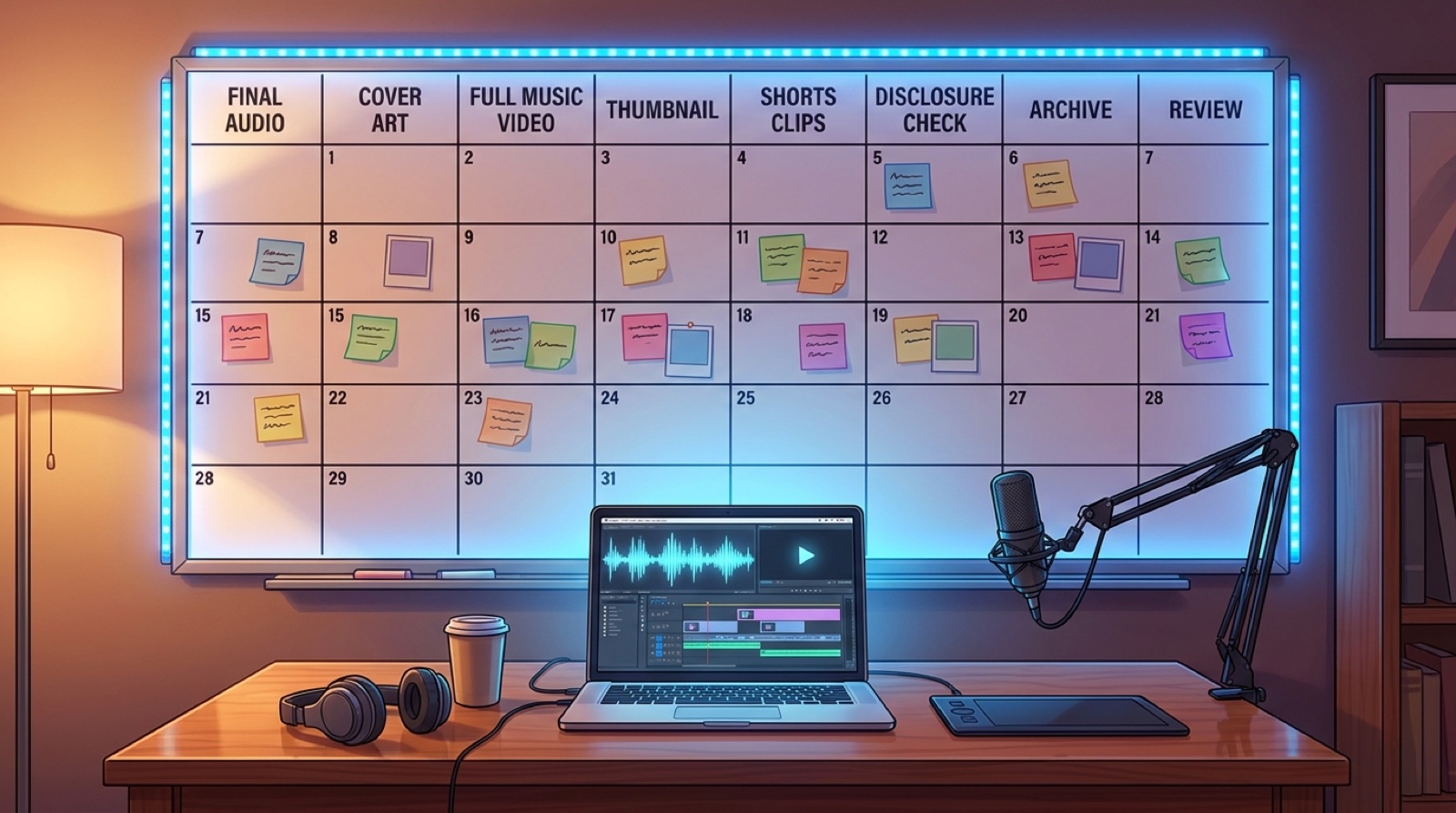
The easiest way to waste analytics is to change everything at once. If the next upload gets better, you will not know why. Pick one main fix for the next video.
- If clicks are weak, tighten the thumbnail and title promise.
- If the first 30 seconds drop hard, improve the first frame and opening motion.
- If the middle sags, add visual progression instead of another loop.
- If Shorts perform better than the full video, bring that visual hook forward.
- If comments praise one moment, build the next package around that kind of specificity.
SceneLore helps turn a finished track, cover, or visual idea into a connected music video package that gives your analytics something better to reward. Create your first video when the next upload needs a clearer visual read.