A YouTube thumbnail for AI music has to do more than look sharp. It has to make the viewer believe there is a finished release behind the click.
That matters more now because AI music channels are easy to make and hard to trust. A blurry crop, generic face, unreadable title, or mismatched first frame can make a good song feel like another disposable upload before the listener hears one second.
High-resolution thumbnails give you room to polish the packaging. They do not replace taste. Use the extra clarity to make the video promise cleaner, not busier.
Start from the song world, not a random pretty frame
The thumbnail should come from the same world as the song. If the track feels lonely, cinematic, playful, or aggressive, the image should carry that mood immediately. Do not pick a frame just because the face, color, or lighting looks expensive.
Write one sentence before you design: this song feels like what? Then choose the subject, setting, color, and expression around that sentence. A strong thumbnail can be simple when the mood is specific.
Make the first frame keep the thumbnail's promise
The thumbnail sells the click. The first frame protects it. If the thumbnail shows a singer in a rain-soaked city, the video should not open on an unrelated abstract tunnel. That mismatch trains viewers to distrust the channel.
Put the thumbnail and first frame side by side before upload. They do not need to be identical, but they should feel like two moments from the same release. When they agree, the video starts with less friction.
SceneLore is built for that connection: a finished song, cover, or visual idea can become a full video package instead of a lone image. Create your first video when the thumbnail needs a real video behind it.
Design for a phone before you admire the full-size file
High resolution can trick you. A thumbnail may look rich at desktop size and fall apart in the YouTube mobile feed. Shrink the image until it feels almost unfair, then check the subject, contrast, and any text.
Use one focal point. Keep type short or remove it. Avoid tiny credits, overloaded effects, and five competing visual ideas. The thumbnail should read while someone is scrolling, not while they are studying your export.
Avoid the generic AI face trap
AI music thumbnails often drift toward polished faces with no relationship to the song. The image looks expensive for half a second, then forgettable. If every track has the same glossy stare, the channel starts to feel automated even when the music is personal.
Faces can work, but they need a role. Make the character, expression, setting, or costume belong to the song. If the track has no character, use the strongest visual anchor instead: the cover object, the stage, the room, the vehicle, the symbol, or the chorus moment.
Keep channel rules so the grid feels intentional
One thumbnail can win a click. A consistent grid can make the channel easier to remember. Set a few rules: crop style, title placement, color range, artist mark, and how much the thumbnail can differ by genre or series.
Rules do not mean every video looks identical. They give repeat viewers a signal that the channel is curated. For AI music, that signal matters because it separates an artist world from a folder of unrelated generations.
Export cleanly and keep the source files together
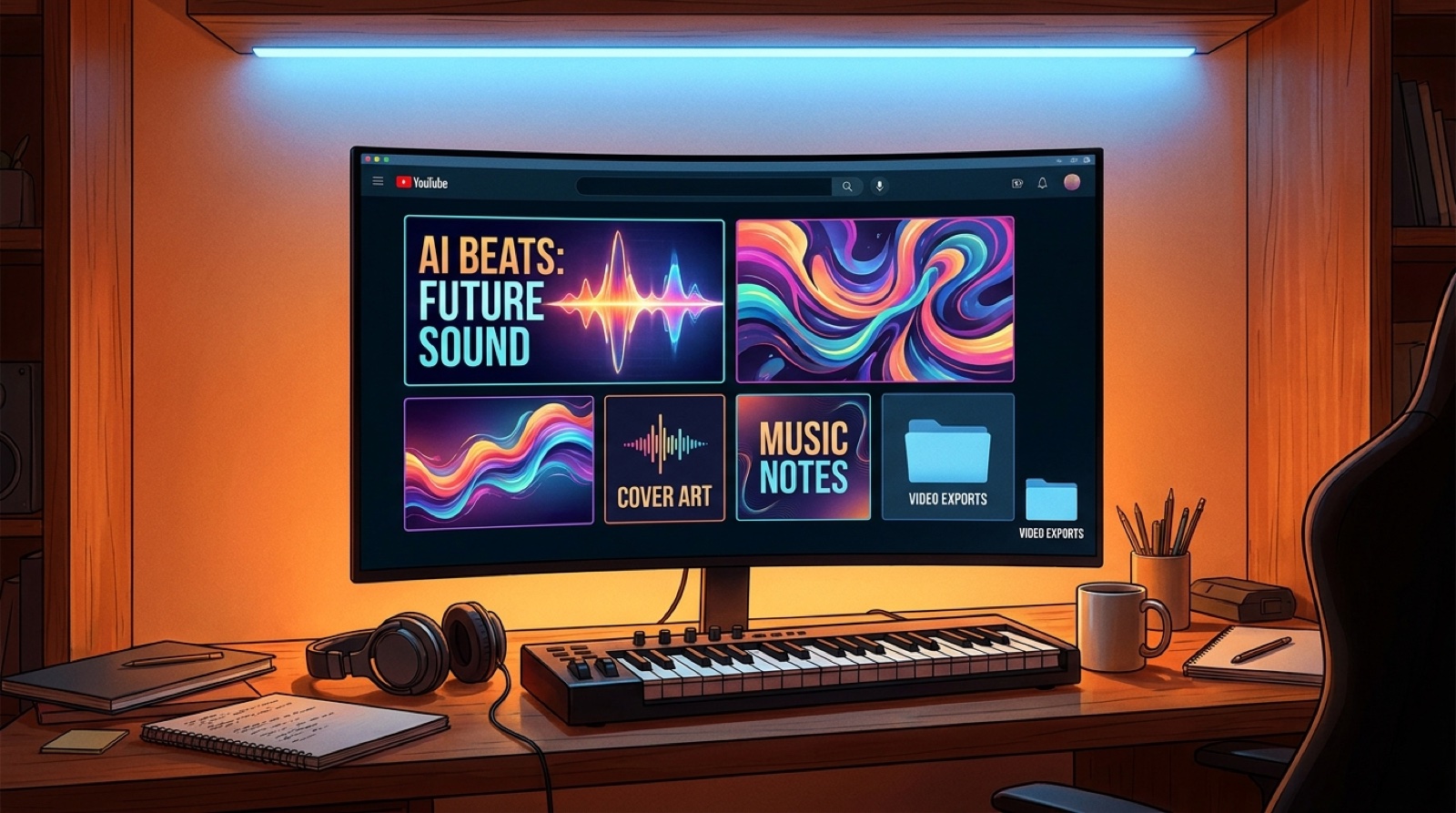
Use a clean 16:9 source, save the working file, export the final thumbnail, and keep it beside the cover art, first frame, video export, and description copy. YouTube's thumbnail help notes the current custom thumbnail requirements, including format and size limits, so check the official guidance before building a repeat template: Add video thumbnails on YouTube.
The private folder matters because thumbnail work is part of release proof. If you later update the video, pitch the song, or reuse the chorus for Shorts, you can find the exact image system that introduced the release.
Use the thumbnail as a quality gate
Before upload, ask three questions. Does the thumbnail make one clear promise? Does the first frame keep it? Does the channel grid make this song feel like part of a real project?
If the answer is no, fix the package before blaming the song. A strong AI track can still lose the click when the visual packaging feels generic. A strong thumbnail makes the release easier to trust before the music has to prove itself.
For a broader channel system, read AI music channel thumbnails need rules before the grid drifts. For trust signals around the upload itself, read YouTube low-effort AI signals start before the song plays.