An AI music release retrospective should feel practical, not punishing. The goal is to see what the last release taught you before the next song takes over the whole week.
Views matter, but they are only the top layer. A better review looks at the thumbnail, first frame, retention curve, comments, saves, short clips, release links, and the parts of the workflow that slowed you down.
If you make music often, this habit can protect your channel from random drift. Every release leaves clues. The retrospective turns those clues into a cleaner next package.
Start with the promise viewers saw first
Before opening any dashboard, look at the title, thumbnail, and first frame together. They are the promise people saw before they chose to play the video.
Ask whether those pieces sold the same mood. A dark cinematic song can feel cheap if the thumbnail looks like a generic AI portrait. A bright pop track can feel confused if the first frame opens on a quiet landscape with no energy.
Write down the exact promise in one sentence. Then compare it with the song people actually got. If the promise and the payoff did not match, the next release needs a clearer visual anchor before anything else.
Read retention like a story note
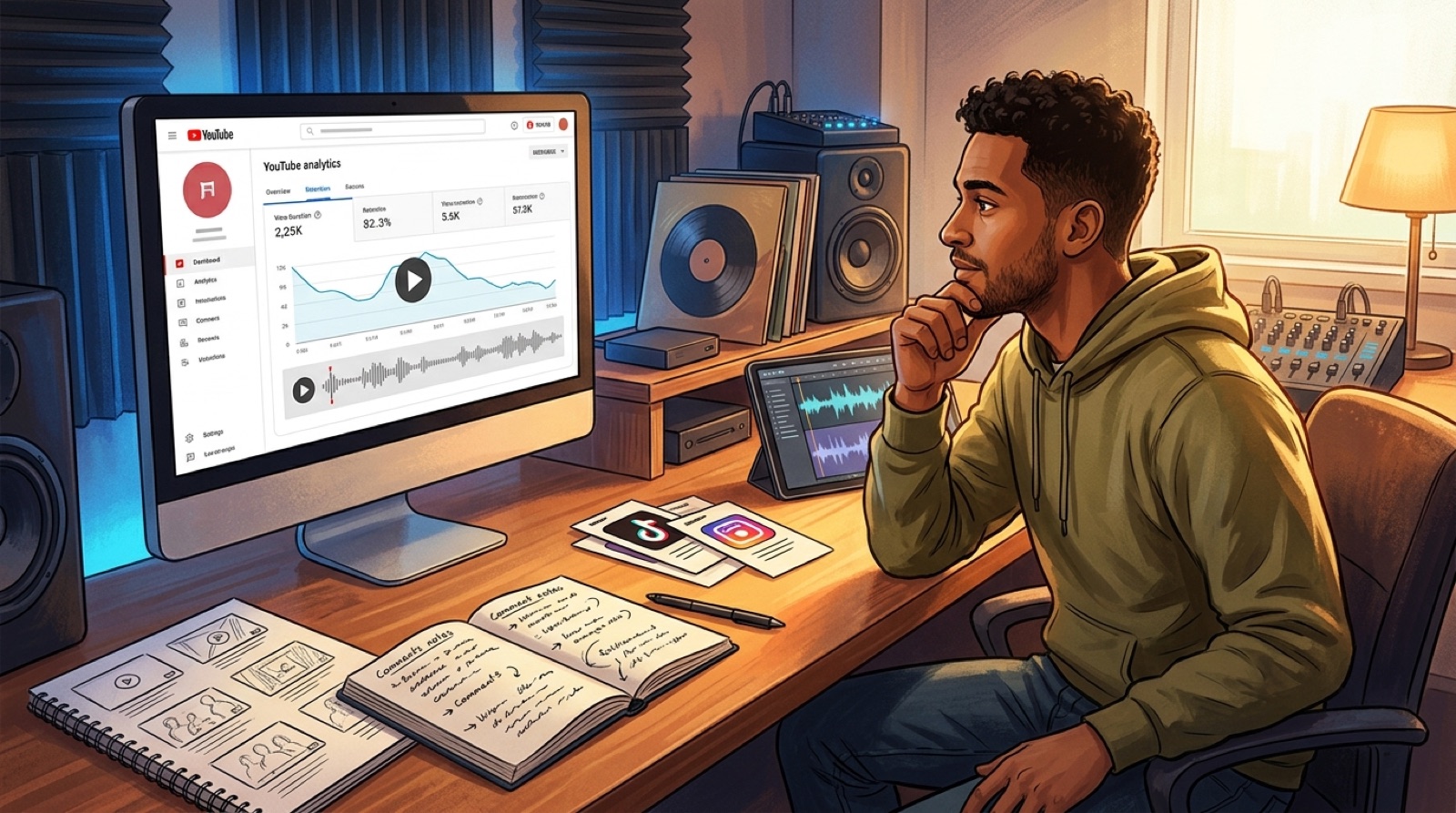
Audience retention is useful when you treat it like a story note. You are looking for moments where attention changed, then asking what the viewer saw or heard at that point.
If people leave during the intro, the opening image may be too slow, too vague, or too far from the hook. If they leave after the chorus, the video may have spent its strongest idea too early. If a section holds well, save that scene rule for the next release.
YouTube explains that audience retention reports can show how different parts of a video keep viewers watching. That makes the graph a good companion to your edit notes, not just a performance grade. See YouTube's audience retention guidance for the platform view.
Separate useful feedback from noise
Comments can be messy, but they often show whether the release felt real to people. Look for repeated words. Did viewers mention the chorus, the character, the mood, the visuals, the mix, the lyrics, or the fact that the song was AI-assisted?
One angry comment should not rewrite your whole channel. Repeated confusion should. If several people ask what the song is about, the video or description may not be grounding the release. If people quote one lyric or mention one shot, that is a signal worth saving.
Put feedback into two buckets: keep and fix. Keep what people remembered. Fix what made the release feel unclear, disposable, or unfinished.
Review the short-form trail
A full video is only one part of the release. Check whether your Shorts, Reels, teasers, and community posts made the song easier to understand.
Look at the first few seconds of each clip. The best short-form asset usually makes the song's mood obvious before the viewer knows the full context. If one clip worked better than the main upload, ask what it did faster: stronger image, clearer lyric, better motion, or a cleaner caption.
Save the winning clip pattern. You can reuse the structure without copying the exact visual idea.
Find the friction in the workflow
The retrospective should also cover production. Which part took too long? Prompting scenes, picking stills, matching characters, making thumbnails, writing descriptions, exporting formats, or fixing captions?
Workflow friction matters because it shapes what you are willing to publish next. If every release needs a heroic edit, the system will break as soon as you try to release weekly.
Write one process fix for the next song. It might be a shared thumbnail rule, a reusable description section, a folder naming habit, or a decision to build the video from the strongest cover image instead of starting from blank prompts.
Turn the review into next-release decisions
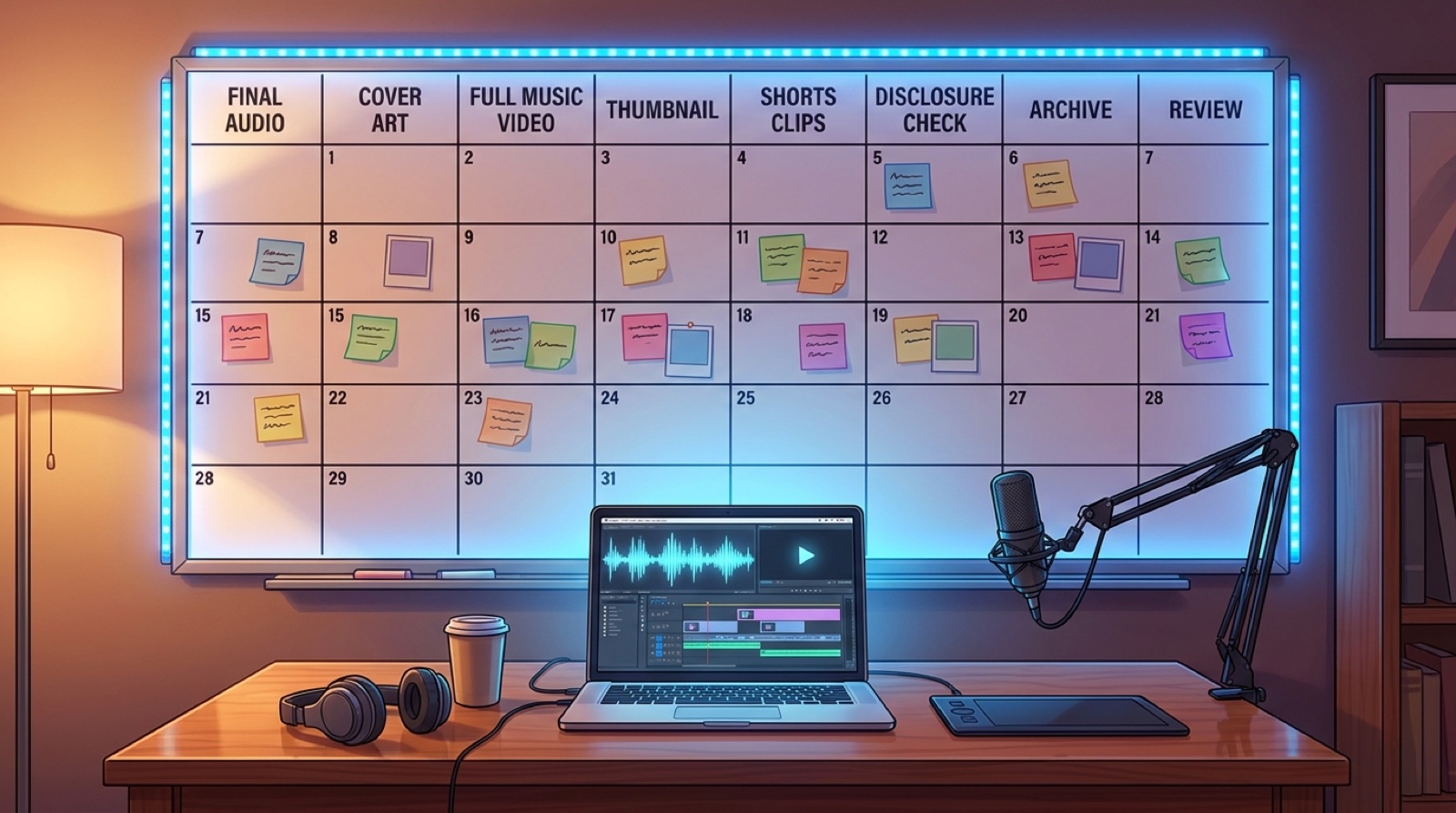
- Name the promise viewers saw in the title, thumbnail, and first frame.
- Mark the first retention drop and the strongest retention hold.
- Save any comment language that describes the mood better than you did.
- Pick one short-form pattern to repeat.
- Choose one visual rule to keep and one workflow problem to fix.
Keep the final notes short enough to use. A retrospective that becomes a private report will get ignored. A one-page release review can guide the next thumbnail, opening scene, description, and clip package.
If the review shows that the last upload looked too static, start with the guide on why static AI music uploads lose viewers. If the release needed better front-door packaging, use the AI music channel thumbnail rules before you export the next video.
SceneLore helps turn a finished song, cover, or idea into a video package that feels connected before launch day. Create your first video when the next track is ready for a stronger release cycle.