YouTube releases
YouTube Creator Music changes do not replace your AI song release plan
YouTube Creator Music AI music confusion can make release day feel like a policy maze. But licensing programs, monetization notes, and platform updates do not replace the work of packaging your own song like a finished release.
YouTube's music tools can help creators think about tracks they use in videos. They do not automatically answer the bigger question an AI-assisted musician faces: does this song look, sound, and read like something ready for an audience?
If you made the song yourself with Suno, Udio, collaborators, samples, or other tools, the upload still needs a coherent package around it. That package is what helps viewers understand the release before the first chorus lands.
Separate platform licensing from your release package
Creator Music is about how music can be used inside YouTube's ecosystem. Your AI song release plan is about how your own work is presented, credited, documented, and promoted.
Those jobs overlap, but they are not the same. A platform program may influence monetization or usage options. It will not choose your thumbnail, write your description, explain your creative process, or make the video feel intentional.
Prepare the upload before policy panic takes over
Creators often lose a day trying to decode rules while the actual release assets stay unfinished. Start with the parts you control.
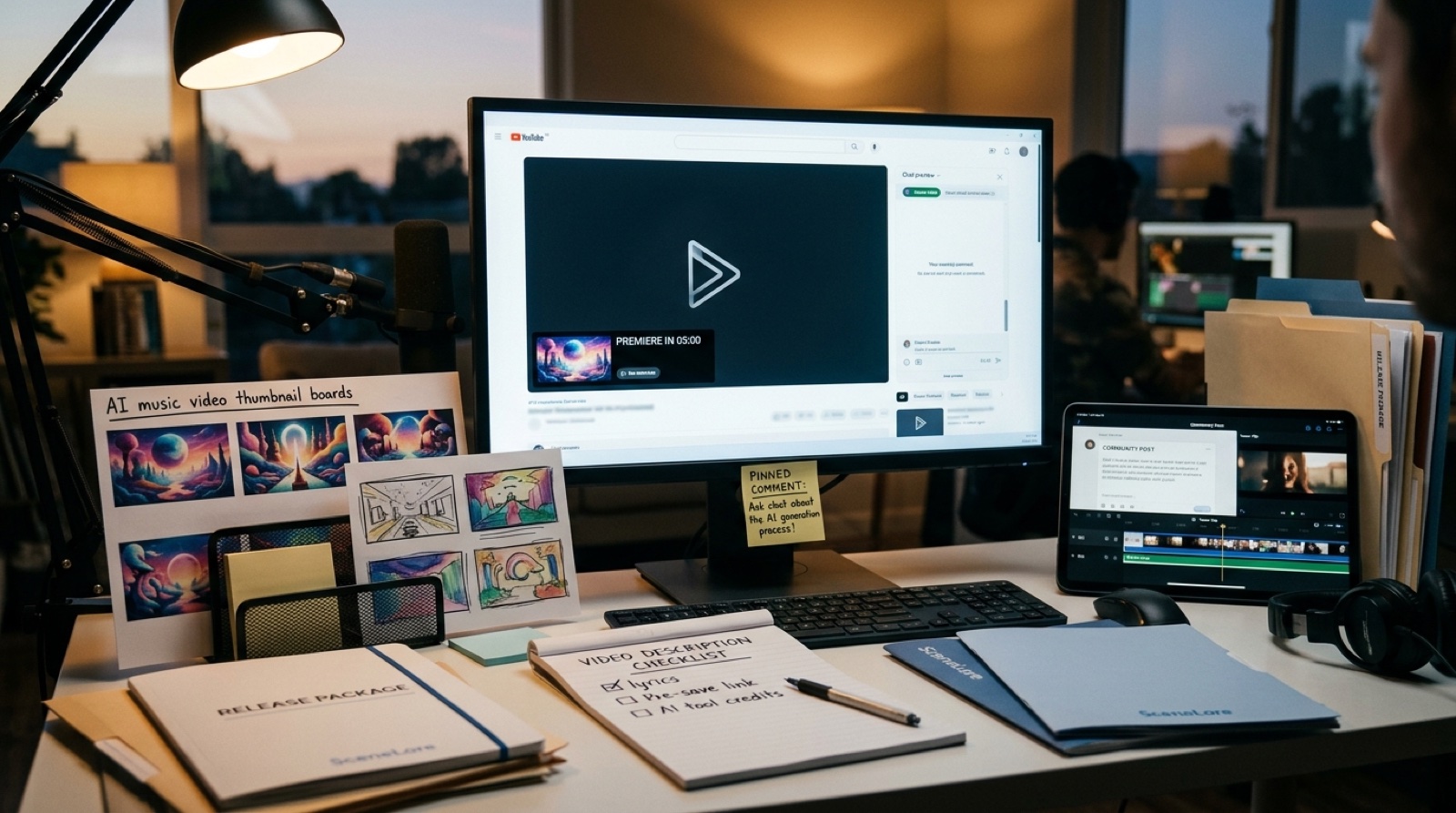
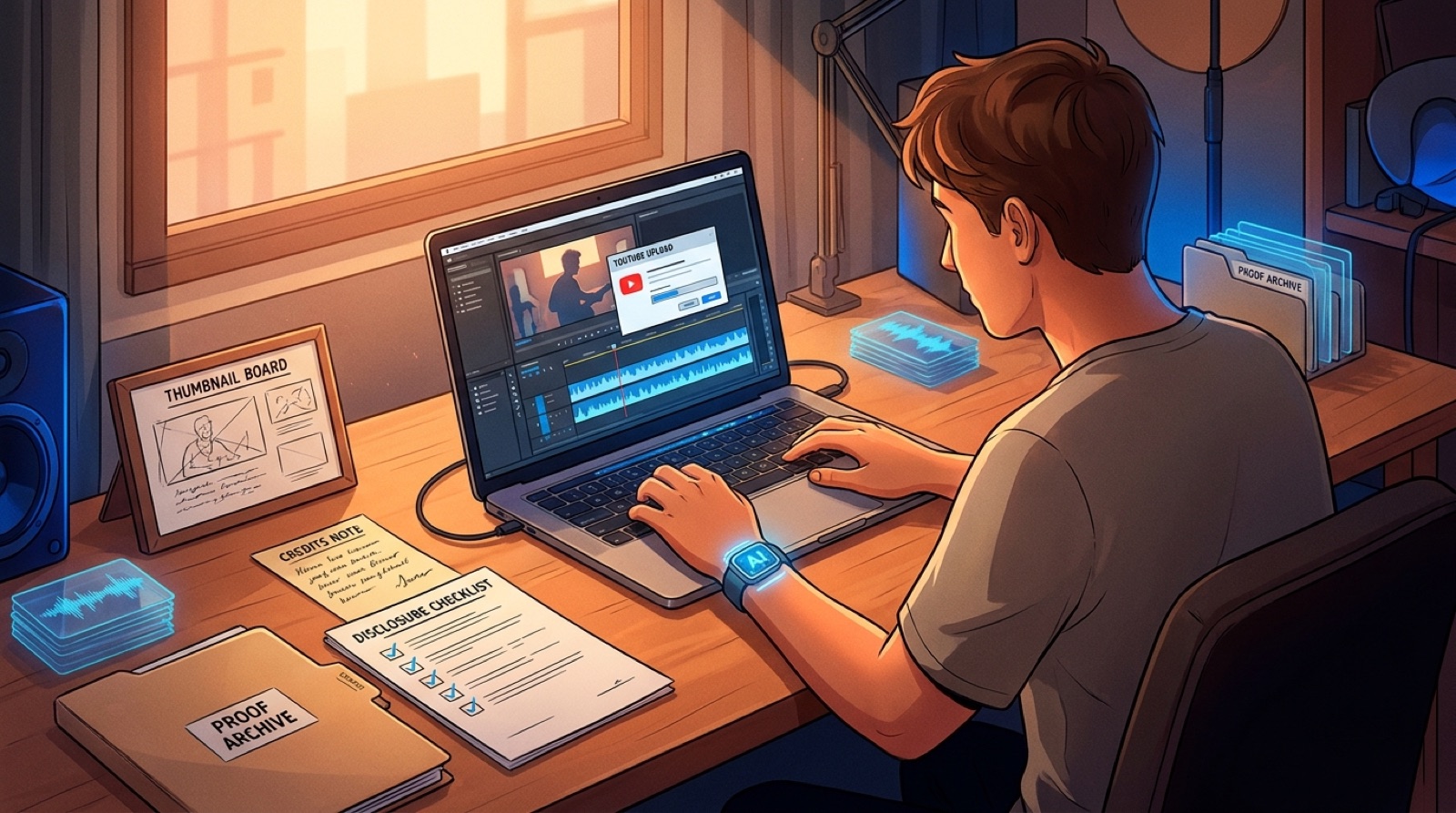
Write the title, description, credit note, disclosure language, pinned comment, thumbnail promise, and short launch caption before upload day. Save the audio export, lyrics, prompt notes, cover art, video file, captions, and proof records in one folder. If a platform question appears later, you have context instead of scattered guesses.
Make the video prove the song has a world
A finished AI song can still feel disposable if the upload looks like a random visualizer. The first frame, thumbnail, full video, and Shorts cutdowns should point to the same mood.
SceneLore is useful here because the visual package starts from the song's emotional direction. A release about grief, escape, neon romance, or cinematic tension should not land with a generic loop that could belong to any track.
Use disclosure as context, not an apology
AI-assisted music needs calm, consistent language. Avoid turning the description into a defensive essay. A short note about tools, human direction, collaborators, and visual production is usually more useful than vague disclaimers.
The goal is not to make the release smaller. The goal is to help viewers, platforms, and collaborators understand what they are looking at.
A simple YouTube AI song release checklist
- Final song export and any alternate versions you may need later.
- Full music video, thumbnail, captions, and two or three short cutdowns.
- Title, description, credit note, disclosure line, and pinned comment.
- Cover art, first frame, and visual references that match the song mood.
- Proof folder with lyrics, prompts or writing notes, render dates, and credits.
- Links to the release page, artist profile, app CTA, or related songs when relevant.
Do the boring work before the upload feels urgent
The safest release plan is not glamorous. It is a clean folder, a clear description, a believable visual world, and a video that does not make the song look unfinished.
Follow YouTube policy updates, but do not let them become the whole strategy. Your audience still decides in seconds whether the song feels worth hearing. Give them a release package that makes that decision easier.
Turn the song into a release people can read at a glance
SceneLore helps AI-assisted musicians turn finished tracks, cover art, and creative direction into videos that make the release feel coherent from the first frame.
Create Your First Video