A YouTube Premiere for AI music is useful when the release already has a reason to gather attention at one specific moment. It is less useful when the video is just a finished file looking for extra drama.
The countdown, live chat, and notification can help a song feel bigger. But they also create pressure. Viewers see the thumbnail before they hear the chorus. They read the title before they understand the story. They judge the first frame before the video has time to explain itself.
Use Premiere when the whole package can carry that first impression.
Start with the reason to show up together
Before scheduling anything, ask what a viewer gets from arriving on time. Maybe it is the first reveal of a new visual world. Maybe it is a live chat with the creator. Maybe it is a release-day bundle with a lyric note, behind-the-scenes proof, and a short clip ready to share.
If the only answer is "because YouTube has a Premiere button," wait. A normal upload with stronger packaging will usually serve the song better.
The thumbnail has to carry the countdown
The thumbnail does more work during a Premiere because it appears while the video is still locked. It should make the song feel specific before anyone presses play.
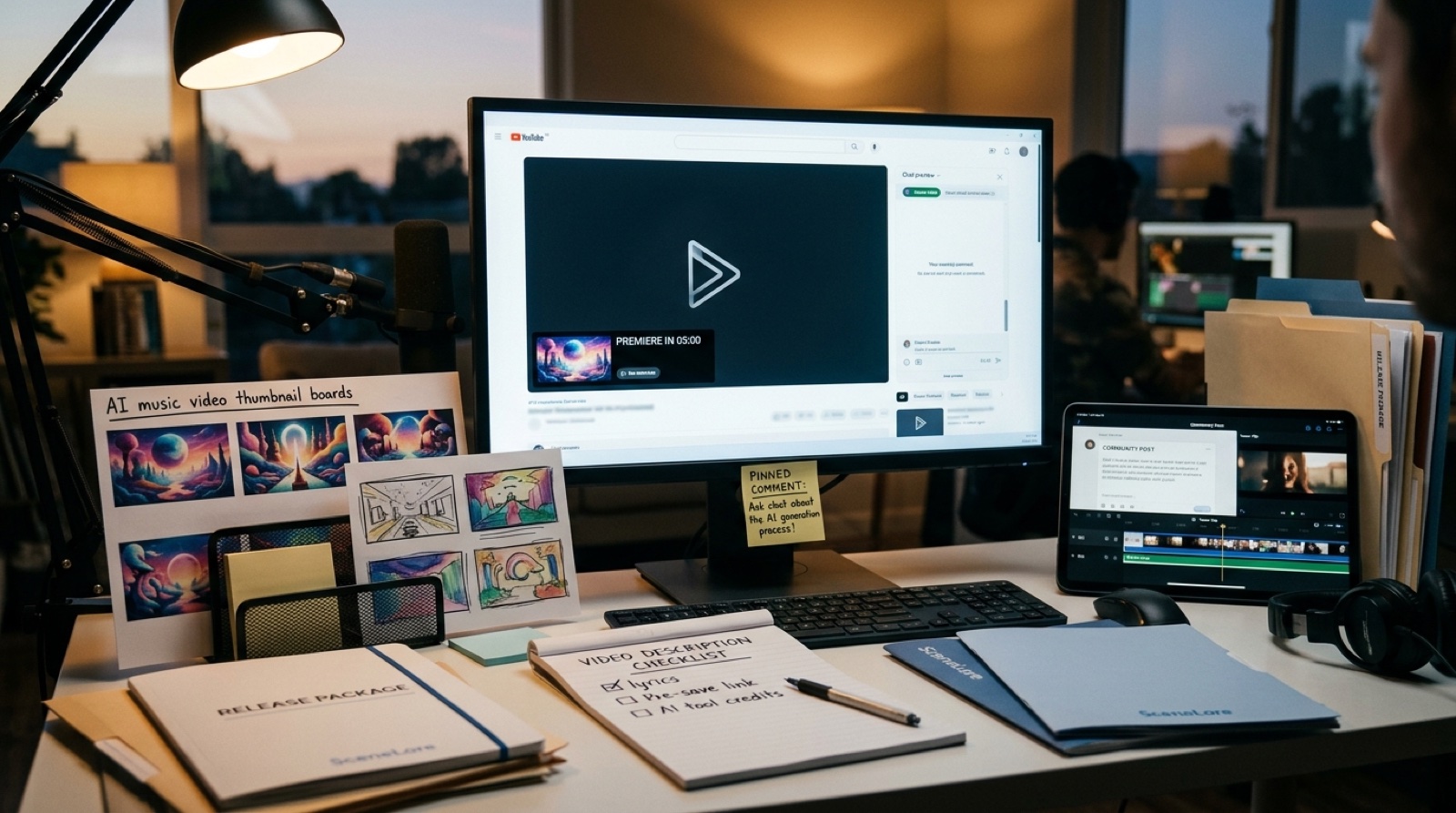
Use a frame that matches the video world, not a generic neon face or abstract visualizer still. Check it on a phone. Make sure the title, thumbnail, and first frame all promise the same mood. If those three elements disagree, the Premiere will feel louder than the release.
For more on that first impression, read high-resolution YouTube thumbnails for AI music.
Write the description before launch day
A Premiere description should do more than hold links. It should give the listener the song context, credits, disclosure choice, release links, and a next step after the video ends.
YouTube's help center explains that Premiere lets creators and viewers watch a new upload together in real time. Check the current YouTube Premieres guidance before building a repeatable launch routine around it.
If the song used AI tools, decide how you will describe that honestly and calmly. You do not need to turn the description into a legal memo. You do need to avoid making the release feel evasive.
Prepare the pinned comment
The pinned comment is the handoff after the first watch. Use it to invite a simple next action: watch the short version, hear the full track, read the release note, join the mailing list, or try the next video.
Keep it human. Thank people for being there, name what the song is about, and point them somewhere useful. Do not wait until the Premiere is live to improvise this part.
Make one teaser before you schedule
A Premiere works better when people have seen a reason to care before the countdown begins. Cut one short teaser from the strongest visual moment, not necessarily the loudest chorus.
The teaser should match the final thumbnail and video world. If it looks like a different release, it creates confusion instead of anticipation.
Build a quick release checklist
- Thumbnail tested on mobile.
- Title and first frame match the song mood.
- Description includes credits, context, links, and disclosure choice.
- Pinned comment is written before launch.
- One teaser clip is ready for Shorts, Reels, or community posts.
- Release page or artist link has somewhere useful to send viewers.
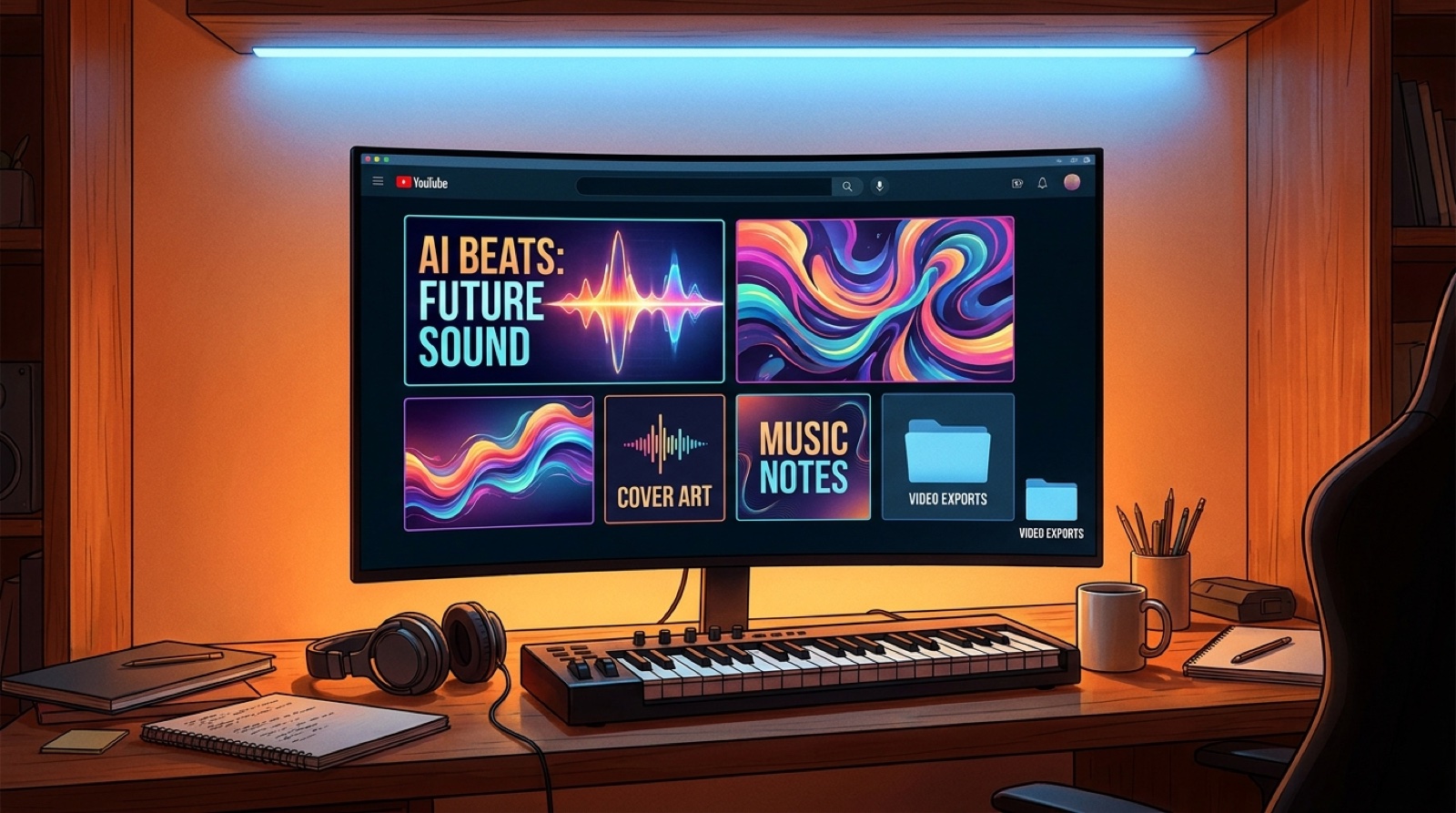
- Proof files, cover art, exports, captions, and credits are archived.
This checklist is not busywork. It keeps the Premiere from becoming the only polished part of the release.
Use Premiere for the right songs
Not every AI song needs an event. Use Premiere for releases with a clear visual world, a meaningful first watch, and enough supporting assets to make the upload feel intentional after the chat ends.
For quiet catalog tracks, a clean standard upload may be enough. For a single that introduces a new artist world, a Premiere can help people understand that this is a release, not another random render.
SceneLore helps turn a finished song, cover, or visual idea into a connected music video package before launch day. Create your first video when the Premiere deserves more than a countdown.