Album visuals
An AI album visualizer bundle keeps every track in the same world
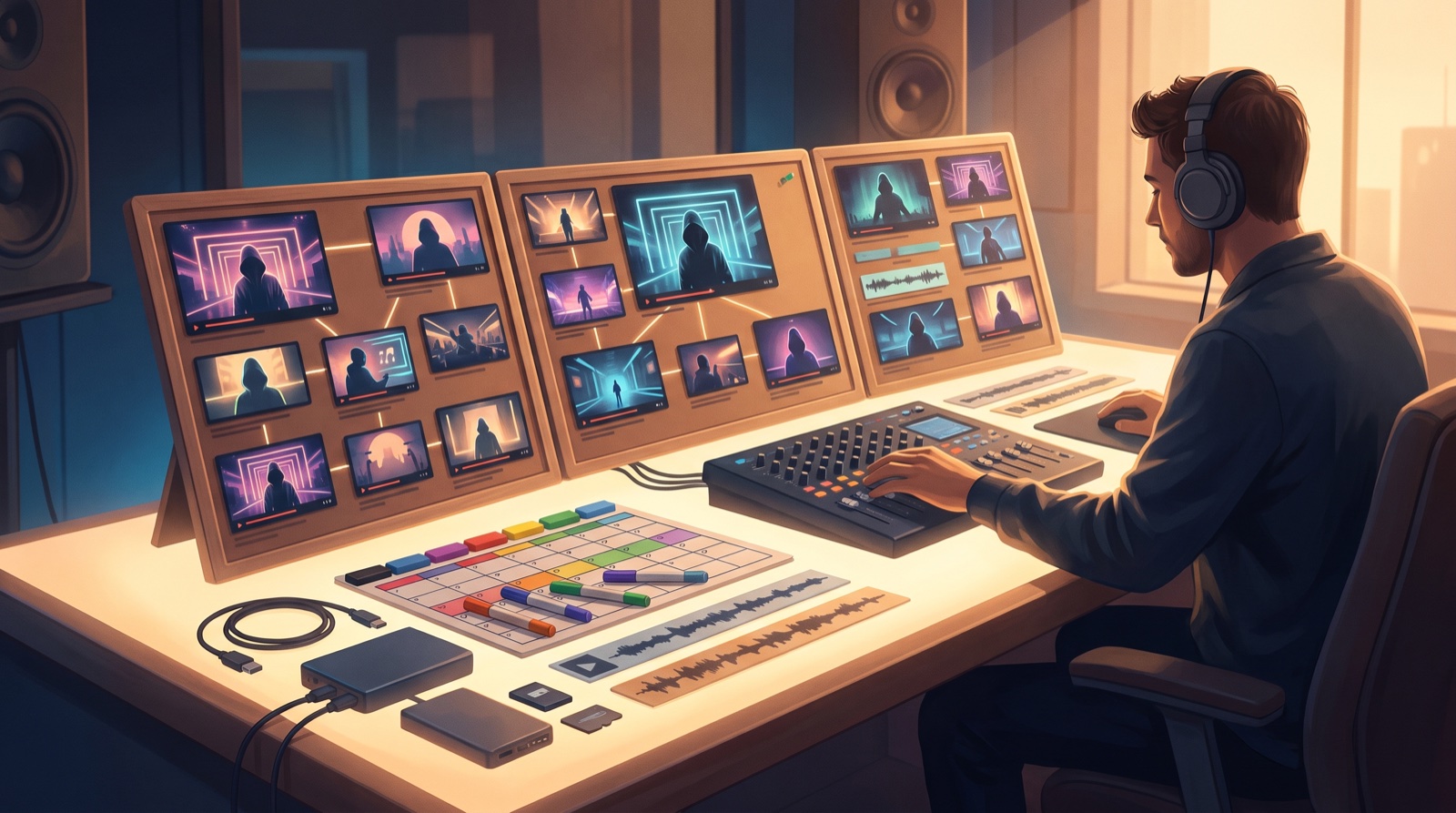
An album does not need ten unrelated AI visuals. It needs one visual world with enough rules to hold the project together and enough variation to let each song breathe.
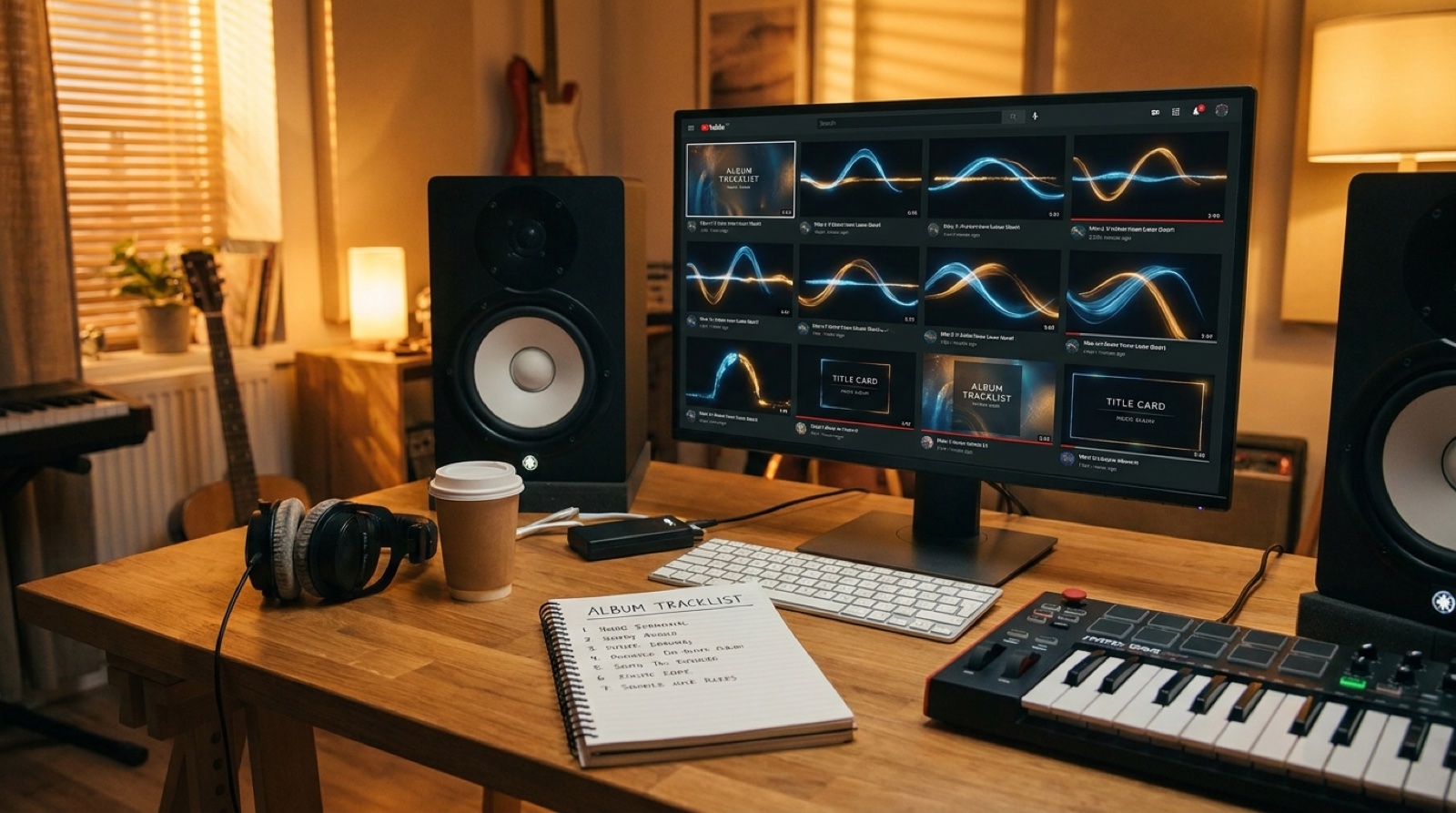
AI album visualizer planning starts before the first render. If every track gets a different mood board, thumbnail style, and motion language, the release feels like a folder of experiments instead of an album. The fix is a small bundle of repeatable visual decisions.
Think of the bundle as the visual equivalent of album sequencing. It gives each song a place in the same world: recurring motifs, consistent color rules, title-card grammar, thumbnail family, full-song videos, and short-form cutdowns that clearly belong together.
Start with the promise of the album
Before choosing effects, write one sentence that explains what the album should feel like on screen. That sentence becomes the filter for every generated image, scene, title card, and motion choice.
Build the bundle from reusable parts
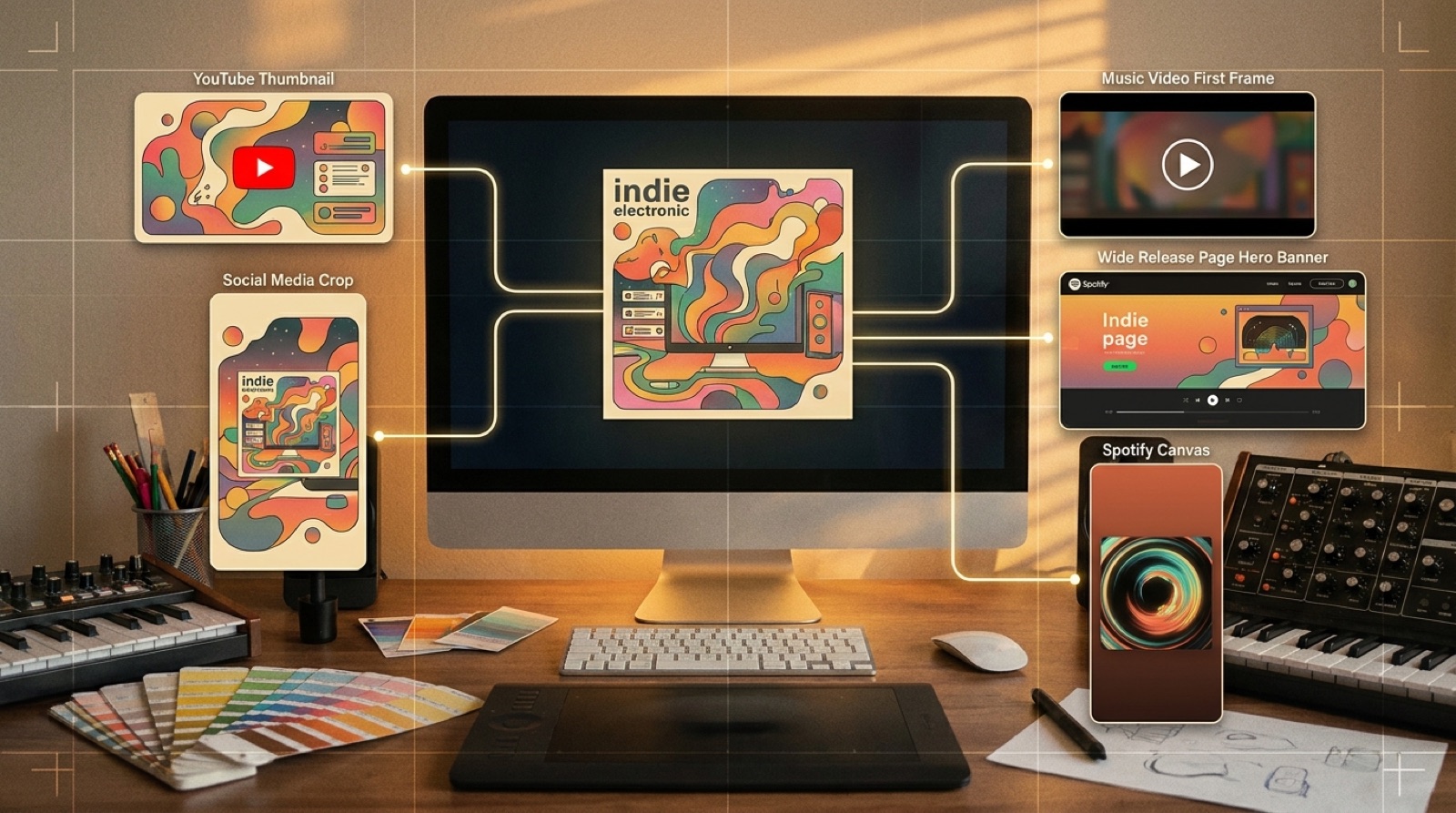
- One hero image system for the album cover, YouTube thumbnail, and first frame.
- Two or three recurring motifs, such as a light shape, room, object, landscape, or color accent.
- Color rules that let every track vary without leaving the album world.
- Title-card rules for track name, artist name, and optional disclosure language.
- Motion rules for camera movement, cuts, lyric moments, and chorus lifts.
- Short-form exports that reuse the strongest chorus or visual turn from each song.
SceneLore is useful here because the goal is not a one-off visualizer. It is a repeatable full-song video workflow where each track can borrow from the same visual world without looking copied and pasted.
Let each track have one controlled exception
A bundle should not flatten the album. Give each song one allowed exception: a new accent color, a different prop, a change in weather, a camera pace, or one signature scene. Keep the rest stable.
Make thumbnails look like siblings
Use a shared frame logic: the same subject distance, typography placement, color family, and contrast level. Then change one visual detail per track. The grid should read like a set before anyone presses play.
Save the rules as release proof
The bundle also becomes documentation. Save prompts, selected stills, rejected variants, final exports, thumbnails, disclosure wording, and dates. For broader context, keep YouTube's guidance on synthetic or altered content close while planning public uploads: YouTube altered or synthetic content disclosures.
A simple checklist before rendering every track
- Does this track still match the album promise?
- Which recurring motif appears in this video?
- What is the one controlled exception for this song?
- Does the first frame work as a thumbnail candidate?
- Can the chorus produce a vertical cutdown?
- Are prompts, source files, credits, and final exports saved?
If the answer is yes, the album visualizer bundle is doing its job. It is making the release easier to recognize, easier to promote, and easier to trust.
Turn the album world into finished videos
SceneLore helps creators turn finished songs and cover-art ideas into full-length AI music videos that feel connected across a release.
Create Your First Video