An AI cover song video is not just a visual layer on top of a familiar chorus. It is a trust package. The viewer needs to understand what the song is, why this version exists, who deserves credit, and why the video belongs to your interpretation instead of borrowing attention from the original.
That does not mean turning every upload into a legal essay. It means slowing down long enough to separate two jobs: check whether the cover can be released, then build visuals that make the release feel honest and intentional.
Start with rights clarity before visual polish
Before you storyboard the video, confirm the rules for the place you plan to publish. A cover on YouTube, a distributor release, a short teaser, and a download page can have different requirements. If money, licensing, or platform policy is involved, get current guidance from the platform or a qualified rights source.
YouTube explains its current approach to cover songs and Content ID in its music copyright guidance. Treat that as a starting point, not a substitute for checking the actual release route.
Once the rights path is clear enough to proceed, write the basic credit language before you design the video. It keeps the release from feeling evasive later.
Make the video belong to your version
The safest creative move is also the strongest one: make the visual world specific to your interpretation. If your cover is slower, darker, brighter, stranger, or more intimate than the original, the video should show that choice from the first frame.
Avoid visuals that imitate the original artist, music video, album campaign, or public persona. Do not lean on lookalike characters, copied staging, or wink-heavy references that blur who made what. The goal is recognition of the song, not confusion about the source.
SceneLore works best here when you feed it your own cover art, lyric mood, release note, or scene idea and let the visual arc grow from the new version.
Keep credits visible but calm
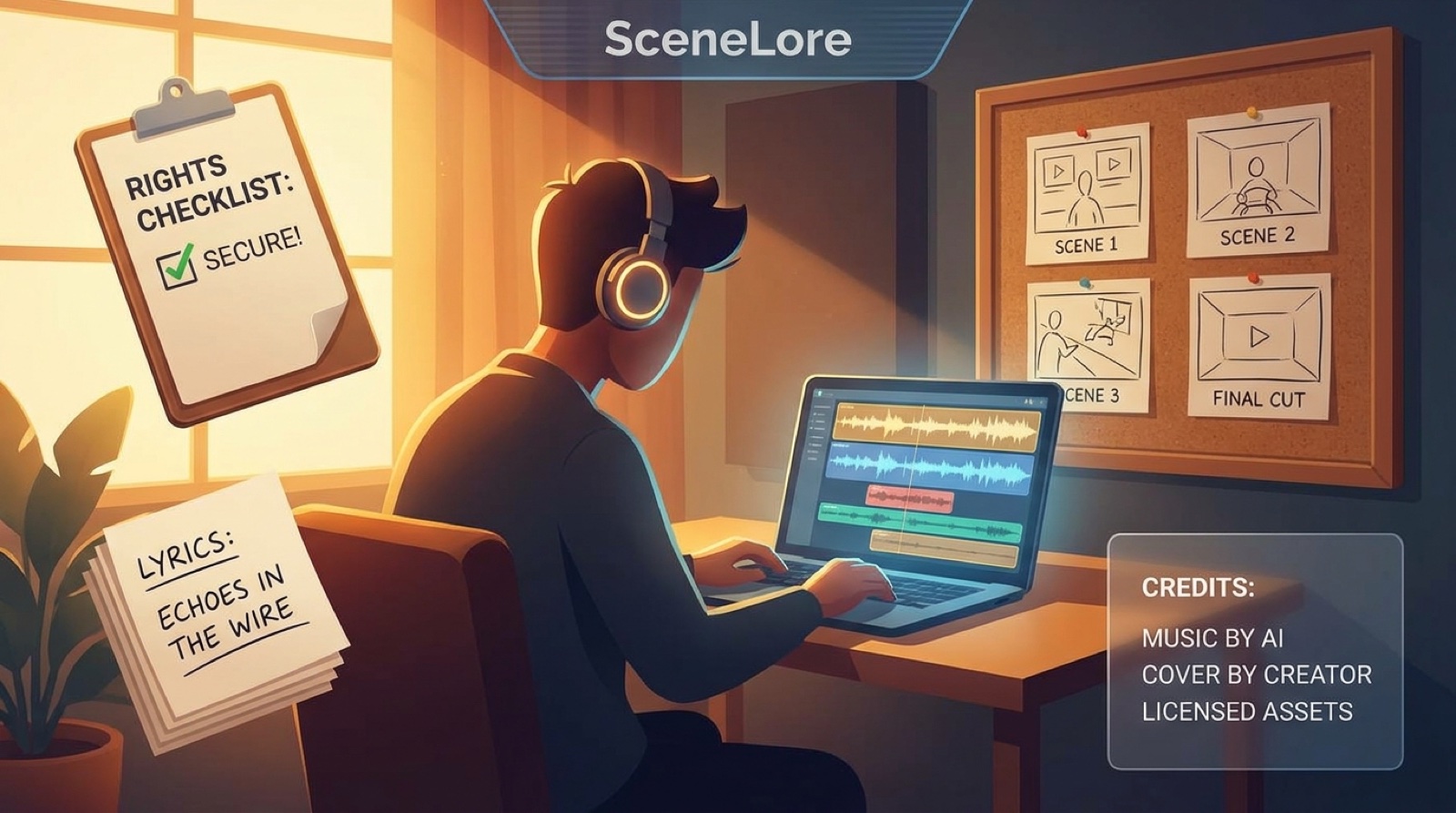
Credits should be easy to find without swallowing the whole video. Put the full details in the description or release page. Use the video itself for a clean end card, a pinned comment, or a short opening note only when it helps the viewer understand the context.
For YouTube, a simple structure usually works: original song title, original songwriter or rightsholder information when relevant, your arrangement or performance note, AI-assisted production disclosure if you choose to include it, and links to your release page.
If you need a stronger description framework, pair this with an AI music video description that earns trust.
Do not let the thumbnail overpromise
The thumbnail is where many cover releases get messy. A familiar title can already pull attention. The thumbnail should not add another layer of borrowed identity.
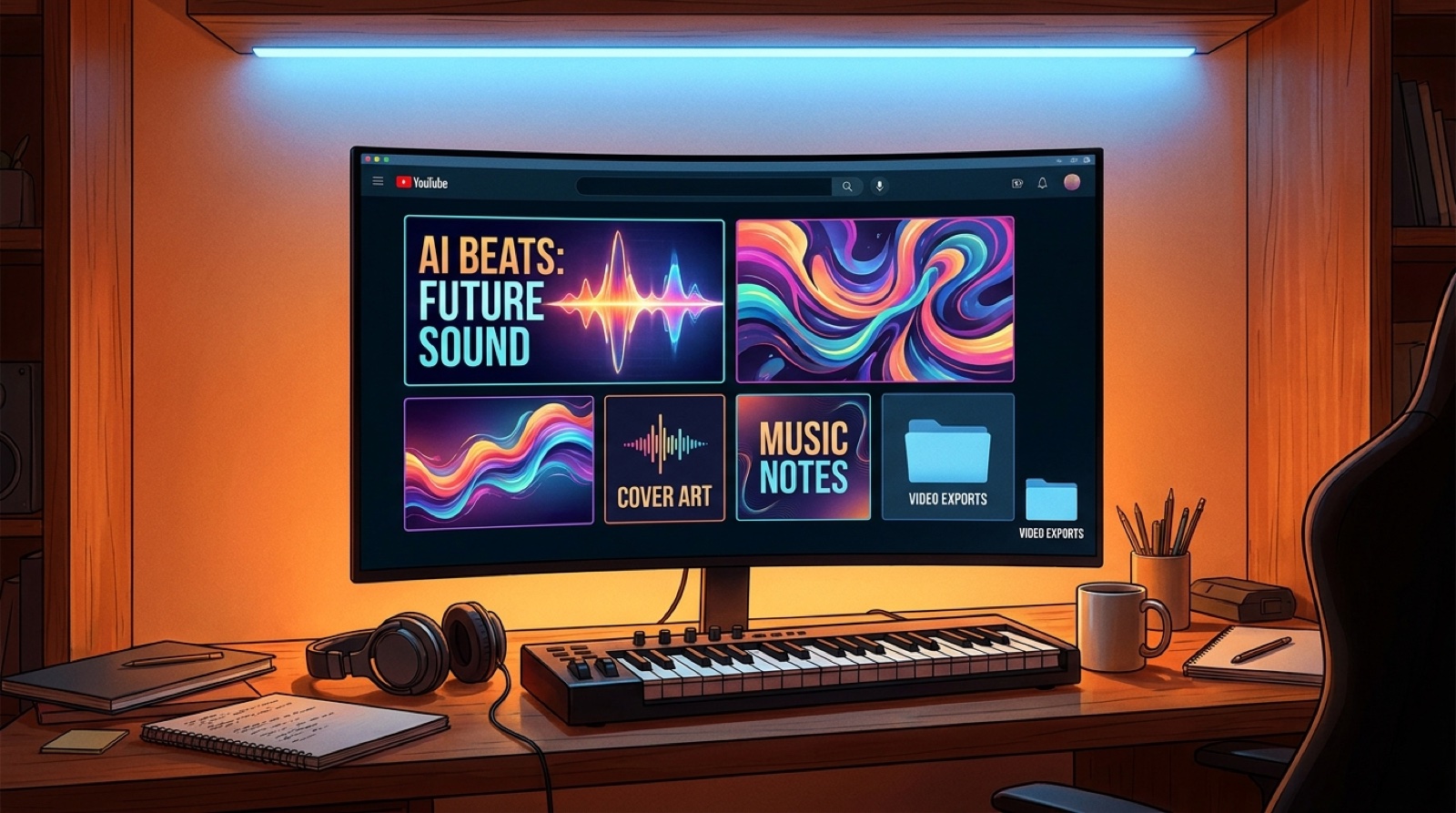
Use an image that signals the mood of your version: the place, object, color palette, character, or visual metaphor that carries your cover. If the thumbnail could pass for a frame from the original artist's official campaign, redesign it.
For practical packaging, read high-resolution YouTube thumbnails for AI music.
Build a release asset set, not one lonely upload
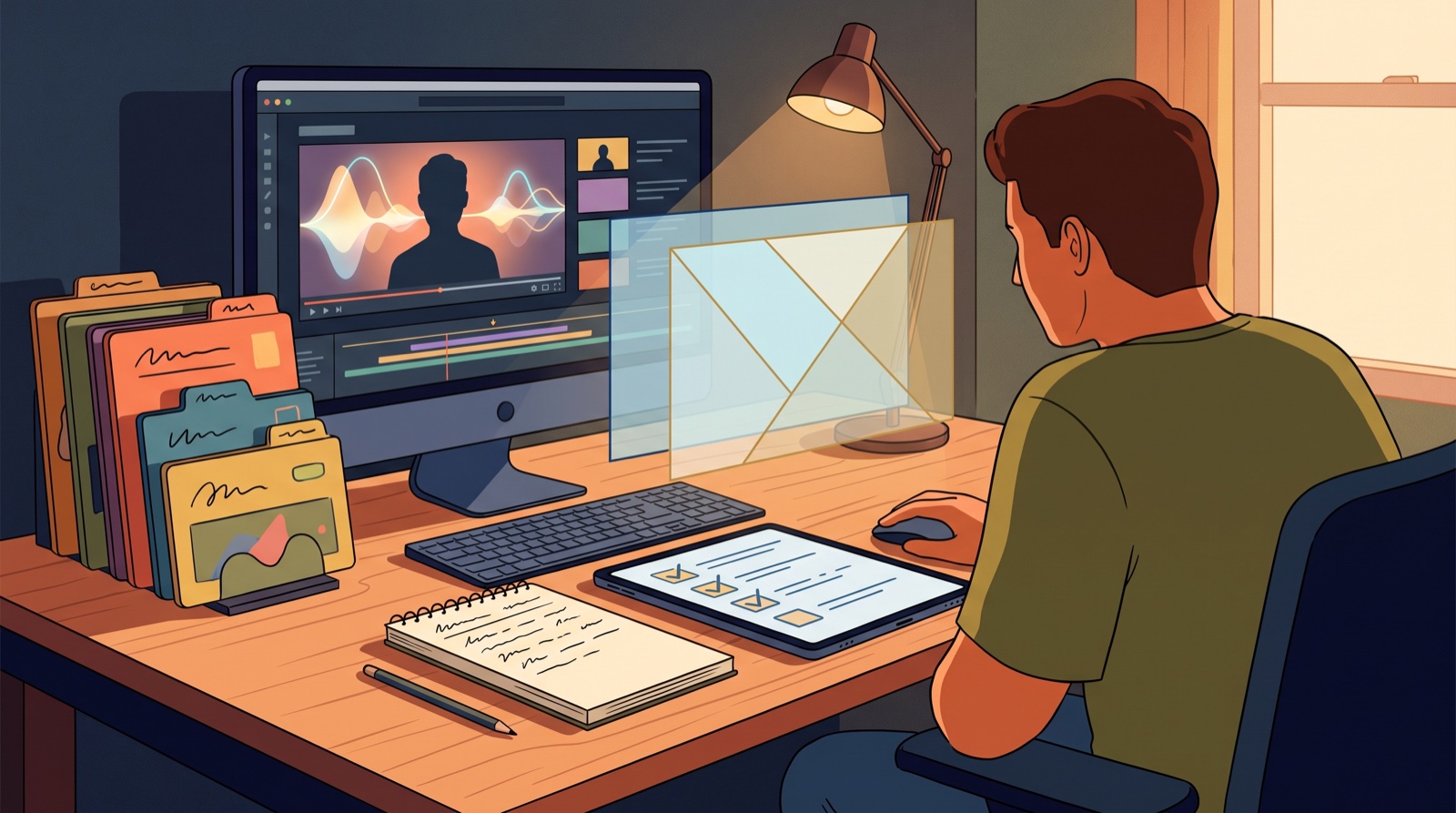
A cover video feels more credible when the surrounding assets tell the same story. Prepare the main video, thumbnail, short teaser, description, pinned comment, release-page image, and credit block together. Use one visual promise across all of them.
- One clear visual world for your version.
- Credits and description written before upload.
- Thumbnail that avoids misleading likeness or campaign cues.
- Short teaser cut from the strongest original visual moment.
- Release page or artist link that explains the interpretation.
- Archived rights notes, source files, cover art, and exports.
This is the difference between "I uploaded a cover" and "I released an interpretation." The second one earns more patience from viewers.
Use AI visuals to clarify the interpretation
AI video tools are useful when they make the emotional idea easier to see. They are risky when they make authorship, identity, or credit harder to understand.
Give the visual system a job: show the new mood, support the lyrics, hold attention through instrumental sections, and make the release feel finished. If a shot only works because it reminds viewers of someone else's famous image, cut it.
SceneLore helps turn a cover song, cover art, or lyric idea into a connected video package that feels like your version from the first frame. Create your first video when the cover deserves more than a borrowed visual mood.