Compilation videos
An AI music compilation video needs pacing between songs
An AI music compilation video can make a catalog feel bigger than one upload, but only if the viewer understands why these songs belong together in the first minute.
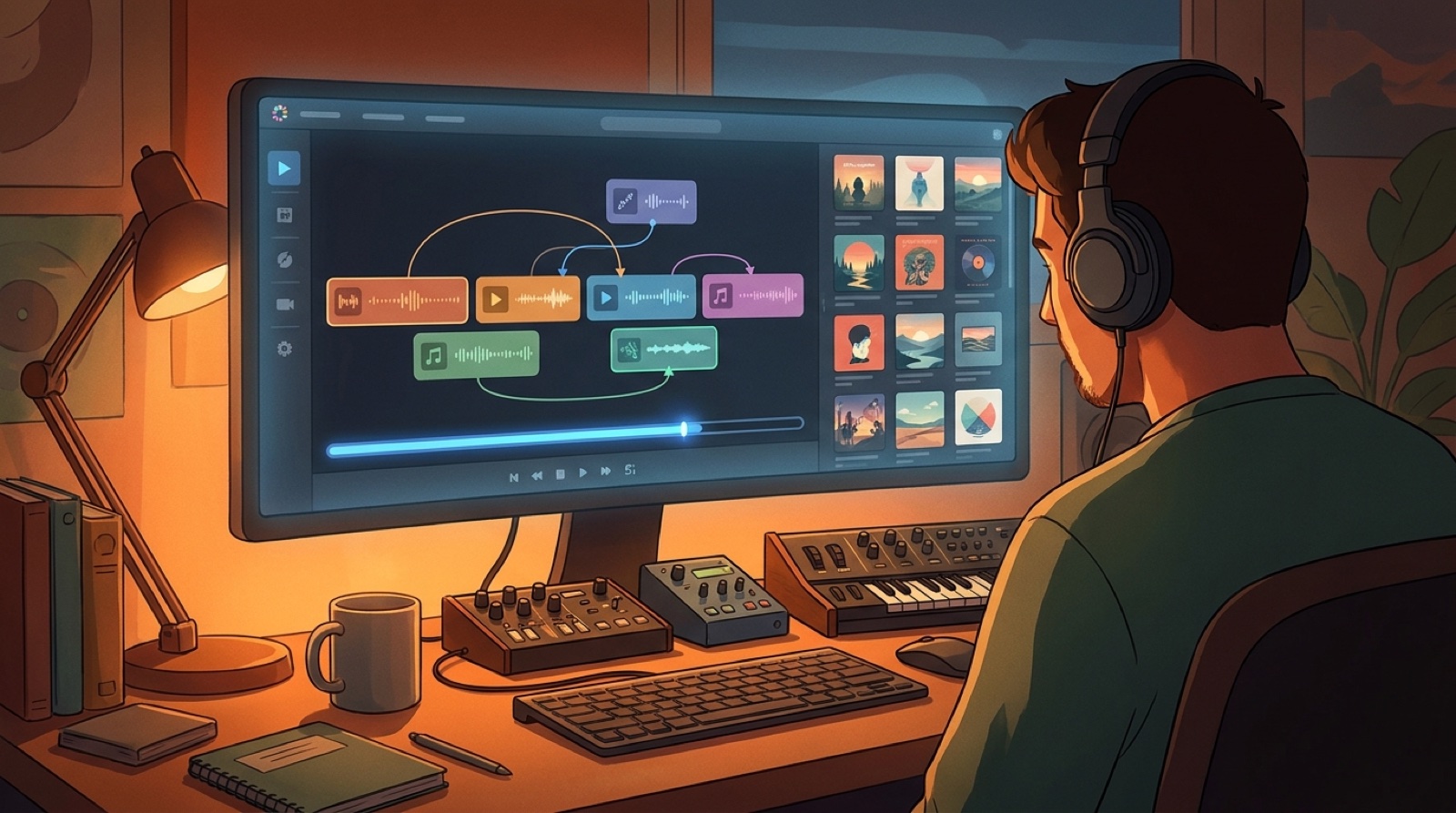
Uploading ten songs behind one repeating loop is easy. Making the compilation feel like a real release takes more care. The viewer needs an opening promise, visible structure, and enough motion between tracks to feel progress instead of a folder playing in order.
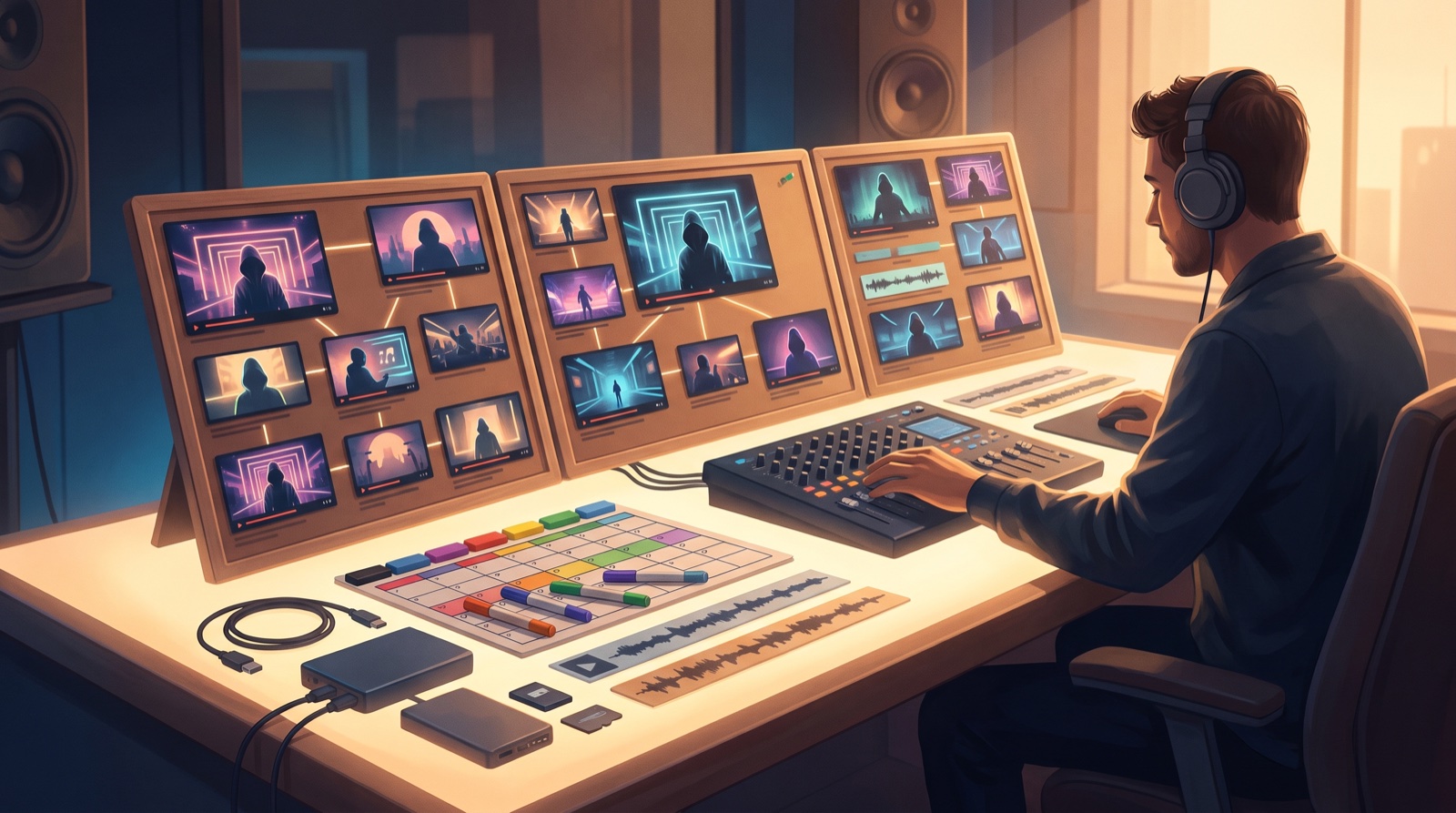
SceneLore is useful here because each finished song can keep its own visual identity while still living inside one larger world. The goal is not to decorate a playlist. The goal is to make the catalog easier to watch, remember, and follow back to individual releases.
Open with the promise of the set
Before the first track starts, tell viewers what kind of ride they are entering. A dark synthwave hour, a sad piano batch, a fictional band sampler, or a lofi study mix each needs a different opening frame.
Use the first ten seconds to show the compilation title, the mood, and a strong hero image. If the upload has chapters, preview that structure early. Viewers are more patient when they can see there is a plan.
Give every track a clean card
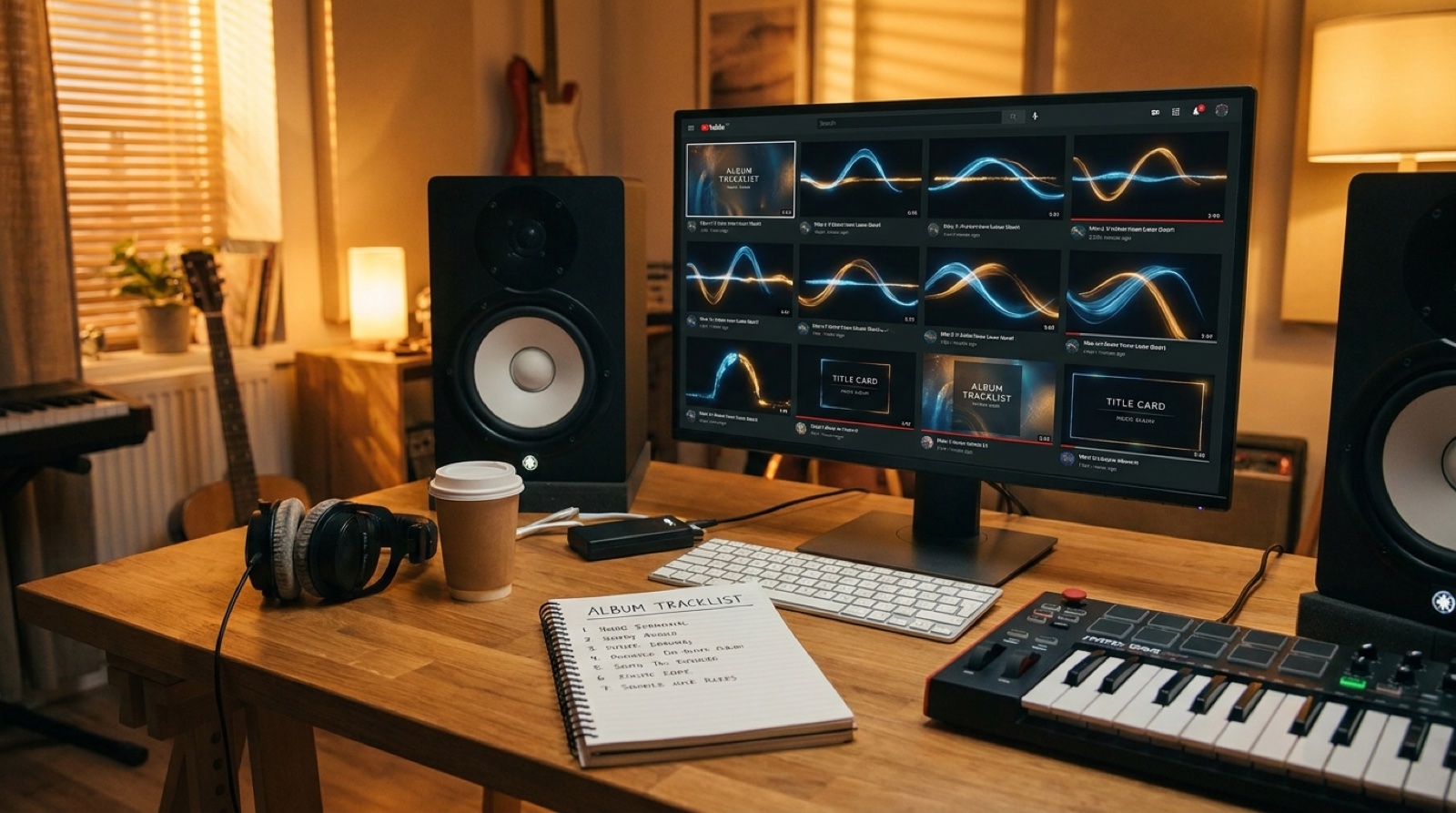
Track cards stop a compilation from becoming anonymous background noise. They can be simple: song title, artist or project name, track number, and one visual that matches the song. Keep the design consistent, but let the color or image shift with each track.
This also gives you assets for thumbnails, Shorts, release pages, and pinned comments later. A compilation should create more useful packaging, not hide the songs inside one long file.
Use transitions as breathing room
The space between songs is where many playlist videos feel cheap. Instead of hard cuts, use small transition moments: a scene change, title card, slow camera move, visual motif, or short instrumental bridge frame.
Do not overproduce every transition. The point is orientation. The viewer should feel that one chapter ended and another one began without being pulled out of the mood.
Add chapter markers for skimming
YouTube chapters make long music uploads easier to trust. They help listeners jump back to a favorite track, share a specific moment, and see that the compilation has been assembled with care.
Put the same chapter logic in the video itself. A small track number or recurring card style helps mobile viewers who may not open the description.
Avoid one visual loop for the whole upload
One beautiful loop can work for a live stream background. For a compilation, it often makes every song feel the same. Build a family of related scenes instead: one for the opener, one for quieter songs, one for higher-energy tracks, and one for the closing mood.
That keeps the video coherent without flattening the songs. It also helps the compilation send viewers toward full music videos later, because each track already has a visual starting point.
Make the title and thumbnail sell the collection
The thumbnail should show the mood of the whole set, not a random frame from one song. Use a clear focal image, readable compilation name, and a visual clue that there are multiple tracks inside.
The title should promise a listening use case or emotional lane: late-night AI synth songs, cinematic AI ballads, a fictional artist mixtape, or a full release sampler. Generic titles make the upload look like storage. Specific titles make it feel curated.
Send viewers to the individual releases
A compilation is not the end of the release path. Use the description, pinned comment, end screen, and related links to point toward the strongest standalone videos. If one song gets comments or rewatches, give it a full video, short-form cutdowns, and a cleaner release page.
This is where a compilation becomes more than watch time. It becomes a map of the catalog.
A simple compilation checklist
- One sentence that defines the mood and promise of the set.
- A strong opening frame before the first track.
- Consistent track cards for every song.
- Visual transitions between chapters.
- YouTube chapters and matching in-video cues.
- Several related scene states instead of one endless loop.
- A thumbnail that sells the collection, not just one song.
- Links from the compilation to individual releases.
An AI music compilation video should make a creator look organized, not just prolific. When the pacing is clear between songs, the viewer can feel the catalog instead of counting the minutes.
Turn the catalog into a visual release system
SceneLore helps you turn finished songs into videos and assets that feel connected across full releases, Shorts, thumbnails, and compilation uploads.
Create Your First Video