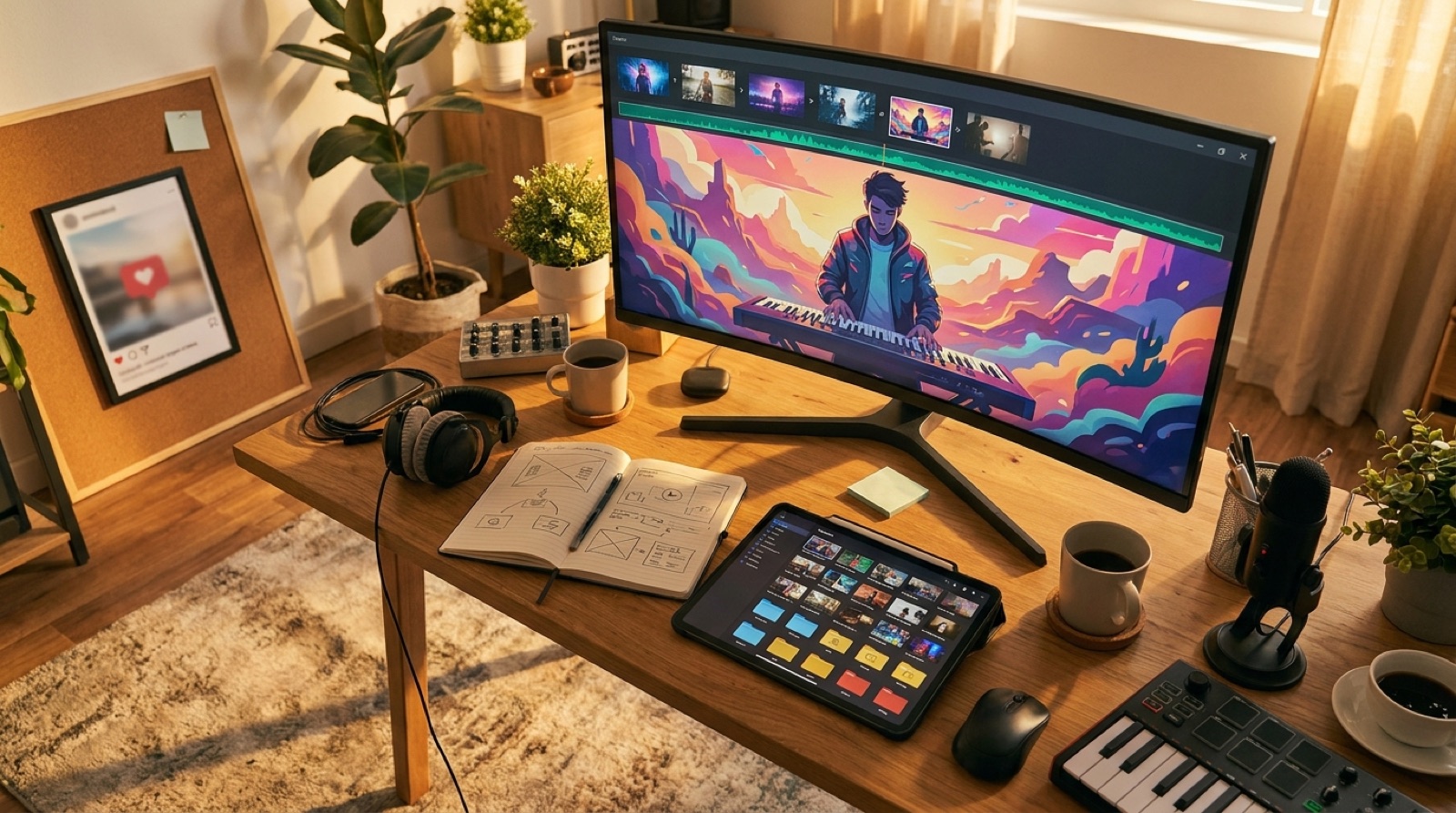
An AI music demo reel is useful once you have more than one release worth showing. It gives people the quick version of your artist world before they decide whether to watch a full video, follow the channel, or answer your pitch.
The mistake is treating the reel like a random highlight dump. If every clip looks like it came from a different project, the reel proves output, but it does not prove identity.
Use the reel to make your best releases feel connected. The target keyword belongs right here because this is the practical job: build an AI music demo reel that turns finished videos into a short proof of taste, range, and release quality.
Choose a single job for the reel
Start by deciding where the reel will live. A YouTube channel trailer needs to help new viewers understand the channel fast, and YouTube's help page on customizing your channel layout explains how trailers can be shown to people who have not subscribed yet. A label pitch needs to prove you can finish a release. A pinned social post needs a strong hook in the first few seconds.
Do not make one version carry every goal. If you have to pick, build the reel around the next person you want to convince: a new listener, a collaborator, a small label, or your own returning audience.
Pick clips from finished releases only
A demo reel should pull from finished videos, release pages, thumbnails, or polished short clips. Raw experiments can be useful in private, but they usually make public reels feel unfinished.
Look for clips that pass four tests:
- The first frame is clear without sound.
- The motion matches the song mood.
- The visual anchor is easy to recognize.
- The clip still feels like your project when it is removed from the full video.
For many creators, the best reel starts with three to seven clips. That is enough to show range without asking the viewer to sort through your archive.
Lead with the clip that explains the world
The first clip should not be the most expensive-looking one by default. It should be the clip that explains the promise of the artist world fastest.
If your project is cinematic synth pop, open on the character, city, color, or camera move that makes that world obvious. If your channel is lofi or ambient, open on the recurring room, object, or loop that tells people where they are.
The first few seconds decide whether the reel feels like a portfolio or a folder of exports.
Keep the edit short enough to rewatch
A useful AI music demo reel is often 30 to 75 seconds. That gives you room for a clear opening, a handful of clip changes, and a final title or call to action.
Shorter is fine if the clips are strong. Longer only works when the reel has a real arc: a clear start, a rising middle, and a final image that makes the project feel ready for a full watch.
Use the chorus or most memorable section of one song if you need musical continuity. If you use several songs, keep transitions simple so the audio does not fight the visuals.
Make the reel prove consistency, not sameness
Consistency does not mean every scene has the same color and camera move. It means the viewer can tell the releases belong to the same artist or channel.
Use repeated signals: a color range, character type, setting, title style, thumbnail rhythm, logo placement, or recurring first-frame habit. Then let each clip show a different emotion or release moment inside that system.
This is where SceneLore can help. If you turn each finished song into a full video with a clear visual anchor, the later reel has stronger material to pull from.
Build a simple version map
One reel can become several assets if you plan it before export:
- A 60-second channel trailer for YouTube.
- A 30-second vertical cut for Reels, Shorts, or TikTok.
- A 15-second pitch opener for emails or DMs.
- A silent thumbnail loop for a release page.
Keep the same opening image across versions when possible. That helps people recognize the project even when the format changes.
Archive the reel like a release asset
Save the source clips, export dates, final files, thumbnails, captions, and description copy in the same release archive you use for songs. A reel often becomes the link you send when someone asks what your AI music project looks like.
If you lose the source files, you lose the ability to update the reel when a better release arrives. Treat it as a living portfolio asset, not a one-time post.
Give the reel one clear next step
The end of the reel should tell people what to do without sounding like an ad. Watch the full video. Follow the channel. Hear the new single. View the release page. Contact the artist.
Pick one. A reel with five calls to action feels nervous. A reel with one next step feels like the project knows where it is going.
If you already have a finished track or cover image, Create Your First Video in SceneLore and start building the kind of finished clips a strong reel can use later.
FAQ
How long should an AI music demo reel be?
A useful demo reel is often 30 to 75 seconds. It should show the strongest chorus, best visual world, clear artist identity, and one next step without turning into a long montage.
What clips should I put in an AI music demo reel?
Use clips that show finished releases, not raw experiments. Pick moments with strong first frames, clear mood, readable artist identity, and enough motion to prove the video world works.
Where should I use an AI music demo reel?
Use it as a YouTube channel trailer, pinned social post, label pitch, release page video, or quick portfolio link for collaborators and playlist curators.
Related guides
Build the clips your reel will need
Use SceneLore to turn finished songs and cover images into coherent music videos, then pull the best moments into a reel that makes the whole project easier to understand.
Create Your First Video