Channel visuals
An AI music live stream background should support the channel mood
An AI music live stream background is not just something to fill the screen while the playlist runs. It sets the promise of the channel before a listener decides whether to stay.
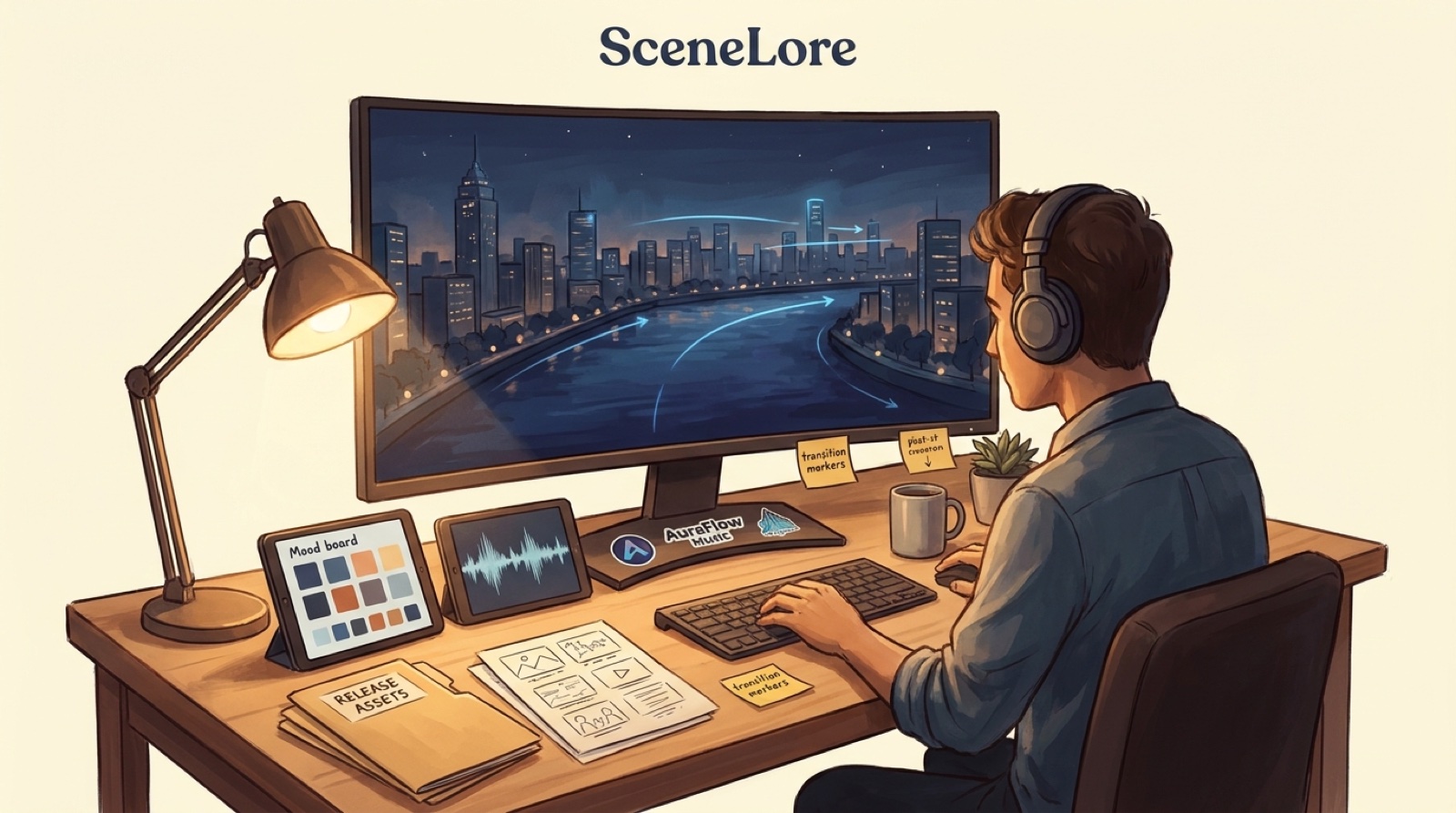
For lofi, ambient, sleep, study, and faceless music channels, the background has a quiet job: hold a mood without fighting the song. If it looks generic, viewers forget where they are. If it moves too much, the music starts to feel like decoration for the visual instead of the other way around.
SceneLore is built for finished songs that need a visual world around them. A live stream loop can be part of that world, but it should still connect to the same thumbnails, short clips, and full videos you use around the release.
Start with the channel mood, not the loop
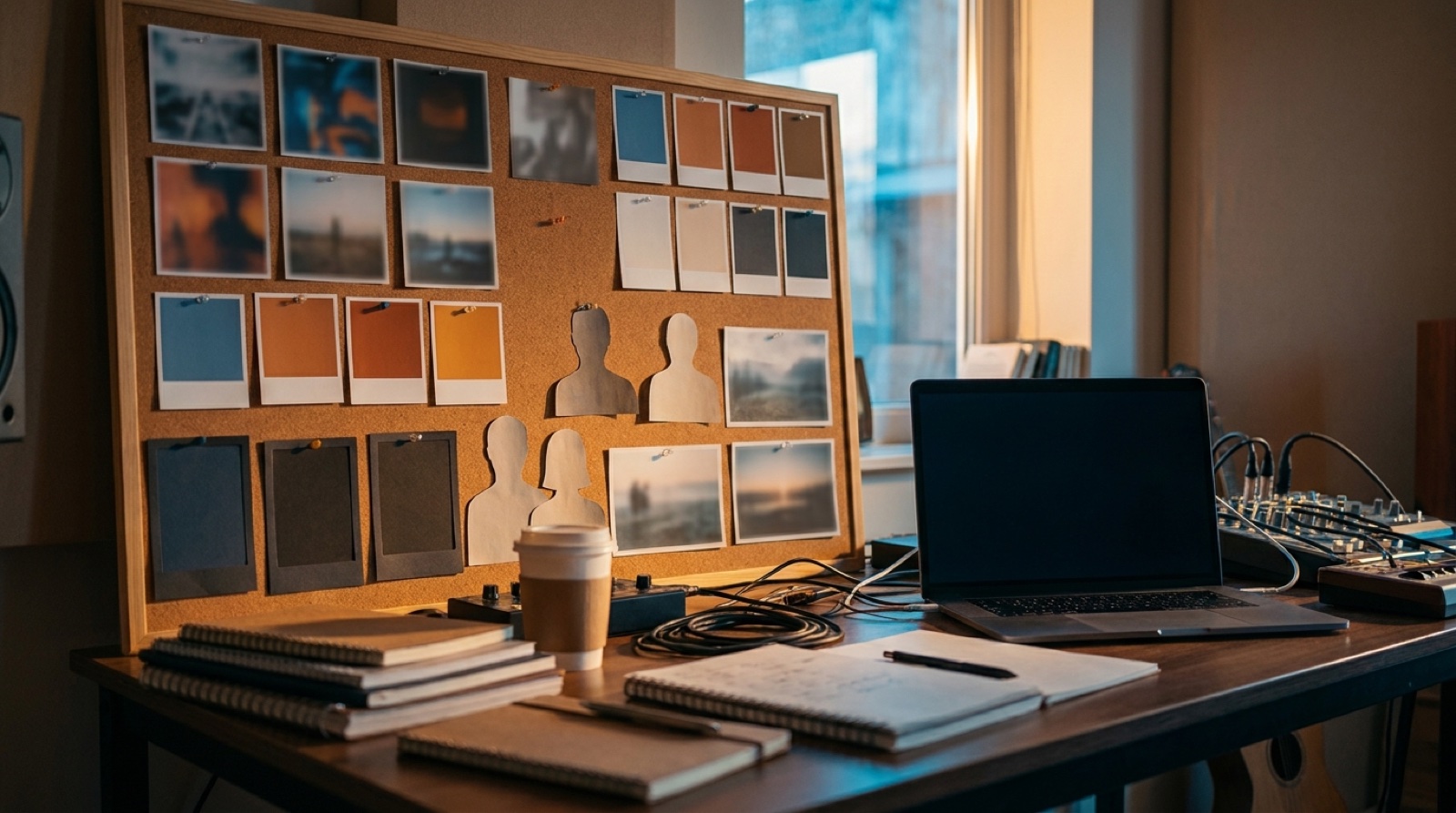
Before choosing a city window, anime room, neon forest, or abstract waveform, write one sentence for the channel mood. Is it late-night focus, rainy nostalgia, soft sci-fi, warm bedroom pop, haunted ambient, or calm piano study?
That sentence becomes the rule for everything visible: color, camera movement, density, character presence, lighting, typography, and thumbnail crops. A strong mood makes the stream recognizable even when the music changes.
Use motion that rewards staying, not staring
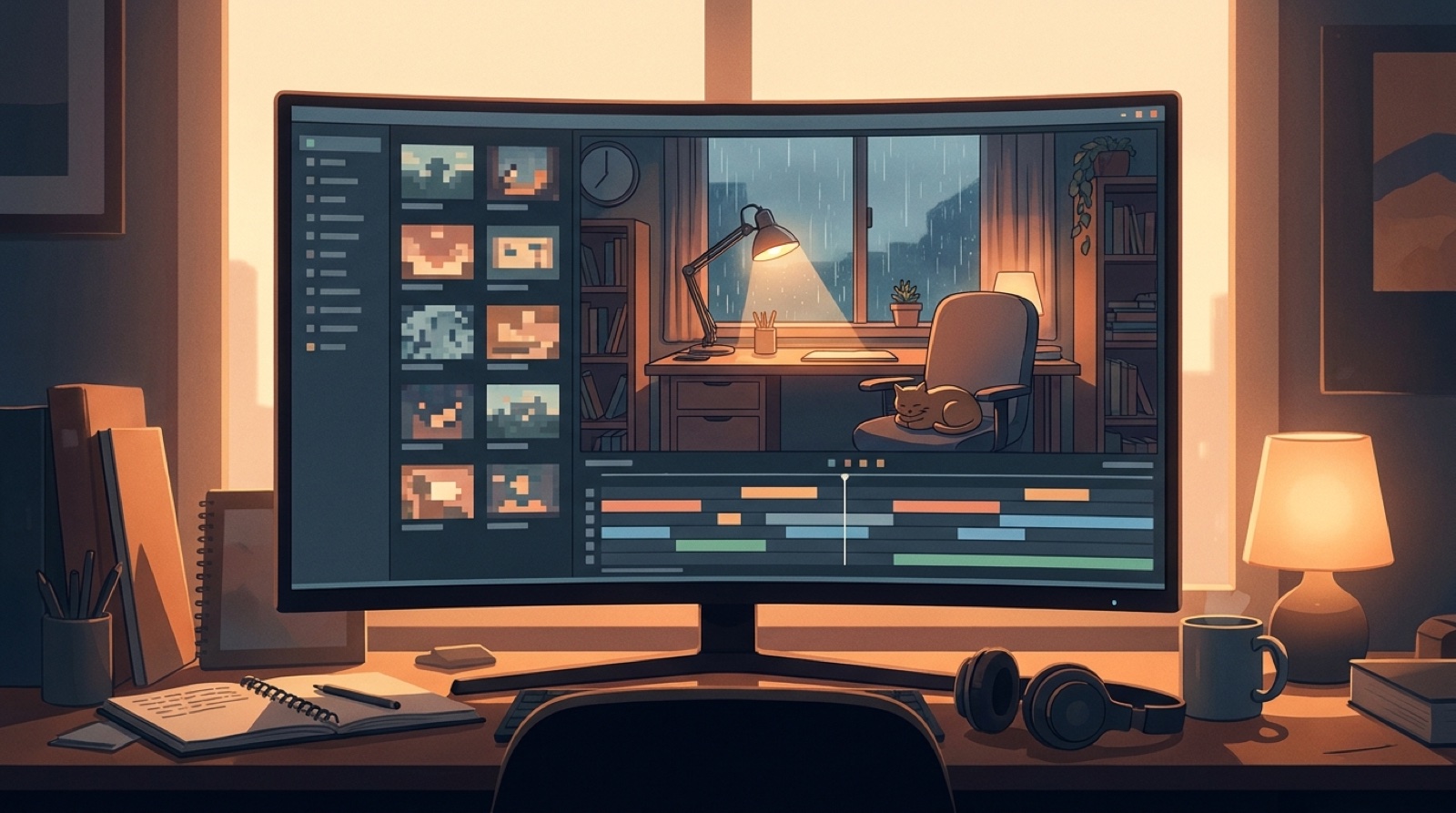
The safest live background motion is slow enough to disappear when someone is working, but alive enough to avoid feeling like a frozen cover image. Think drifting light, weather through a window, small character movement, tape reels, water reflections, passing trains, or a subtle camera push.
Avoid constant flashes, hard cuts, fast lyric-like captions, or chaotic object motion. Those can work in a music video, but they make a long stream tiring.
Make the loop survive repetition
Every live stream background eventually repeats. Hide the seam by keeping the beginning and ending visually compatible. Use movements that can cycle naturally: rain, clouds, blinking signs, candlelight, ocean movement, or a character breathing at a desk.
If the loop feels impressive for ten seconds but annoying after two minutes, it is a bad stream asset. Save the dramatic version for a full music video or launch teaser.
Keep branding readable but quiet
A small logo, channel name, or recurring symbol can help viewers remember the world. It should not look like a banner ad. Place branding where it can survive mobile viewing, but keep it away from the visual center unless the channel identity is the subject of the scene.
Use the same colors and symbols in thumbnails, Shorts, release pages, and full videos. The goal is not just a pretty loop. The goal is a channel people can recognize without reading the title.
Plan transitions between songs
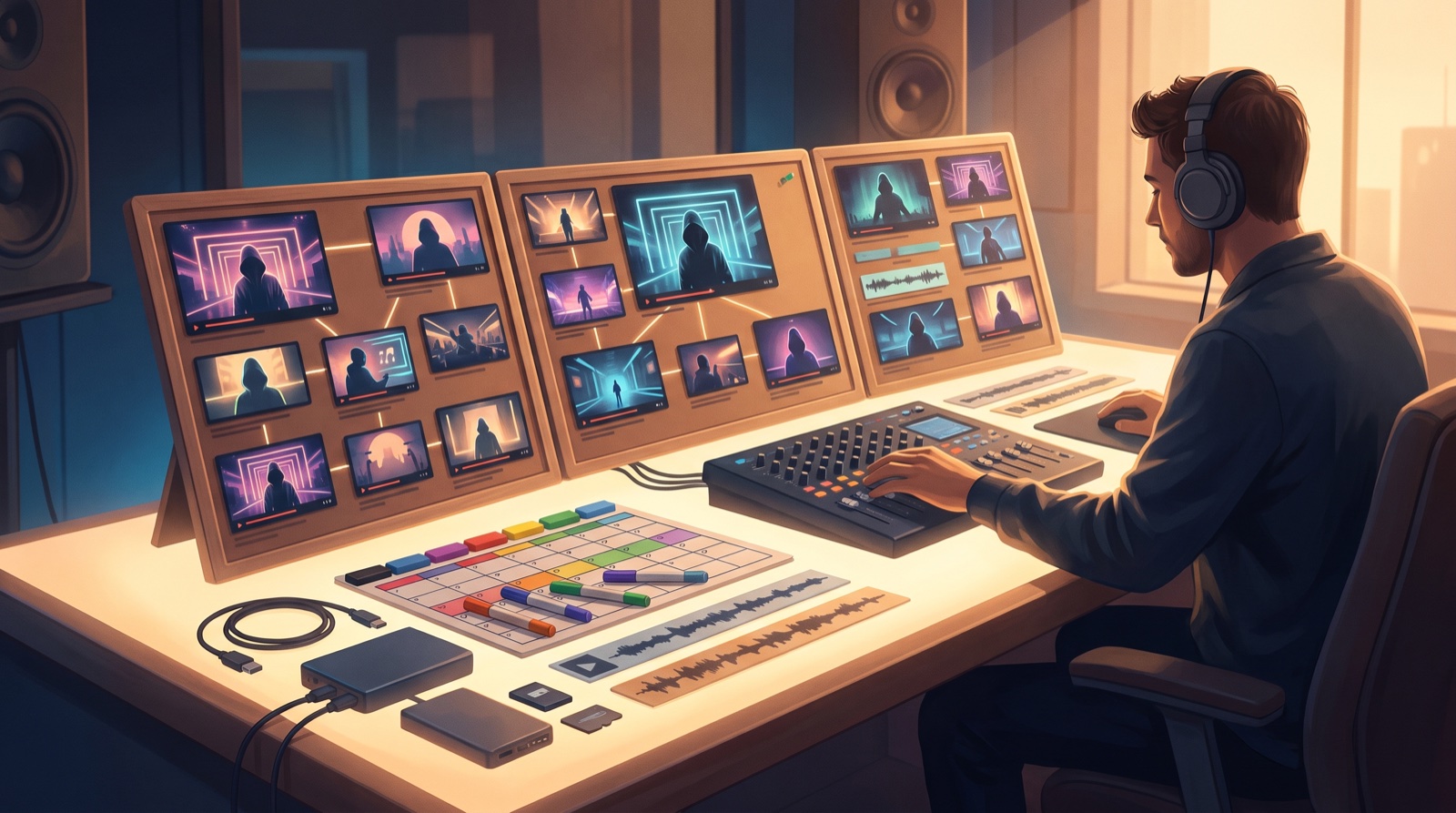
Longform and live playlist content often fails between tracks. The screen keeps looping while the mood shifts, and the channel starts to feel random. Build a few background families instead of one universal loop: warm focus, darker night, higher-energy chorus, soft outro, and announcement or premiere frames.
That gives you room to move between songs while keeping the same visual world. It also creates more useful assets for clips and uploads later.
Know when a full music video is the better answer
A live background is great for atmosphere. It is not always enough for a song with a clear hook, story, character, or release push. If one track is meant to be the moment that introduces your project, give it a full video or at least a stronger visual arc.
Use the stream loop as the world around the song. Use the music video to make the song feel authored.
A simple background checklist
- One clear mood sentence for the channel.
- Slow motion that supports listening.
- A loop that does not expose its seam.
- Readable but quiet branding.
- Thumbnail crops that match the live scene.
- Two or three alternate background states for different song moods.
- A decision rule for when a track deserves a full SceneLore-style video.
An AI music live stream background should make the channel feel intentional before the first chorus arrives. When the visual world is consistent, the music has a better chance to feel like a catalog instead of a folder of uploads.
Turn the channel mood into a real visual system
SceneLore helps you turn finished songs into videos and release assets that feel connected instead of disposable.
Create Your First Video