An AI music remix video should not feel like yesterday's upload with a new filename. If the remix has a different drop, mood, tempo, vocalist, arrangement, or audience angle, the visual package should make that change obvious before the listener presses play.
The goal is simple: keep enough of the original release that fans recognize the world, then change enough that the remix feels like a real moment. That balance affects the thumbnail, title, first frame, chorus clip, description, short-form cuts, and the archive you keep afterward.
Decide what the remix is promising
Start with one plain sentence: this remix is darker, faster, softer, clubbier, more cinematic, more intimate, or built for a different platform moment. Without that sentence, the visuals usually drift into generic second-version territory.
The promise should guide every visible asset. A nighttime bass remix needs a different first frame than an acoustic edit. A high-energy drop needs a different thumbnail than a moody album version.
Reuse one anchor from the original
Do not throw away the whole visual world. Keep one anchor so the remix connects back to the original song: the central character, cover motif, color family, location, symbol, or title treatment.
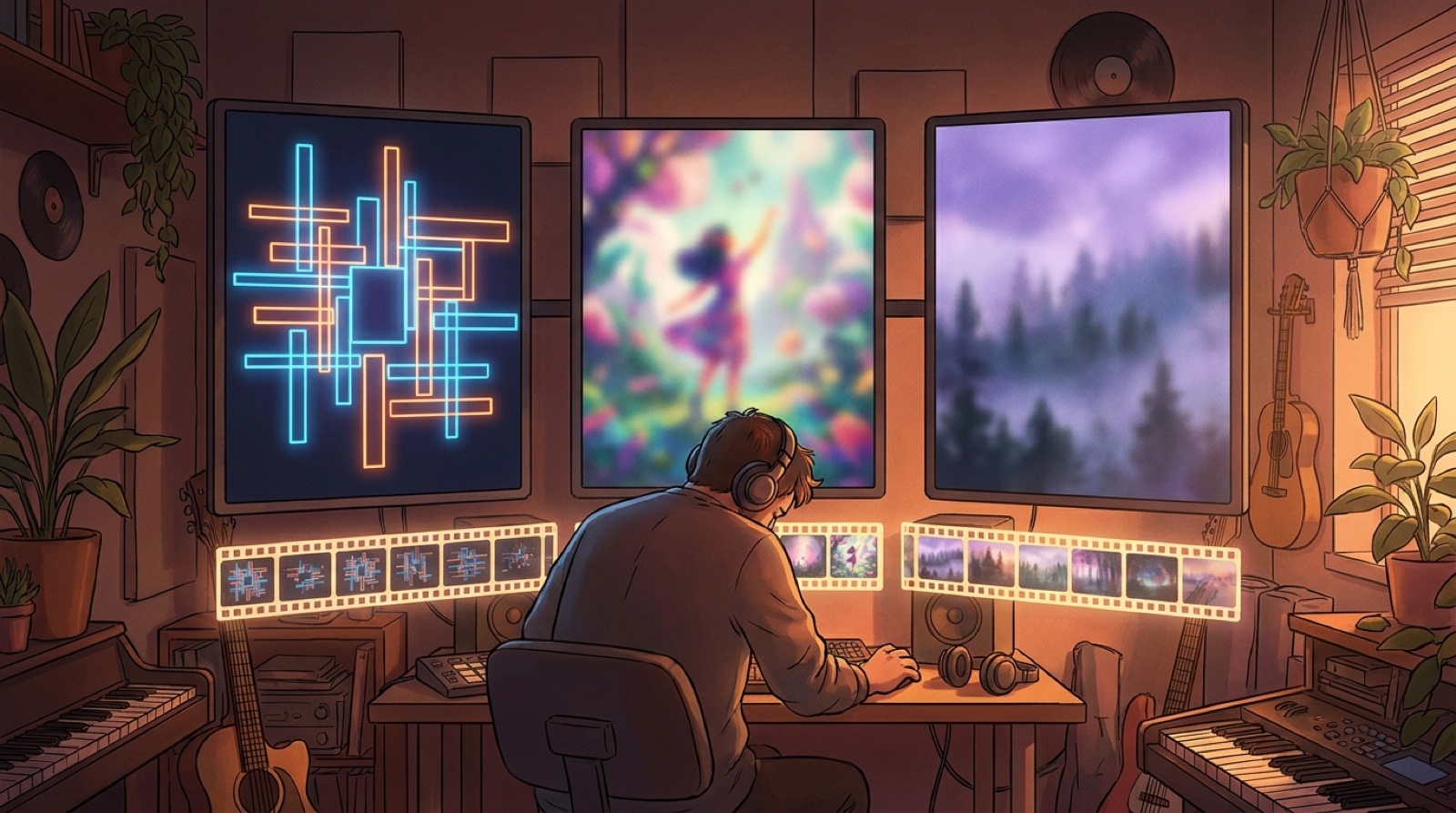
Then change the surrounding language. Shift the lighting, camera distance, motion style, crop, or scene energy. Viewers should feel, “I know this world,” and then immediately understand, “this version is different.”
Give the thumbnail a visible remix signal
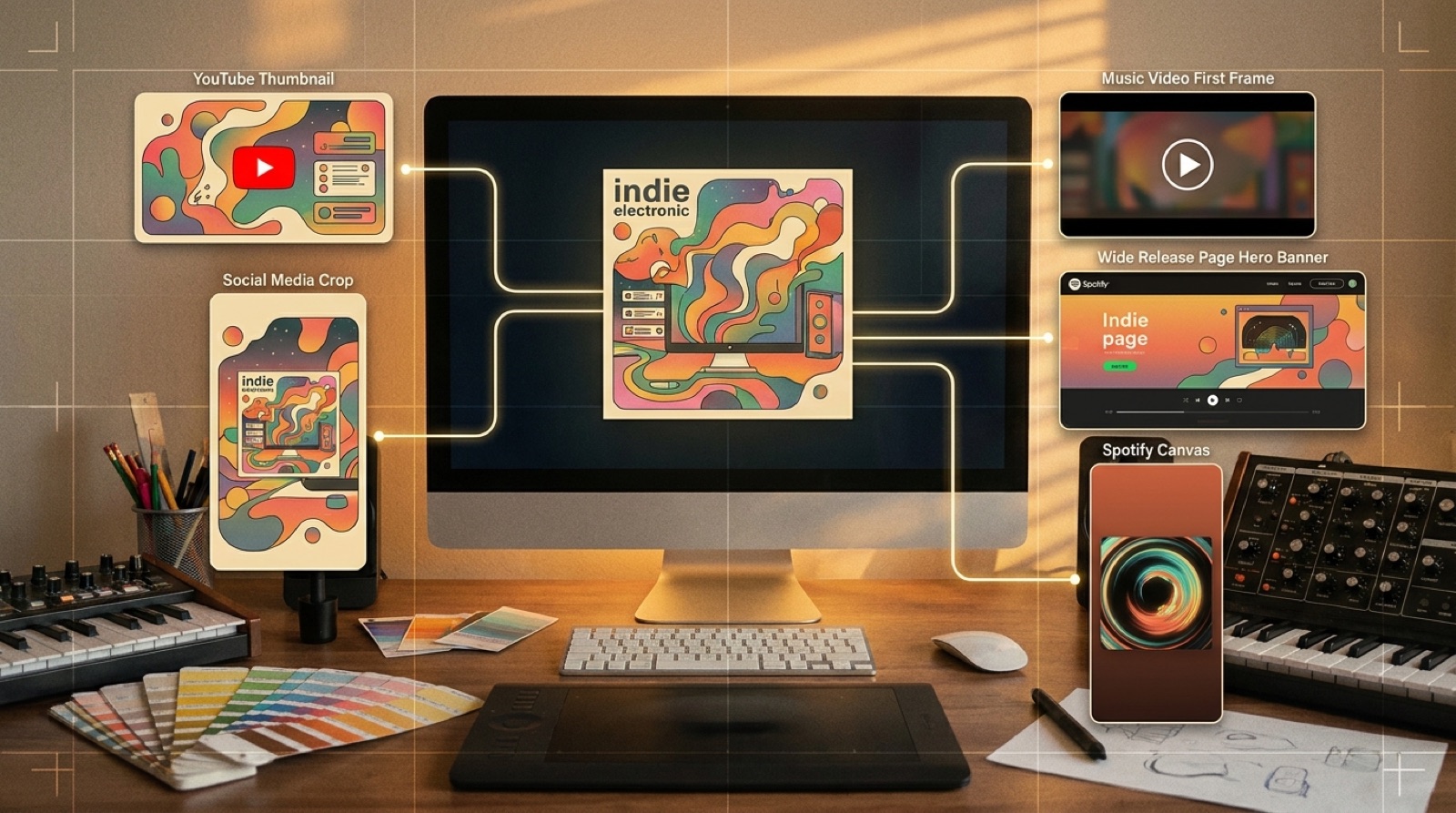
The thumbnail has to separate the remix from the original in a feed or channel grid. Use contrast that can be read on a phone: different color temperature, alternate pose, new background, clear motion cue, or a tighter emotional close-up.
Avoid tiny labels that only make sense at full size. If the only difference is a small “remix” tag, most viewers will miss it.
Title it like a release, not a folder name
The title should identify the song and version without becoming cluttered. Put the remix identity where people can see it, then use the description for extra context. A clean title is easier to click, share, and remember.
If the original already has a strong phrase, keep it. Add the remix angle in a way that sounds intentional: night drive remix, stripped vocal edit, cinematic cut, club version, or extended drop version.
Build the video around the changed moment
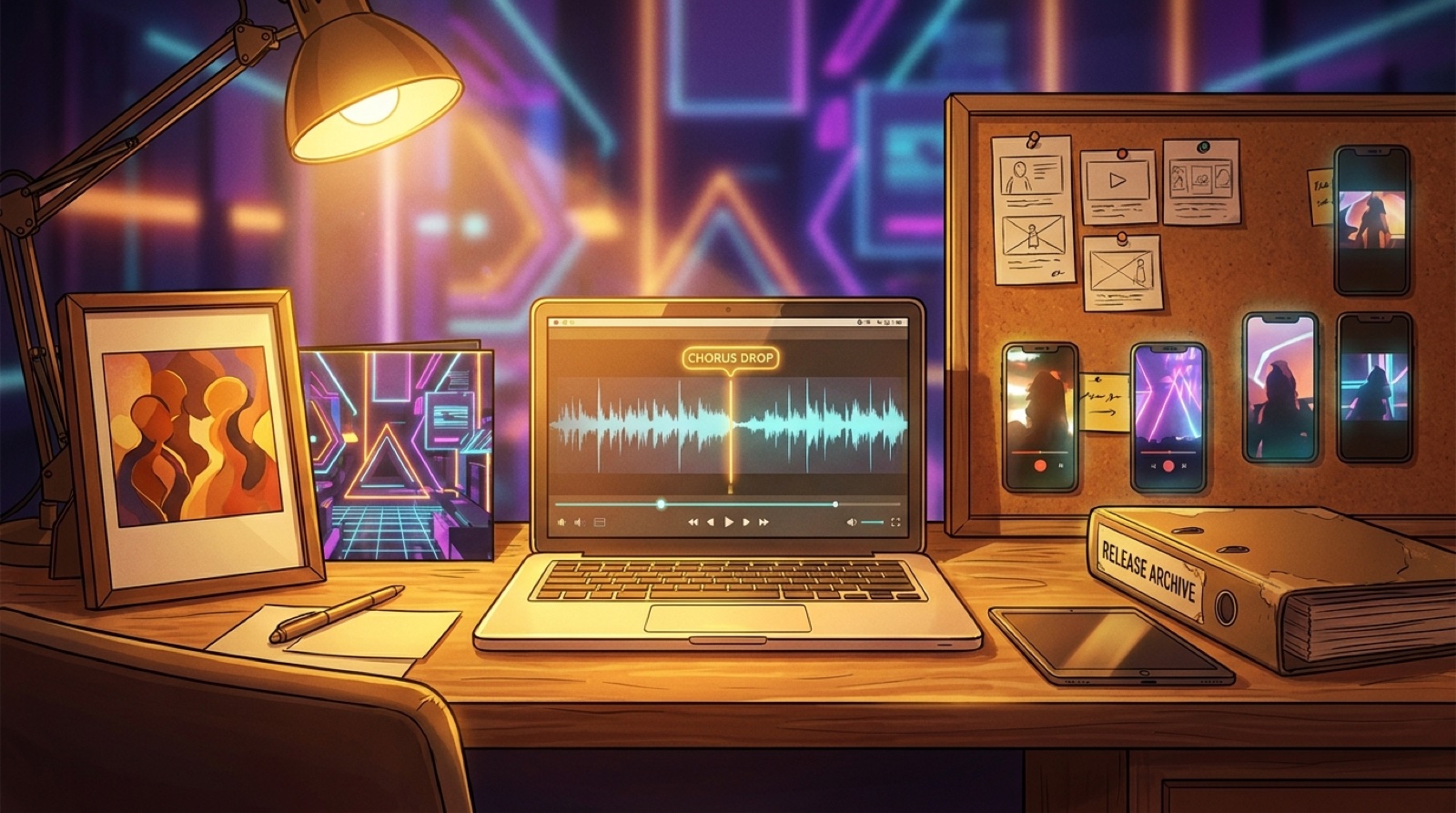
Most remixes have one reason to exist: a new chorus lift, a heavier drop, a changed vocal, a new bridge, or a different ending. Mark that moment before you make the video.
The opening should set up the change, the middle should carry the new energy, and the strongest visual payoff should land near the section that makes the remix worth hearing. That is more useful than trying to make every second equally busy.
Cut vertical clips from the remix payoff
Do not promote the remix with the same clip you used for the original. Pull one or two vertical cutdowns from the new moment. Show the changed drop, altered lyric, or new mood fast enough that a viewer understands why this version exists.
Keep the visual world consistent with the full video, but make the short clip sharper. A remix promo video works best when the short-form version feels like a doorway into the full release.
Use the description to connect the versions
The description should say what changed and where the original fits. Keep it calm and short: original version, remix angle, credits, disclosure note if relevant, links to both versions, and the best next action.
YouTube's own music release guidance keeps pushing creators toward clear metadata, accurate descriptions, and recognizable packaging. For AI-assisted music, that clarity matters even more because listeners may already be trying to understand what is new, what is generated, and what was shaped by the artist.
Helpful reference: YouTube's music policies and resources.
Archive the remix beside the original
Put the remix assets in the same release family, not a random folder. Save the original cover, remix cover, full video, vertical clips, thumbnail, description, credits, source links, export dates, and a short note about what changed.
This archive makes future deluxe versions, compilations, playlists, and channel trailers easier. It also protects you from forgetting which visuals belonged to which version when the catalog grows.
Where SceneLore fits
SceneLore is useful when the remix already has a strong audio direction but the visual version is still missing. Upload the song or use the original cover as the anchor, then build a connected video package that changes the mood without starting from zero.
That is the real advantage: the remix can look related to the original while still earning its own click.
FAQ
How do you make an AI music remix video feel different from the original?
Keep one recognizable visual anchor from the original release, then change the color, pacing, thumbnail, chorus moment, title treatment, and short clips so the remix has its own promise.
Should a remix video reuse the original cover art?
It can reuse the original cover as a reference, but the public thumbnail and first frame should show what changed. A remix needs connection and contrast, not a copied upload.
What should be archived after a remix release?
Save the original and remix covers, video exports, thumbnails, short clips, descriptions, credits, disclosure notes, source links, and a short note explaining what changed between versions.
Make the remix look like a real release
Use SceneLore to turn the remix into a connected full video, thumbnail direction, and short-form launch package.
Create Your First Video