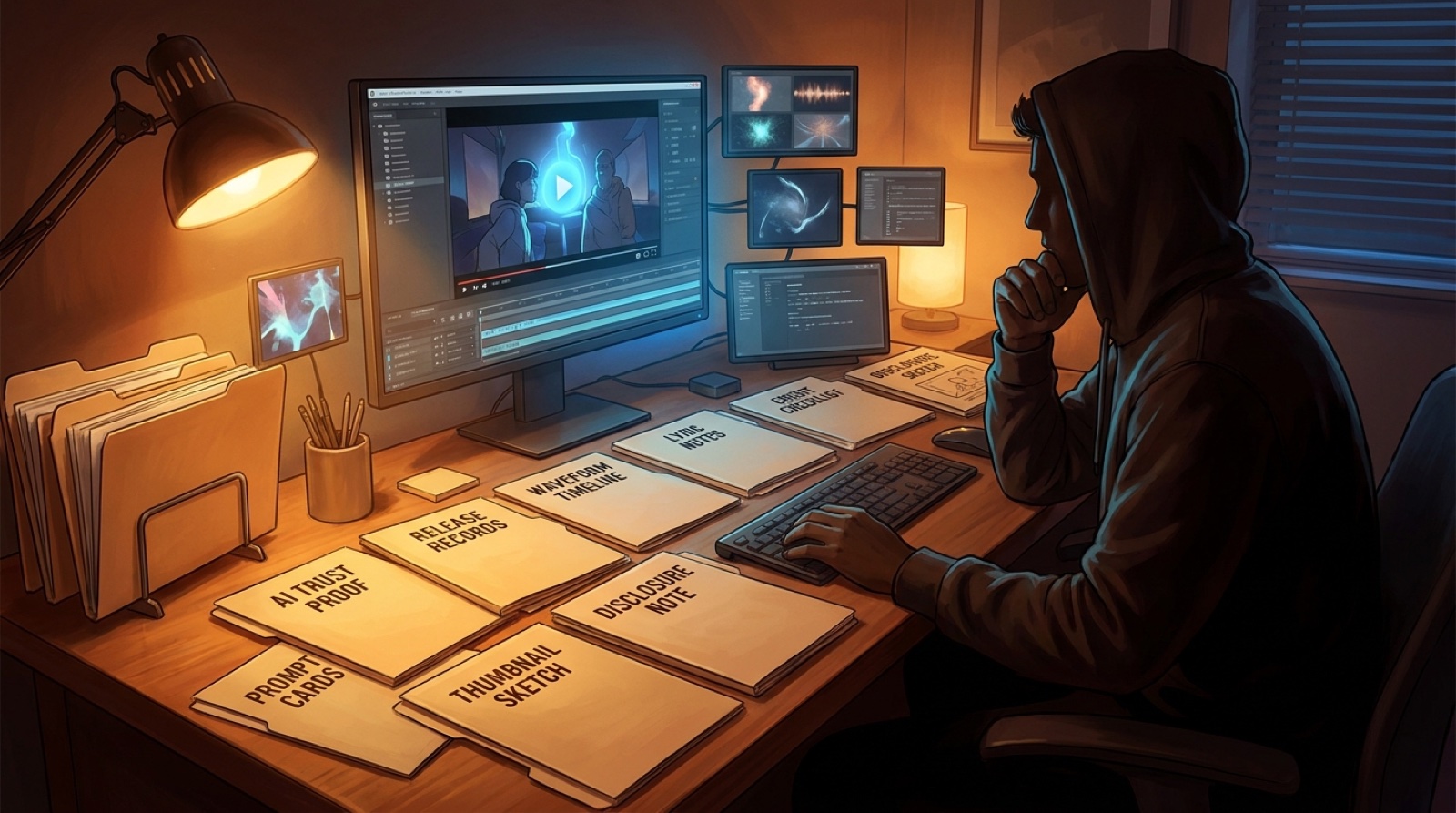
An AI music sync pitch has to do more than send a private track link. The person opening it may be a supervisor, editor, producer, brand lead, or another creator who needs to understand the song quickly and avoid messy follow-up questions.
That does not mean pretending the release was made in a traditional studio. It means packaging the song like a serious asset: clear mood, clean credits, honest AI notes, proof files, and a fast visual read that shows where the track could live.
This is not legal advice. It is a practical way to make an AI-assisted song easier to review, trust, and remember.
Lead with the use case
Before the links, write one sentence that explains where the song fits. Think in scenes, not adjectives: neon chase sequence, quiet product launch film, tense trailer bridge, creator montage, late-night city transition, or emotional end-card.
A sync listener should not have to guess why you sent the track. Put the use case near the top, then let the rest of the package prove it.
Add a 30-second visual preview
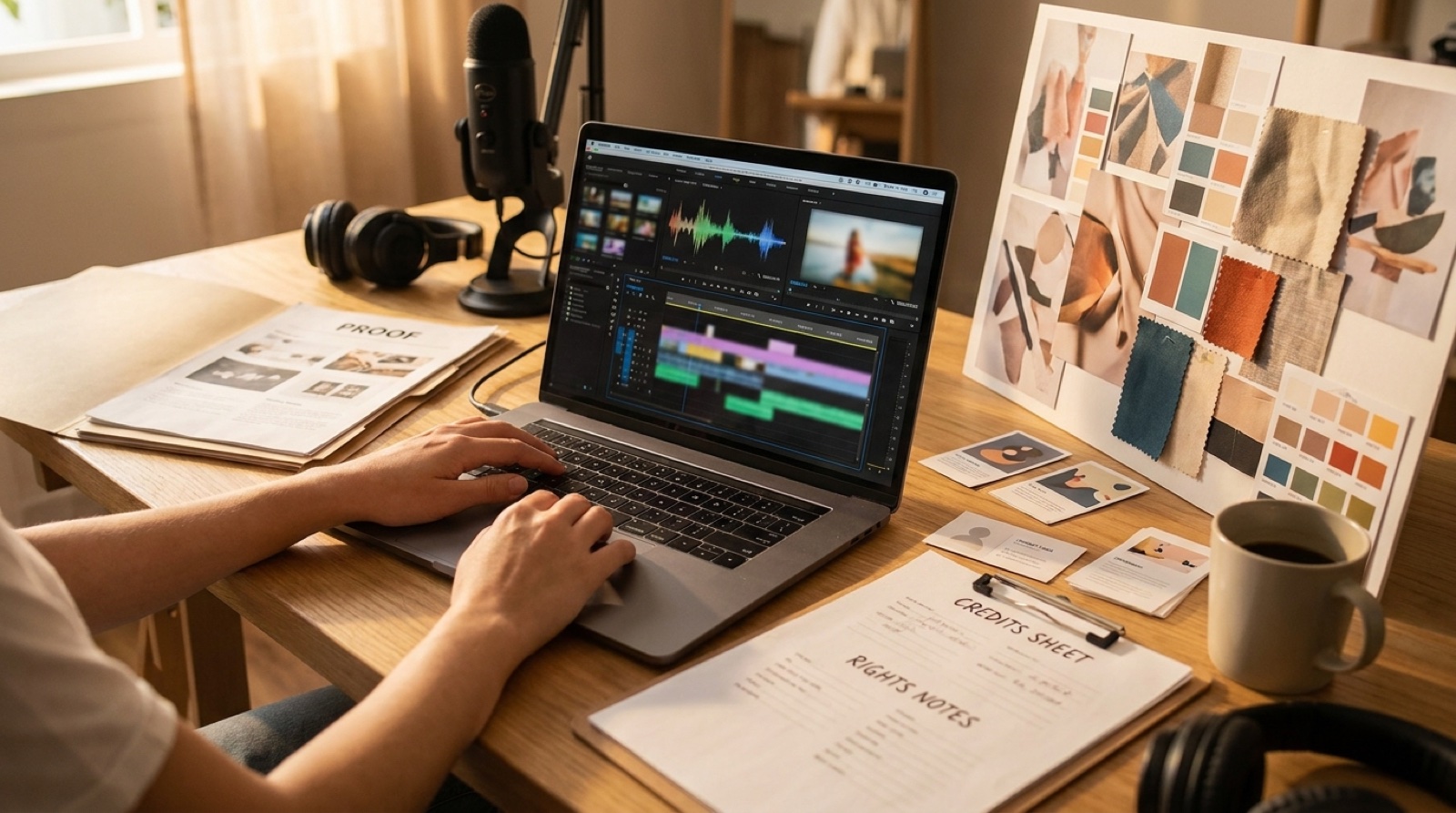
A short music video preview can make the pitch easier to read than audio alone. Use the strongest section of the song, usually the hook, chorus, drop, or most cinematic build. Keep it simple and focused on mood, pacing, and visual fit.
The preview does not need to be a final commercial edit. It should show the world around the song: the color, motion, first frame, thumbnail promise, and emotional temperature. SceneLore is useful here because the preview can come from the same visual world as the full release package.
Keep the full song and full video close
Give the reviewer one clean full-track link and one full-video link. Avoid scattering files across five platforms. If a private link expires, label it clearly and keep a backup export in the pitch folder.
The full video matters because it proves the song can carry a longer visual arc, not just a good short clip. It also gives editors a better sense of where the strongest moments are.
Write credits that are boring and complete
Credits should be plain enough that nobody has to decode them. Include artist name, song title, writer or lyric notes, vocalist notes, production or tool notes where relevant, visual creator, contact, and any collaborators who need to be named.
If the song used AI tools, say so calmly. A vague credit line creates more doubt than a direct one. The U.S. Copyright Office has kept updating its guidance around AI-assisted works, so creators should keep clear records of human contribution and tool use instead of trying to hide the process.
Include a rights and proof folder
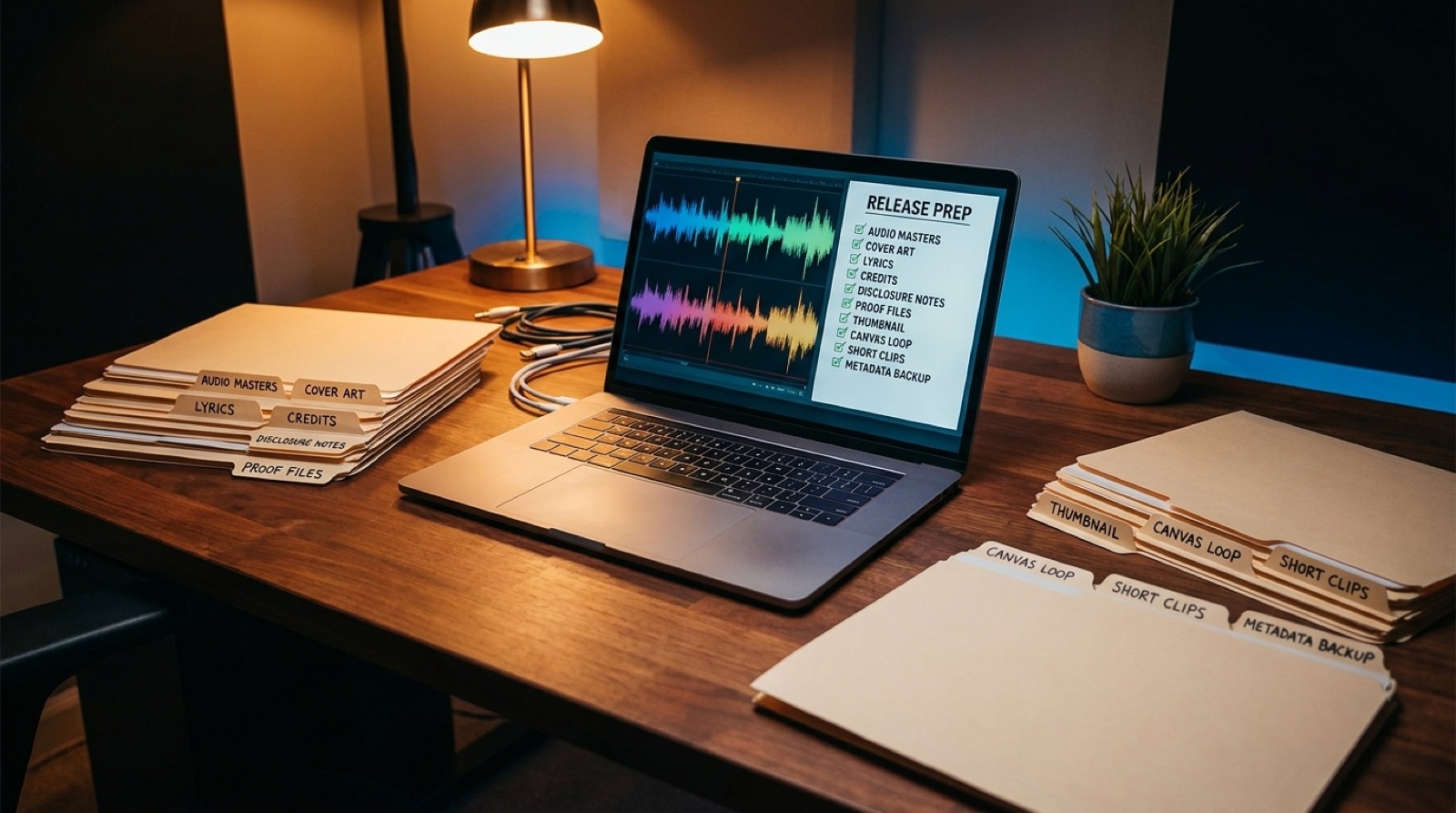
Your pitch folder should connect the finished song to the records behind it: source song link, export date, subscription or license note, lyrics, stems if available, cover art, visual assets, disclosure copy, and version history.
This folder is not there to overwhelm the first reader. It is there so a serious conversation can move without you scrambling later. If someone asks what was generated, edited, licensed, or credited, the answer is already organized.
Make the thumbnail do real work
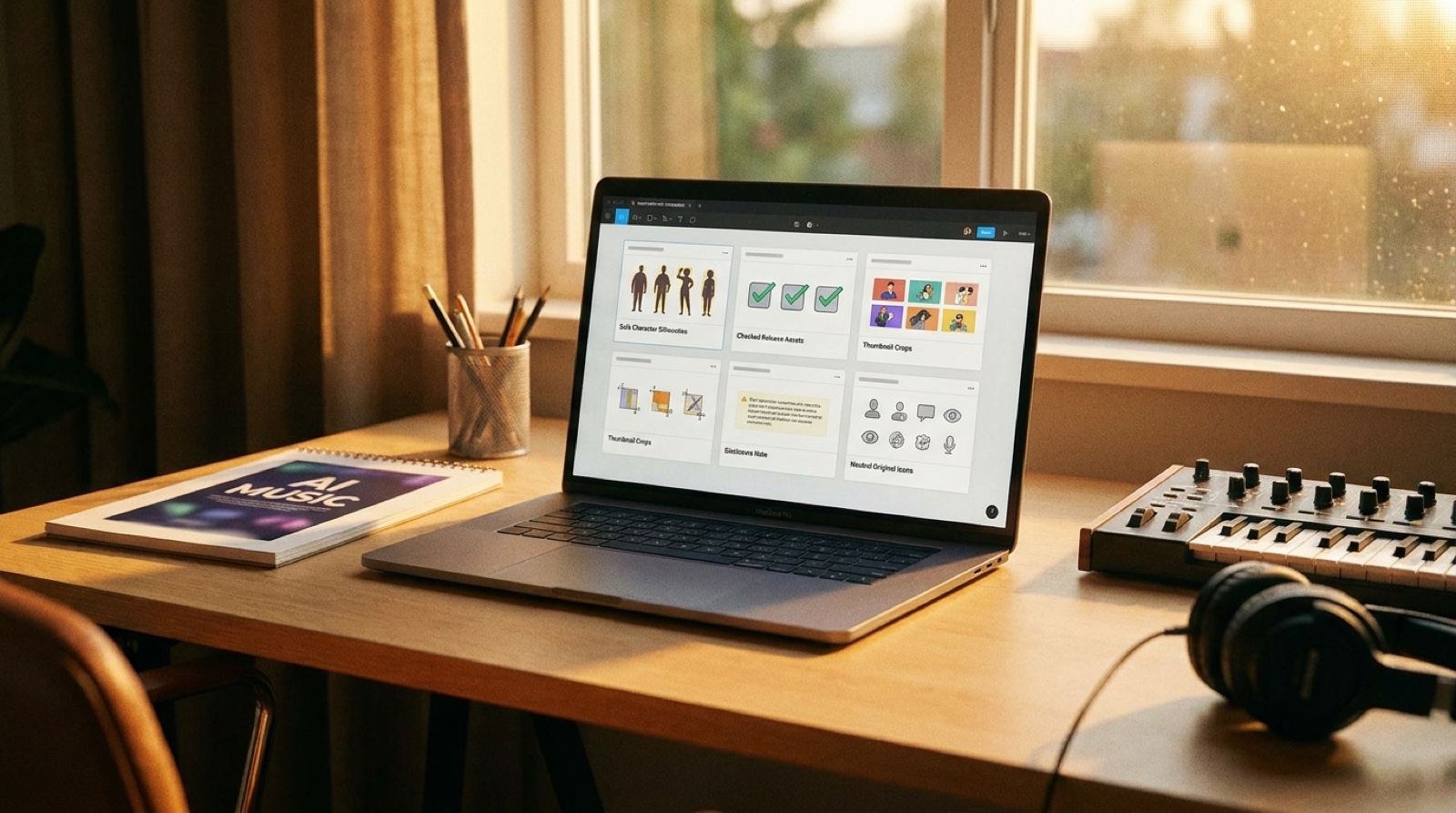
A thumbnail gives the pitch a memory hook. Use one image that matches the song world and could plausibly sit in a deck, email thread, private review page, or YouTube upload. Avoid generic waveform art if the song has a stronger visual identity.
The thumbnail should agree with the preview. If the preview feels cinematic and restrained, the thumbnail should not look like a random prompt collage.
Write a short fit note
After the links, add three compact bullets: mood, best use, and avoid. For example: tense but hopeful; good for launch films or night-driving edits; not built for comedy or bright lifestyle cuts.
This helps the reviewer place the song faster. It also shows that you understand context, not just generation.
Do not over-explain the AI process
Transparency helps. A lecture does not. Keep the AI note short, specific, and attached to the release record: what tool helped, what you edited or arranged, who owns the account or license record, and where the final approved exports live.
If the reviewer wants more detail, your proof folder can answer it. The main pitch should still feel like a music pitch.
Build one clean pitch page
The easiest version is one private page or folder with the short preview, full video, audio link, thumbnail, credits, contact, rights notes, and proof folder. Put the most important material above the fold and the deeper records below it.
A clean pitch does not guarantee placement. It does make the song feel easier to evaluate, which is the first hurdle most AI-assisted releases still have to clear.
FAQ
What should go in an AI music sync pitch?
Include a short visual preview, full track link, clean credits, rights and tool notes, proof files, thumbnail, contact details, and a plain sentence explaining where the song fits.
Do AI songs need extra proof for licensing conversations?
They need clear organization. Keep source links, export dates, plan or license notes, human edits, credits, disclosure language, and final video assets together so a serious listener can understand the release quickly.
Should an AI music sync pitch include a video?
A short video preview helps the pitch land faster because supervisors and editors can read the mood, pacing, and visual use case without imagining the whole package from audio alone.
Make the pitch easier to read
Use SceneLore to turn the finished song into a connected video preview, thumbnail, and release package before you send the next pitch.
Create Your First Video