Captions are easy to treat as a platform checkbox. Upload the song, paste the lyrics, hope YouTube or TikTok sorts it out. That works for basic access, but it misses a bigger chance.
For AI-assisted music, captions can help the video feel more authored. They can make the hook land in the first few seconds, help viewers understand the lyric when the mix is dense, and give mobile clips a clearer reason to stop the scroll.
The trick is to plan text before the video is finished. Captions should support the mood, not sit on top of the song like a receipt.
Choose what the captions are meant to do
Start by naming the job. Some captions are for access. Some are for lyrics. Some are for short-form packaging. Some are for trust.
A full YouTube upload may need clean platform captions so viewers can turn them on, search engines can understand the content, and anyone watching without perfect audio can still follow the song. A Reel or Short may need burned-in hook text because many people see it muted first.
Those are different design choices. Platform captions should be accurate and complete. Burned-in text should be selective, readable, and tied to the strongest moments.
Use lyrics where they help the story
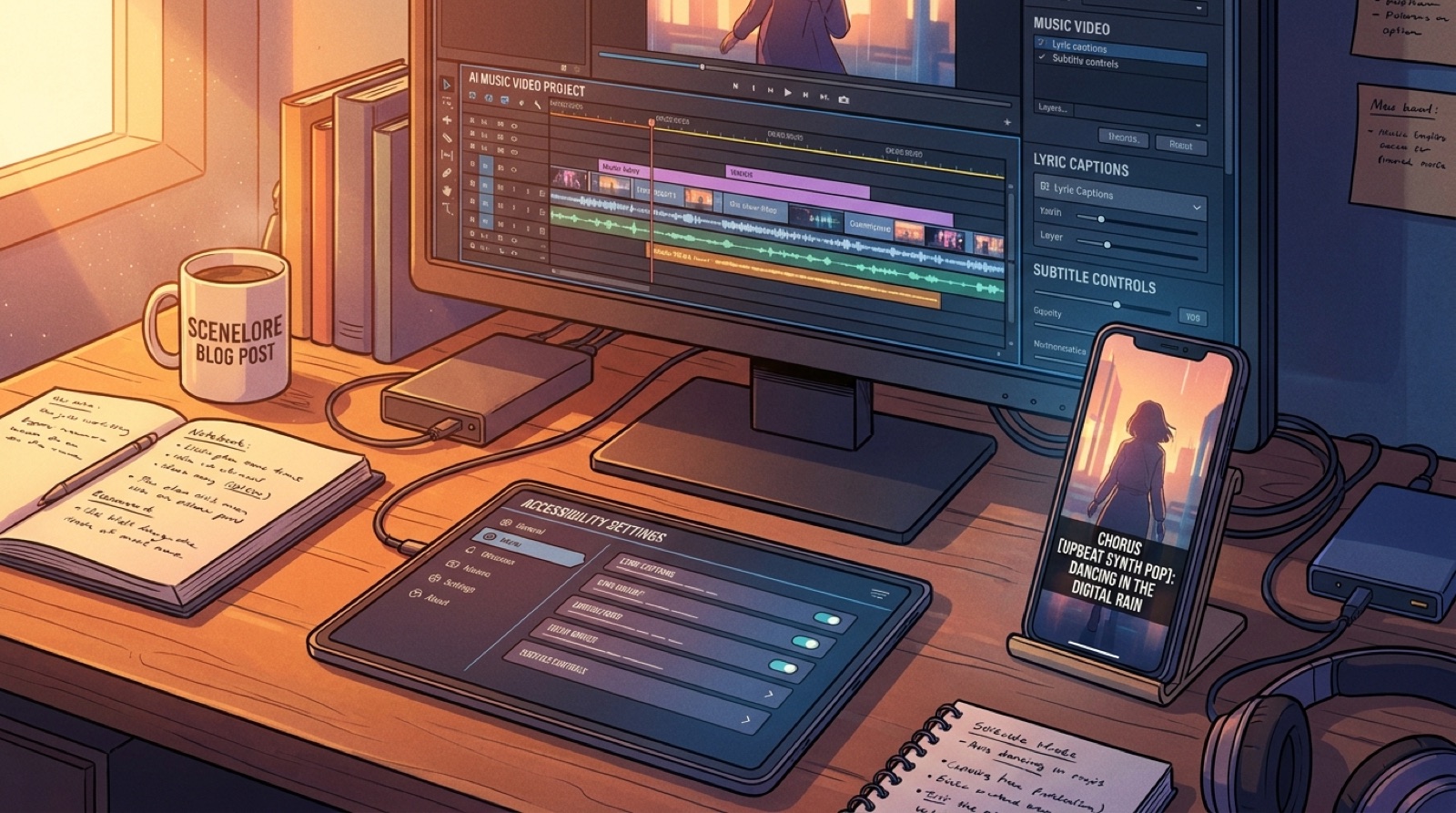
Lyric captions work best when the words carry the emotion of the scene. If the chorus is the part that sells the song, make that text feel deliberate. Give it enough contrast, keep the line short, and avoid covering the face, symbol, or visual anchor that makes the video recognizable.
You do not need to caption every sung word as a giant overlay. A full-screen lyric treatment can turn a music video into a lyric video, which may be right for some releases. If the goal is a full music video, use lyric text as a highlight layer instead.
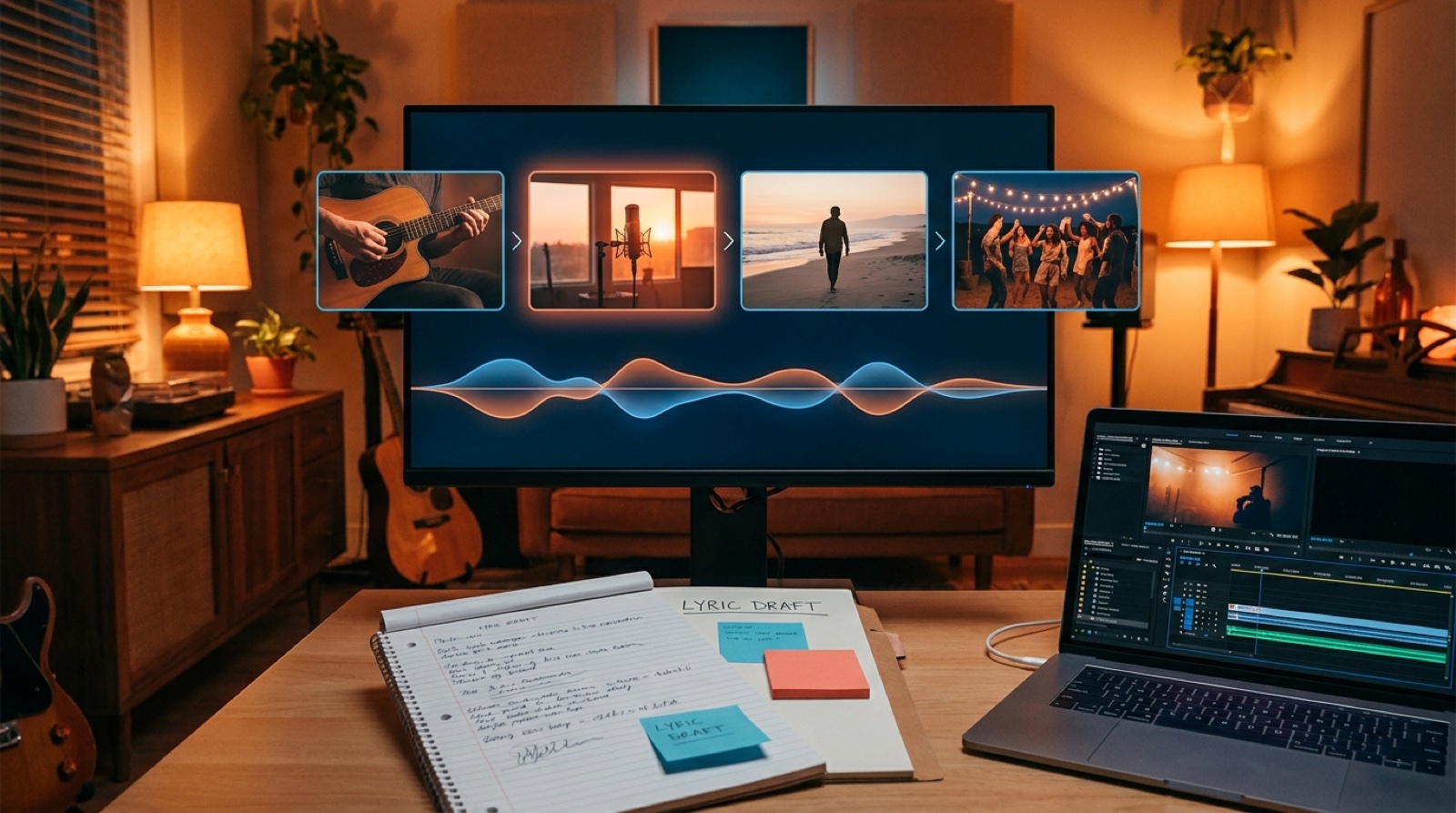
SceneLore is built around turning a finished song into a visual world. That world still has to breathe. Captions should guide the viewer through it, not flatten it.
Design captions for phones first
Most viewers will meet the release on a small screen before they choose to watch the full video. Test the caption size on a phone screenshot, not only on your desktop preview.
Keep one safe caption area across the release. Leave space for platform UI near the bottom and sides. Avoid thin fonts, low-contrast colors, and long lyric lines that break awkwardly. If the text needs a background, use a simple soft panel or shadow that belongs to the video style.
For Shorts and Reels, build one caption rule for the series: hook line near the first frame, chorus phrase during the payoff, and no text during the shot that should carry the mood by itself.
Keep accessibility separate from decoration
Burned-in text can look good, but it is not a replacement for real captions. Platform captions are still useful because viewers can turn them on or off, screen readers and translation tools can read them, and the file can be corrected after upload.
For a serious release, keep a clean lyric or caption file in the release folder. Check names, repeated phrases, slang, and any intentionally distorted vocal lines. If the song has spoken intro lines, ad-libs, or whispered parts, decide whether those lines matter enough to include.
YouTube's own help docs explain how creators can add or edit subtitle and caption tracks after upload, which is worth using instead of relying only on automatic captions. See YouTube's subtitle and caption guidance.
Use captions as part of the trust package
AI music often asks the viewer to trust that a release is more than a fast export. Clean captions help because they show someone made decisions after the song was generated or produced.
That does not mean stuffing the video with disclaimers. Put disclosure and credits where they belong: description, pinned comment, release page, or end card. Use captions when a short line helps the viewer understand the song, the collaborator credit, or the story behind the video.
If the release has a lyric that could be misheard, caption it. If a chorus phrase is the title promise, caption it. If the video is meant to be shared muted, caption the opening hook.
A simple caption pass before publishing
- Read the lyrics while the final video plays. Mark only the lines that need visual emphasis.
- Check a muted phone preview. The first five seconds should still make sense.
- Keep burned-in text away from faces, logos, credits, and the main visual anchor.
- Export or save a clean caption file for the full upload.
- Check that the thumbnail and title promise the same mood as the captioned hook.
If you are still planning the visuals, start with the lyrics and decide which lines deserve scenes before you render. The guide on turning song lyrics into music video scenes is a good next step. If you are building the wider launch, pair the caption pass with an AI music video description that explains the song, credits, and release links clearly.
SceneLore can help you turn the finished song into a full video package instead of a single upload with text added at the end. Create your first video when the song, lyrics, and visual anchor are ready.