An AI music video approval workflow helps a small label make decisions in the right order. Without one, every manager, artist, producer, and designer reacts to a different version of the release. The team keeps asking for new exports, but nobody is sure which decision is actually approved.
The fix is not a heavier production system. It is a short set of review gates that protect the song, the visual promise, and the final upload package.
SceneLore fits best when the track is already close to done and the team needs a video that feels publishable quickly. The approval workflow below keeps that last mile calm.
Lock the audio before anyone reviews visuals
Start with one approved audio file. Give it a version name, save the runtime, and make sure everyone knows that visual feedback is being judged against that exact track.
If the mix is still changing, video feedback gets messy fast. A chorus may move, an intro may shorten, or a final master may shift the mood. Small teams waste time when they review visuals against audio that is not really final.
Make the audio lock visible in the release folder. Include the final file, lyrics, credits, and any disclosure note the team expects to use in the public description.
Approve one visual anchor before chasing variations
The visual anchor is the image, character, place, palette, or object that tells viewers what world the song belongs to. Approve that before reviewing motion, transitions, or alternate scenes.
For a small label, this is the moment to ask practical questions. Does the visual match the artist? Does it fit the genre? Could it work as a thumbnail? Would the artist feel comfortable seeing this image beside the song title for months?
When the anchor is approved, the rest of the video has a reference point. Feedback becomes clearer because every note can be tied back to the same promise.
Review the thumbnail direction early
The thumbnail is not a separate design task at the end. It is the first public frame of the release. Approve the direction before the full video is final so the video can support the click promise.
A useful thumbnail review is small. Compare two or three stills. Check whether the artist, mood, and song title feel aligned. Reject anything that looks like a random AI visualizer or a generic album-art loop.
If the thumbnail feels stronger than the opening shot, adjust the opening. The video should keep the promise the thumbnail makes.
Use the first 30 seconds as the real review gate
The first 30 seconds reveal most approval problems. The team can see whether the opening image lands, whether motion feels intentional, whether the chorus is being set up, and whether the video already looks connected to the song.
Ask reviewers to comment only on problems that would block the release: wrong mood, confusing visual world, weak opening, unreadable caption, mismatched artist identity, or a thumbnail promise the video does not support.
This keeps taste notes from turning into endless revisions. The goal is to decide whether the video is on track, not to redesign the entire release in the comments.
Make final export approval boring
By the final export, the team should already have approved the audio, visual anchor, thumbnail direction, and opening. The last review should focus on quality control.
Watch the full file once on desktop and once on a phone. Check audio sync, scene breaks, captions if used, black frames, compression, thumbnail match, description copy, credits, and the final upload filename.
Keep the approval note short: approved for YouTube, approved for Shorts cutdowns, approved for release page, or blocked by one specific fix.
Archive the release notes before the next song starts
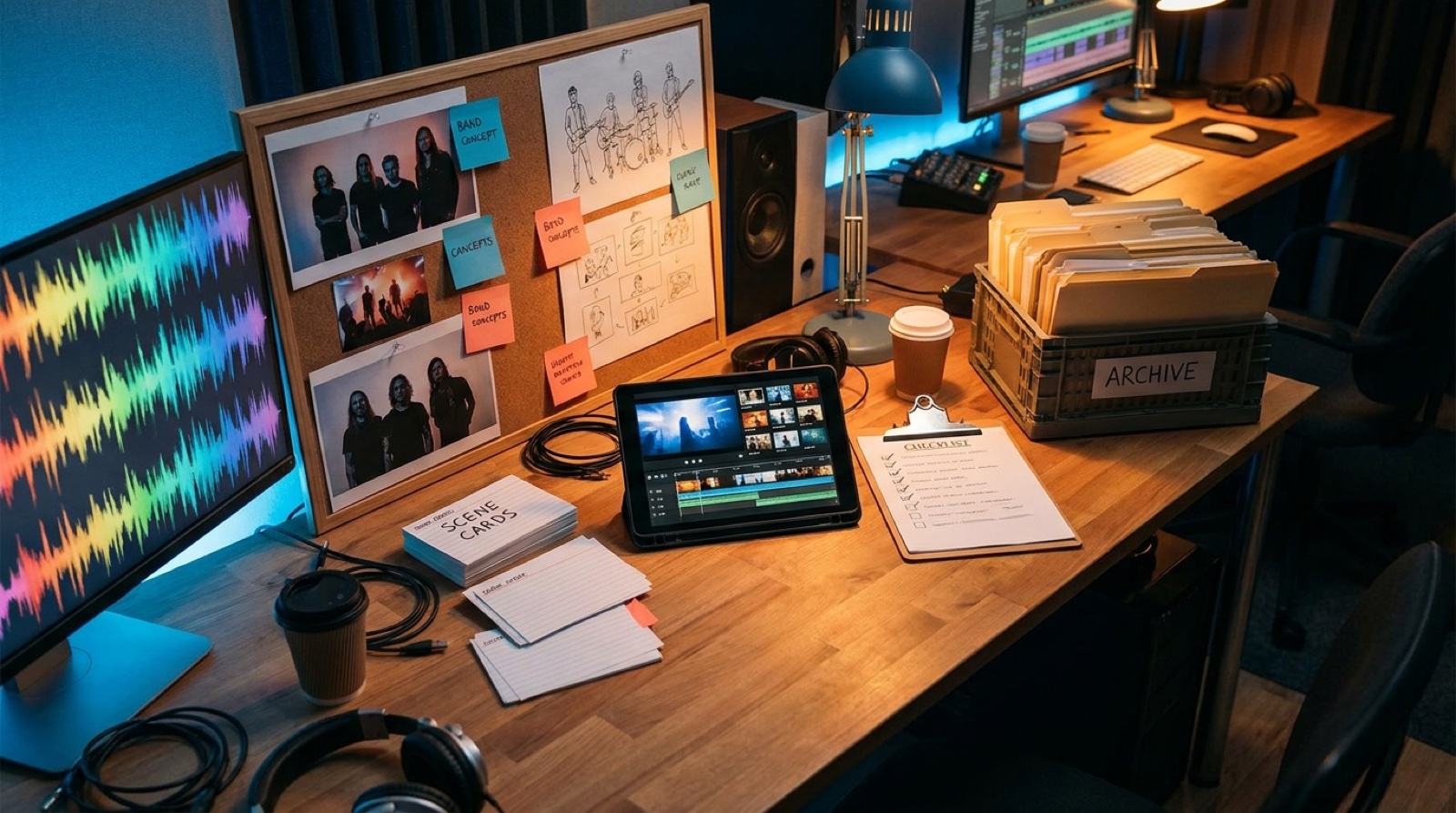
Small labels often lose time because every release starts from memory. Close the project by saving the final video, thumbnail, reference image, direction notes, credits, description, disclosure copy, and approval comments in one folder.
The archive helps the next release move faster. It also gives the team a proof trail if someone later asks how the AI-assisted video was directed, reviewed, and approved.
A repeatable archive is part of the creative system, not admin work. It lets the label build a recognizable catalog instead of treating every music video like a fresh emergency.
Turn one approved song into a release-ready video
SceneLore helps small teams turn finished audio or a reference image into a full-length music video with a coherent visual world.
Create Your First VideoQuick approval checklist
- Final audio file is locked and named.
- Visual anchor is approved by the artist or label owner.
- Thumbnail direction matches the song promise.
- First 30 seconds pass the mood, pacing, and identity check.
- Final export passes desktop and phone playback.
- Credits, disclosure notes, and release files are archived.
For broader release planning, pair this approval path with the small-label music video workflow and the AI video assembly line for small labels. For platform risk, keep AI music collaboration credits clear before upload.