Release quality
Run an AI music video quality check before the render goes public
An AI music video quality checklist is not about making the release perfect. It is about catching the obvious problems while you can still fix them calmly.
Most awkward launch-day fixes happen because nobody watched the finished video like a listener would. The song may be ready, the cover may look strong, and the render may technically work. Then the first frame feels flat, the captions cover the hook, the chorus payoff arrives too late, or the thumbnail promises a mood the video never delivers.
Before you upload, give the video one final pass for story, trust, and practical platform fit.
Start with the first frame
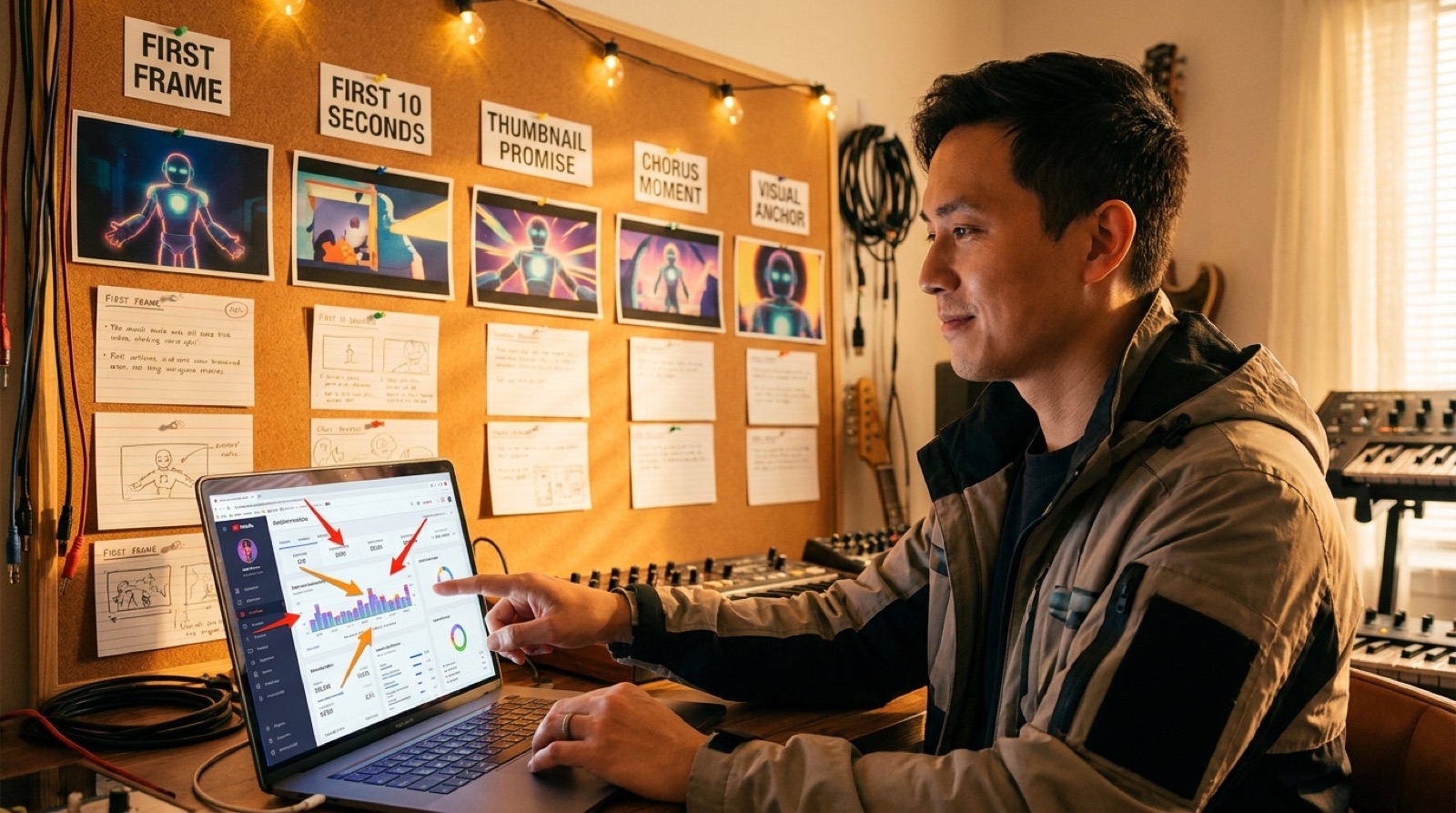
Pause on frame one. It should tell a viewer what kind of world they are entering before the music has time to explain itself. If the first frame is a loading-looking blur, a random transition, or a character with a broken face, choose a stronger opening frame or export a cleaner version.
Then check the thumbnail against that same promise. The thumbnail can be more dramatic, but it should not feel like a different song.
Watch the first 30 seconds without multitasking
The opening should answer three questions quickly: what is the mood, where should the viewer look, and why should they keep watching until the chorus? If the video wanders before the song has earned patience, trim the slowest setup or move a clearer visual anchor earlier.
For AI-assisted videos, look closely for character drift, repeated gestures, mushy hands, fake text, and scene changes that fight the beat. One small artifact is rarely fatal. A pattern of distractions makes the whole release feel less intentional.
Check the chorus payoff
The chorus is where the video should feel most certain. Mark the main hook and ask whether the visuals get bigger, clearer, stranger, warmer, or more emotionally direct there. If the chorus looks like the verse, the release may feel expensive but forgettable.
SceneLore helps here because a finished song can become a full video plan instead of a pile of unrelated clips. You can start from the track, cover, and mood, then shape a visual arc around the moments that matter.
Read every caption on a phone-sized preview
Captions should support the song, not compete with it. Check lyric timing, contrast, safe margins, and whether key words disappear under platform controls. If captions are burned in, watch both horizontal and vertical crops before you commit.
Also check the description, credits, and disclosure note before upload. YouTube explains how altered or synthetic content disclosures work in its help center, and it is easier to decide calmly before the release is public: YouTube altered content disclosure guidance.
Run the technical pass last
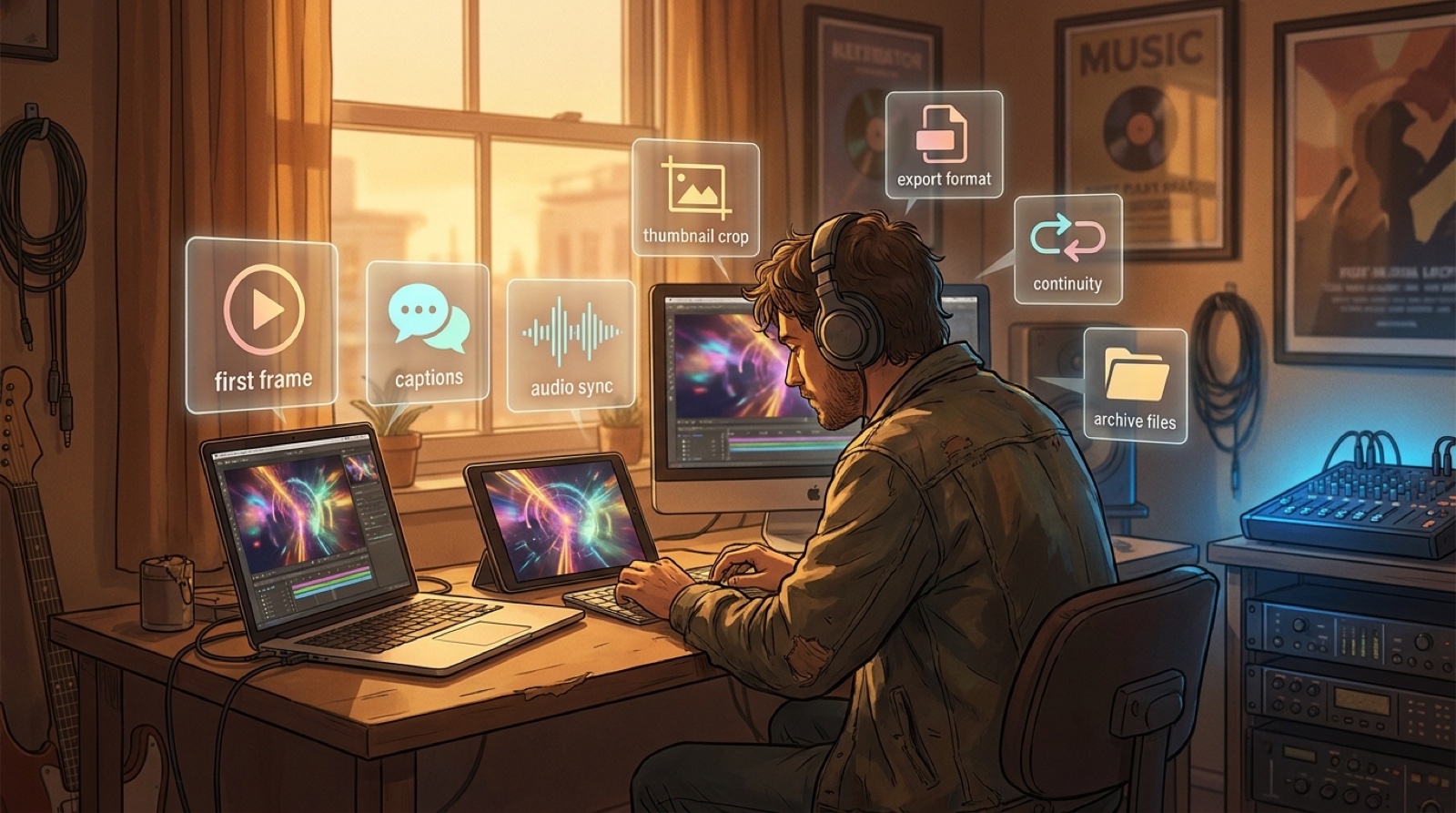
Once the video feels right, check the basics: audio starts cleanly, the file plays through, the export format matches the platform, the aspect ratio is correct, the thumbnail crop works on mobile, and the final file name is easy to find later.
- First frame and thumbnail match the song promise.
- Audio sync stays locked through the chorus.
- Captions are readable on a phone.
- No obvious character drift distracts from the hook.
- Horizontal, vertical, and short-form crops have been checked.
- Credits, links, labels, and description are ready.
- Final exports and source assets are archived in one folder.
Archive the proof before you move on
Save the final video, thumbnail, cover art, prompt notes, credits, licenses, disclosure wording, and short clips together. Future you should be able to rebuild the release story without hunting through downloads and chat windows.
A quality check is not a creativity tax. It is the moment where the release starts to feel authored.
Want the video package to feel ready before upload?
SceneLore turns a finished song, cover image, and mood into a full-length music video with assets that support the release.
Create Your First Video