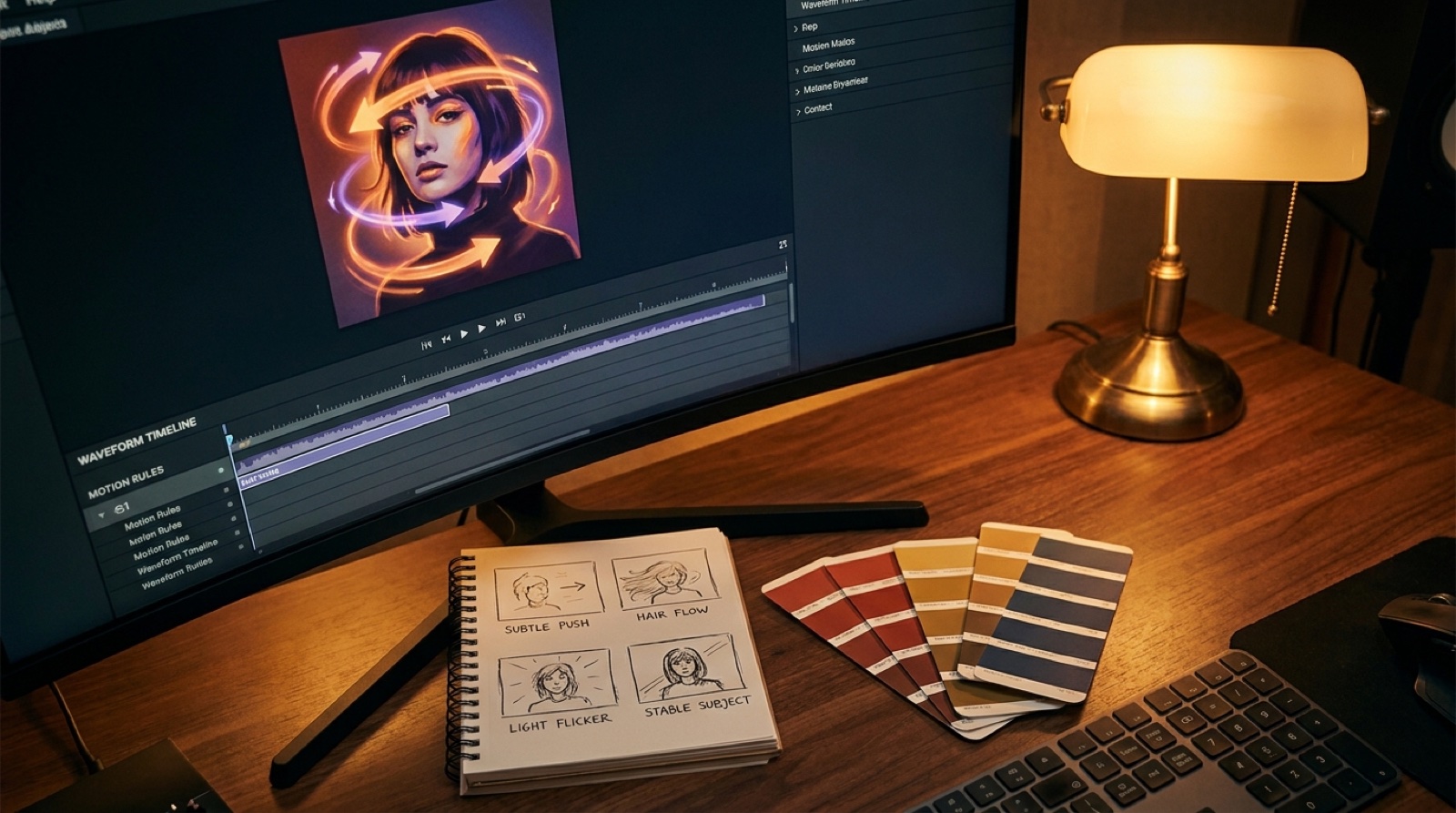
When you animate AI song cover art, the hardest choice is not how much movement to add. It is deciding what the image is allowed to become.
A cover already tells the listener what kind of world they are entering. If the video adds random camera moves, shifting faces, changing colors, or floating type, the release can feel less finished than the still image did. Motion rules stop that drift before the render starts.
Think of them as a small creative contract. The song gives you the feeling. The cover gives you the visual anchor. The rules decide how that anchor can breathe.
Start by naming the cover's job
Before touching animation, write one sentence about why the cover works. Maybe it feels lonely, expensive, chaotic, soft, dangerous, nostalgic, or intimate. Maybe the face is the whole point. Maybe the color palette makes the song feel late-night before a note plays.
That sentence becomes the standard for every motion choice. If a camera move makes the image feel more like the song, keep it. If it only proves the tool can move pixels, cut it.
This matters on platforms where the first visual signal carries a lot of the click. YouTube's guidance on audience retention is a reminder that viewers decide quickly whether a video matches the promise they clicked.
Lock the parts that make the cover recognizable
Every cover has parts that should not wander. Lock the main silhouette, the artist identity, the central object, the typography, the crop, and the dominant color mood unless the story gives you a reason to change them.
That does not mean the video should freeze. It means movement should happen around the identity of the cover instead of replacing it. A slow push toward the subject can feel expensive. A face that changes every four seconds feels like a mistake.
For AI album art motion, this is the difference between a music video and a demo of a generator. The viewer should remember the release, not the rendering artifact.
Choose three motion permissions
Pick a short list of things that may move. Good candidates are light, haze, shadows, reflections, background parallax, hair, fabric, water, dust, traffic, stage beams, or a controlled camera push.
Three permissions are usually enough. They give the video life without making every shot compete for attention. If the track is quiet, the motion can be almost invisible. If the chorus is huge, the same rules can scale up with stronger light, depth, or camera energy.
Write them plainly: lights may pulse with the chorus; the camera may push in slowly; the background may drift, but the subject's face and cover typography stay stable.
Set one camera rule
Camera movement changes how a cover feels. A push-in creates intimacy. A sideways drift suggests memory or travel. A handheld shake adds urgency. A fast orbit can make a serious song feel like a tech demo.
Choose one main camera behavior for the video. Let exceptions happen only at real musical turns: the first chorus, the bridge, the final line, or a beat where the song changes emotional direction.
SceneLore works best when the camera supports the song world instead of trying to impress in every second. Create your first video in SceneLore when your cover, song, and camera rule are pointing at the same feeling.
Protect type and logos from accidental motion
Album art often contains a title, artist name, label mark, parental advisory badge, or small design detail that should stay readable. If those elements bend, smear, morph, or pulse, the release can look unfinished fast.
Keep type still unless the whole concept is built around kinetic typography. If lyrics or captions need motion, place them as video elements rather than making the cover text do work it was never designed to do.
Use the rule sheet to judge the render
After the first clip comes back, compare it to the rule sheet instead of reacting only to whether it looks cool. Did the subject stay consistent? Did the color mood survive? Did the camera move match the song? Did motion reveal the cover world or distract from it?
If the answer is mostly yes, keep building. If the answer is no, tighten the prompt and rules before spending more time on a full music cover art video.
A simple motion rules checklist
- Cover job: what feeling does the still image already sell?
- Locked elements: what must stay recognizable?
- Motion permissions: which three details may move?
- Camera rule: how may the viewer move through the image?
- Type rule: what text or logo detail must stay stable?
- Musical trigger: where can the motion get bigger?
The goal is not less motion. The goal is motion that makes the cover feel more intentional than the still image, not less.
FAQ
How do I animate AI song cover art without ruining it?
Set motion rules before rendering. Decide what can move, what must stay stable, how the camera may travel, and which colors or type details must stay faithful to the cover.
What should move in AI cover art animation?
Move details that support the song mood: light, atmosphere, hair, fabric, reflections, background depth, or a slow camera push. Keep identity, key objects, typography, and the cover's main silhouette stable.
When should I write motion rules?
Write them before the first render. A short rule sheet makes every clip easier to judge and prevents visual drift across the full music video.
Related guides
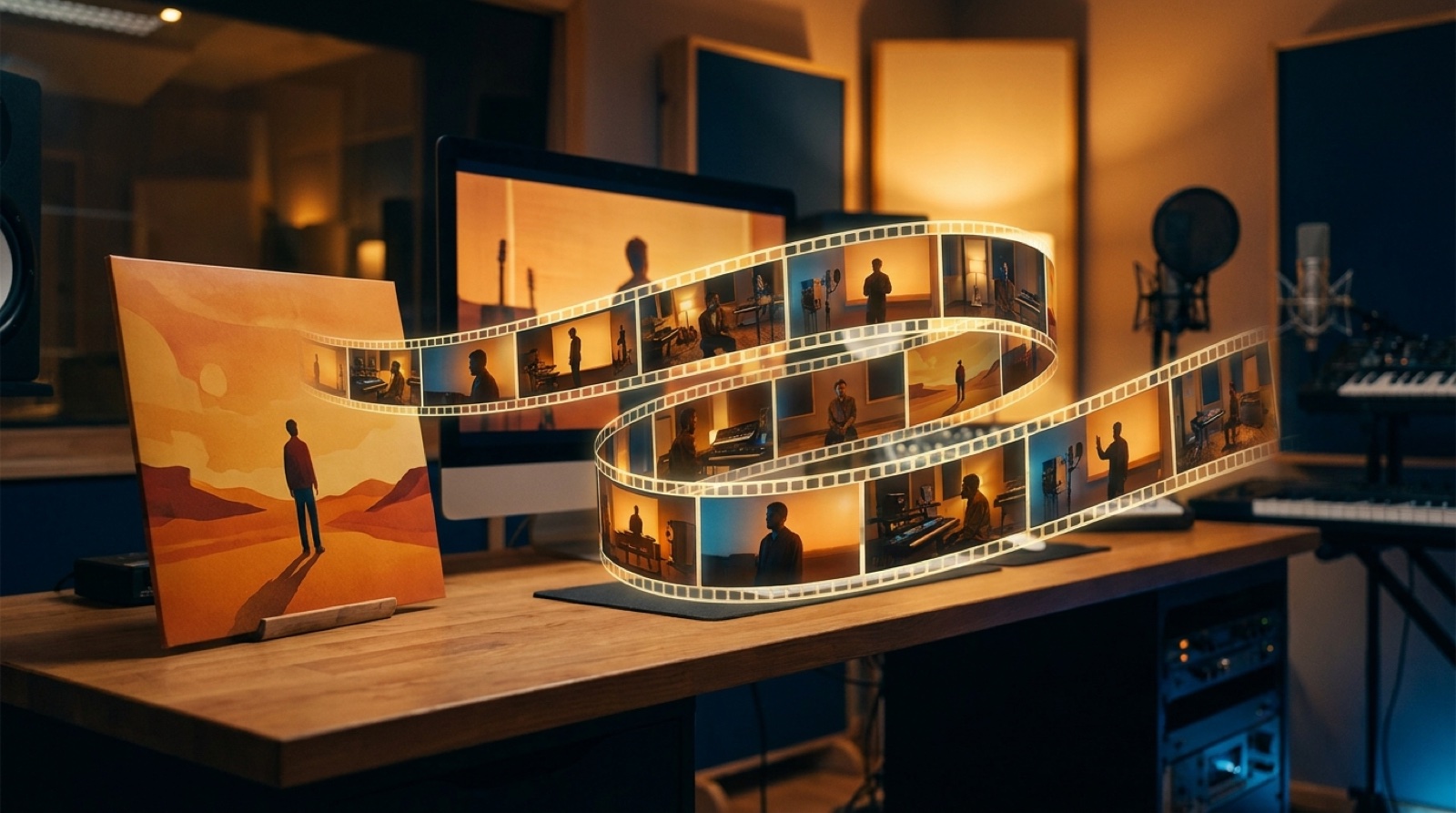
Make the cover move like it belongs to the song
Use SceneLore to turn a cover image, track, or visual anchor into a music video with a clear world and controlled motion.
Create Your First Video