Release pages
A Bandcamp AI music release page needs more than an upload
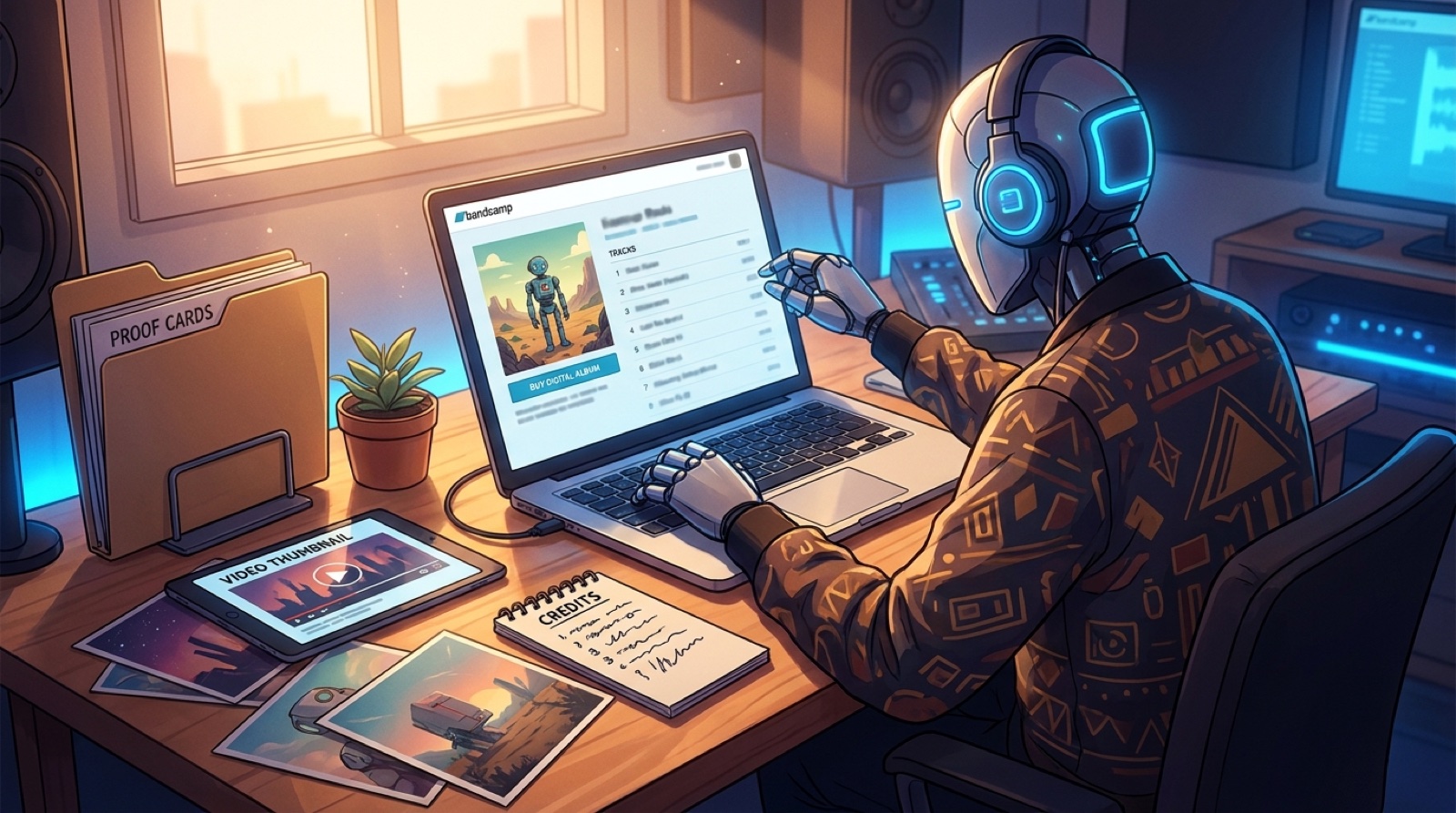
A Bandcamp AI music release page can do more than hold the audio file. For an AI-assisted song, it can make the whole release feel clearer, calmer, and easier to trust.
The page is often where curious listeners, collaborators, and small press links land after the first play. If it only has a track, a square cover, and a one-line description, the release can feel unfinished even when the song is strong.
Use the page like a compact release hub: audio, artwork, credits, context, proof, and video assets all pointing in the same direction.
Start with the promise of the song
Before you add files, write one plain sentence that says what the listener is stepping into. Not a tool story. Not a defensive explanation. A simple promise of mood, genre, and world.
- What does the track feel like?
- Who is the artist or project?
- What image should the listener remember?
- Why does this release exist now?
This sentence should guide the cover art, thumbnail, page copy, and short video clips. If those pieces all promise different things, the page starts to feel assembled instead of authored.
Add credits that lower confusion
Credits are not only etiquette. For AI-assisted music, they are part of the trust layer. List the human roles clearly: writing, arrangement, vocal direction, production, mixing, mastering, artwork, video, and release management.
If AI tools helped with any part of the song or visuals, keep the wording calm and specific. A short note is usually stronger than a vague apology.
For example: “This track uses AI-assisted composition and human-led arrangement, editing, visual direction, and release packaging.” Adjust the wording to match the real process.
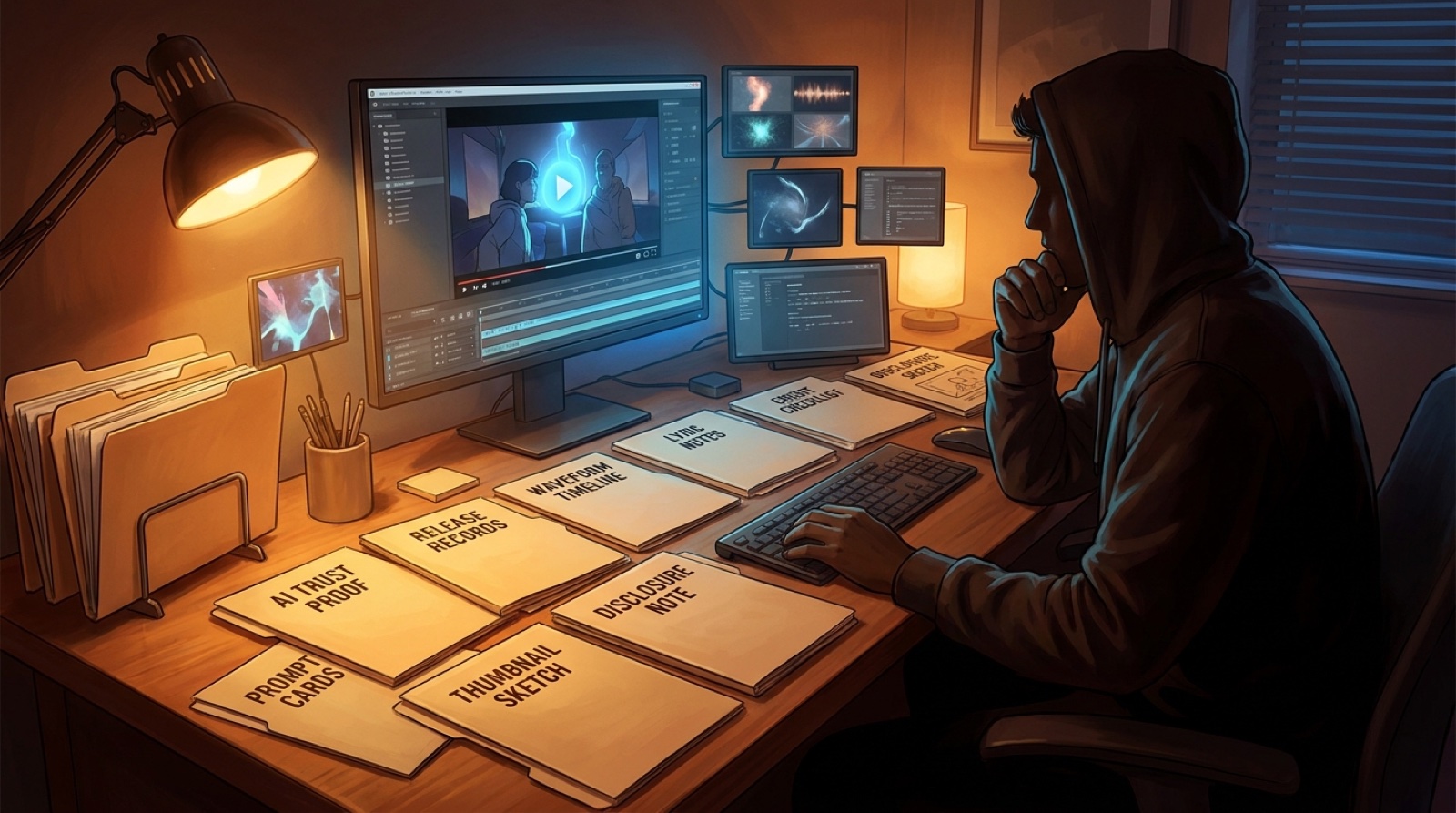
Keep a private proof folder behind the page
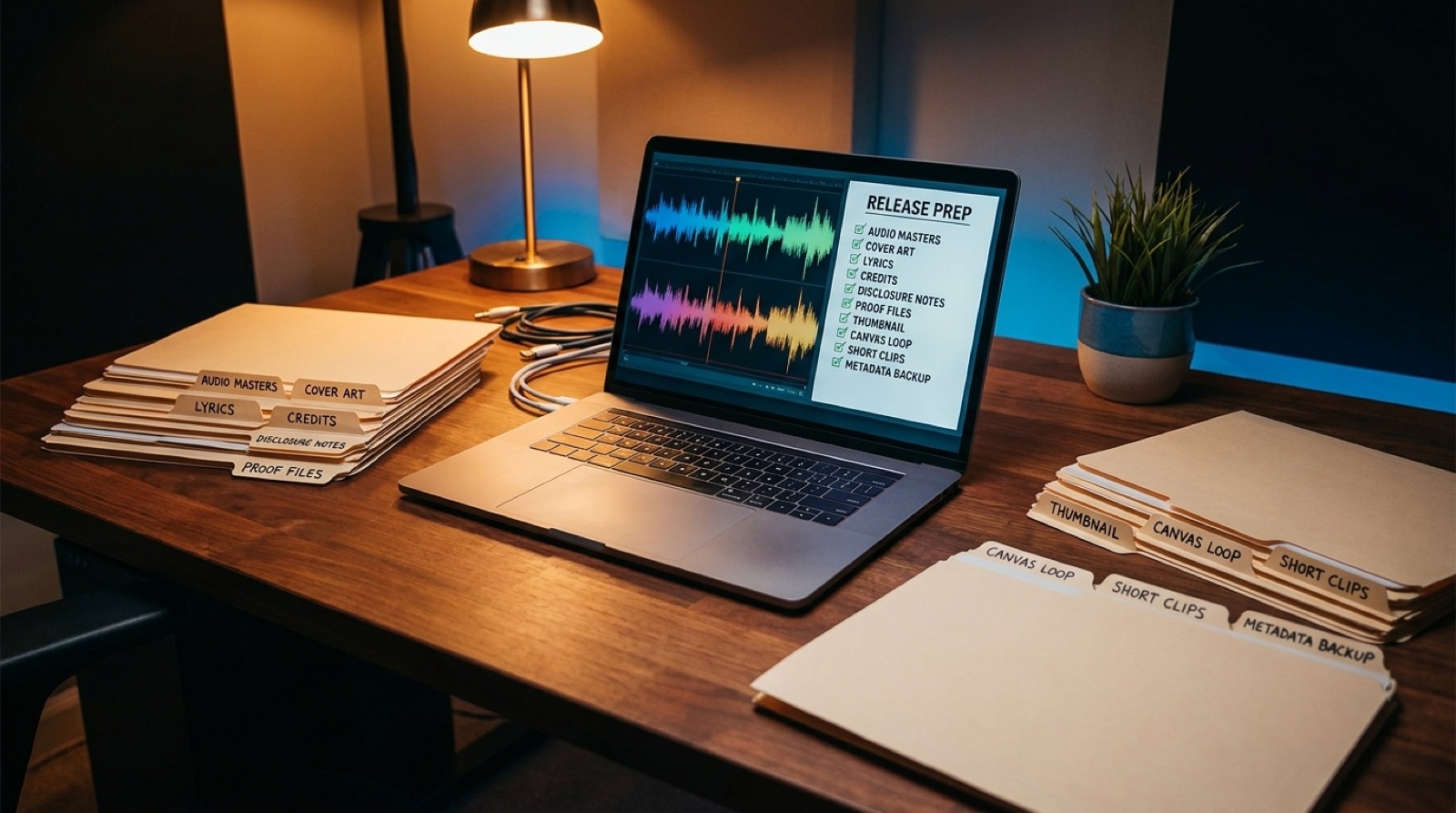
The public Bandcamp page does not need to show every source file. But you should keep the release evidence organized before the page goes live.
- Final audio export and date
- Lyrics or writing notes
- Cover art source file
- Prompt notes or tool receipts, when relevant
- Credits and permission notes
- Disclosure wording
- Full video, thumbnail, and short clips
- Version history for the final release package
This makes the release easier to update later if a platform, collaborator, or buyer asks what was made, who made it, and which assets belong to the song.
Make the visual package match the audio
A Bandcamp listener may only see the cover art at first, but the release should still have a wider visual set. A full video, a clean thumbnail, and a few vertical clips give the track more ways to travel.
SceneLore helps here because the video can grow from the same song world instead of becoming a random extra. The best visual package feels like the song became visible, not like a separate promo chore was stapled on.
Use the description to answer the first doubts
Your description should help a listener understand the release without overexplaining the production process. Keep it short and useful.
- One sentence for the mood and story
- One sentence for the artist intent
- One credit or disclosure note, if needed
- One link to the full video or release page
- One invitation to follow, buy, or share
Bandcamp says artists keep a strong share of sales made through the platform, which makes the page worth treating like a real storefront, not a spare upload slot. You can read more in Bandcamp’s artist guide at bandcamp.com/artists.
Run a five-minute page check before launch
Before you publish, open the page like a stranger would. Does the cover match the first line? Do the credits answer obvious questions? Does the link to the video work? Would the thumbnail still make sense if someone shared the track in a chat?
If the answer is yes, the page is doing its job. It turns one AI-assisted track into a small, coherent release that people can understand, trust, and pass along.
Turn the song page into a release world
SceneLore helps turn finished AI songs, cover images, and release ideas into full music videos with a consistent visual direction.
Create Your First Video