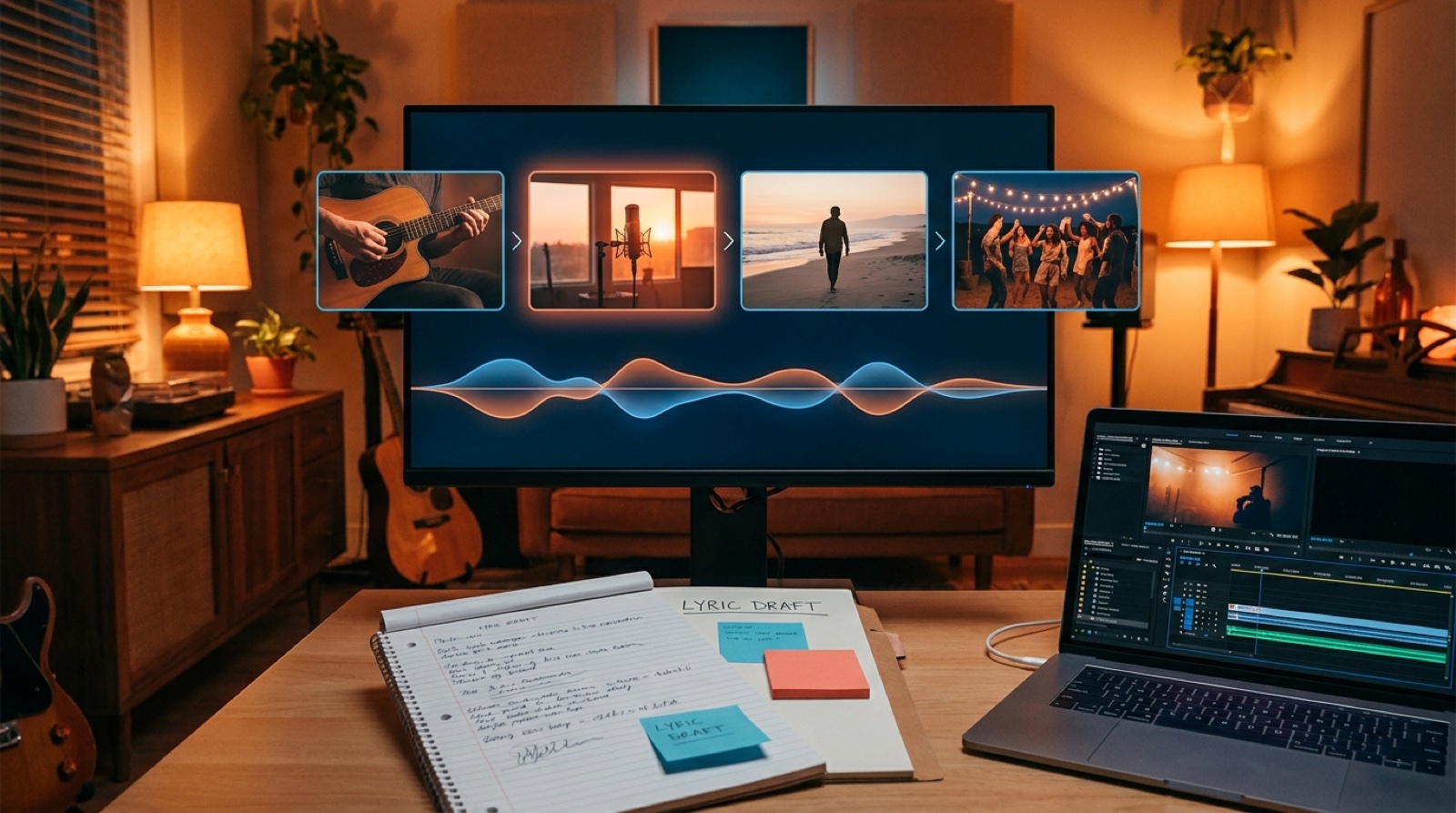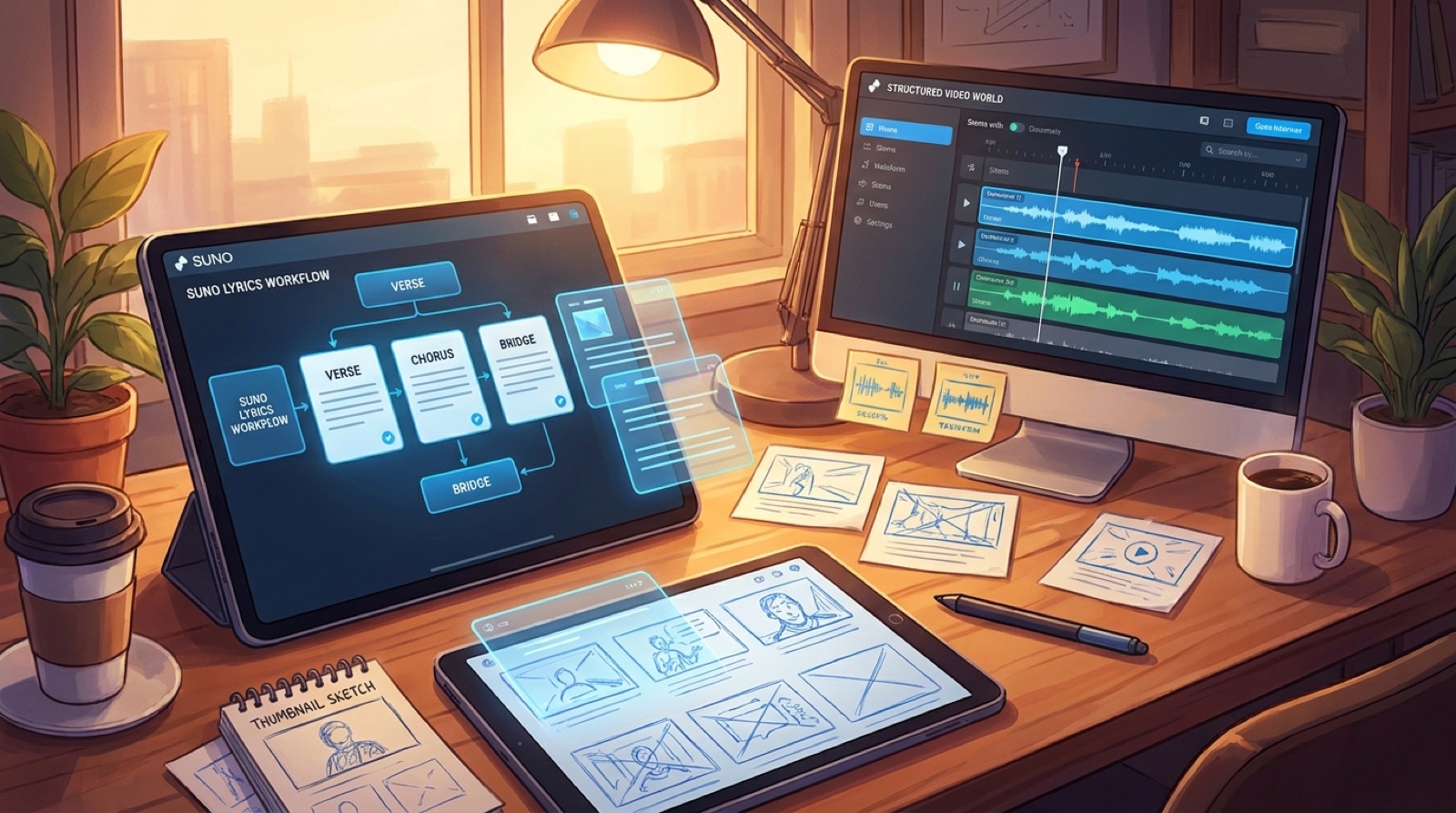
A better Suno lyrics workflow should make the finished song easier to see. When verses, choruses, bridges, and variations have a clear job, the video no longer has to begin with a blank timeline and a vague mood board.
The risk is treating better lyrics as the finish line. For a release, the lyric document should become a map: where the character changes, where the world opens up, where the chorus needs a repeatable image, and where the short clip should begin.
This is different from turning every line into a literal scene. Strong videos usually need fewer, clearer visual anchors. The lyrics help you choose them before the render stage gets noisy.
Start with the sections, not the prettiest line
Before you pick images, mark the song structure. Label the intro, verse, pre-chorus, chorus, bridge, drop, outro, and any variation that changes the energy.
Then give each section one visual purpose. A verse might introduce the room. A pre-chorus might tighten the camera. A chorus might reveal the full world. A bridge might break the pattern so the final chorus feels earned.
Suno's own product updates have pushed creators toward clearer lyric, reference, and structure workflows. That matters because a cleaner song map can become a cleaner release map. The Suno music creation help center is a useful place to check current creation features before you build a repeatable process around them.
Turn each chorus into a visual promise
The chorus is usually where the viewer decides what the song is about. Give it a visual promise you can repeat without making it feel static.
For a lonely synth-pop chorus, that might be one figure under a huge city sign. For an angry rock hook, it might be a cramped performance space with lights hitting hard on the downbeat. For a soft folk chorus, it might be the same table, letter, or window returning with a slightly different emotional color.
Once the chorus image is clear, the thumbnail gets easier. The thumbnail should not summarize the whole song. It should sell the promise of the chorus before anyone hears it.
Use verses for evidence and texture
Verses are where lyric details can work hardest. Pull out objects, places, weather, gestures, and repeated phrases that make the song feel specific.
You do not need a shot for every noun. Choose two or three details that can appear across the video as proof of a world: a cracked phone screen, a motel key, a train platform, a blue stage light, a handwritten title card.
Those details are also useful for captions and short-form cuts. A small object paired with one strong lyric can often carry a vertical clip better than a busy montage.
Let bridges and variations change the camera
Bridges, breakdowns, and alternate sections are your chance to show change without explaining it. If the song drops out, the image can become quieter. If the vocal doubles, the frame can split, echo, or move closer. If the beat opens up, the world can finally widen.
This is where a video starts to feel directed instead of decorated. The viewer may not name the structure, but they can feel that the visuals respond to the music.
If you already have stems or clear arrangement notes, use them here. A vocal stem can point to face, gesture, or caption timing. A drum change can mark a cut. A synth swell can justify a new location or lighting shift.
Build the video outline while the song is still fresh
Do the outline before you lose the reason behind the final lyrics. A simple table is enough: section, timestamp, emotional job, visual anchor, motion rule, and possible short-form moment.
Keep it practical. The outline should help you make decisions faster, not become another project to maintain.
- Intro: the first frame and the mood promise.
- Verse: concrete lyric details that make the world believable.
- Pre-chorus: the visual tension before the hook.
- Chorus: the repeatable image the viewer remembers.
- Bridge: the break in pattern that makes the ending feel intentional.
- Outro: the final frame, end card, or loop point for social clips.
Save the lyric map with the release assets
When the video is done, keep the lyric map with the final audio, cover art, thumbnail, captions, and exported clips. Future releases become easier when you can see how the song structure turned into a visual structure.
This also helps if the first video underperforms. You can review whether the chorus promise was clear, whether the thumbnail matched the hook, and whether the strongest lyric moment was used in the right place.
For a more literal line-by-line planning pass, read how to turn song lyrics into music video scenes. If you are working from a finished Suno export, the Suno to YouTube workflow can help you package the upload around the final video.
SceneLore helps turn a finished song, cover, or visual idea into a connected music video. Create your first video when your lyric map is ready to become a world.