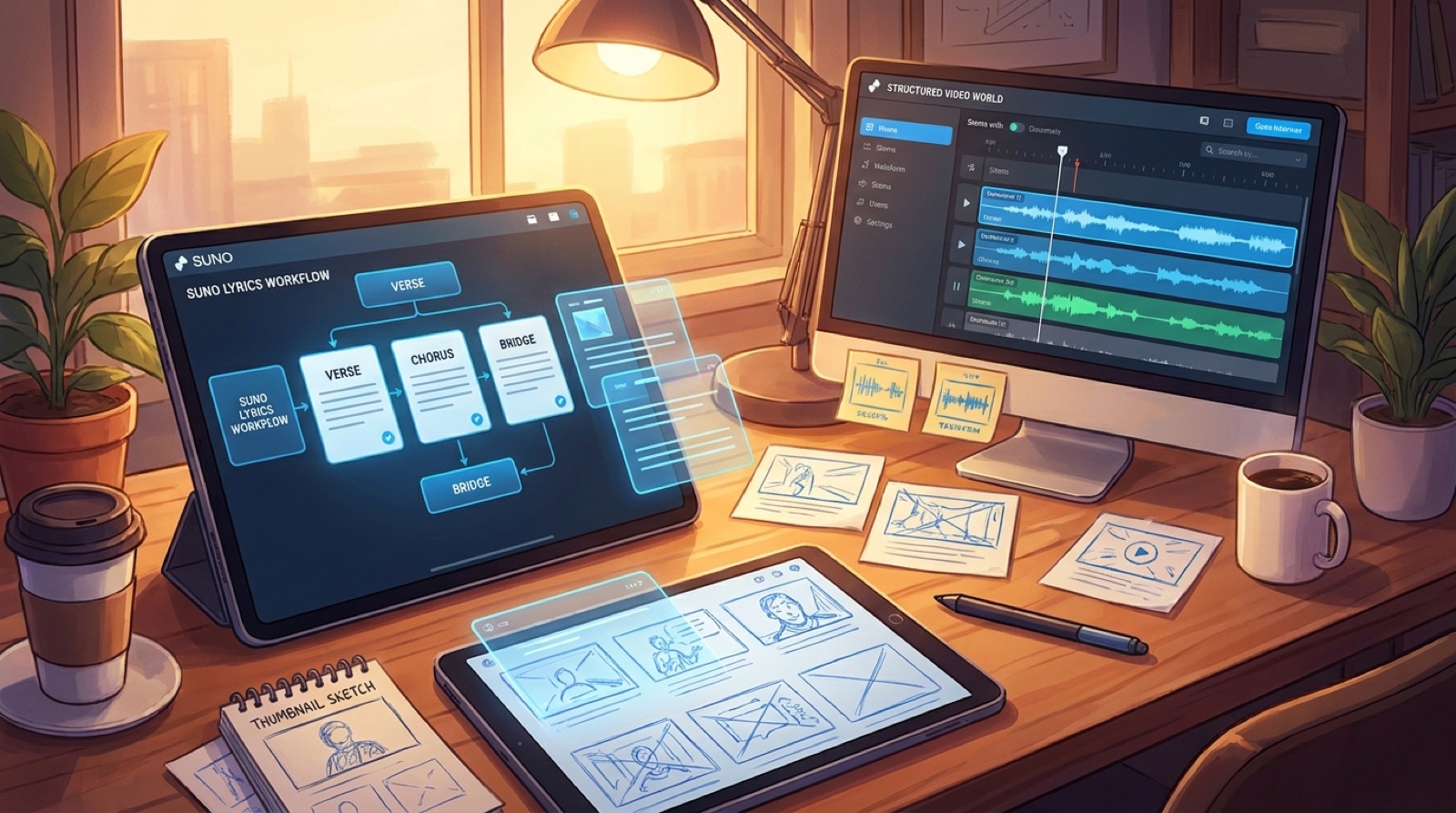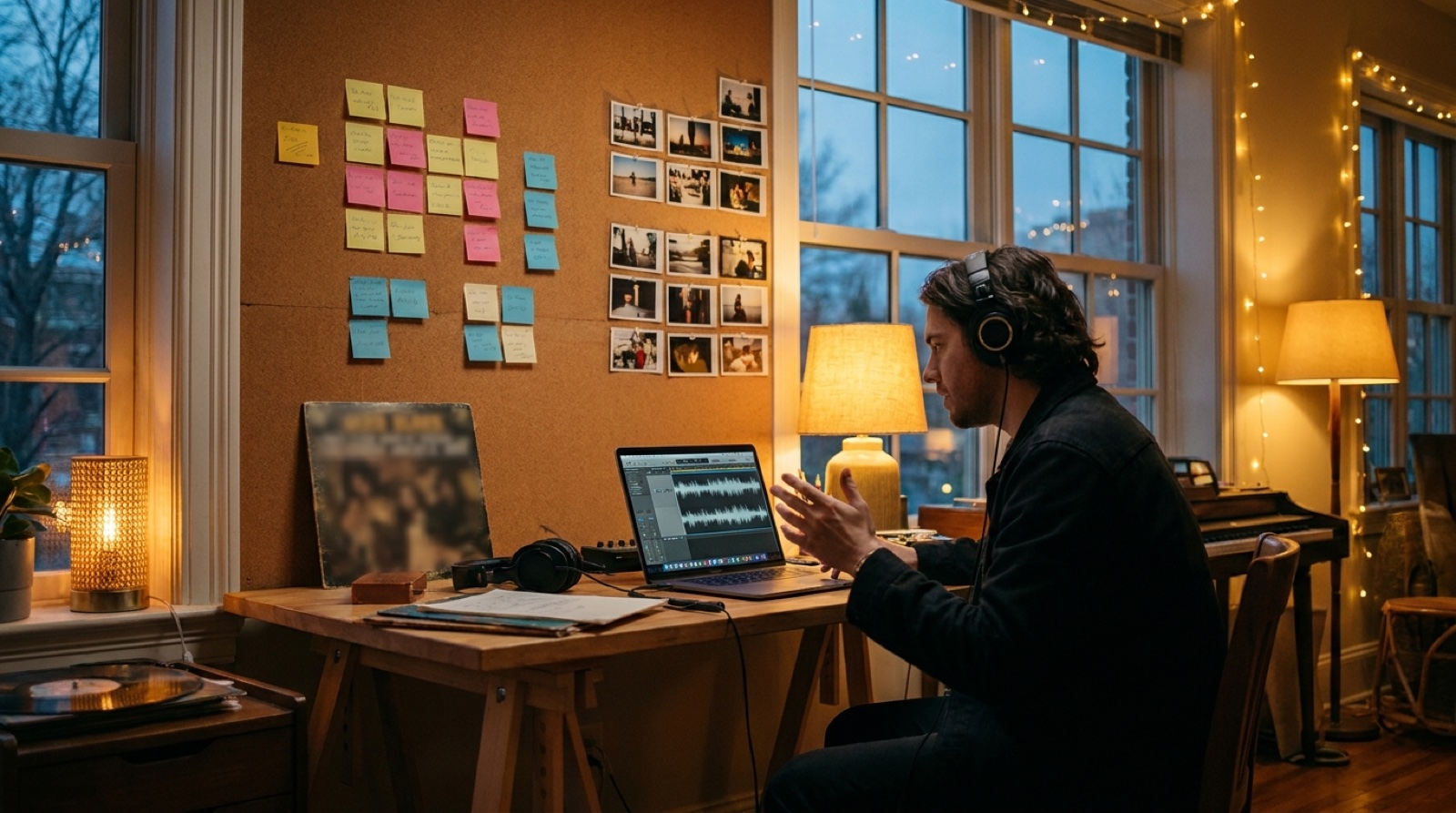
Suno stems music video planning is not about editing every beat. It is about finding the handful of moments where the song changes enough that the viewer should feel it too.
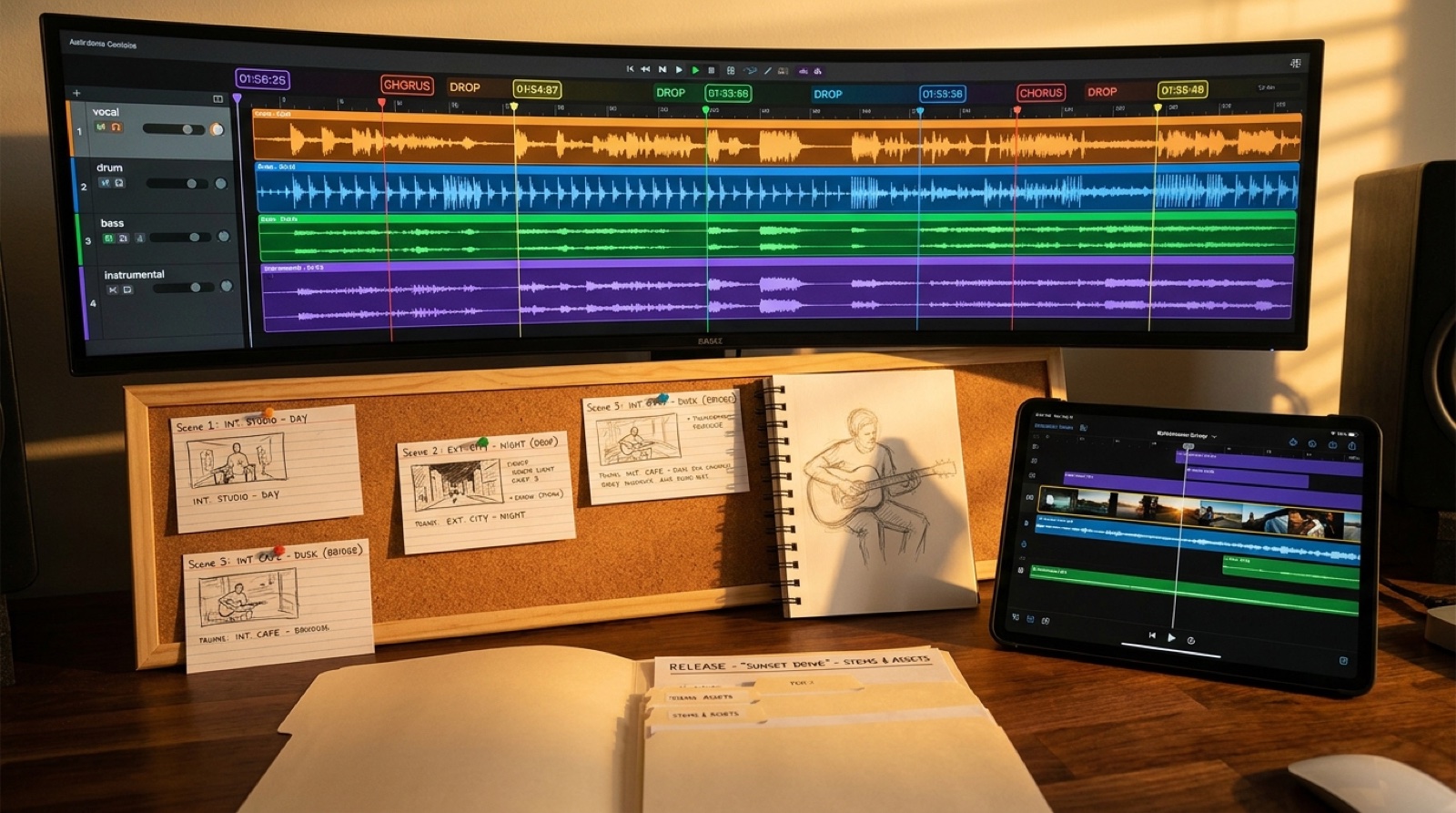
When you split a track into vocals, drums, bass, and instrumental layers, the structure becomes easier to see. The vocal might reveal the emotional turn. The drums might show the cut point. The bass might mark the drop. A quiet instrumental gap might be the exact place to change from one world to another.
The goal is a cleaner release, not a more complicated workflow. A stem pass can give you scene changes, thumbnail options, short-form hooks, and chapter markers before you spend time rendering a full video.
Start with the vocal stem
The vocal stem usually carries the clearest reason for the video to move. Listen for the first line that names the feeling, the lyric that makes the chorus land, and the phrase a viewer could understand even without context.
Mark those moments first. They are good candidates for close-ups, captions, character gestures, or the frame you use in the thumbnail. You do not need to illustrate every word. Pick the lines that make the song feel specific.
Suno's own help material describes stem separation as part of its music creation workflow, and the available features can change over time. Before building a repeatable process around it, check the current Suno music creation help center.
Use drums to place cuts, not clutter
Drums are tempting because they give you constant movement. The trap is cutting on every kick or snare until the video feels nervous.
Instead, listen for changes in drum energy: the first full beat, a dropout before the chorus, a half-time bridge, a final lift, or the last hit before silence. Those moments are stronger scene-change cues than a busy stream of tiny edits.
If the drum stem gets bigger, the camera can widen. If it drops away, the picture can hold still. If the rhythm changes, the scene can change with it.
Let bass and instrumental stems reveal the world
Bass often tells you when the song's weight arrives. A bass drop can be a location reveal, a lighting change, or the point where a static cover image finally becomes a full scene.
Instrumental stems are useful for texture. A pad, guitar, piano, or synth hook can suggest color, weather, props, and movement style. Those choices matter because they keep the video from becoming a generic visualizer loop.
For example, a bright synth figure might call for neon signs and quick light shifts. A dry guitar might work better with close hands, handwritten notes, and warmer frames. A string lift might be the cue to pull back and show the world around the artist.
Build a simple moment map
After one or two listens, make a short map. Keep it rough enough to use.
- Timestamp: the moment the audio changes.
- Stem cue: vocal line, drum change, bass arrival, or instrumental hook.
- Visual job: introduce, reveal, intensify, reset, or resolve.
- Scene idea: the frame, location, character action, or motion rule.
- Release asset: thumbnail, Short, chapter marker, caption, or end frame.
This is enough to stop the video from drifting. It also helps you avoid spending all your energy on the first thirty seconds while the second verse and bridge become filler.
Use stems to choose short-form hooks
The best short clip is not always the loudest chorus. Sometimes it is the breath before the hook, the vocal line that explains the whole song, or the bass entrance that makes the visual reveal feel earned.
Stems help you find those seconds quickly. If the vocal says the promise and the drums leave enough room for captions, you may have a stronger Reel or Short than a crowded chorus montage.
For more launch planning around clips, read AI music short form hooks. If you are still choosing scenes, how to choose scenes for a song without storyboarding is a useful next step.
Keep the stem notes with the release
Save the moment map with the final audio, cover art, thumbnail, video export, captions, and short clips. If the video performs well, you will know which cues helped. If it underperforms, you can see whether the strongest audio moments were actually visible.
This also makes your next release faster. You are not starting from taste alone. You are building a repeatable habit: listen to the song structure, choose the visual moments, then make the release feel intentional.
SceneLore helps turn a finished song, cover, or visual idea into a connected music video. Create your first video when your stem map is ready to become a finished release.