Suno v6 review searches will probably split into two camps: people asking if the sound is better, and creators asking what they should actually do with it on release week.
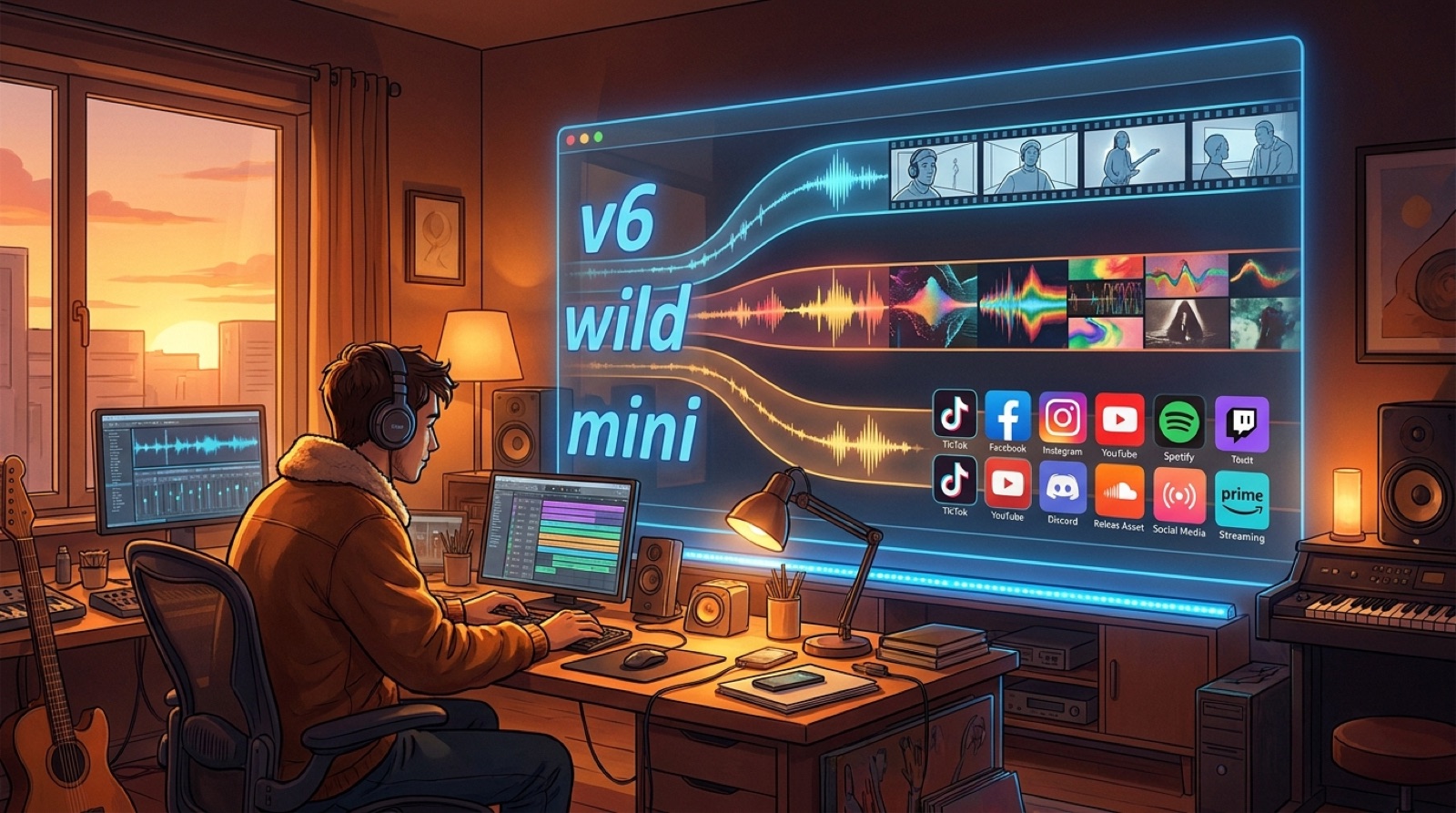
The useful answer is workflow, not hype. Suno v6 looks less like one new button and more like a new set of lanes: v6 for polished output, v6-wild for exploration, and v6-mini for fast drafts. That matters because most creators do not fail at making one interesting song. They fail at choosing the take, fixing the weak line, packaging it, and turning it into something worth publishing.
Here is the practical read: treat v6 as a control upgrade. Use the model split to separate sketching from finishing, use partial edits to reduce the retry loop, then build the visual release package before momentum dies.
The short verdict
Suno v6 is worth paying attention to if you already make AI-assisted music and care about repeatable releases. The official launch frames v6 as faster, more expressive, and higher quality, with v6, v6-wild, and v6-mini serving different creation moments. That is the right shape for serious creators.
My opinion: the biggest upgrade is not just better audio. It is the chance to stop treating every mistake like a full-song reroll. Plain-language edits, single-lyric updates, mashups, sampling, isolation, and multimodal starts can make the workflow feel less brittle.
The catch is familiar. A better generator does not choose your release promise. It does not decide which chorus becomes the Short, which frame becomes the thumbnail, or whether the finished track has enough proof and packaging to feel real.
Use v6, v6-wild, and v6-mini for different jobs
The model split is useful if you assign each lane a job before you start.
- Use v6 when the song direction is mostly clear and you need the strongest candidate for a serious release.
- Use v6-wild when you want surprising variations, odd turns, mashup energy, or a new angle on a stuck idea.
- Use v6-mini when speed matters more than final polish, especially for testing prompts, lyric shapes, and rough directions.
That separation keeps you from judging every draft as if it were a final master. Let the fast lane stay fast. Let the wild lane be messy. Save the polished lane for the versions you would actually consider packaging.
If you already have a finished song, test the edit loop first
If you open v6 with a finished song, do not start by generating twenty new versions. Start with the flaw that would stop the release.
Maybe one lyric lands awkwardly. Maybe a bridge loses energy. Maybe the ending is strong but the second verse feels generic. The official v6 announcement highlights plain-language section edits and single-lyric updates, which are exactly the kind of tools that can save creators from rerolling the whole track.
Make a short test list:
- one lyric fix that would make the chorus clearer;
- one section edit that would improve the first minute;
- one alternate ending or bridge pass;
- one v6-wild variation to see if the song has a better emotional shape.
Then stop. The goal is not infinite improvement. The goal is deciding whether this song is ready to become a release.
Mashups and multimodal starts are powerful, but they need curation
V6 also points toward a broader creative surface: mashups from multiple sources, sampling and isolation, and creation from text, audio, images, or video. That is exciting, especially for artists who think visually before they think in finished lyrics.
It also increases the need for taste. When you can start from almost anything, you need a stronger reason for what survives. Keep a simple rule: if a source does not help the listener understand the artist, the song world, or the release promise, it probably belongs in experiments, not the final package.
This is where creators can get ahead. Save the source idea, the best generation, the chosen edit, and the reason you chose it. That record helps with credits, descriptions, behind-the-scenes posts, and your own future workflow.
Do not let better audio hide weak release packaging
A stronger v6 track still needs release discipline. Before you publish, ask whether the package has enough context for a stranger to care.
- Does the thumbnail promise the same mood as the song?
- Does the first frame feel intentional, not randomly exported?
- Can the chorus become a Short without confusing viewers?
- Do the description and credits explain the song cleanly?
- Are the source notes and final files archived in one place?
If the answer is no, the song is not finished as a release. It is only finished as audio.
Where SceneLore fits after Suno v6
Suno can help you make and refine the song. SceneLore fits once you have a direction worth showing.
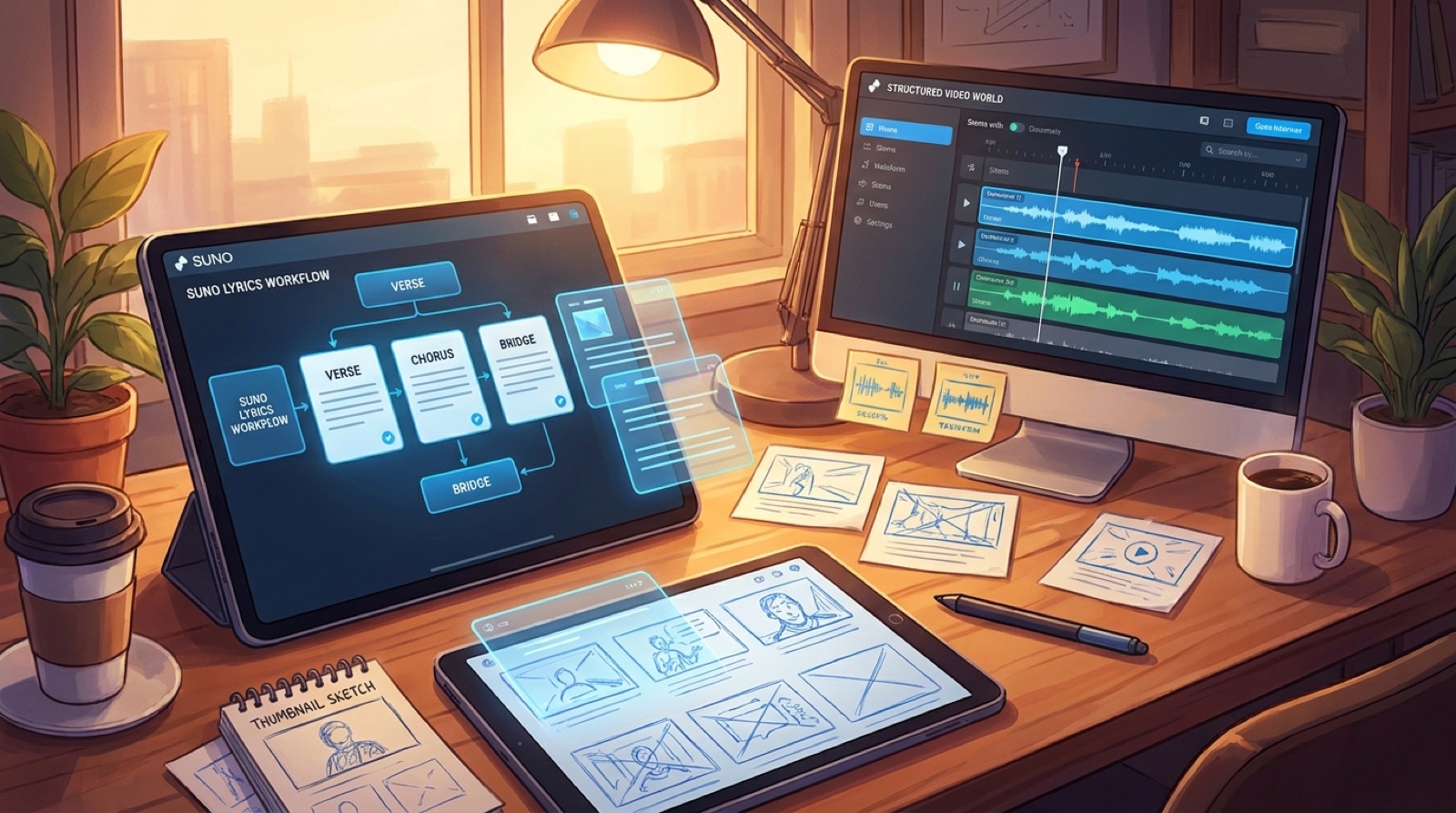
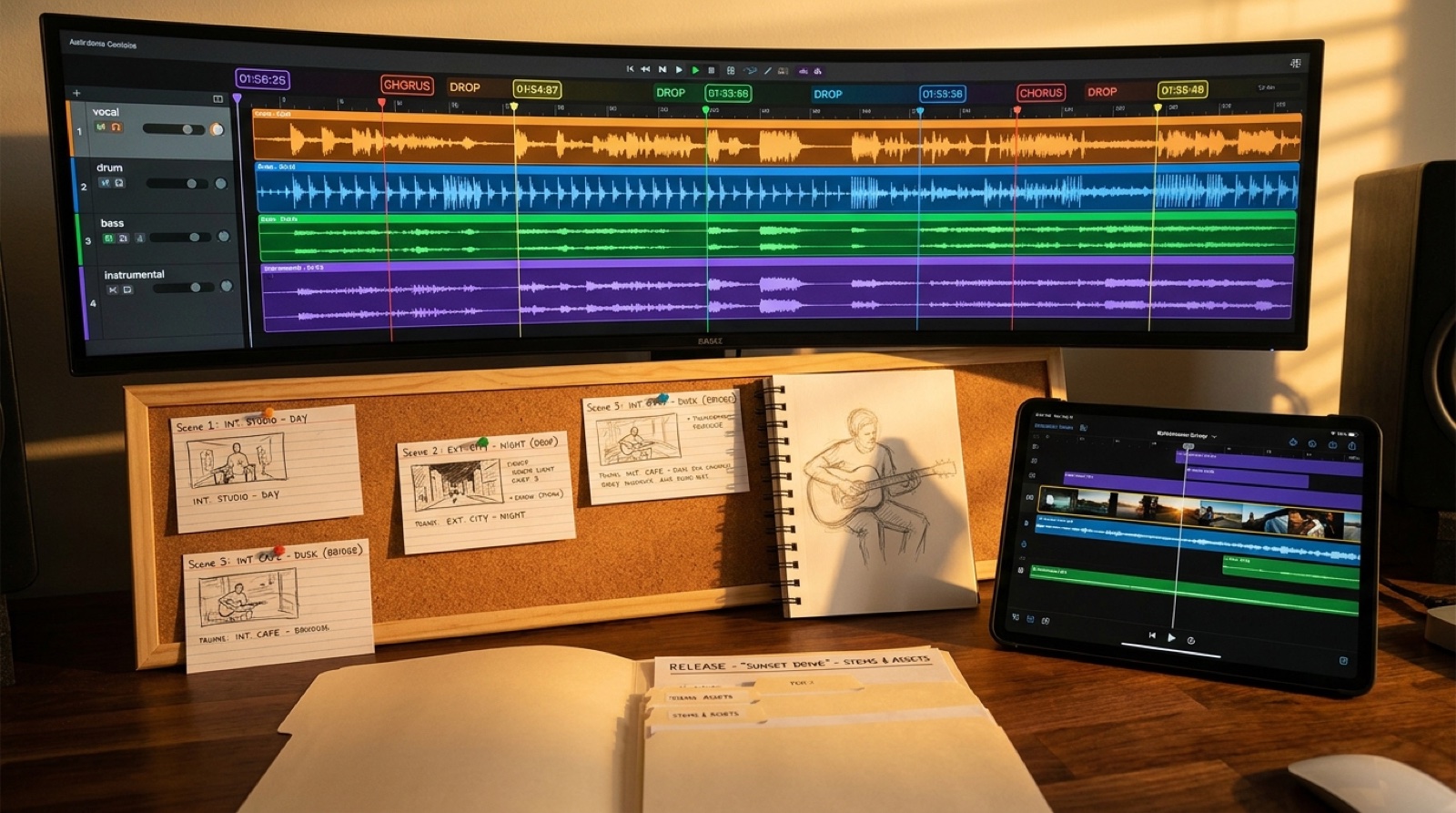
Bring the best v6 output, the cover image, the lyric idea, or the visual reference into a release plan. Turn it into a full video, a thumbnail direction, short-form moments, and a repeatable visual world. That is the difference between uploading another AI song and presenting a release that feels authored.
If you want a practical next step, read the Suno to YouTube release workflow, then build the visual package before you chase another variation.
Final recommendation
Use Suno v6 when you are ready to separate ideation from finishing. Use v6-mini to move quickly, v6-wild to explore, and v6 to polish the version that deserves release assets.
But do not let the model become the whole plan. The creators who benefit most from v6 will still be the ones who choose a clear song promise, fix only what matters, and package the result with visuals that make the release feel intentional.
New to SceneLore? Click here! SceneLore turns finished songs, covers, and ideas into full-length AI music videos. Create Your First Video when your best v6 take is ready to become a release.